

Neo Ergo - Ergonomic Alice Layout Keyboard Kit
Tax included. Shipping calculated at checkout
📄 Product Description
As Natural As Possible
The Neo Ergo is Neo Studio's answer to a question many ergonomic keyboards leave unanswered: how can a keyboard be comfortable for hours on end without sacrificing its aesthetic ambition? After multiple prototyping rounds and a deep analysis of numerous open-source ergonomic projects, the result is a keyboard that consistently integrates all the relevant factors — typing angle, tenting, finger placement, and forearm rotation — into one cohesive, thoughtful design.
Tilted Alice layout instead of a classic split
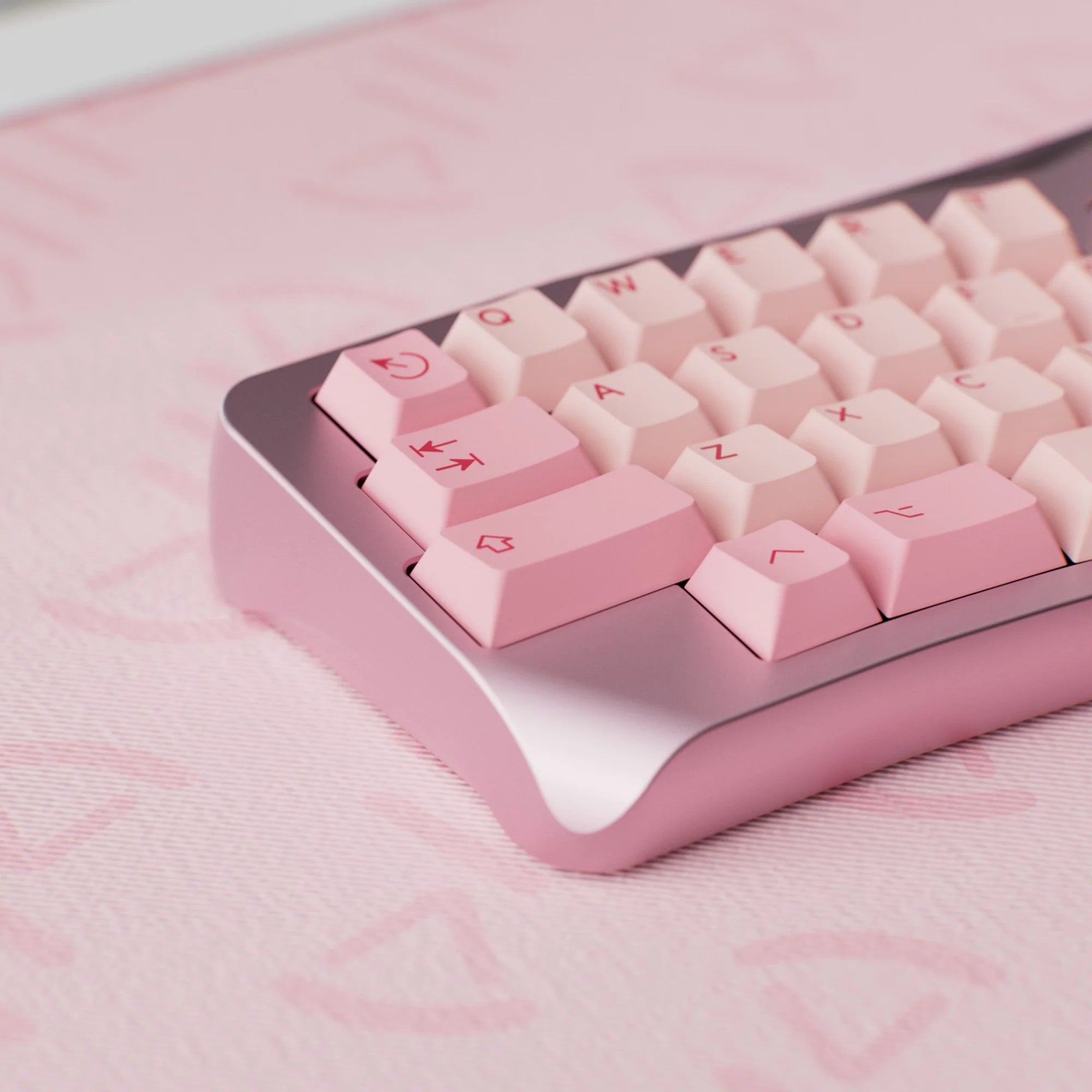
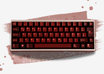
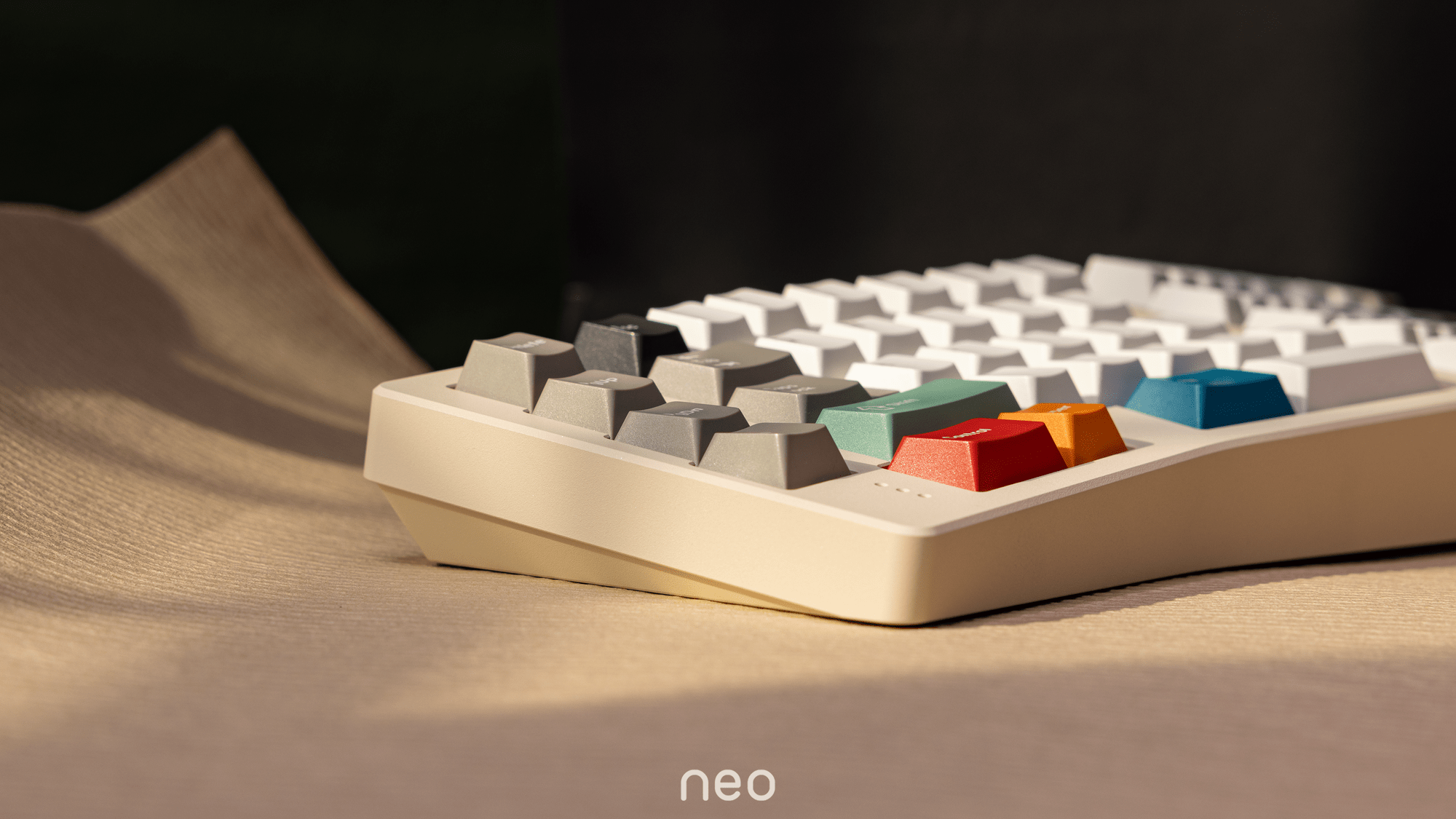
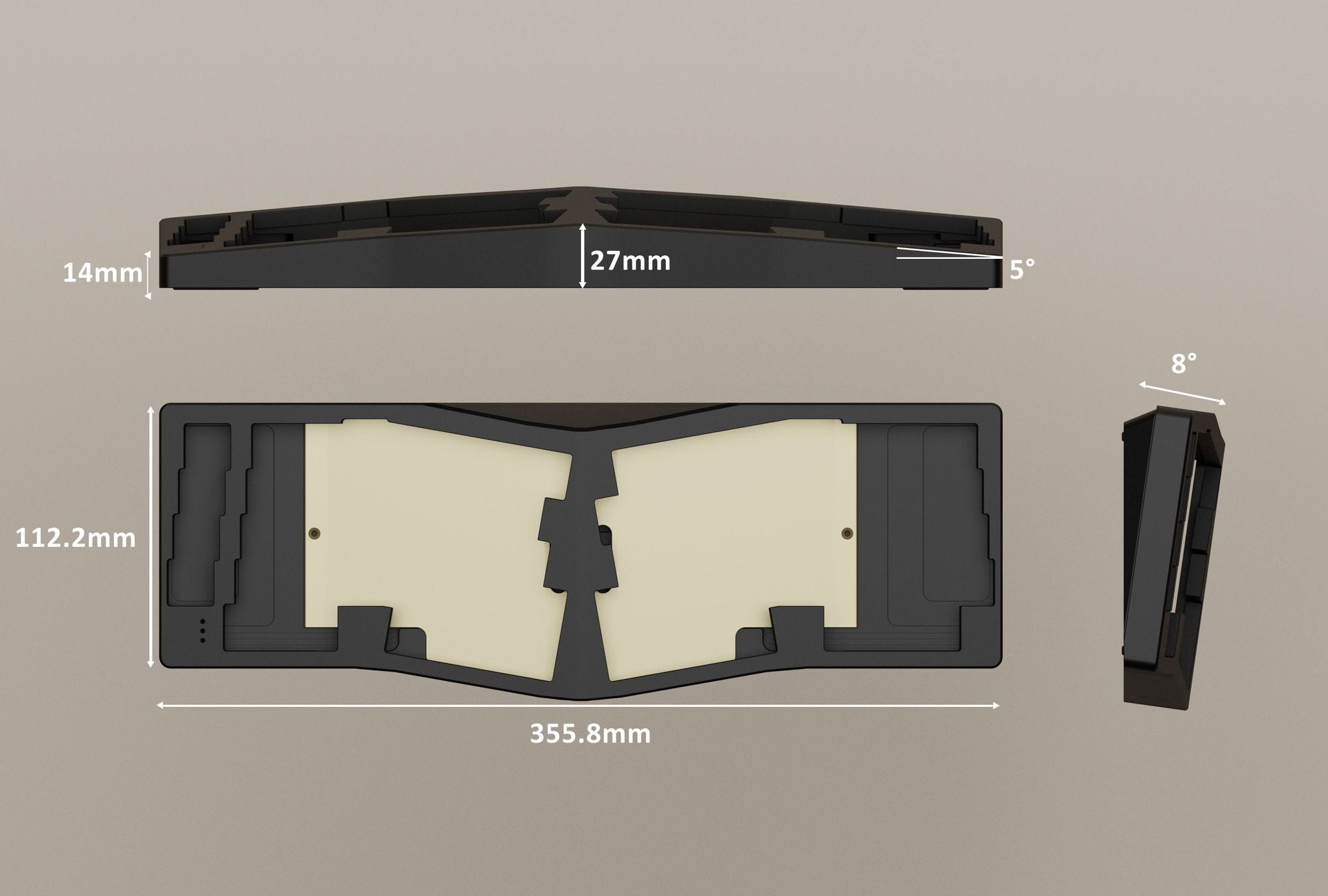
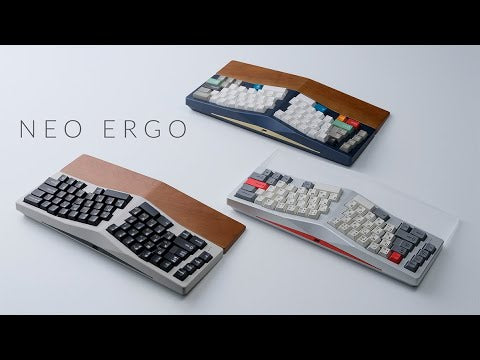
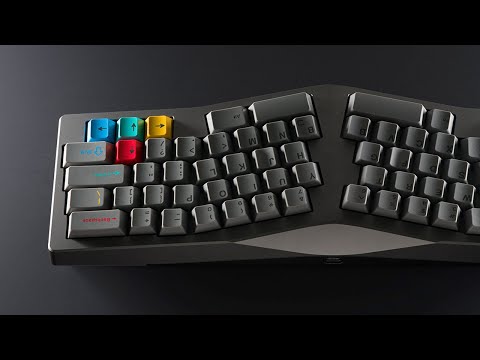
Rather than relying on a classic split design with its steep learning curve, the Neo Ergo opts for a tilted Alice layout. The standard Alice layout already supports a natural hand position — the Neo Ergo goes one step further by adding tenting in the middle of the case. Your hands rotate slightly outward, easing pressure on the wrists and forearm muscles. Ideally, only the outer rims of your hands and small fingers make contact with the desk.
Symmetrical layout with full customization
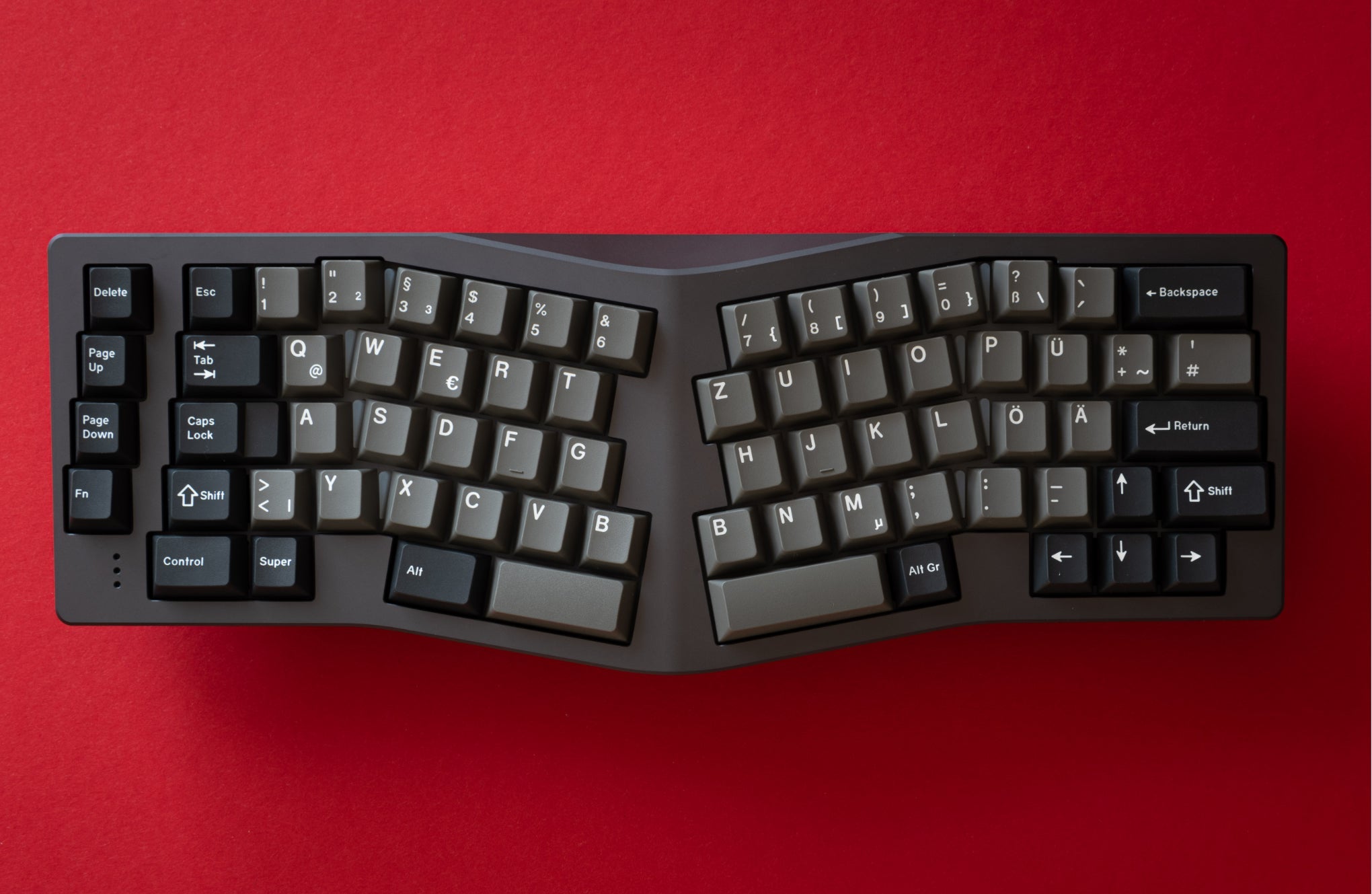
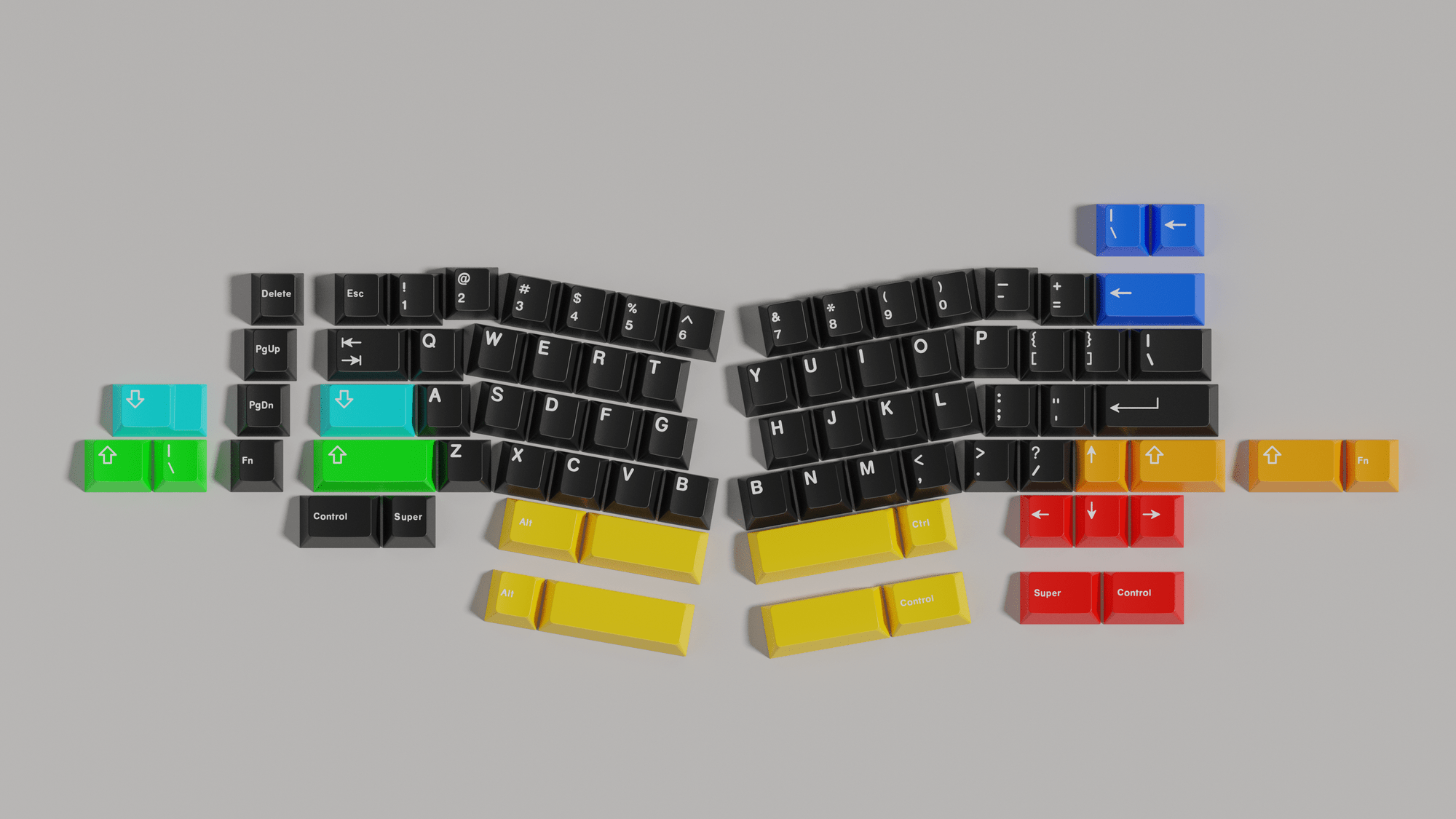
Symmetry is central to the aesthetics of Alice-style keyboards — and the Neo Ergo takes it seriously. The alpha areas are designed to be nearly mirror-symmetric to accommodate different typing habits. Multiple options like 2.25u + 2.75u spacebars, split backspace, shift, and arrow keys are fully configurable via VIA. The F and J keys are deliberately positioned symmetrically to minimize the height difference between left and right hands while typing.
Retro design with a modern twist
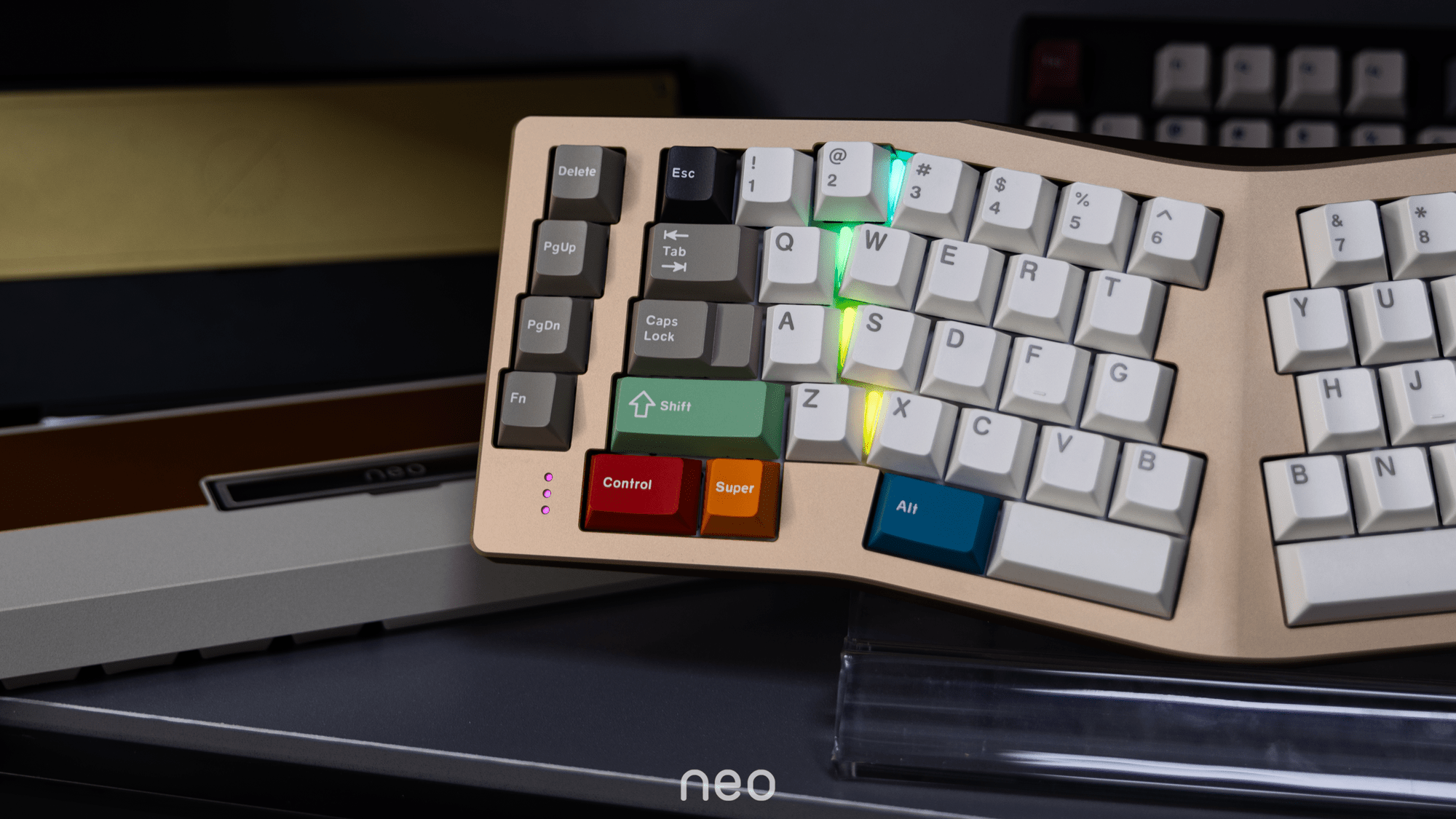
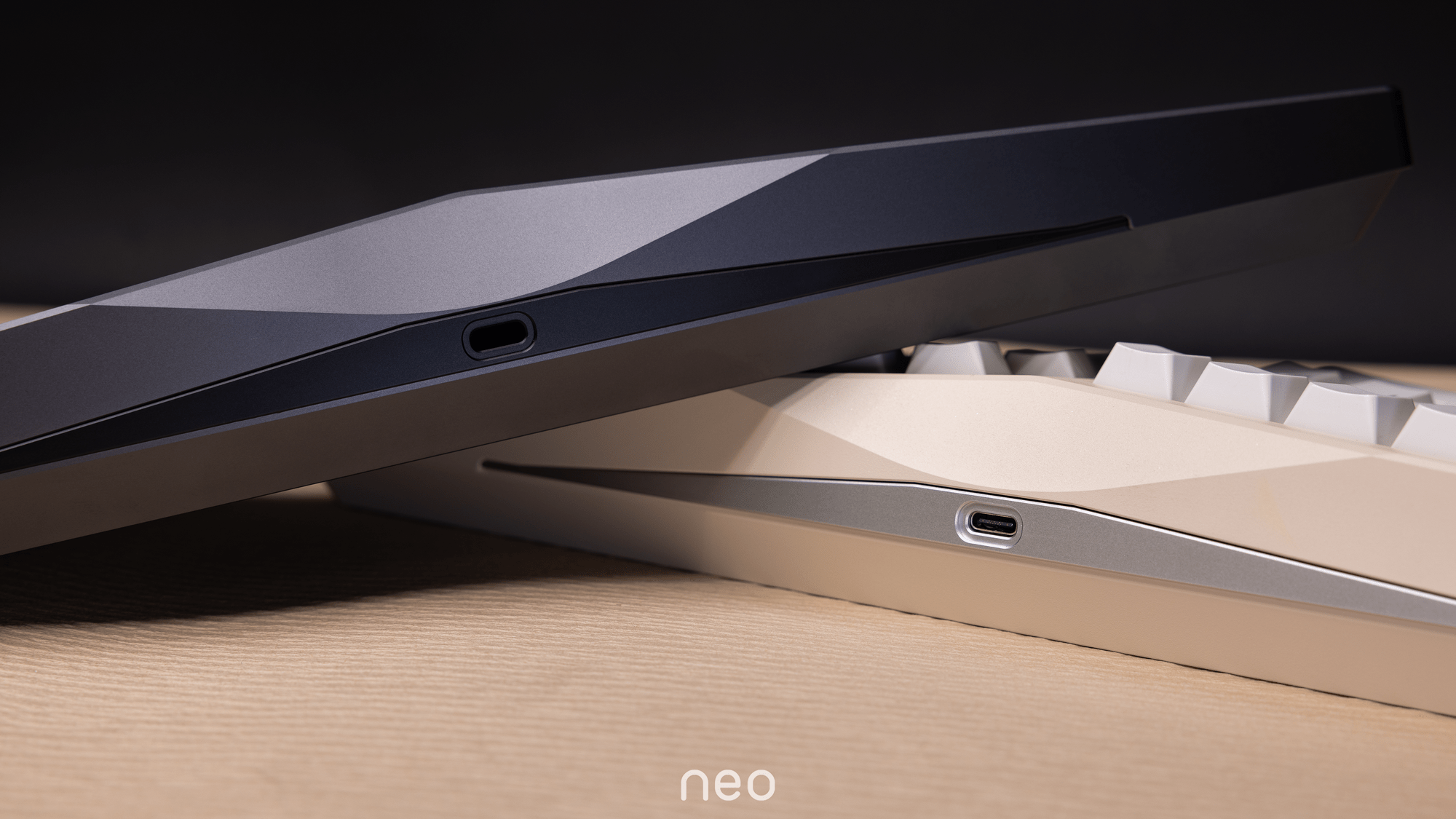
The Neo Ergo continues the simple, retro-inspired style of the Neo family. Between the key rows sit RGB light strips whose color can be adjusted to match different keycap themes. The inward-sloping side edge makes the keyboard easy to pick up, while the elegantly designed bevel above the USB port creates a smooth transition from top to side.
"The Kernel" — the heart of the Neo Ergo
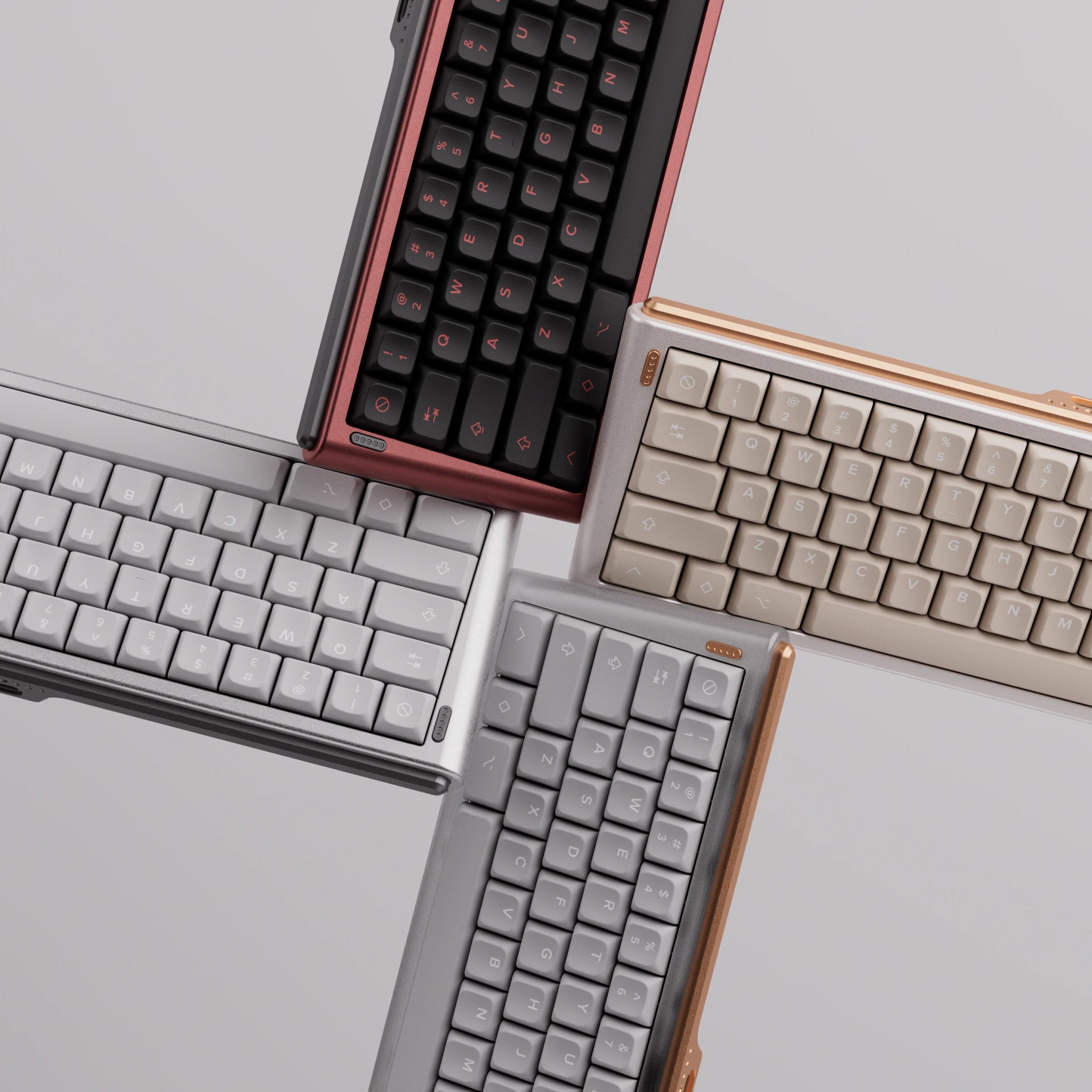
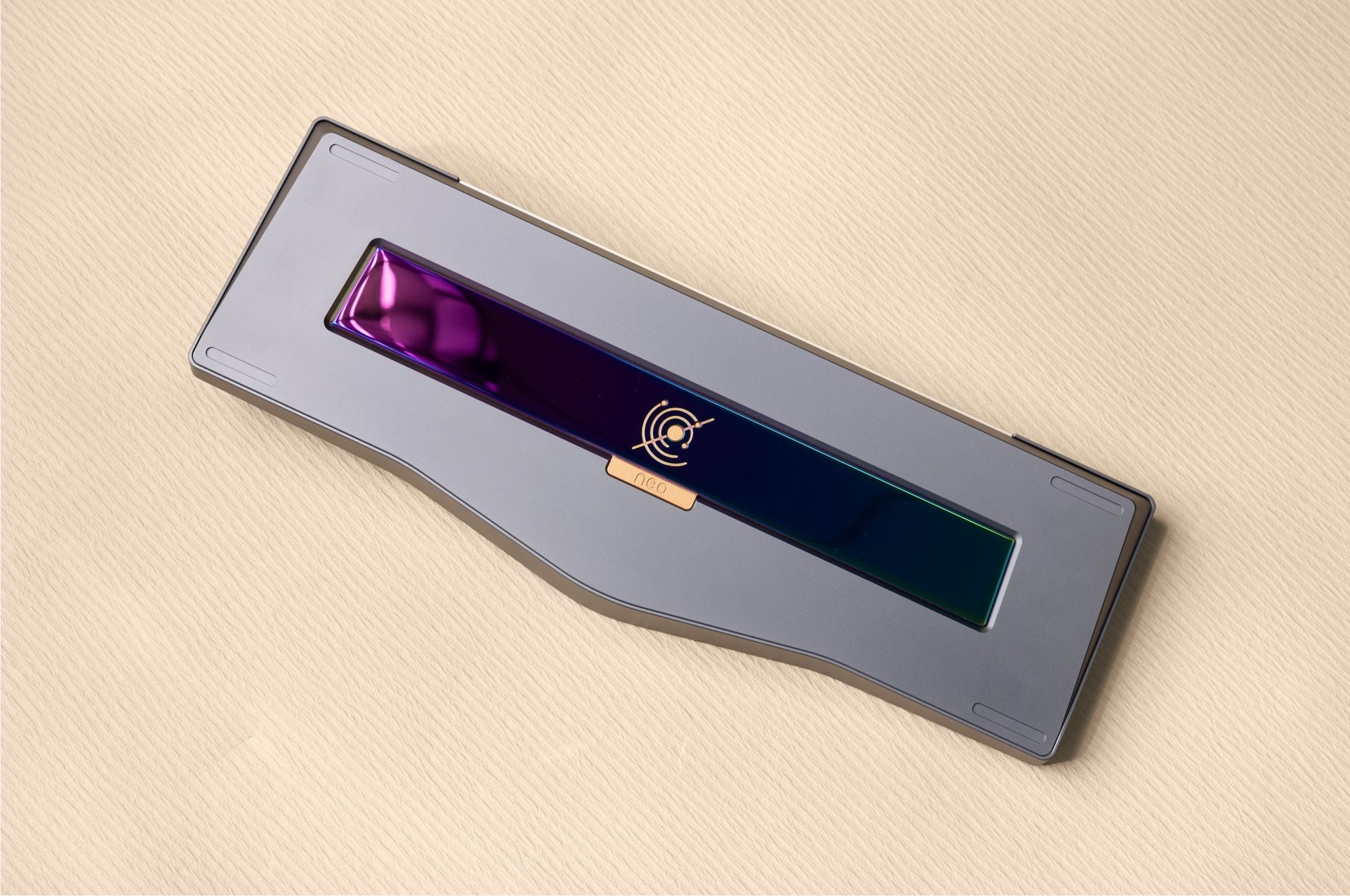
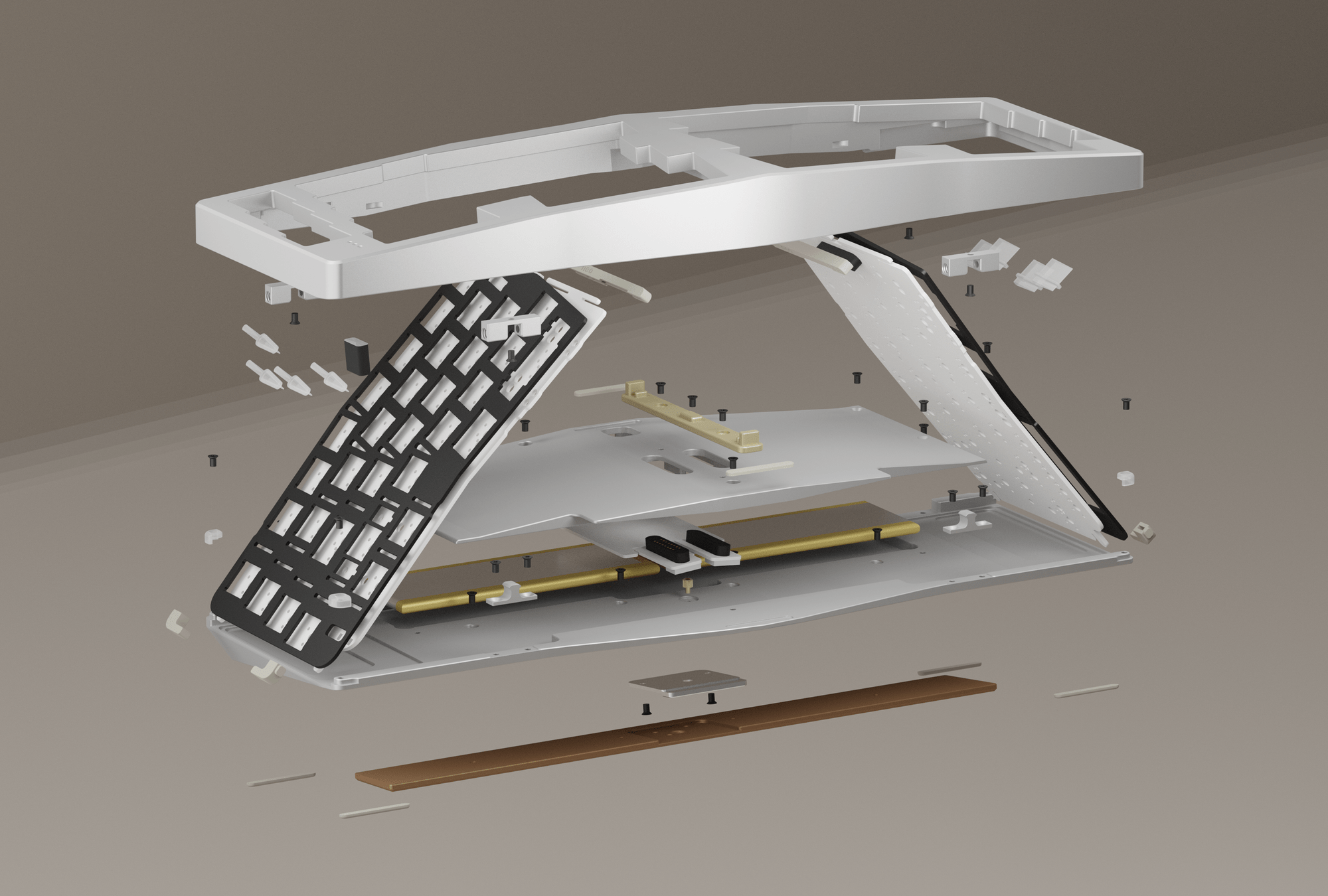
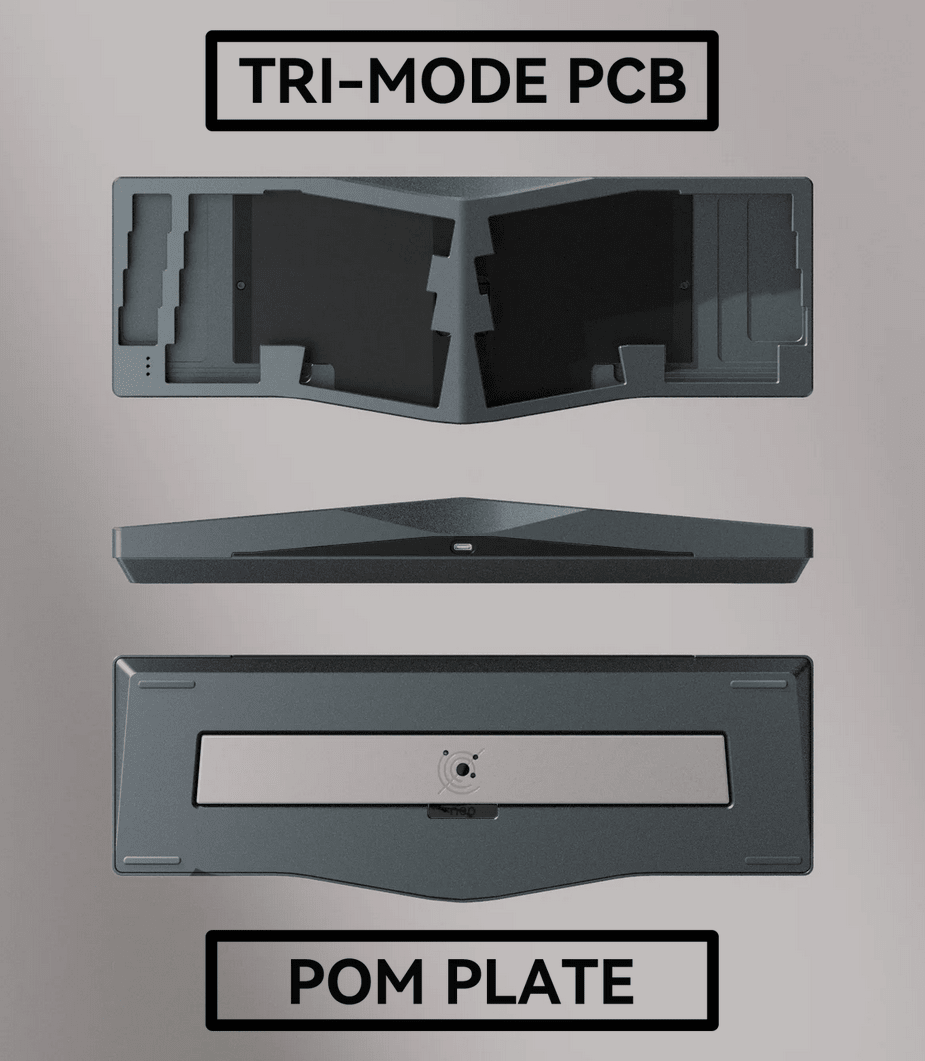
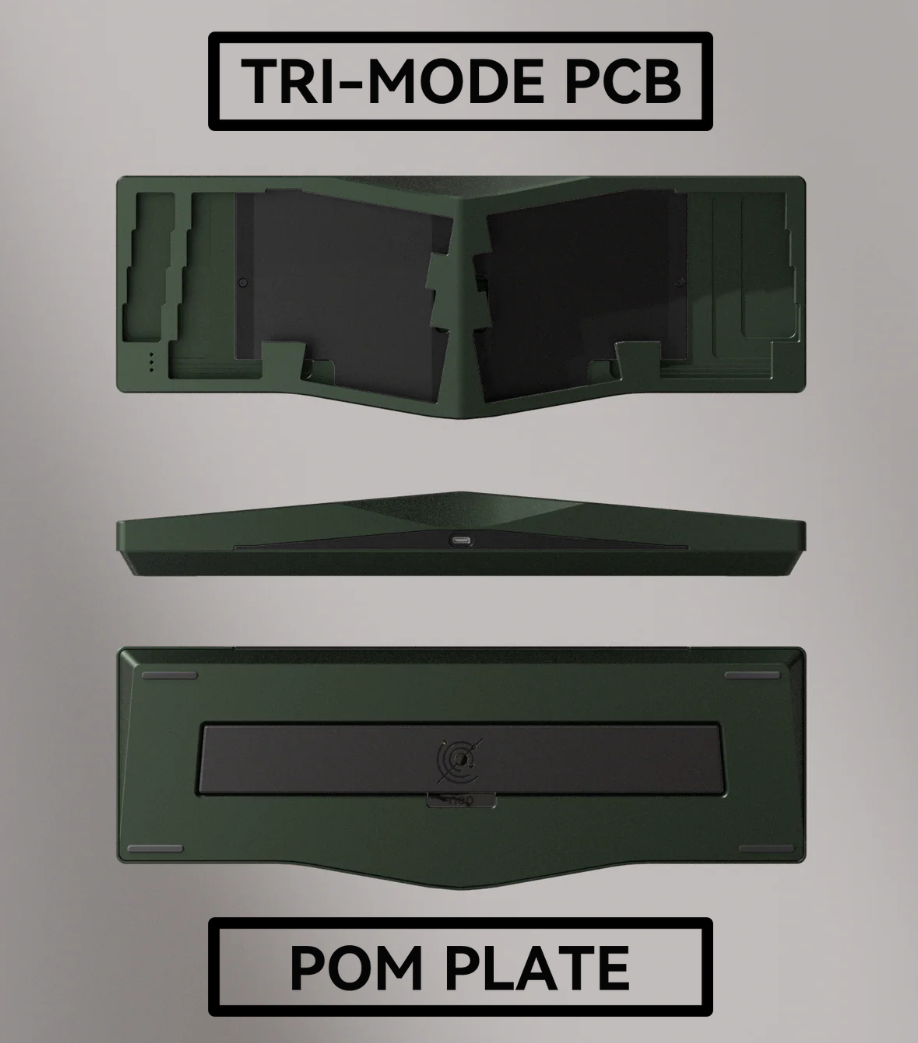
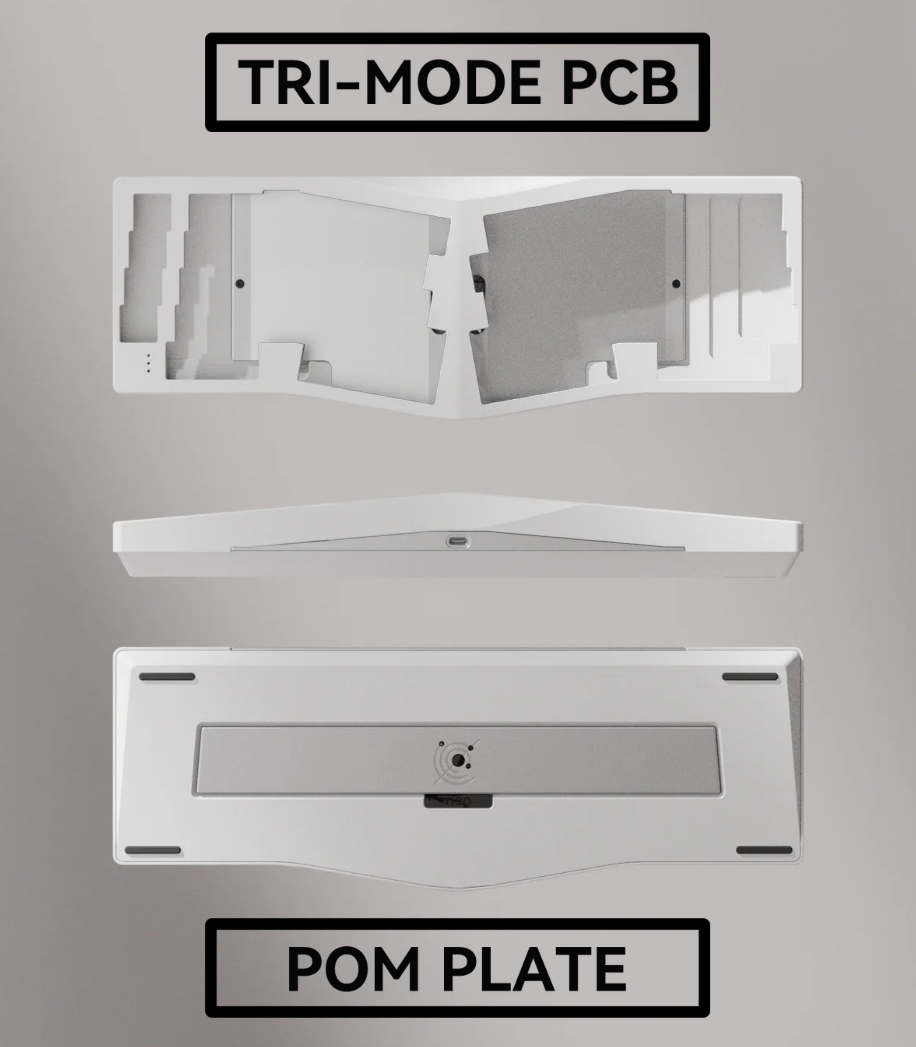
A real innovation in the Neo Ergo is "The Kernel" — a middle section between the top and bottom case that houses the batteries, daughterboard, and magnetic connectors. At the same time, it serves as an additional customization element: available in four colors (Black, Silver, Golden, Red), it lets you fine-tune the keyboard's appearance to your taste. The redesigned orbit logo on the bottom weight and the badge are also offered in multiple color and material variants.
Innovative gasket mount
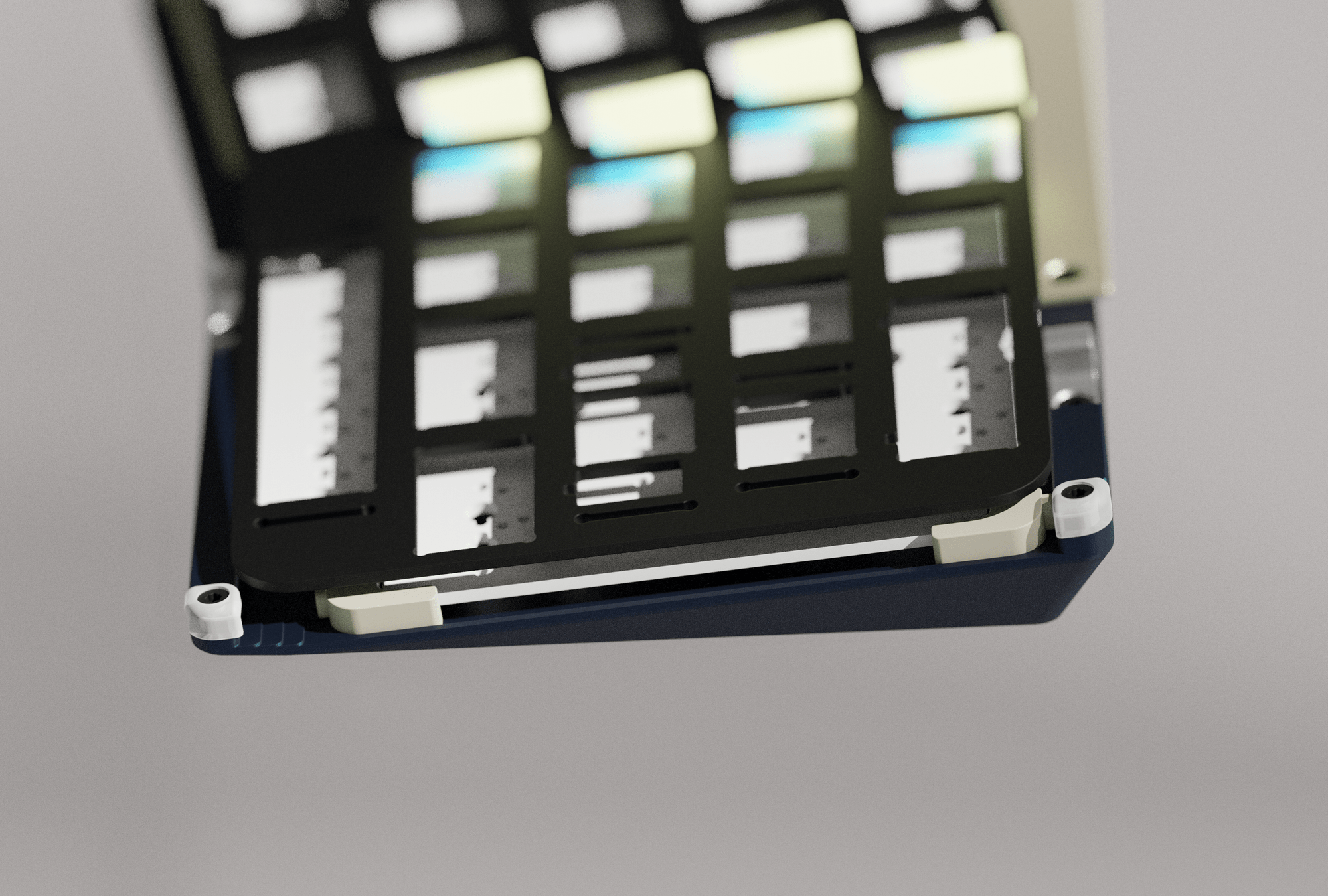
A standard gasket mount couldn't deliver consistent typing feedback or optimal acoustics in a tented keyboard — so it was rethought for the Neo Ergo. The gaskets are now positioned in the middle and at the corners, creating an evenly distributed, balanced typing experience across the entire layout — whether you're typing in the alpha cluster or near the edges.
Ball-catch & magnetic connectors
The proven ball-catch construction from the Neo80 has been retained. You can open the keyboard tool-free at any time — no cables to fight with, no screws to remove. Swap switches, replace foam, change the plate: it's all effortless. Magnetic connectors ensure the daughterboard reconnects reliably every time you reassemble.
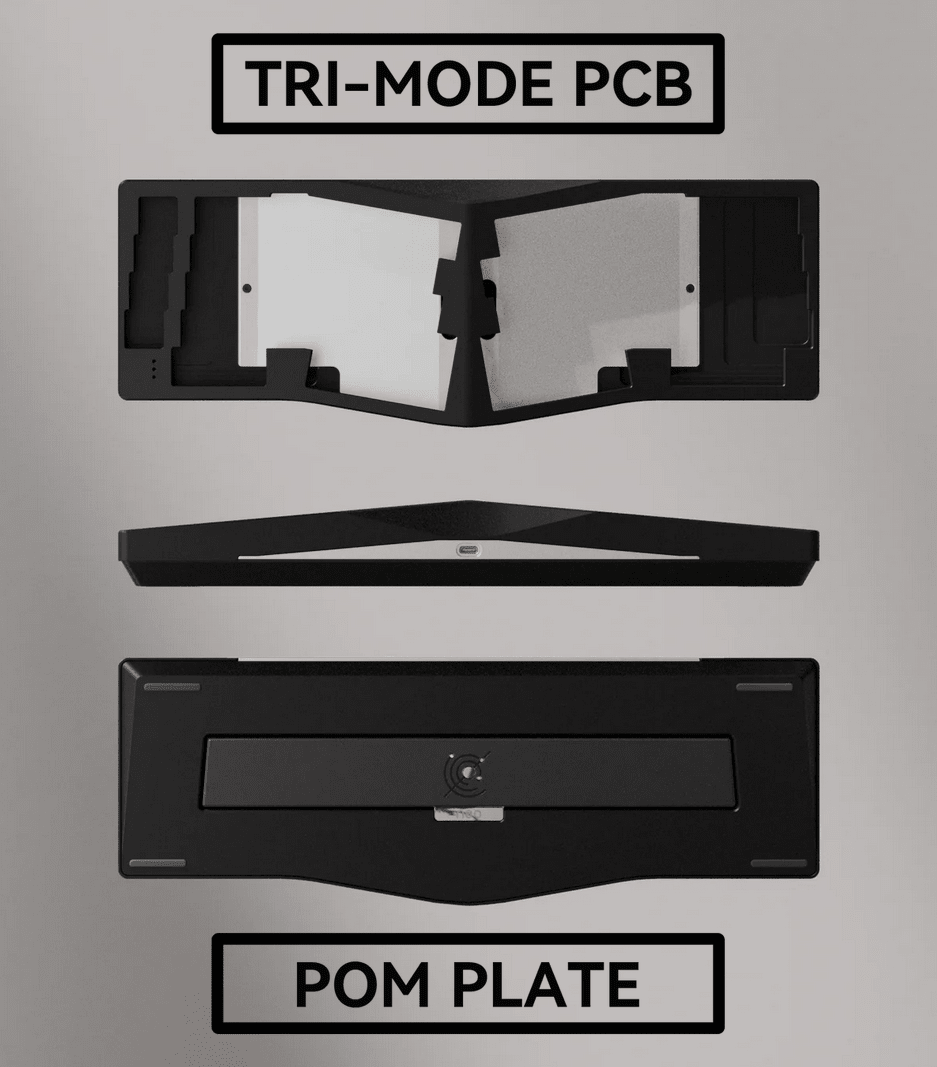
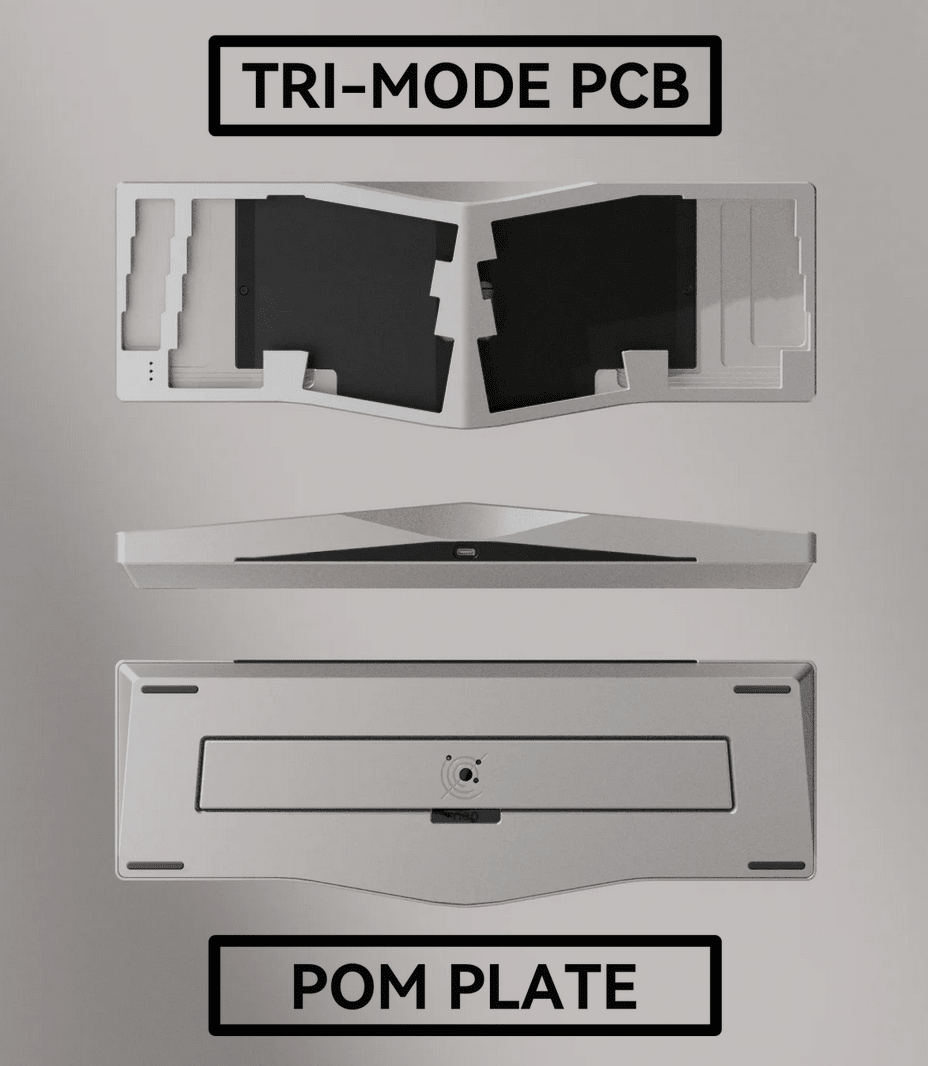
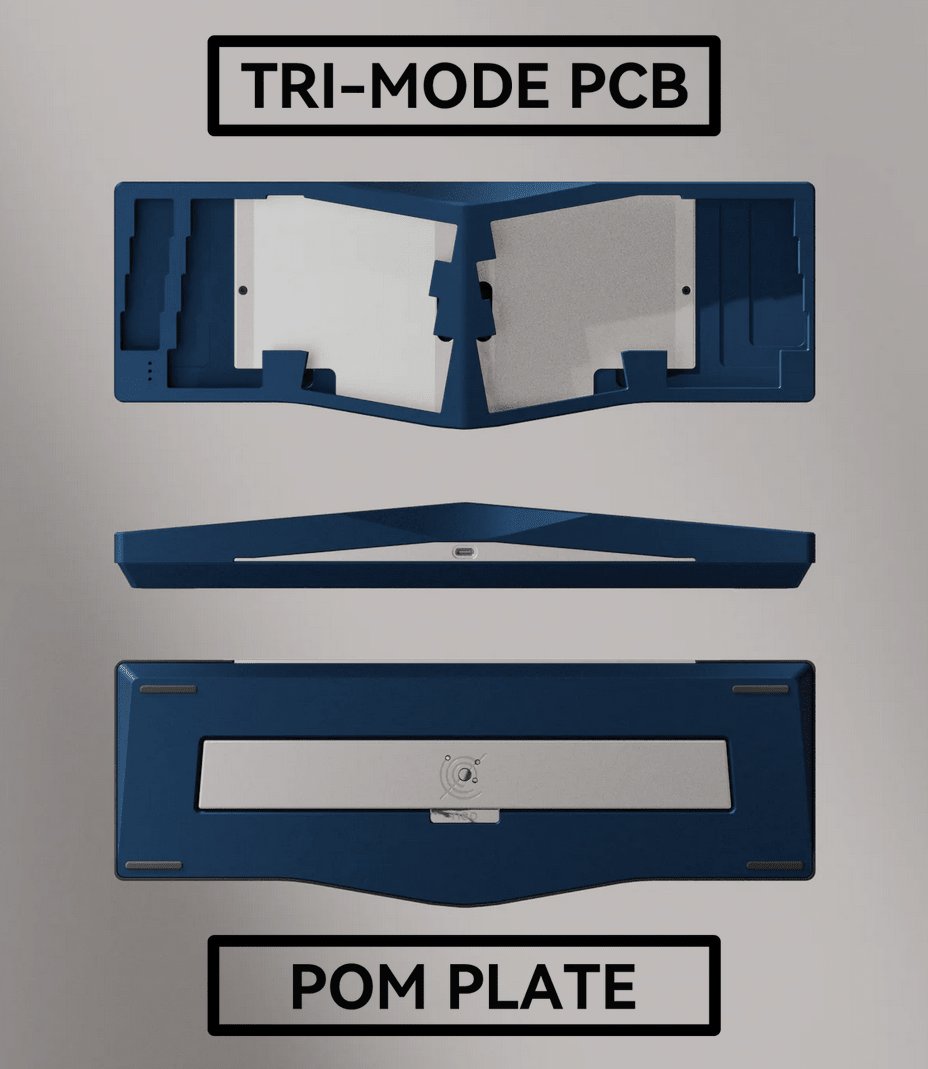
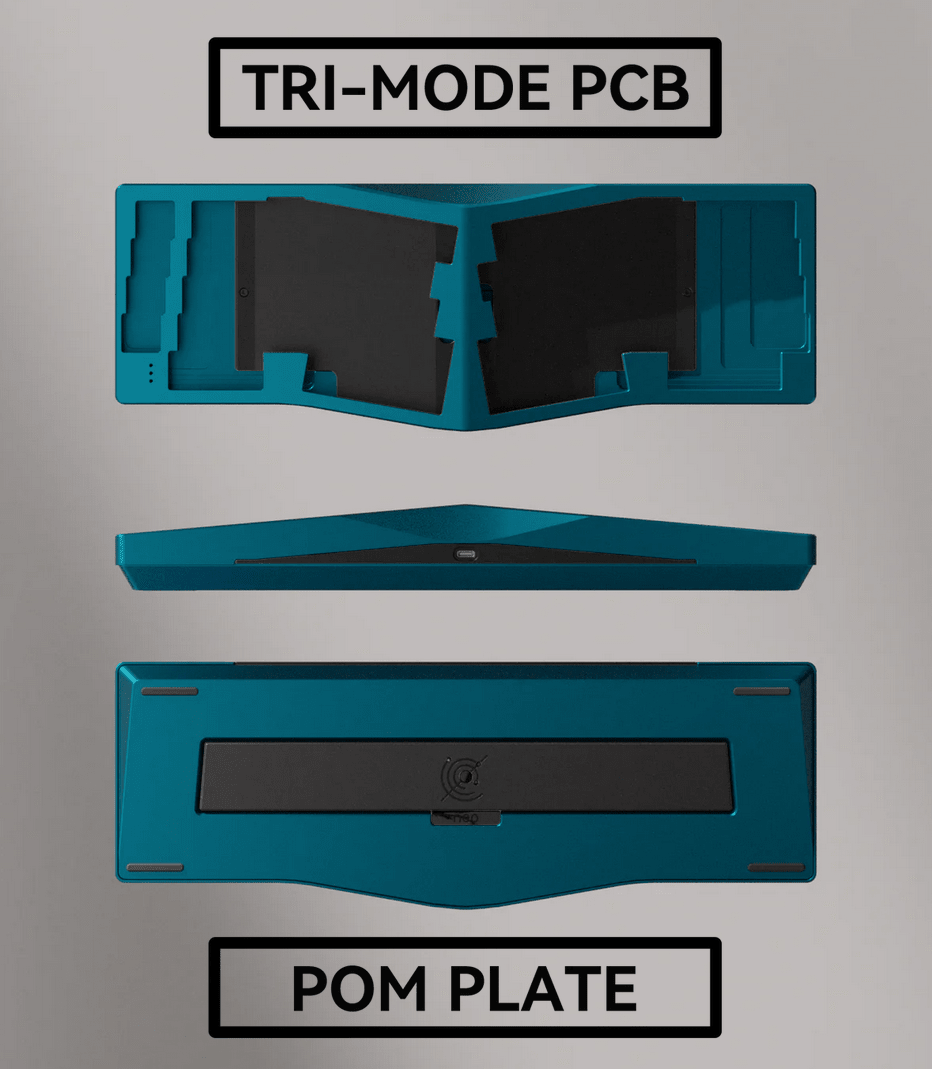
Tri-mode hot-swap PCB with VIA
The Neo Ergo comes with the most versatile PCB option: the tri-mode hot-swap PCB. Swap switches without soldering and connect three ways:
- USB-C (wired, 1000 Hz)
- 2.4 GHz wireless via dongle (1000 Hz)
- Bluetooth (125 Hz)
Two integrated 2200 mAh batteries deliver power for several days of wireless use. Full QMK/VIA compatibility lets you remap every key, program layers and macros, and tailor the keyboard precisely to your workflow. NKRO ensures every keystroke registers, no matter how fast you type.
Plates with character
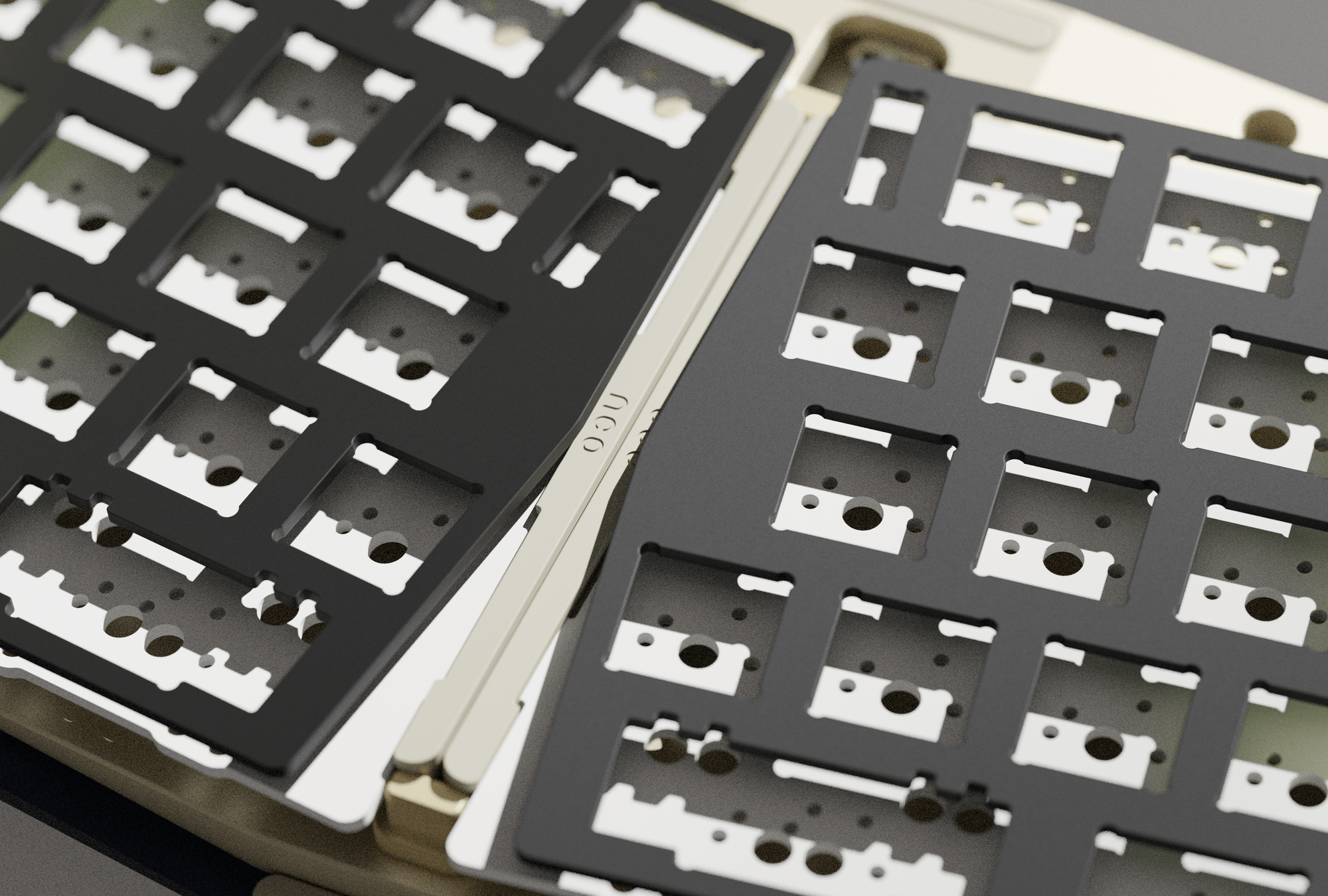
The plate has a huge influence on typing feel and sound. The Neo Ergo offers a range of plate materials — from hard and clacky to soft and thocky:
- Hardness (hard → soft): Carbon Fiber > Aluminum > FR4 > POM > PC > PP
- Sound (clack → thock): Carbon Fiber > Aluminum > FR4 > POM > PC > PP
Who is the Neo Ergo for?
- Heavy typists & coders who want to stand up after hours of work without aches
- Ergonomics enthusiasts looking for more than just a split layout
- Custom keyboard lovers seeking an individually configurable statement piece
- Design-conscious users who value function and aesthetics equally
🛠 Specifications
📦 What's in the Box
⭐ Reviews
As Natural As Possible
The Neo Ergo is Neo Studio's answer to a question many ergonomic keyboards leave unanswered: how can a keyboard be comfortable for hours on end without sacrificing its aesthetic ambition? After multiple prototyping rounds and a deep analysis of numerous open-source ergonomic projects, the result is a keyboard that consistently integrates all the relevant factors — typing angle, tenting, finger placement, and forearm rotation — into one cohesive, thoughtful design.
Tilted Alice layout instead of a classic split
Rather than relying on a classic split design with its steep learning curve, the Neo Ergo opts for a tilted Alice layout. The standard Alice layout already supports a natural hand position — the Neo Ergo goes one step further by adding tenting in the middle of the case. Your hands rotate slightly outward, easing pressure on the wrists and forearm muscles. Ideally, only the outer rims of your hands and small fingers make contact with the desk.
Symmetrical layout with full customization
Symmetry is central to the aesthetics of Alice-style keyboards — and the Neo Ergo takes it seriously. The alpha areas are designed to be nearly mirror-symmetric to accommodate different typing habits. Multiple options like 2.25u + 2.75u spacebars, split backspace, shift, and arrow keys are fully configurable via VIA. The F and J keys are deliberately positioned symmetrically to minimize the height difference between left and right hands while typing.
Retro design with a modern twist
The Neo Ergo continues the simple, retro-inspired style of the Neo family. Between the key rows sit RGB light strips whose color can be adjusted to match different keycap themes. The inward-sloping side edge makes the keyboard easy to pick up, while the elegantly designed bevel above the USB port creates a smooth transition from top to side.
"The Kernel" — the heart of the Neo Ergo
A real innovation in the Neo Ergo is "The Kernel" — a middle section between the top and bottom case that houses the batteries, daughterboard, and magnetic connectors. At the same time, it serves as an additional customization element: available in four colors (Black, Silver, Golden, Red), it lets you fine-tune the keyboard's appearance to your taste. The redesigned orbit logo on the bottom weight and the badge are also offered in multiple color and material variants.
Innovative gasket mount
A standard gasket mount couldn't deliver consistent typing feedback or optimal acoustics in a tented keyboard — so it was rethought for the Neo Ergo. The gaskets are now positioned in the middle and at the corners, creating an evenly distributed, balanced typing experience across the entire layout — whether you're typing in the alpha cluster or near the edges.
Ball-catch & magnetic connectors
The proven ball-catch construction from the Neo80 has been retained. You can open the keyboard tool-free at any time — no cables to fight with, no screws to remove. Swap switches, replace foam, change the plate: it's all effortless. Magnetic connectors ensure the daughterboard reconnects reliably every time you reassemble.
Tri-mode hot-swap PCB with VIA
The Neo Ergo comes with the most versatile PCB option: the tri-mode hot-swap PCB. Swap switches without soldering and connect three ways:
- USB-C (wired, 1000 Hz)
- 2.4 GHz wireless via dongle (1000 Hz)
- Bluetooth (125 Hz)
Two integrated 2200 mAh batteries deliver power for several days of wireless use. Full QMK/VIA compatibility lets you remap every key, program layers and macros, and tailor the keyboard precisely to your workflow. NKRO ensures every keystroke registers, no matter how fast you type.
Plates with character
The plate has a huge influence on typing feel and sound. The Neo Ergo offers a range of plate materials — from hard and clacky to soft and thocky:
- Hardness (hard → soft): Carbon Fiber > Aluminum > FR4 > POM > PC > PP
- Sound (clack → thock): Carbon Fiber > Aluminum > FR4 > POM > PC > PP
Who is the Neo Ergo for?
- Heavy typists & coders who want to stand up after hours of work without aches
- Ergonomics enthusiasts looking for more than just a split layout
- Custom keyboard lovers seeking an individually configurable statement piece
- Design-conscious users who value function and aesthetics equally


