Numpad and macropad: number block and macro keys
A numpad has the layout of a number block, a macropad a free grid for shortcuts and macros. Both add numbers or freely assignable keys to a compact keyboard. Many models also have rotary knobs, so-called encoders.
Numpad or macropad?
You use a numpad for numbers, spreadsheets and bookkeeping. A macropad sits next to your keyboard and triggers shortcuts, for example in video editing, image editing or games. The line is blurry, and many models can be mapped for both. Key mapping runs via QMK/VIA, see the knowledge articles on firmware.
Our models
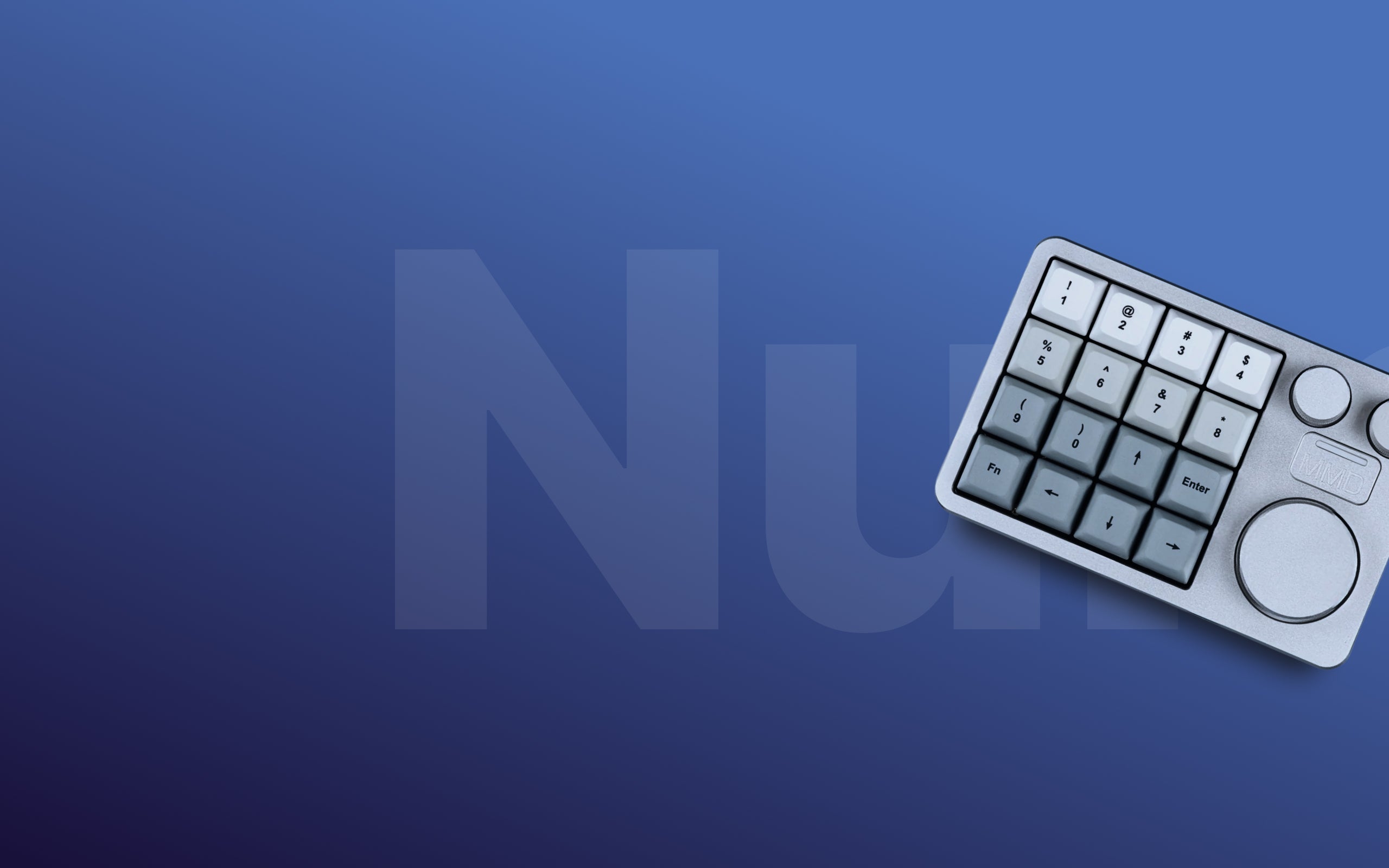
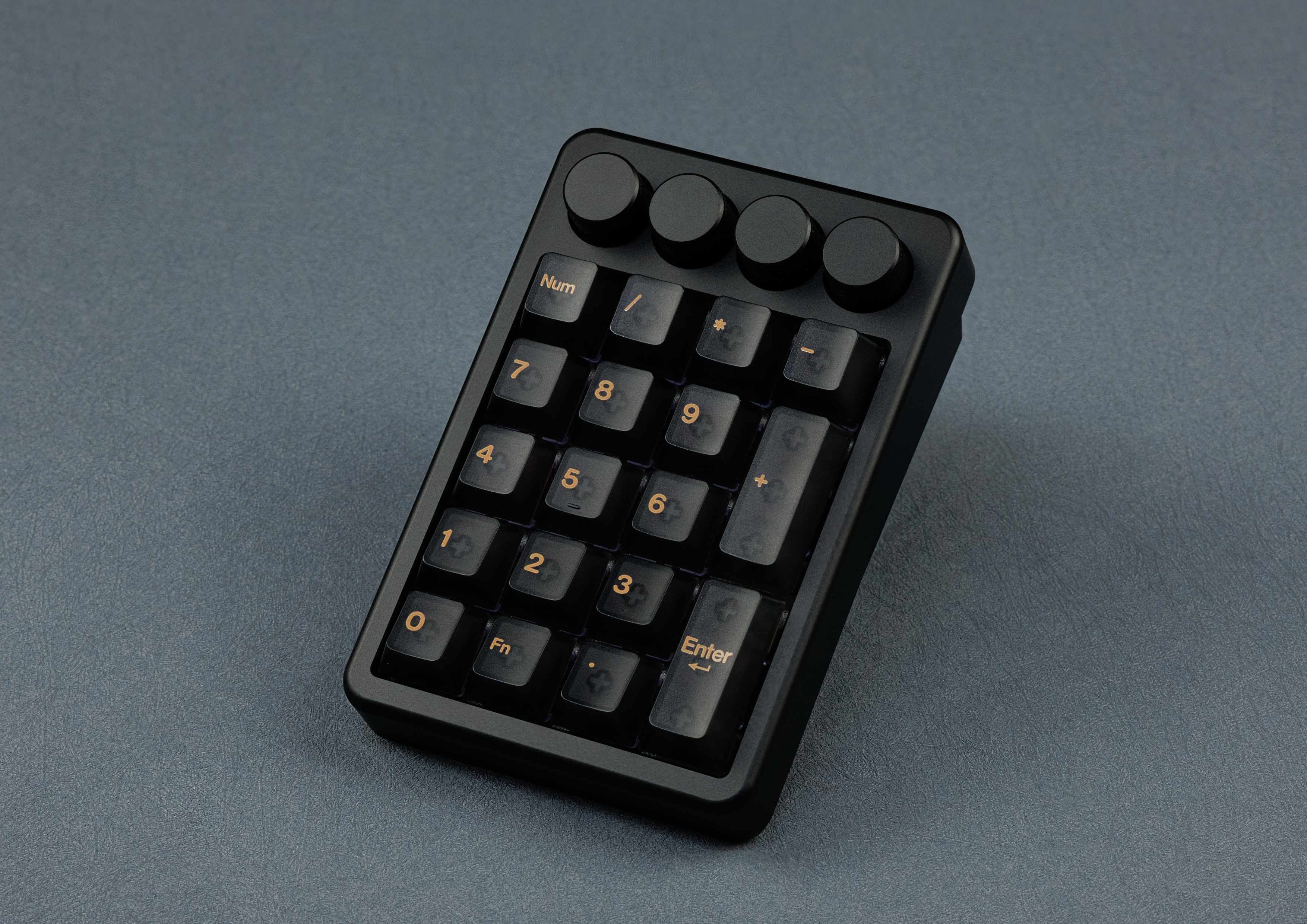
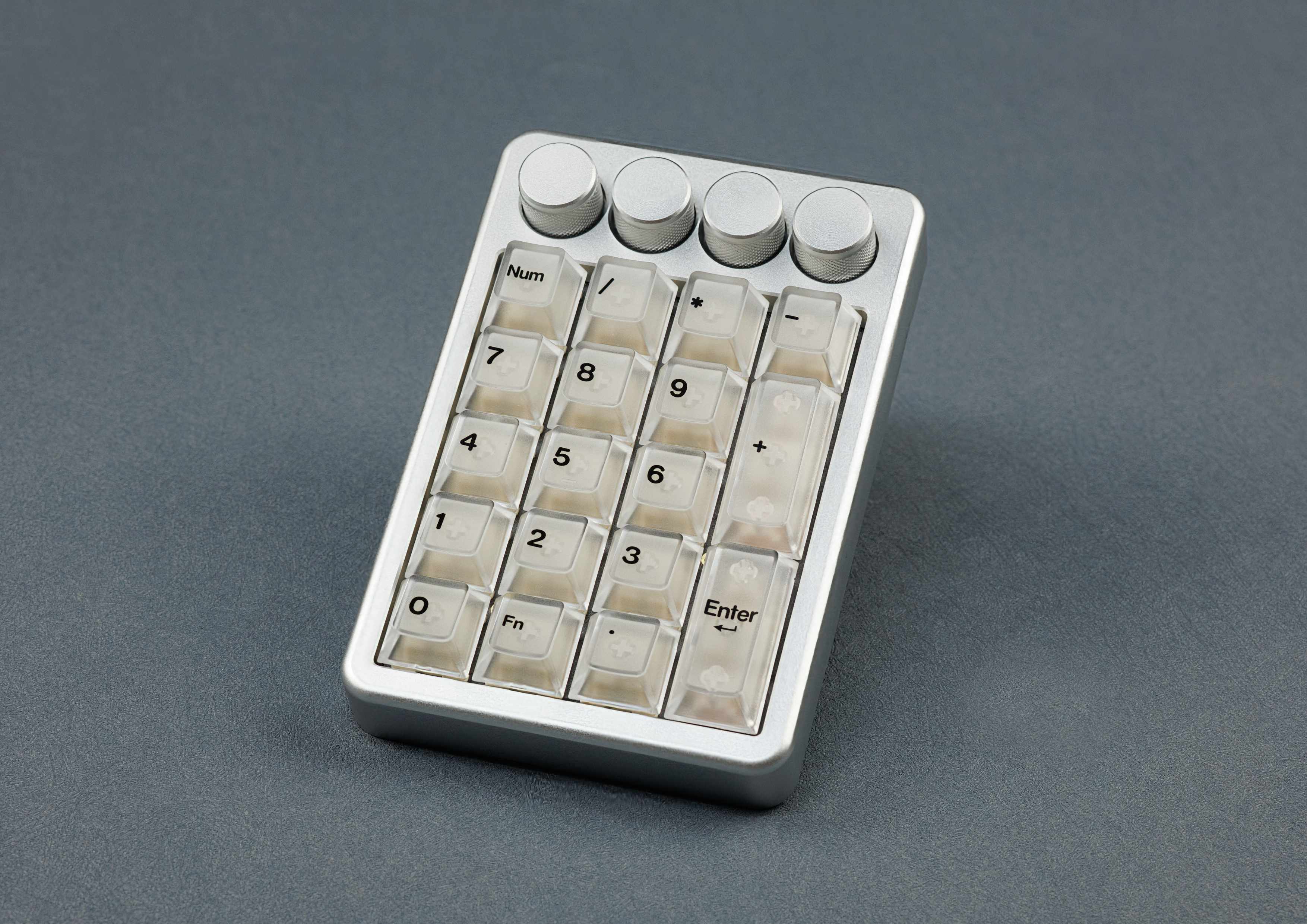
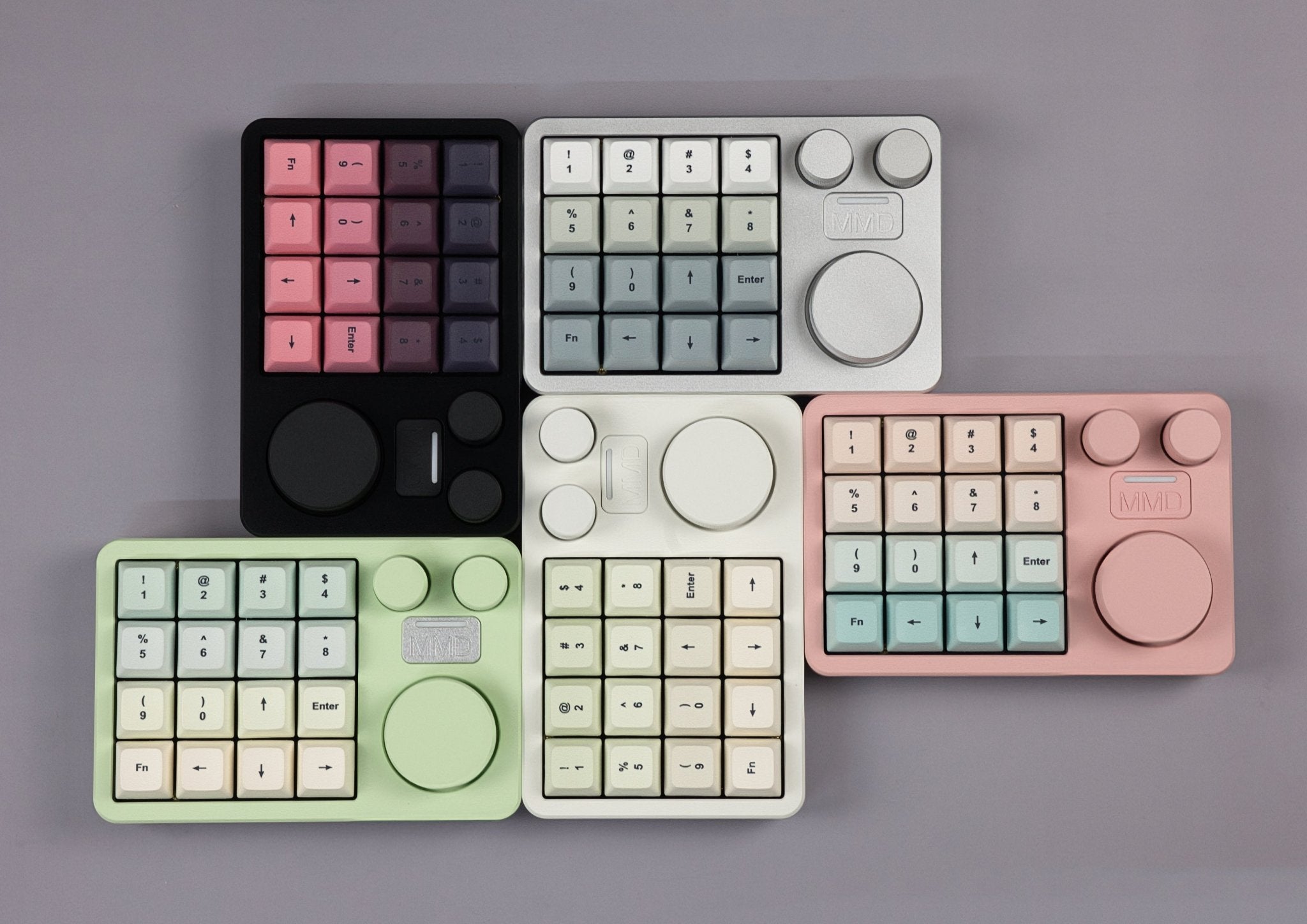
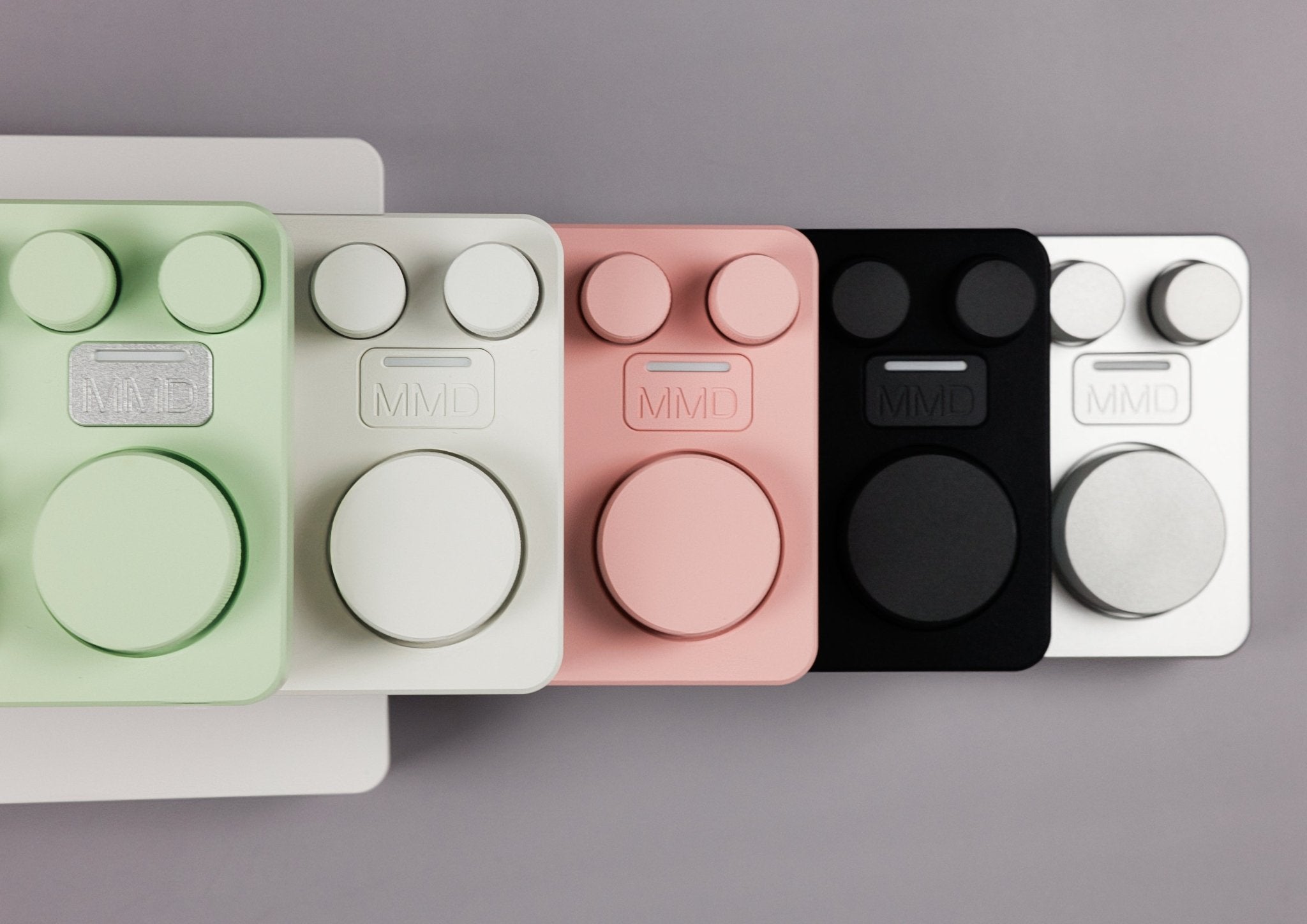
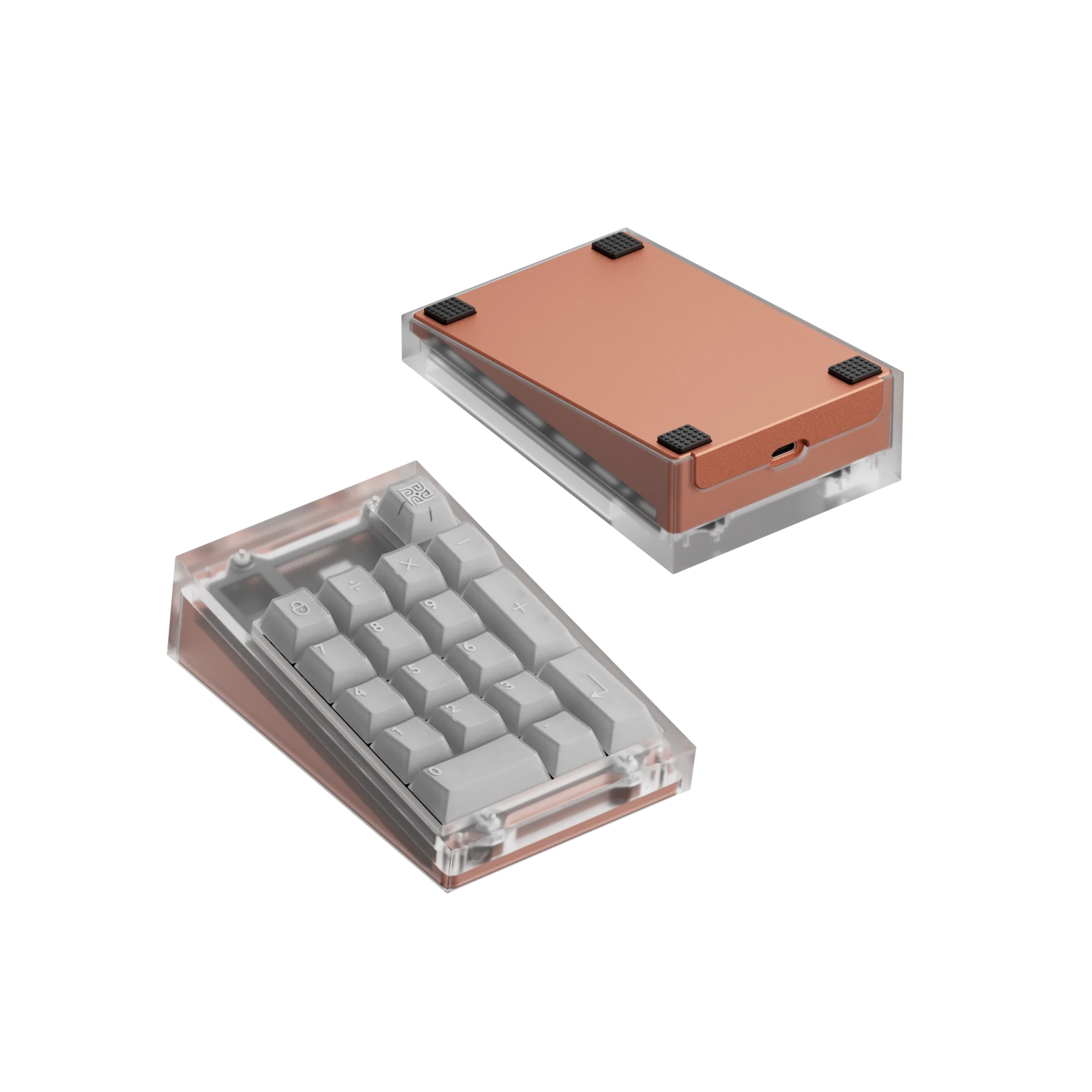
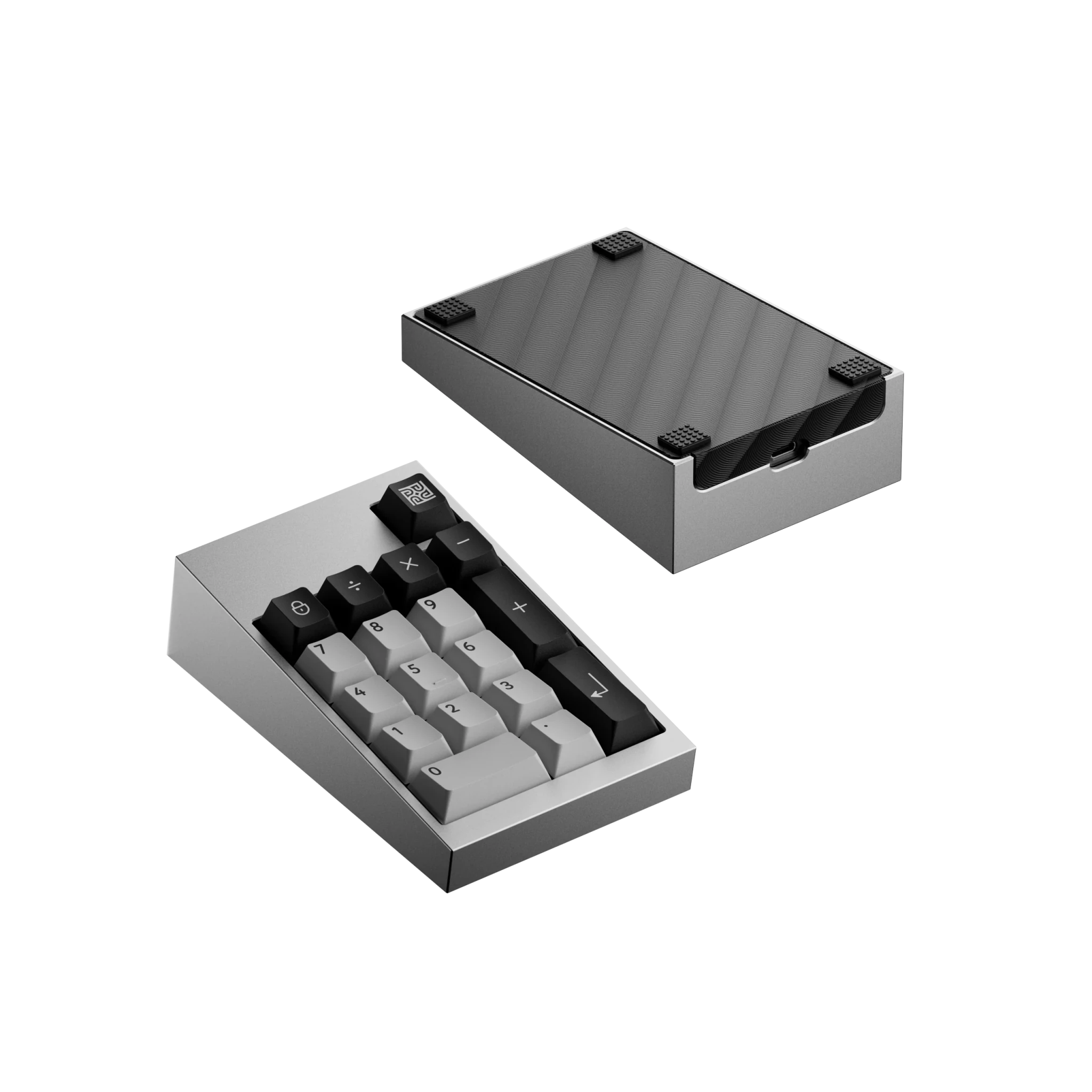
The KBDFans TofuPad is a numpad kit you build yourself, with top mount or PCB gasket mount and various case and plate materials. The MMD KM16 Pro is a macropad with 16 keys in a 4×4 grid and three clickable knobs. The MMD KM21 Ultra has 17 hot-swap keys and four clickable knobs, a CNC aluminium case and pre-installed MMD Cream switches. Both MMD models are wireless.
What to look for
What matters is the number of keys, encoders, connection (wired or wireless) and whether you can swap the switches. With the kit you need switches and keycaps separately, the finished models are ready to use. A numpad suits a compact keyboard, and an overview of sizes is in the guide keyboard sizes and layouts. In-stock items ship from Germany within one working day.




 1561
1561

 97
97