
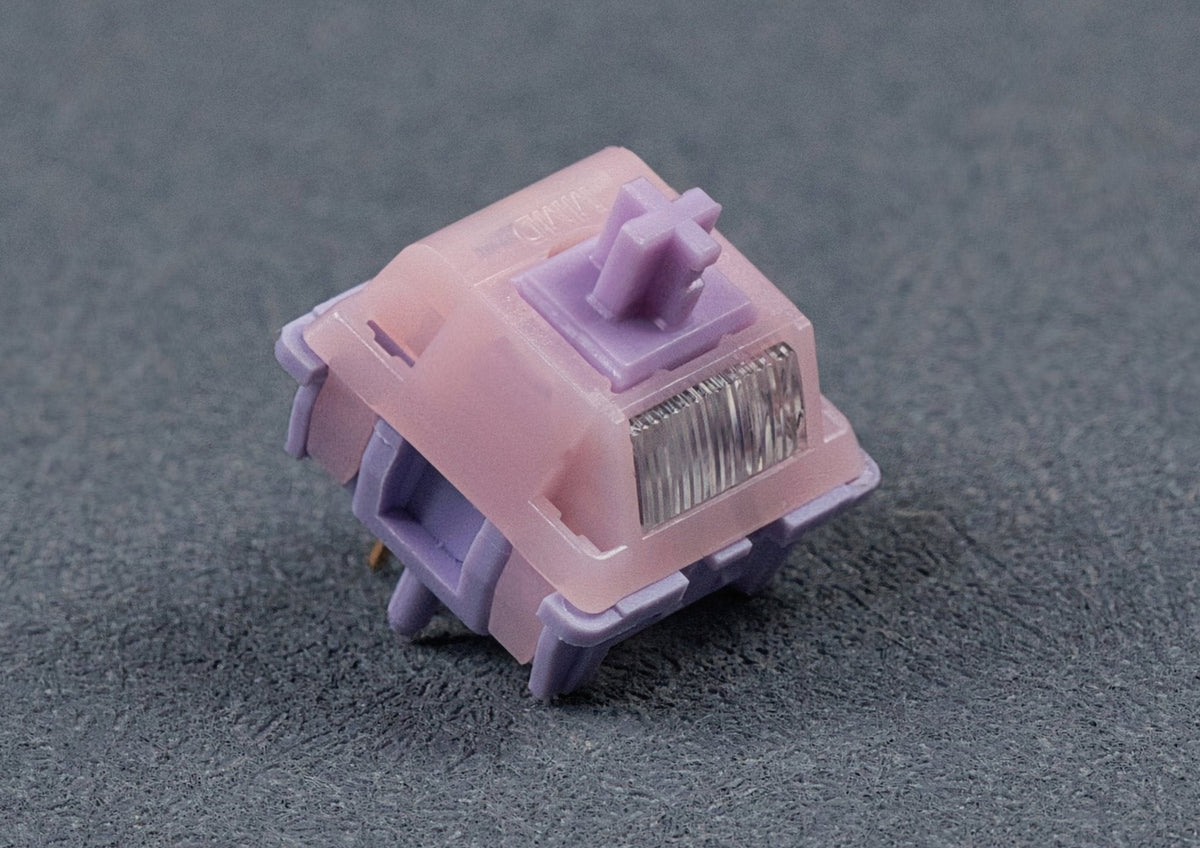
The switch is the heart of every mechanical keyboard. It decides how a keystroke feels, how loud it is and how fast the keyboard responds. The main difference between keyboard switches is the switch type: linear, tactile or clicky. On top of that there are silent switches for quiet typing and magnetic Hall effect switches with an adjustable actuation point. The animations below show how each switch type works – and help you find the one that suits you.
How a mechanical switch is built
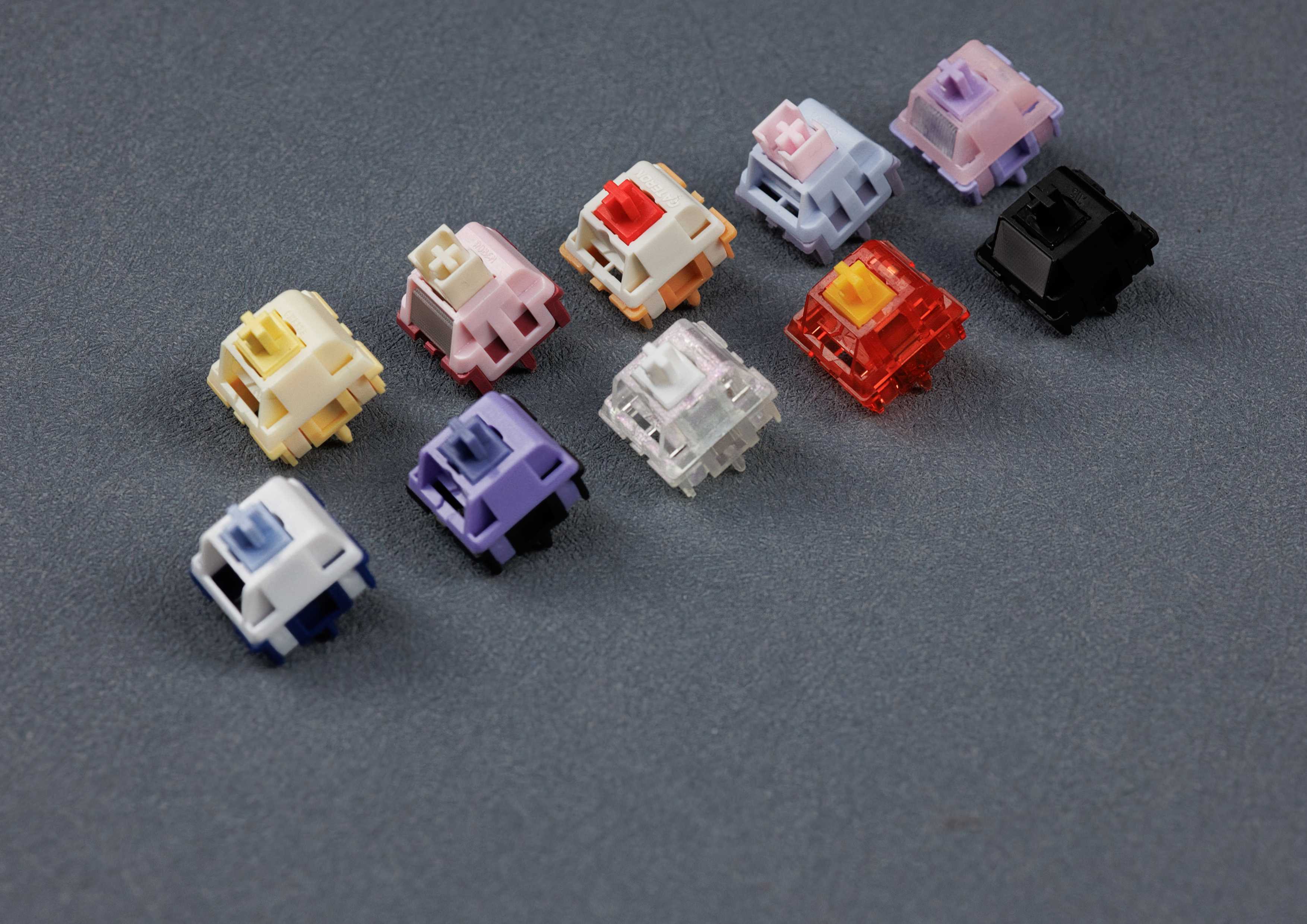
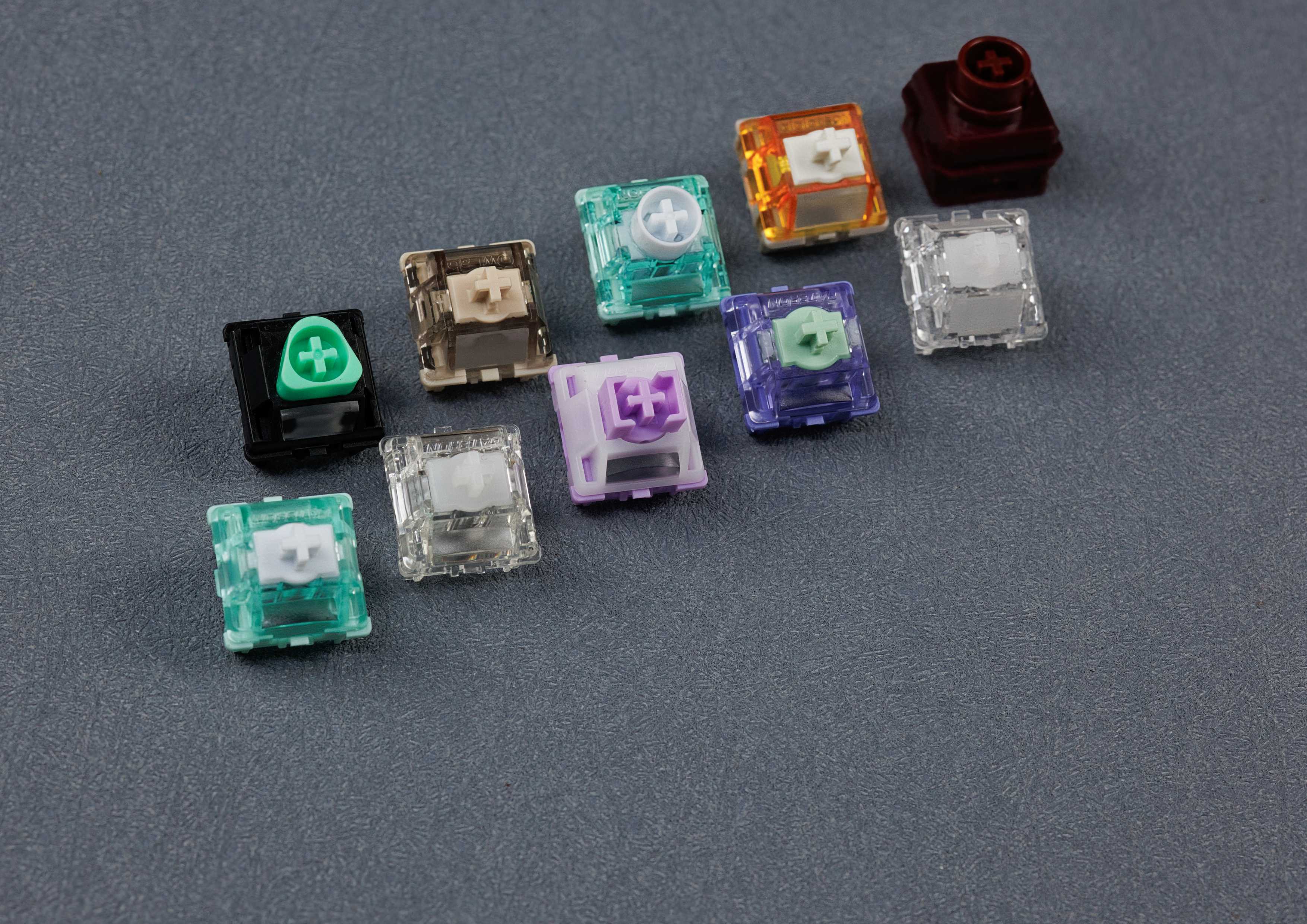
Almost all switches for custom keyboards follow the MX design, originally developed by Cherry. They consist of four parts: the housing (top and bottom), the moving stem, a spring and two metal contacts. The keycap sits on the cross-shaped top of the stem.

When you press the key, the stem slides down and compresses the spring. A leg on the stem keeps the two contacts apart at first. After a certain distance it releases the moving contact, the contacts touch and the keyboard registers the keystroke. This point is called the actuation point. On a classic Cherry MX it sits at 2.0 mm, with 4.0 mm of total travel. When you let go, the spring pushes the stem back up.
Linear switches: smooth from top to bottom
With linear switches the resistance rises evenly – there is no tactile bump and no click. The key feels the same from the first millimetre to the bottom. That is why linears are popular for gaming and with anyone who types fast without interruption. The best-known example is the Cherry MX Red with 45 cN actuation force, which is why linear switches are often simply called “red switches”.

How a linear switch sounds depends mostly on materials, spring, lubrication and the keyboard itself. The community describes the sound with terms like “clacky” (bright and crisp), “thocky” (deep and full) or “creamy” (soft and round). Long pole stems are a special case: the extended centre pole bottoms out first, which shortens the travel and makes the bottom-out crisper.
Tactile switches: a bump you can feel
Tactile switches have a noticeable bump. The leg of the stem has a small nub that slides over the contact as you press. The resistance rises briefly and then drops again – so you feel that the key is about to actuate. Many people who type a lot love this because they don’t have to bottom out every key. The classic is the Cherry MX Brown, hence the name “brown switches”.

Not every bump is the same: light, rounded brown-style bumps type almost like a linear, strong bumps are much more pronounced, and on top-bump switches the bump sits right at the start of the travel. Examples from our range: Cherry MX2A Brown (light), MMD Holy Panda V3 (strong) and Huano Sakura (bump at the very top).
Clicky switches: a bump with an audible click
Clicky switches combine the tactile bump with a clearly audible click. Most models use a moving sleeve on the stem, the click jacket. It snaps down as you press and hits the housing – known from the Cherry MX Blue, which is slightly heavier at 50 cN and actuates at 2.2 mm. That’s why clicky switches are often called “blue switches”. A second design uses a thin metal bar, the click bar, for example in Kailh BOX switches. It sounds sharper and also clicks on release.

If you love acoustic feedback, clickies will make you happy. For the office, video calls or late-night gaming next to sleeping flatmates they’re not the best choice. By the way: lube clicky switches only very sparingly and never on the click mechanism, otherwise the click is gone.
Silent switches: quiet typing
Silent switches come as silent linear and silent tactile. The principle is always the same: dampeners made of rubber, silicone or soft plastic where the stem hits the housing. This makes the typical clack on bottom-out and top-out much quieter.

The dampening costs a little travel: the Cherry MX2A Silent Red, for example, has 3.7 instead of 4.0 mm of total travel. And soft silicone feels slightly softer when you bottom out. An alternative are semi-silent switches: a movable part of the stem cushions the impact. They aren’t quite as quiet, but feel almost like a regular switch.
Our rule of thumb from our range: silent switches from Outemu are among the quietest on the market but feel a little less direct. HMX and Wingtree x Lichicx offer a more regular typing feel and are slightly louder in direct comparison. Semi-silents are the loudest – and the closest to a regular switch.
Silent switches at MonacoKeys: silent linear and silent tactile
Hall effect switches: a magnet instead of a contact
Magnetic Hall effect switches (HE) have no electrical contact at all. A small magnet sits in the stem and a Hall sensor on the PCB below it. The sensor continuously measures how far the key is pressed. Because the keyboard always knows the position, the software decides where the key actuates – on many HE keyboards this is adjustable for every single key, for example between 0.1 and 4.0 mm.

This enables features that classic switches can’t offer. The best known is Rapid Trigger: the key actuates as soon as it moves down and resets as soon as it moves up even slightly – without a fixed reset point. In games this means faster stopping and changes of direction, for example when counter-strafing in shooters.

Important before you buy: Hall effect switches only work on HE PCBs. They fit mechanically into a regular MX keyboard but won’t be detected there. And not every HE keyboard works with every HE switch, because the firmware is calibrated to the magnet strength. Many custom HE PCBs are designed for the Wooting standard (for example Gateron Magnetic Jade switches), while Keychron HE keyboards need their own switches. If in doubt, our support is happy to help.
Shop Hall effect switches and Hall effect keyboards
Linear vs tactile vs clicky: the switch types compared
| Switch type | Feel | Noise | Best for |
|---|---|---|---|
| Linear | smooth, no bump | quiet to medium, depending on materials | gaming, fast typing |
| Tactile | noticeable bump | quiet to medium | heavy typists, all-round use |
| Clicky | bump plus click | loud | fans of acoustic feedback |
| Silent | linear or tactile, dampened | very quiet | office, home office, streaming |
| Hall effect | mostly linear, adjustable actuation point | quiet to medium | gaming with Rapid Trigger |
Which switch is right for me?
- You game a lot, especially shooters: Hall effect switches with Rapid Trigger or a light linear switch.
- You type a lot: a tactile switch – the bump gives you feedback without having to bottom out.
- It has to be quiet: silent linear or silent tactile for the office, video calls or a shared flat.
- You love the clack: clicky – ideally where nobody minds.
- You’re not sure: with the MonacoKeys Switch Tester you can try different switches directly in your hot-swap keyboard.
Besides the type, spring weight and travel shape the typing feel. You’ll find both values in the specifications of every switch.
FAQ: keyboard switch types
What is the difference between red, brown and blue switches?
The colours come from Cherry: red stands for linear, brown for tactile and blue for clicky. Many manufacturers follow this scheme, but it isn’t binding. So always check whether a switch is described as linear, tactile or clicky.
Which switches are the quietest?
Silent switches with dampeners on the stem – in our range, the silent switches from Outemu are among the quietest. How quiet a keyboard is overall also depends on the case, plate, dampening and keycaps.
Are linear or tactile switches better for gaming?
That’s a matter of taste. Many gamers prefer linear switches because nothing interrupts the travel. For competitive gaming, Hall effect switches with Rapid Trigger offer the biggest advantage.
Do Hall effect switches fit every keyboard?
No. They need a PCB with Hall sensors and matching firmware. In a regular MX keyboard they won’t be detected.
Can I swap the switches in my keyboard myself?
On hot-swap keyboards, yes – the switches can be pulled out and plugged in without soldering. On soldered PCBs the switches have to be desoldered.



 1557
1557
 97
97