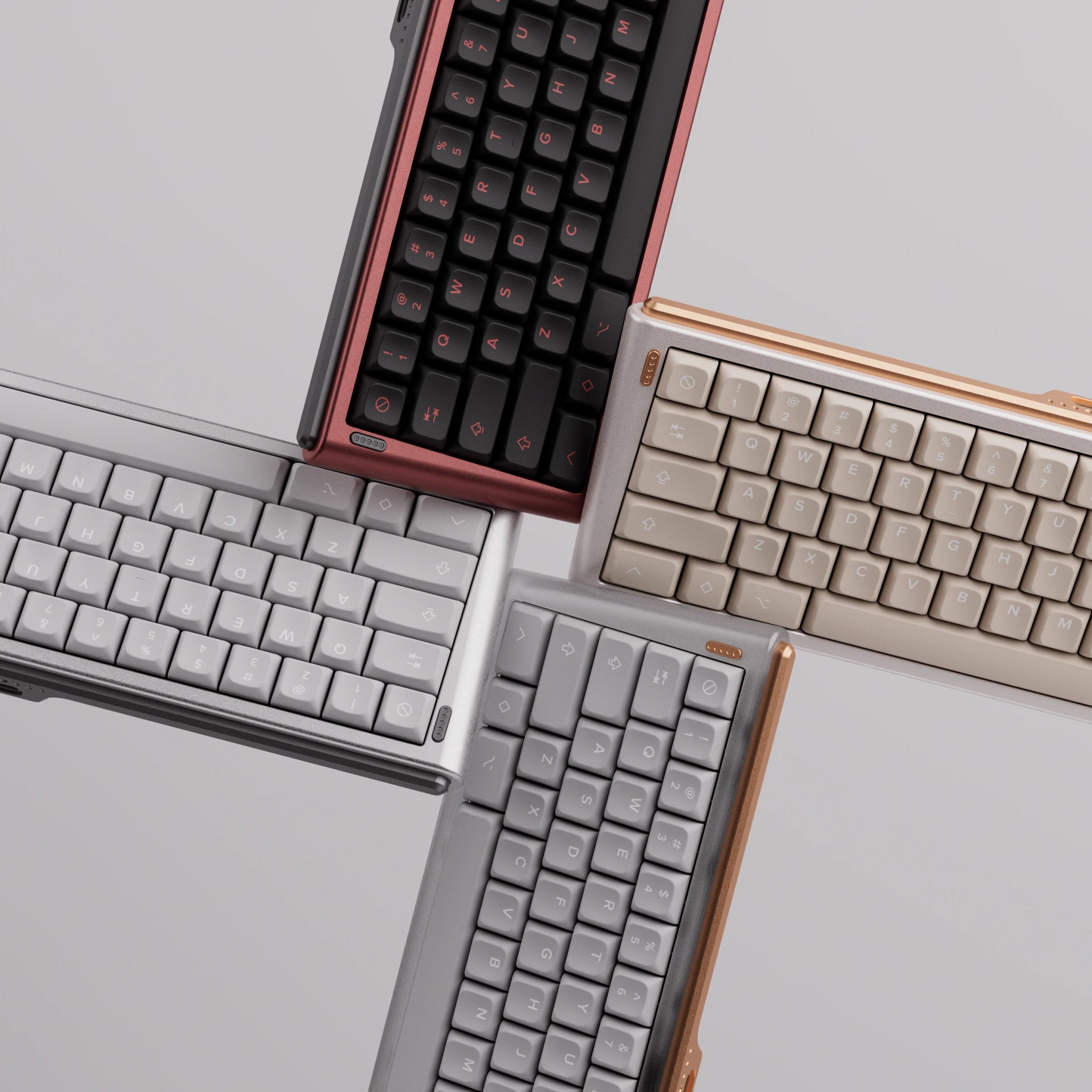

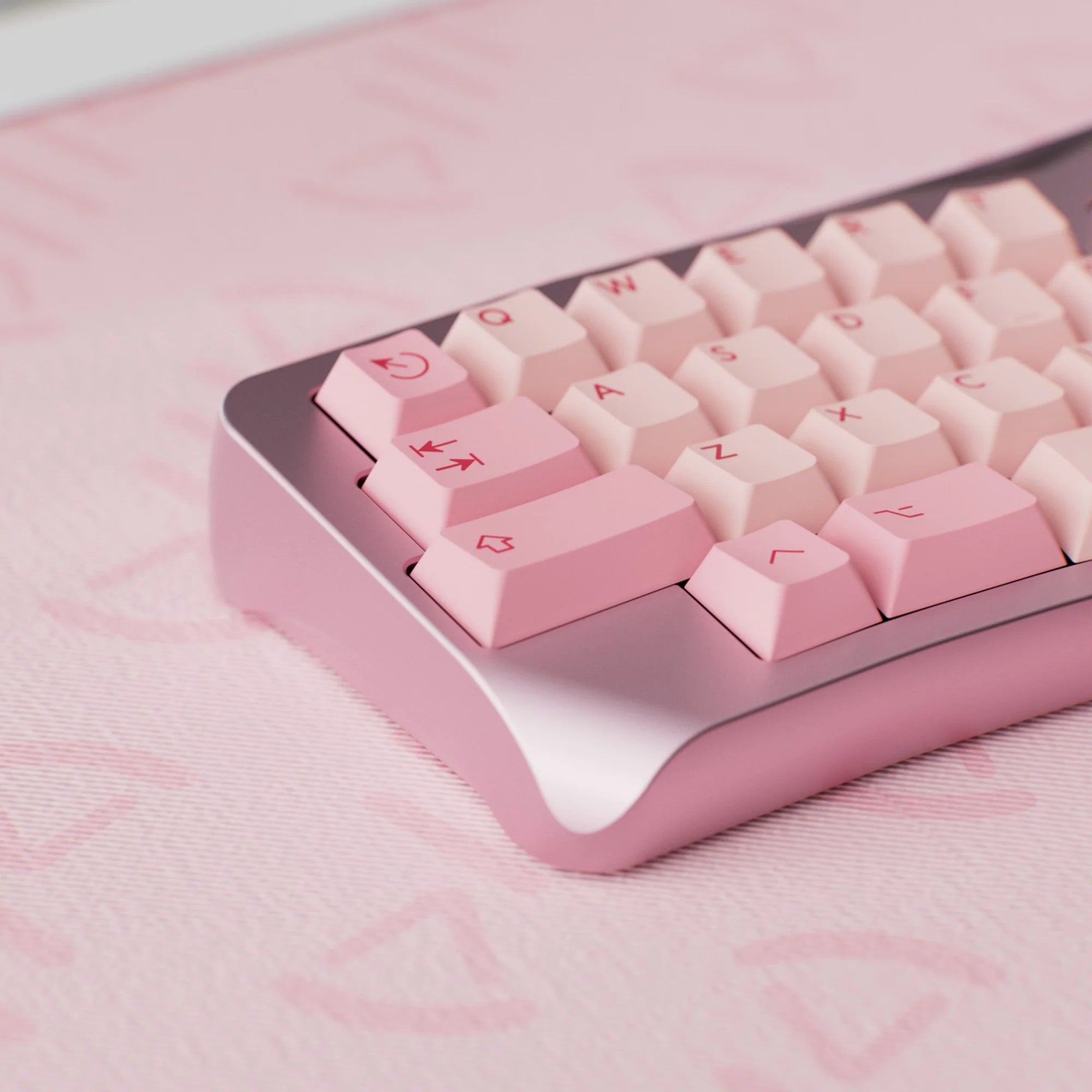
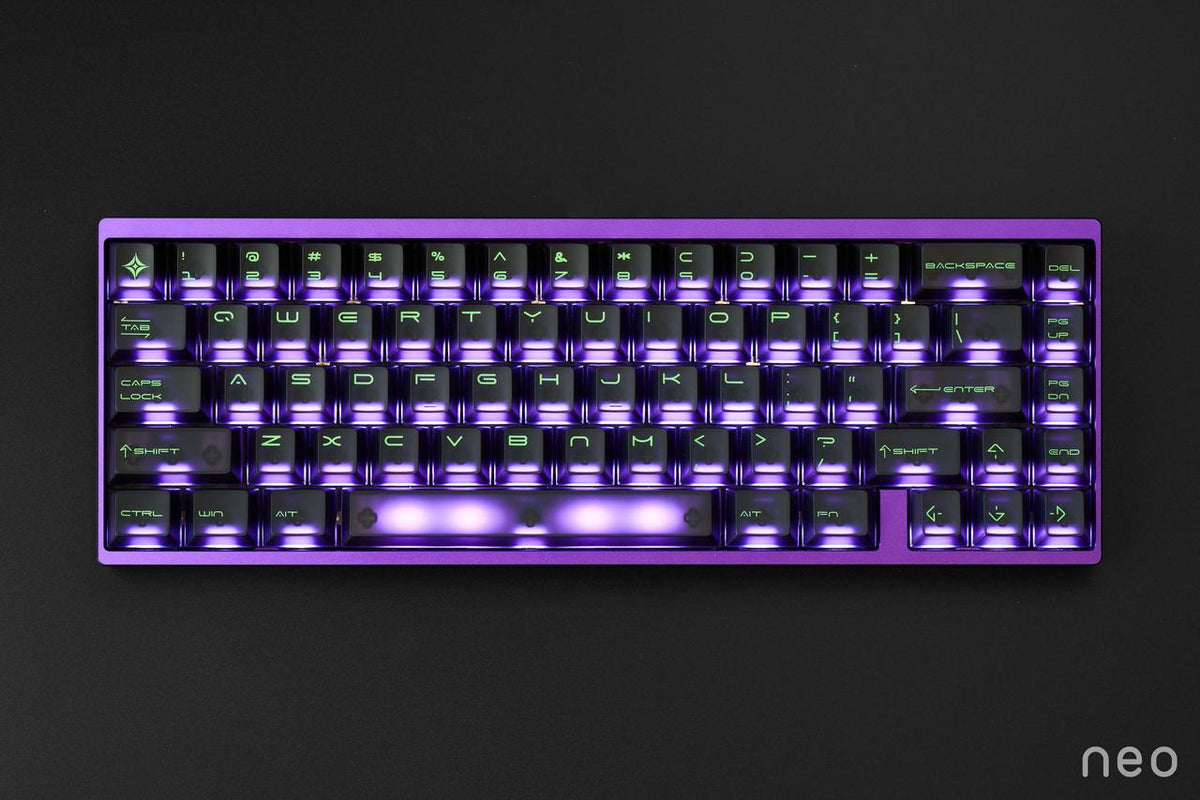
A Hall effect keyboard doesn’t detect keystrokes through metal contacts but through a magnet and a sensor. That means it always knows how far each key is pressed – which is exactly what makes features like an adjustable actuation point and Rapid Trigger possible. Here you’ll learn how Hall effect switches work, what Rapid Trigger actually does and what to watch out for when it comes to compatibility.
How a Hall effect keyboard works
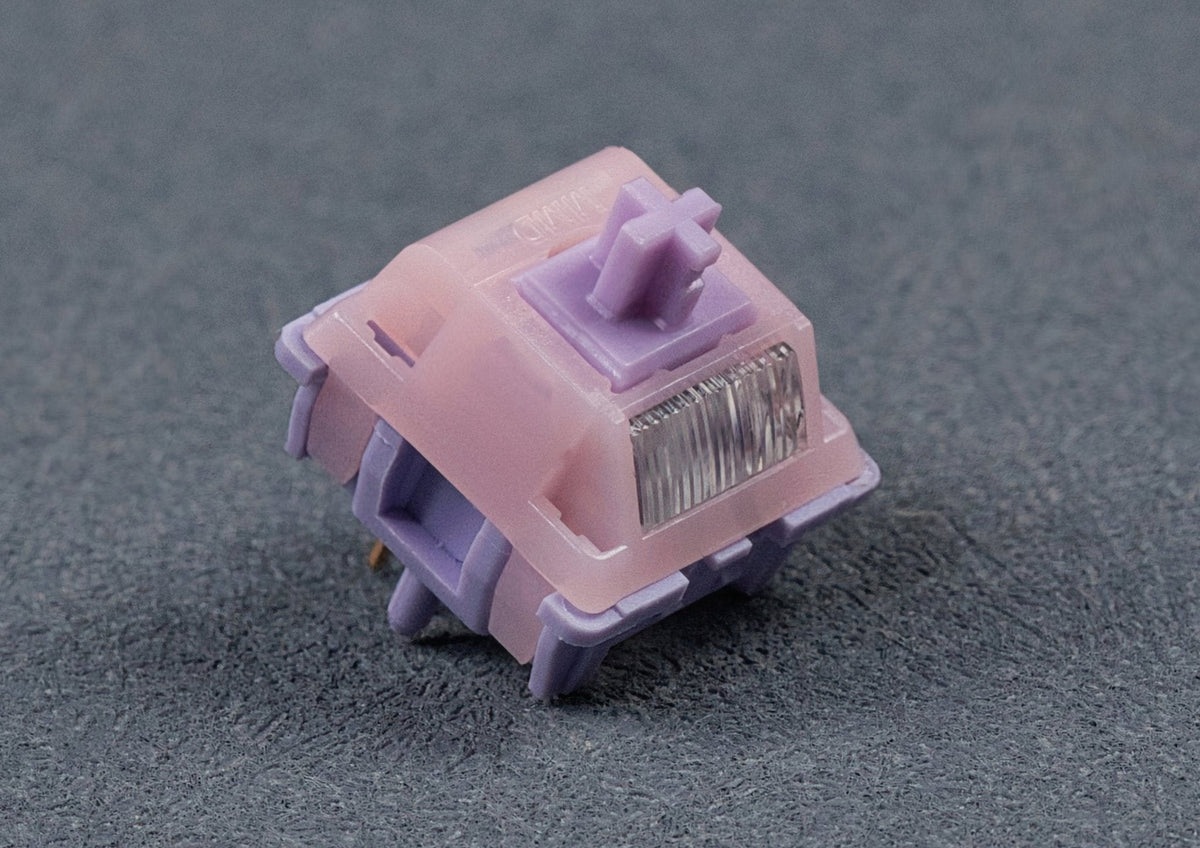
Hall effect switches (HE for short, often simply called “magnetic switches”) look like regular MX switches from the outside. The difference is inside: a small permanent magnet sits in the centre of the stem. The switch itself sits flat on the PCB – no metal pins and no centre post reaching through the board. A Hall sensor sits on the underside of the PCB, right below each switch, and measures the magnetic field through the board.

As you press the key, the magnet moves closer to the sensor. This changes the voltage at the sensor, and the keyboard’s firmware turns it into the exact position of the stem. Since no contacts touch, there’s no contact bounce either – Wooting quotes a debounce time of 0.03 ms for its keyboards. Wooting and Gateron also rate their switches for 100 million keystrokes.
Magnet strength is given in gauss (Gs): once at rest (“initial magnetic flux”) and once at bottom-out (“bottom magnetic flux”). The Gateron Magnetic Jade, for example, has 120 ± 15 Gs at rest and 800 ± 80 Gs at bottom-out. They matter because the keyboard is calibrated to a specific flux curve – see compatibility below.
Adjustable actuation point – for every single key
On a classic mechanical switch the actuation point is built in; on a Cherry MX it sits at 2.0 mm. A Hall effect keyboard, on the other hand, knows the key position along the entire travel. So you decide in the software where the key actuates. Gateron, for example, quotes a range of 0.1 to 4.0 mm in 0.1 mm steps.

And you can set it for every key individually. In games you can make your movement keys actuate very early so you react faster, and set other keys deeper so you don’t hit them by accident. It’s handy for typing too – a slightly deeper actuation point helps prevent accidental presses.
What is Rapid Trigger?
Rapid Trigger was introduced by Wooting and it’s the feature that makes Hall effect keyboards so interesting for gaming. A regular switch has a fixed actuation and reset point: the key has to travel back past a certain point before it can actuate again. Rapid Trigger removes that limit. The key actuates as soon as it moves down and resets at the slightest upward movement. So you can trigger it again at any point of the travel without fully releasing it.

In games this means faster stopping and faster changes of direction, for example when counter-strafing in shooters. According to Wooting, Rapid Trigger works on all keys at the same time. With regular MX switches it’s physically impossible: a contact only knows “open” or “closed”, not how far the key is pressed.
Depending on the brand, the firmware adds more features, such as Snap Tap (SOCD handling) or several actions per key depending on how deep you press (“Dynamic Keystroke”). These are keyboard features, not switch features – what’s available depends on the board.
Analog input: key travel like a joystick
Because the keyboard measures the position continuously, it can also pass on key travel as an analog value. Wooting describes this as incremental movement control in PC games, “just like a joystick controller”. Whether this works depends on the game and the keyboard software.
Types of Hall effect switches
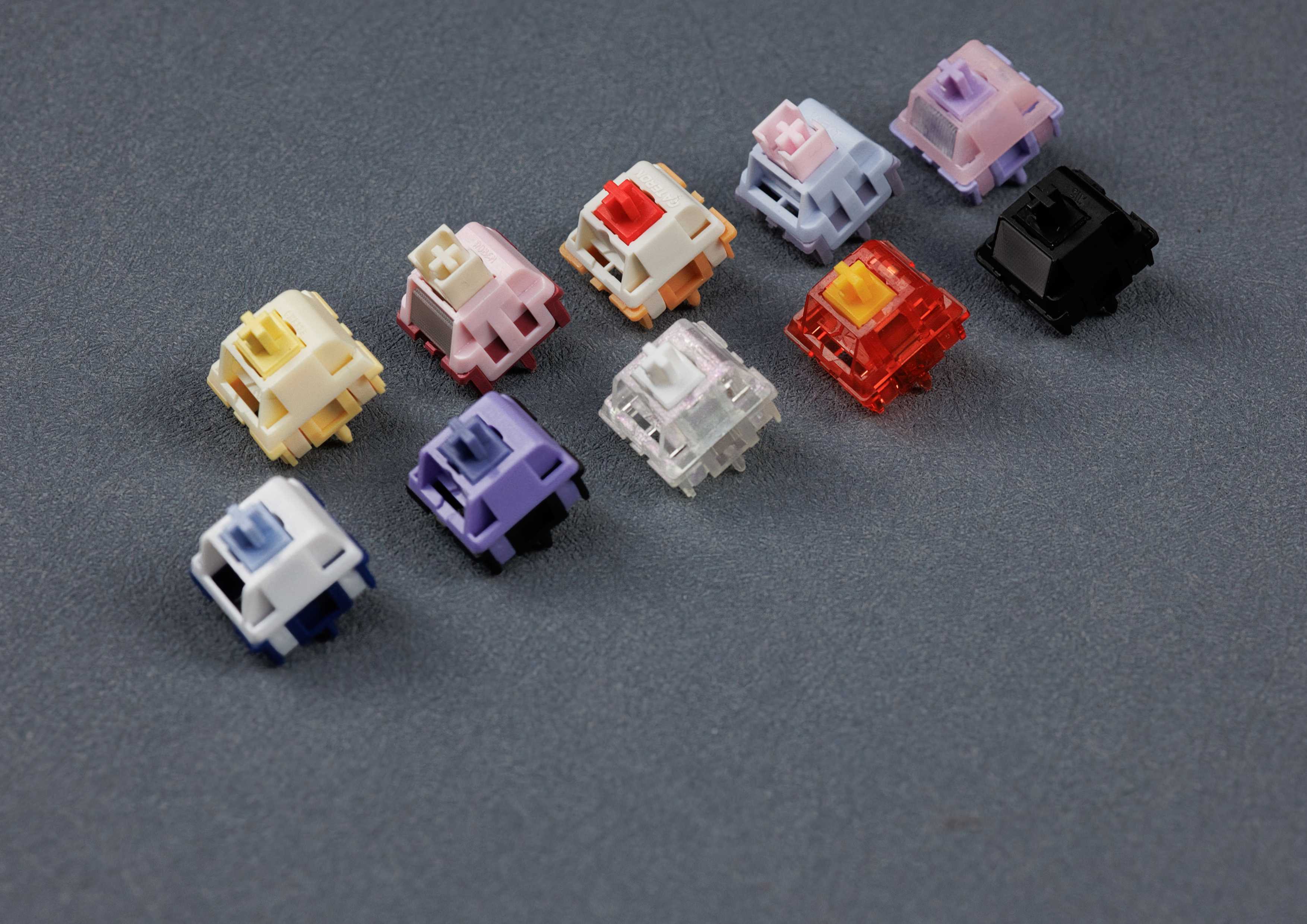
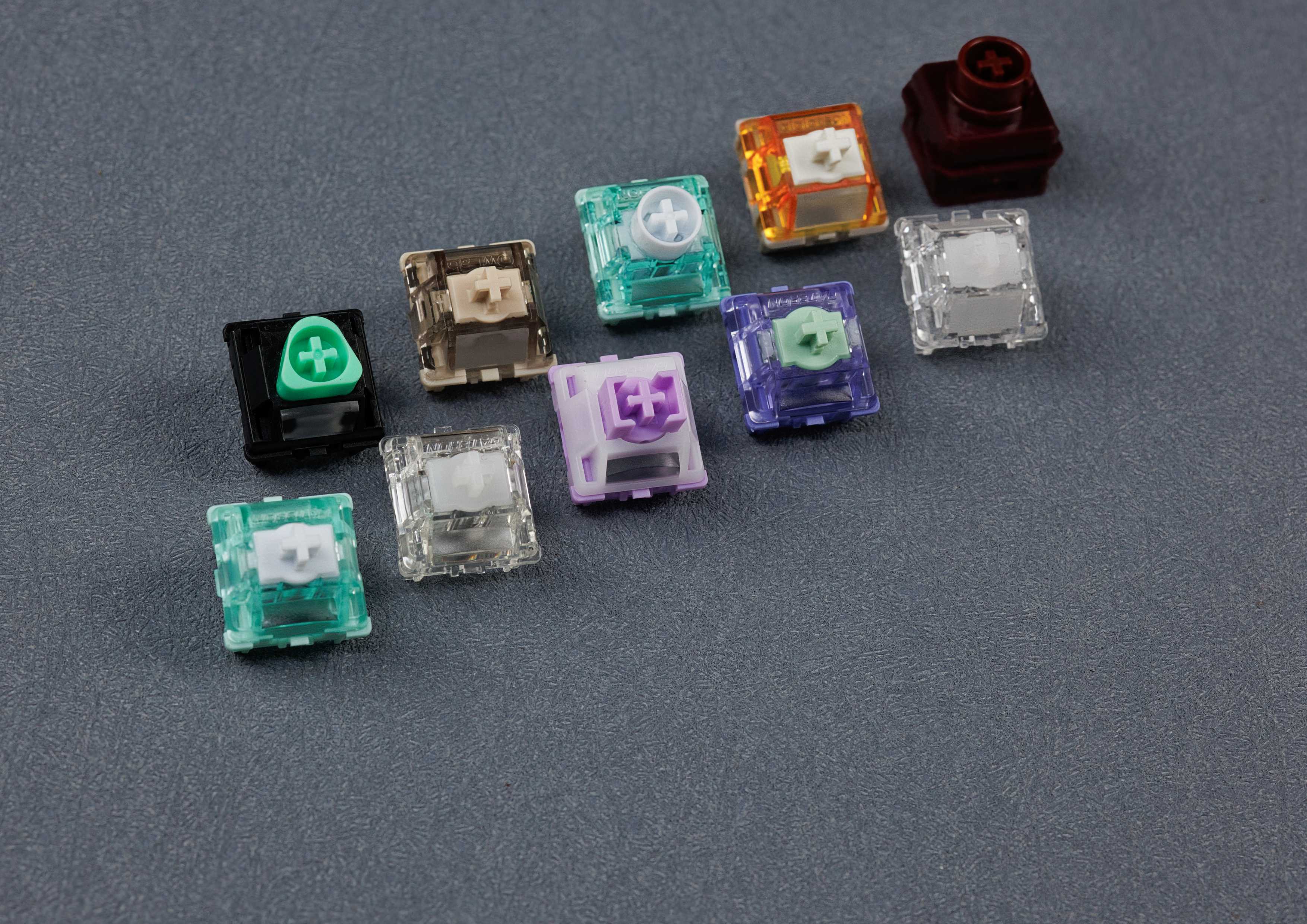
Magnetic switches differ in feel and sound too:
- Long pole with short travel: the Gateron Magnetic Jade has 3.5 mm of travel and bottoms out on the pole. The closed bottom housing gives it a crisp, full sound.
- Full travel on rails: the Gateron KS-20 has 4.1 mm of travel and bottoms out on its rails. The open bottom housing makes it sound thinner and quieter.
- Silent: dampened HE switches such as the Gateron Jade Silent are quieter at the top and bottom.
- Rubber dome: on the AEBoards Raeds HE (also available as an RGB version), a silicone dome instead of a spring gives a tactile feel and a muted sound, while the magnet handles detection. The feel is clearly different from other HE switches. The Raeds also have an open bottom, i.e. no closed bottom housing.
- Tactile: tactile HE switches are rare – the bump is mechanical, the actuation point stays adjustable.
For an overview of all switch types, see our guide keyboard switch types explained. You’ll find all magnetic switches from our range under Hall effect switches.
Compatibility: Hall effect switches need an HE PCB
Check this before you buy: HE switches share the basic shape of MX switches and fit mechanically into many keyboards – but they only work on the right PCB.

- HE switch on an MX PCB: a regular MX PCB has no Hall sensors, and the HE switch has no metal pins that could close a contact. It won’t be detected.
- MX switch on an HE PCB: doesn’t work either, because an HE PCB doesn’t read any contacts.
- HE switch on an HE PCB: works – but only if switch and PCB are a match.
Not every HE PCB works with every HE switch. The firmware is calibrated to a specific magnetic flux curve. If magnet strength, magnet position or travel differ too much, the switch reports wrong values: in the harmless case the actuation is imprecise, in the bad case nothing happens at all. Retailers such as Lumē Keebs even warn that incompatible switches may damage the PCB, depending on the board.
In practice there are two ecosystems. The Wooting standard is used by Wooting keyboards and many custom HE PCBs, for example from Geonworks, Neo, KBDfans or Matrix Lab. Compatible switches include the Wooting Lekker, Gateron Magnetic Jade and Jade Pro or the Gateron KS-20. Keychron HE keyboards such as the Q1 HE, on the other hand, only work with the Gateron Double-Rail Magnetic switches sold by Keychron. Keychron explicitly excludes the Gateron Magnetic Jade and KS-20. The reverse also applies: these Double-Rail switches (also called “dual rail”) usually only fit a few specific keyboards and are not compatible with the Wooting standard that most keyboards on the market follow – including the Venom PCBs. Don’t confuse them with the “dual-rail structure” Gateron also advertises on Wooting-compatible switches such as the KS-20 or Jade Pro.
All Hall effect switches in our range are designed for the Wooting standard, for example the URStudio Ice Ultra V2 HE or the AGS Radiant HE. They don’t work in Keychron HE keyboards.
Calibrate after swapping switches: HE keyboards have a calibration function in their software. Run it after every switch swap so the rest and bottom-out values match the new switch. Mixing different switches on one PCB usually works as long as they all come from the same ecosystem. Since HE switches are held purely mechanically, practically every HE keyboard is hot-swappable – more on that in our hot-swap keyboard guide.
Fixed-layout plate: Since HE switches have no pins or legs reaching through the PCB, only the plate holds them in place. For the best fit they need a fixed-layout plate: it supports exactly one layout, for example ISO with one fixed backspace and spacebar size, and has an exact cut-out for every switch with no play. On a plate with cut-outs for several layouts, individual switches can shift slightly. It isn’t a big problem, but some people find it annoying.
TMR sensors: magnetic and mechanical on one PCB
Besides Hall sensors, a few keyboards use TMR sensors (tunnel magnetoresistance), for example the Akko 5075 V5 TMR or the MonsGeek FUN60. Technically they also read the magnet in the switch and offer the same features as HE PCBs – adjustable actuation and Rapid Trigger – with the same magnetic switches.
The difference is where the sensor sits. A Hall sensor measures along one axis only, so it has to sit directly below the magnet. A TMR sensor also measures sideways and can be placed off-centre. That leaves room for a hot-swap socket under the switch: TMR PCBs usually take both Hall effect and MX switches, sometimes only on certain keys such as WASD. Each key then runs either a magnetic switch with all HE features or a mechanical switch without them.
Hall effect vs mechanical switches compared
| Feature | Classic MX switch | Hall effect switch |
|---|---|---|
| Detection | metal contacts | magnet in the stem and Hall sensor below the PCB |
| Actuation point | fixed, e.g. 2.0 mm | adjustable, e.g. 0.1–4.0 mm, per key |
| Rapid Trigger | not possible | yes, depending on the keyboard |
| Analog input | no | yes, depending on keyboard and game |
| PCB | MX PCB | HE PCB with matching calibration |
| Feel and sound | usually more pleasant, more sound profiles | functional, less variety |
| Choice | huge | much smaller |
| Typical use | typing, all-round use | gaming, especially shooters |
Newer doesn’t automatically mean better. You can type on an HE switch just as well as you can game on an MX switch – in the end it comes down to preference. Mechanical switches usually feel more pleasant, sound better and come in far more options. That’s why many customers stick with mechanical switches, while HE switches are mostly used for gaming. Both have their pros and cons.
Is a Hall effect keyboard right for me?
- You play competitively, especially shooters: this is where a Hall effect keyboard with Rapid Trigger makes the biggest difference.
- You mostly type: Rapid Trigger doesn’t add much for typing. A classic mechanical switch usually feels more pleasant, sounds better and comes with a much wider choice.
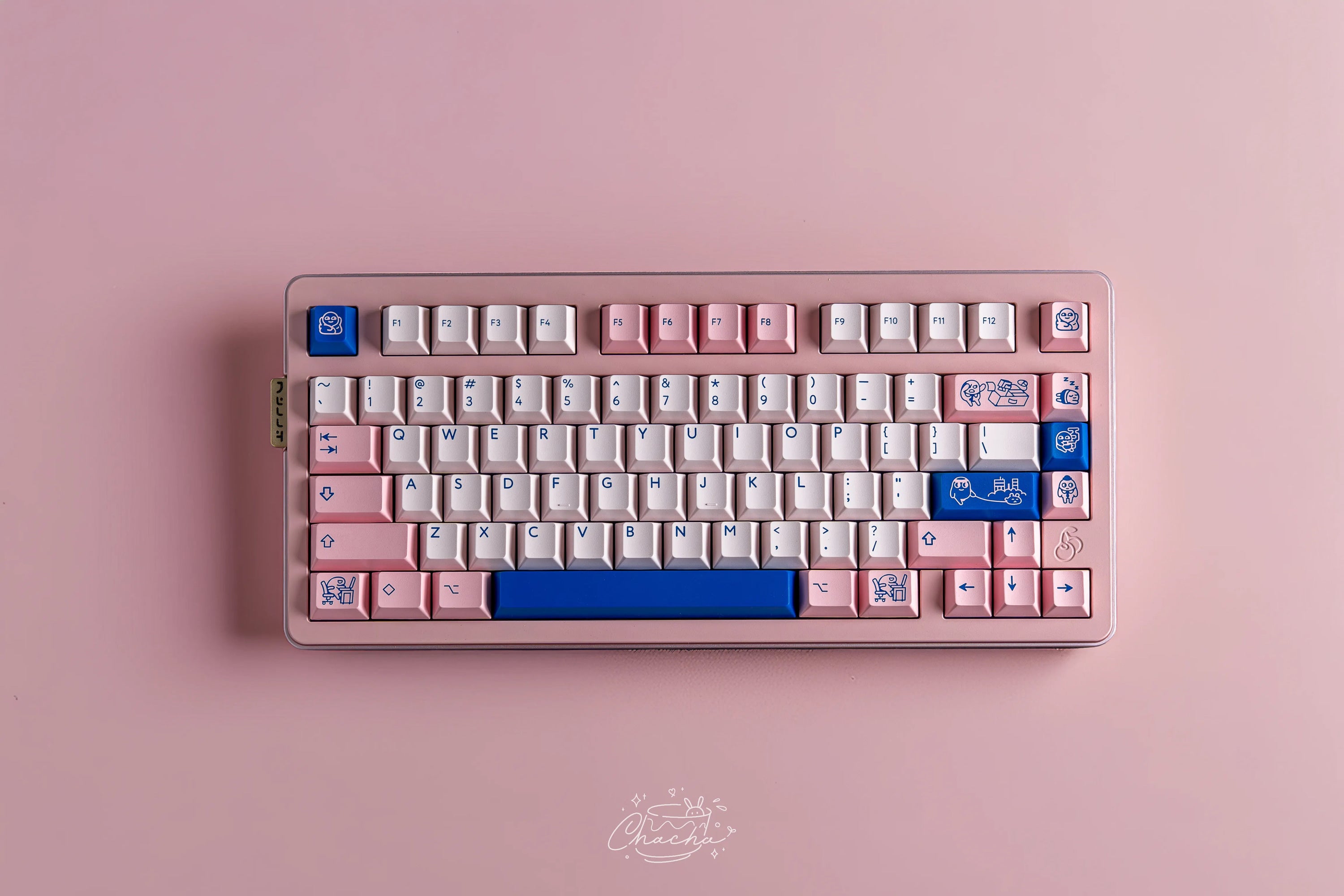
- You already own an MX hot-swap keyboard: HE switches won’t work in it. For Hall effect you need an HE keyboard, such as the Neo65 Sonic HE+.
- You own a Keychron HE keyboard: stick to the switches Keychron approves for it.
Not sure which magnetic switch feels best? With the MonacoKeys Hall Effect Switch Tester you can try different HE switches directly in your HE keyboard. You’ll find all boards under Hall effect keyboards and everything together in our Hall effect collection.
FAQ: Hall effect keyboards and Rapid Trigger
What is Rapid Trigger on a keyboard?
Rapid Trigger resets the key as soon as it moves up even slightly and actuates it again as soon as it moves down – without a fixed reset point. It only works with analog switches such as Hall effect switches.
Which Hall effect switches work in my Wooting?
Switches built to the Wooting standard, such as the Wooting Lekker, Gateron Magnetic Jade or KS-20. All HE switches in our range are designed for it. Calibrate in the software after installing them.
Can I lube Hall effect switches?
Yes, lube the stem and rails just like on an MX switch – but leave the magnet alone. Only replace springs with dedicated HE springs: they’re wider and must not be magnetic. Our guide how to lube switches shows you how.



 1557
1557
 97
97