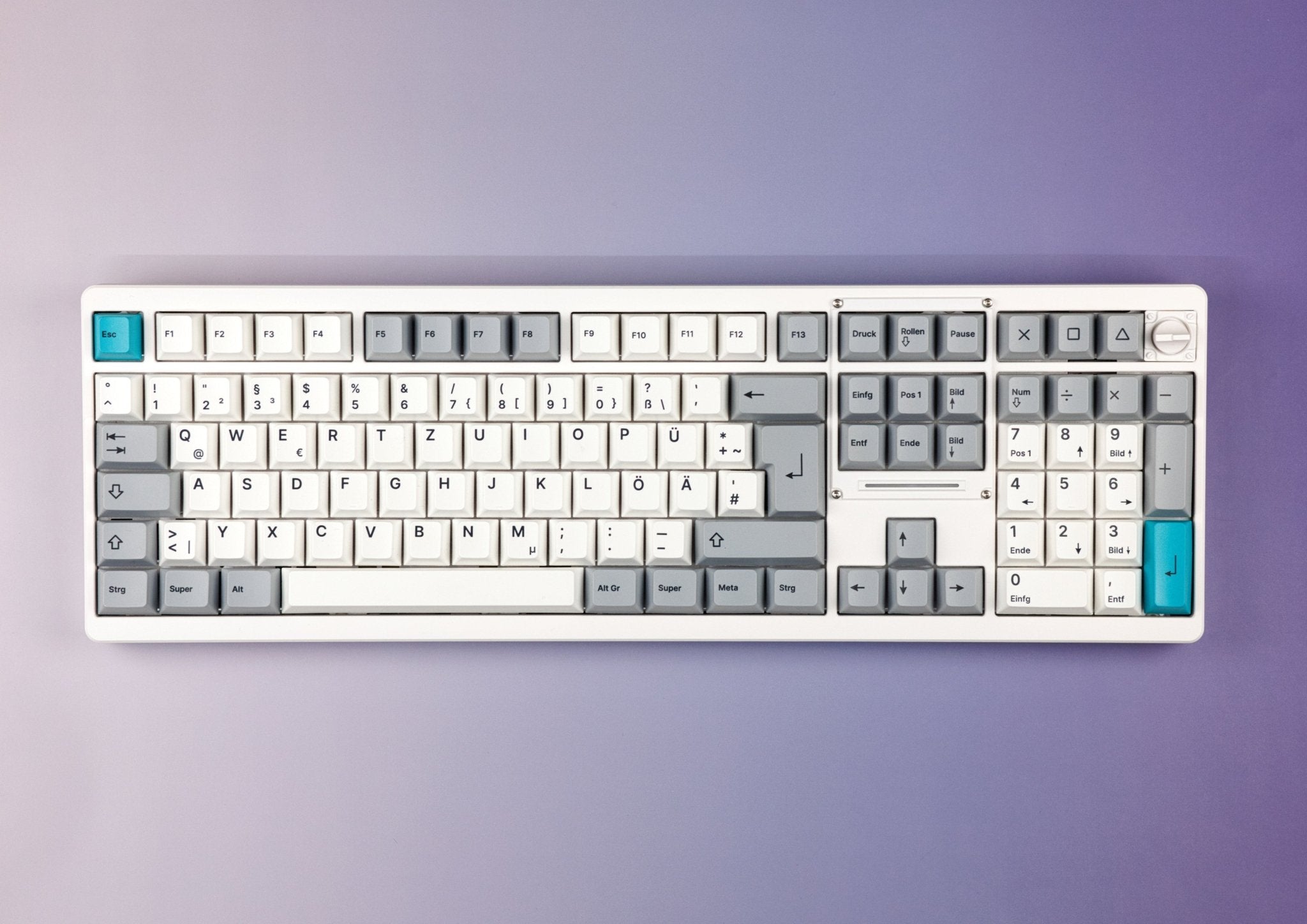
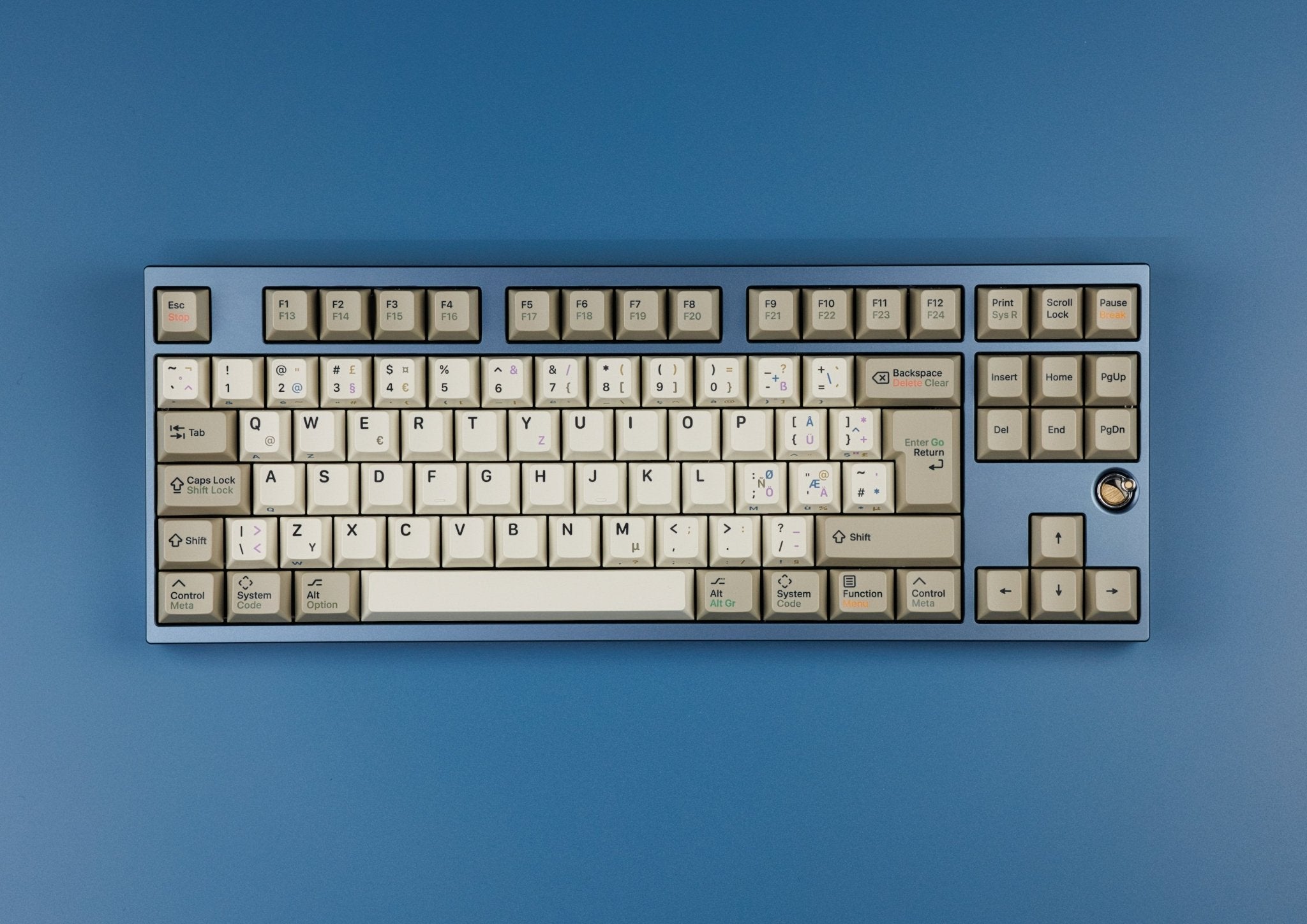
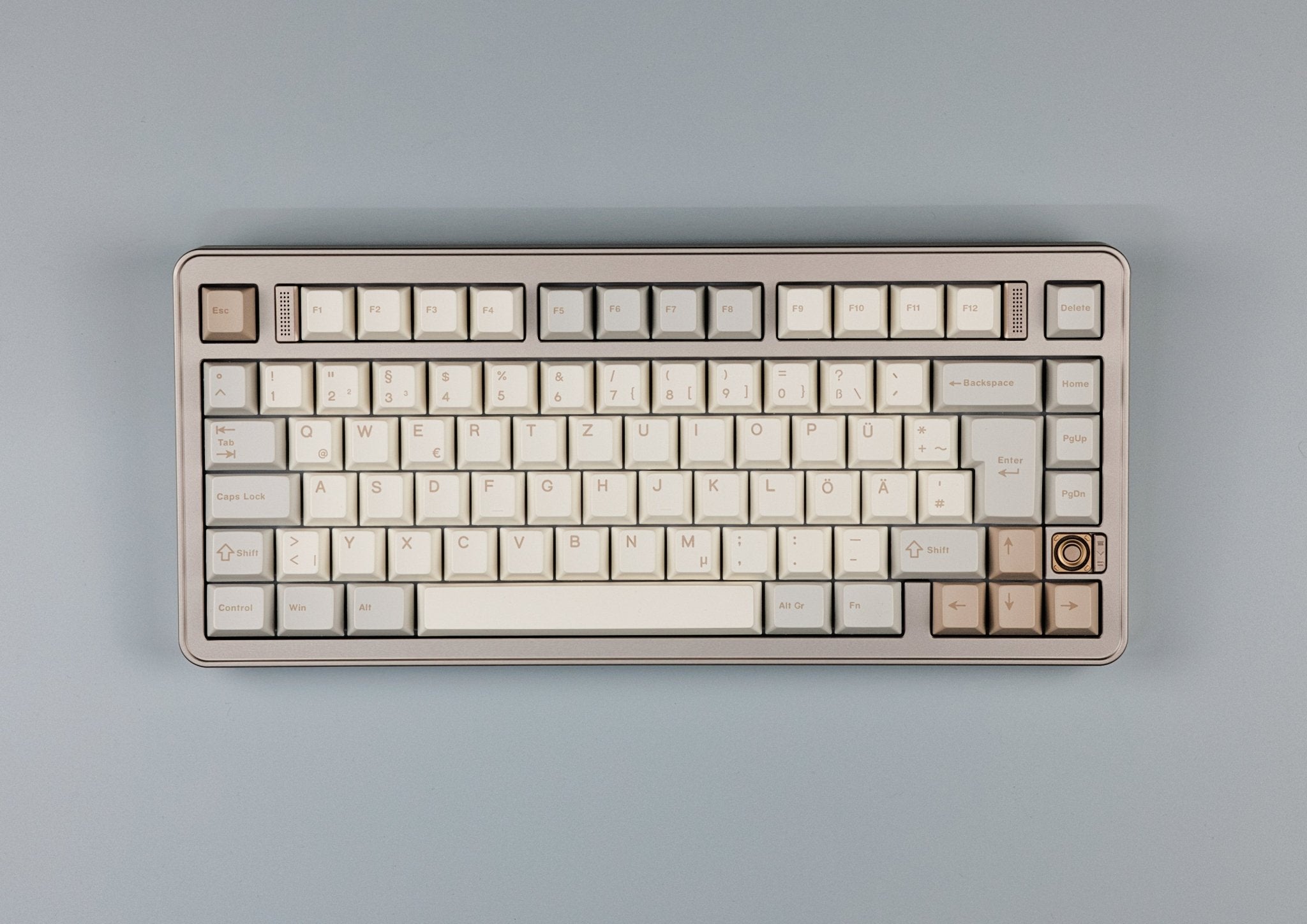
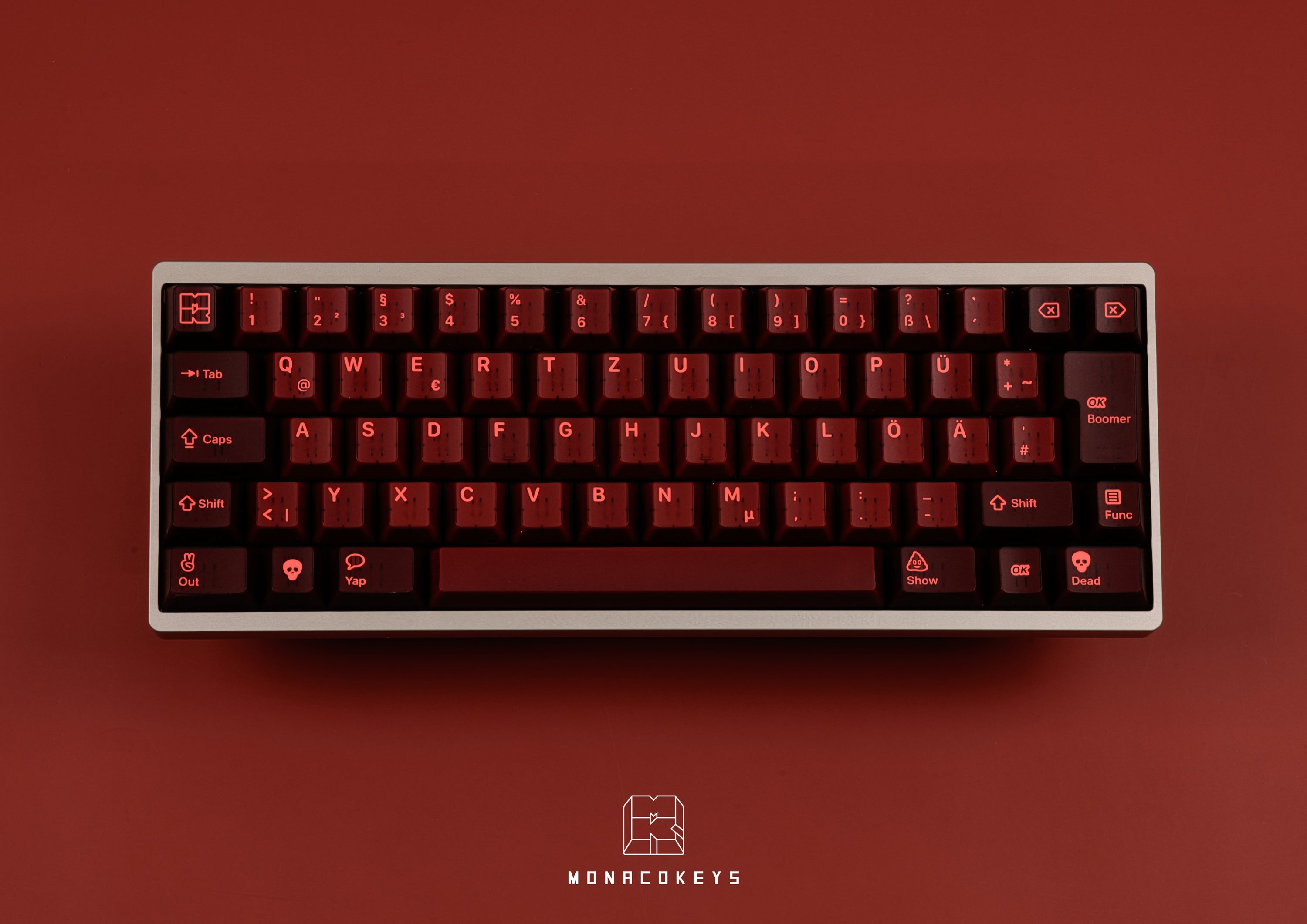
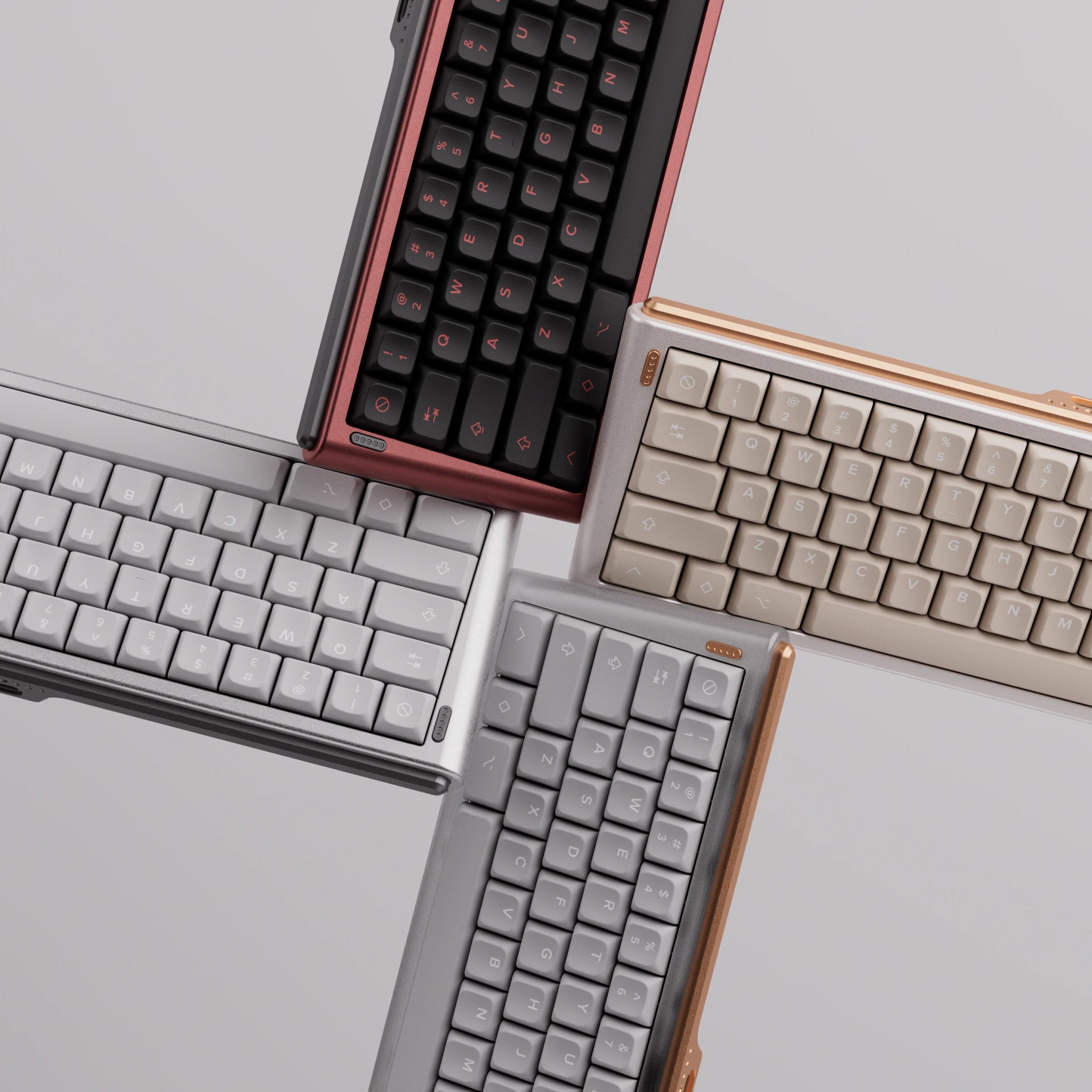

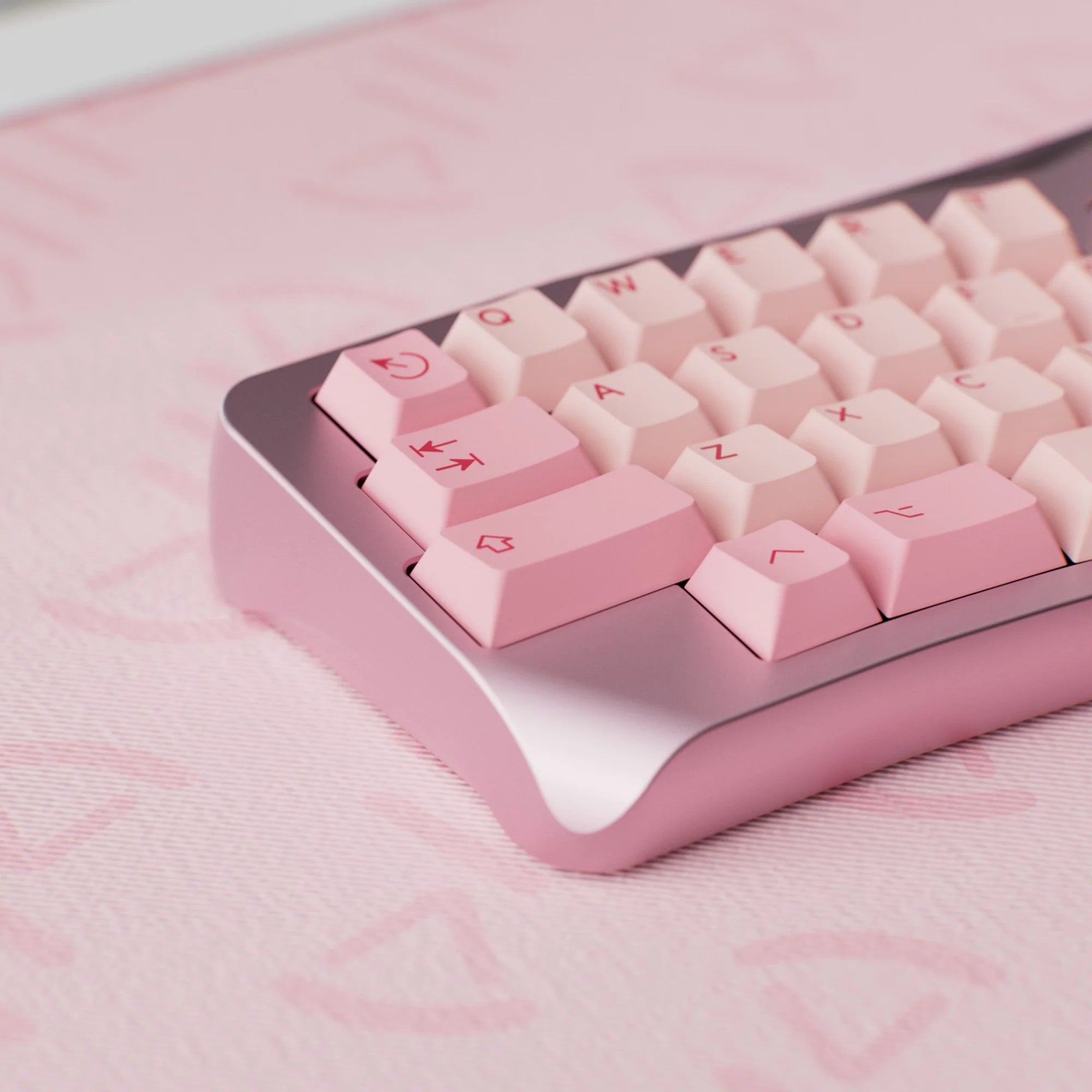
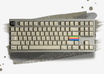
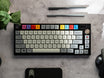
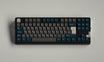
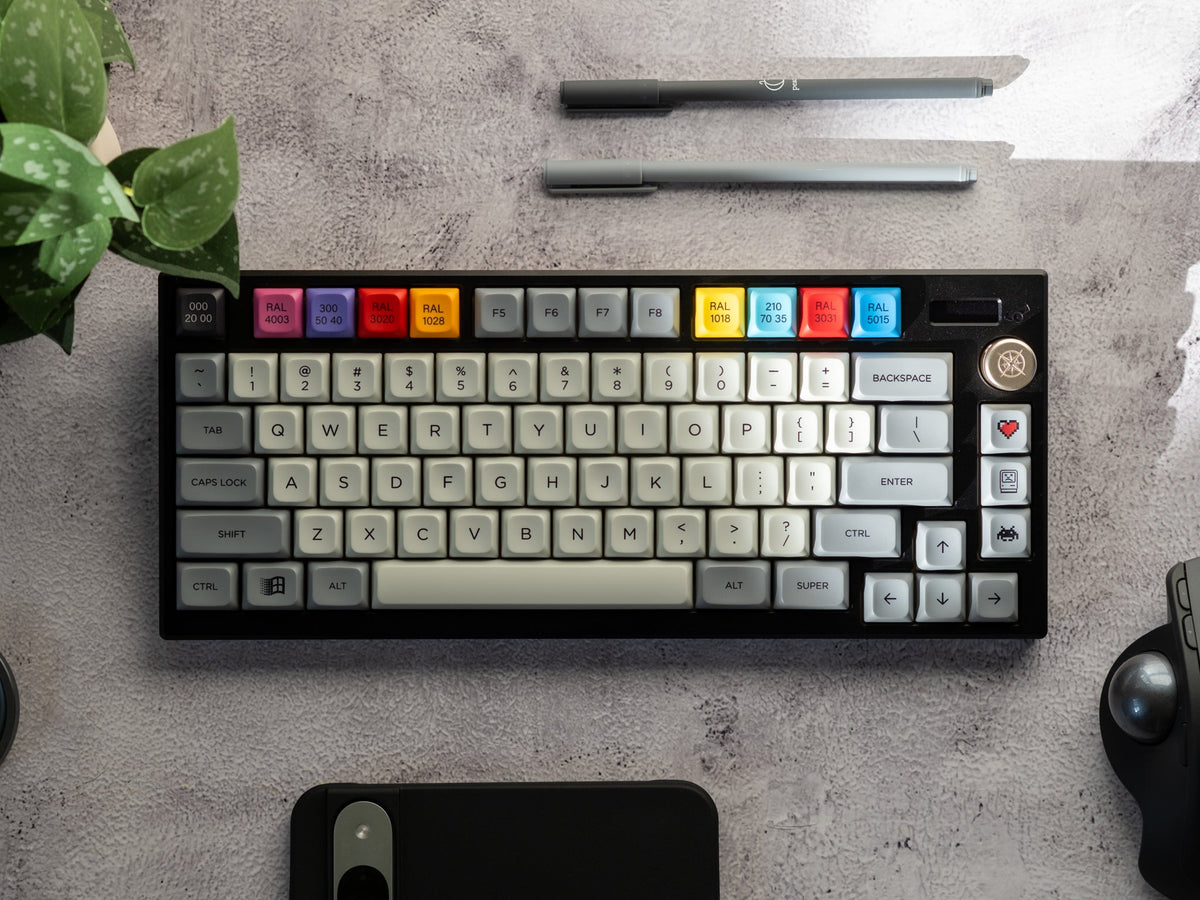
When you shop for keycaps for the first time, you quickly run into names like Cherry, OEM, SA or PBS. They all describe the keycap profile: the shape of a key – its height, the angle of the top and the shape of the scoop. The profile shapes how typing feels, how your keyboard looks and sounds – and whether you can move a key to a different row. This guide explains how the common keycap profiles differ and which one is right for you.
Keycap profiles: height compared
The most obvious difference is height. It ranges from flat low profile caps at around 5 mm to SA at up to approx. 16.5 mm. On sculpted profiles every row has a different height – the figure usually quoted is the tallest row.

Treat the millimetres as a guide, since sources measure with or without the stem and at different rows. Rule of thumb: PFF is very flat, DSA and PBS are flat, Cherry sits in the middle, OEM is a bit taller and SA really tall.
Sculpted vs uniform: rows R1 to R4
On a sculpted profile the top of each row has a different angle and height. This evens out the distance your fingers travel between rows. On a uniform profile every key has the same shape – you can arrange them any way you like.

Set makers number the rows from top to bottom: R1 is the number row (usually the F-row too), R2 the Tab row, R3 the home row with ASDF and R4 the Shift row plus the bottom row. On sculpted sets every key belongs in its row, so some keys come in several row versions. Put an R1 key in R3 and it still works, but it looks and feels wrong. On uniform profiles like PBS this doesn’t matter – handy for 40% and ortho keyboards with unusual layouts. More on keyboard sizes in our guide to keyboard sizes and layouts.
Some profiles also have an R0 for the function keys and an R5 for the bottom row with the spacebar – in theory even Cherry. They are very rarely produced, though. The norm is that R1 is also used for the function keys and R4 for both the Shift row and the spacebar row.
The spacebar usually has its own shape: it is typically convex (curved upwards), while the other keys are concave (dished). PBS offers both options for the entire bottom row – some sets are fully convex there, others fully concave. So even on a uniform profile, the Shift row and the bottom row can differ in shape and height.
Cylindrical vs spherical: the surface
The second difference is the scoop on top. Cylindrical keycaps are only curved from side to side, like a channel. Spherical keycaps are curved in every direction, like the imprint of a ball.

Cylindrical profiles include Cherry, OEM and DCS. SA, DSA, KAT and MT3 are spherical, MDA slightly so. PBS and PFF are a mix: cylindrical at the front and back, with a spherical scoop.
Cherry profile: the standard for custom keycaps
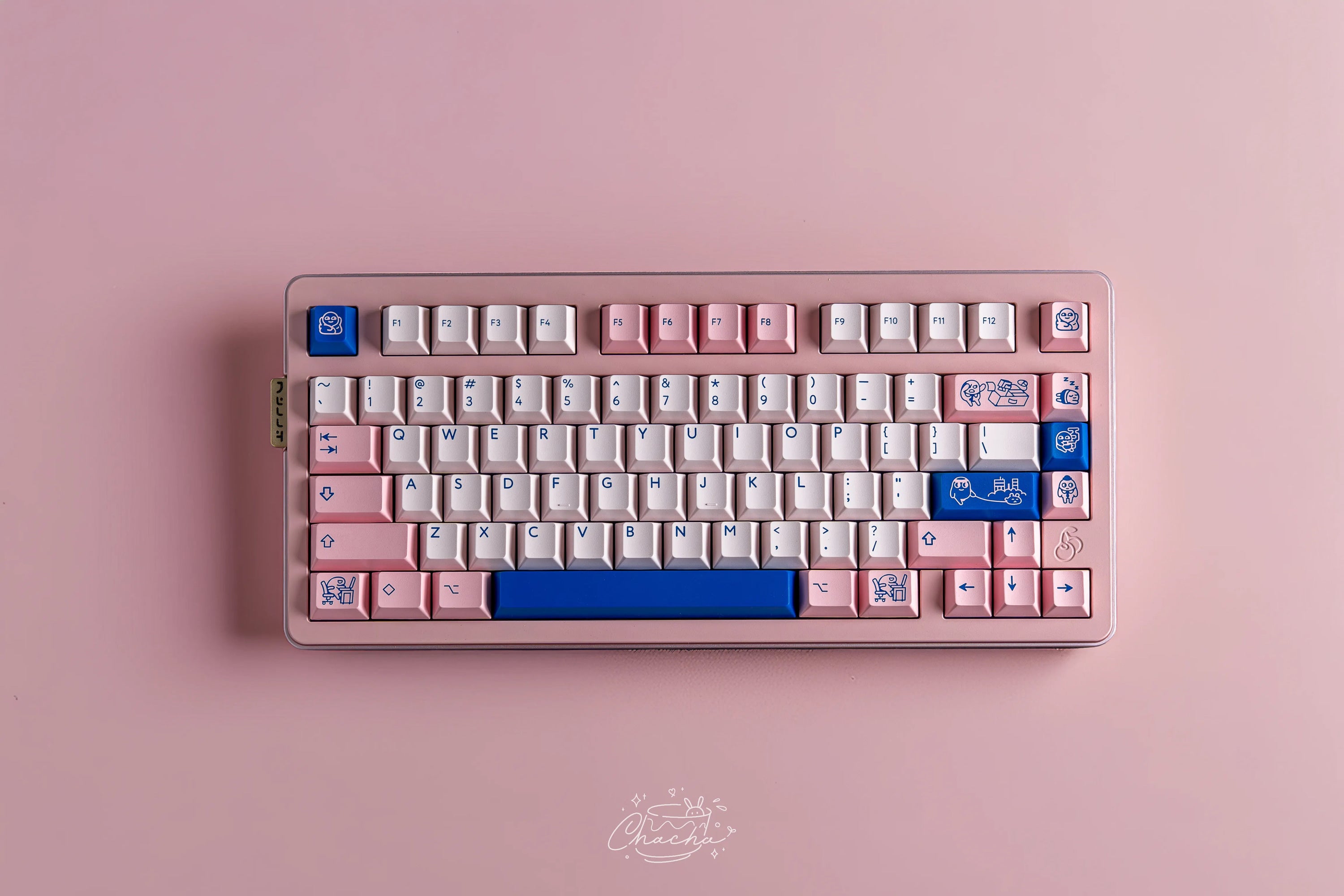
The Cherry profile comes from Cherry’s G80 and G81 keyboards and is now the standard for custom keycaps: almost every double-shot ABS and dye-sub PBT set is made in Cherry profile – even though they aren’t made by the company Cherry but by brands like PBTfans, Keyreative or KAP. It is sculpted with four row shapes and cylindrical tops, and measures approx. 9.4 mm in the tallest row.
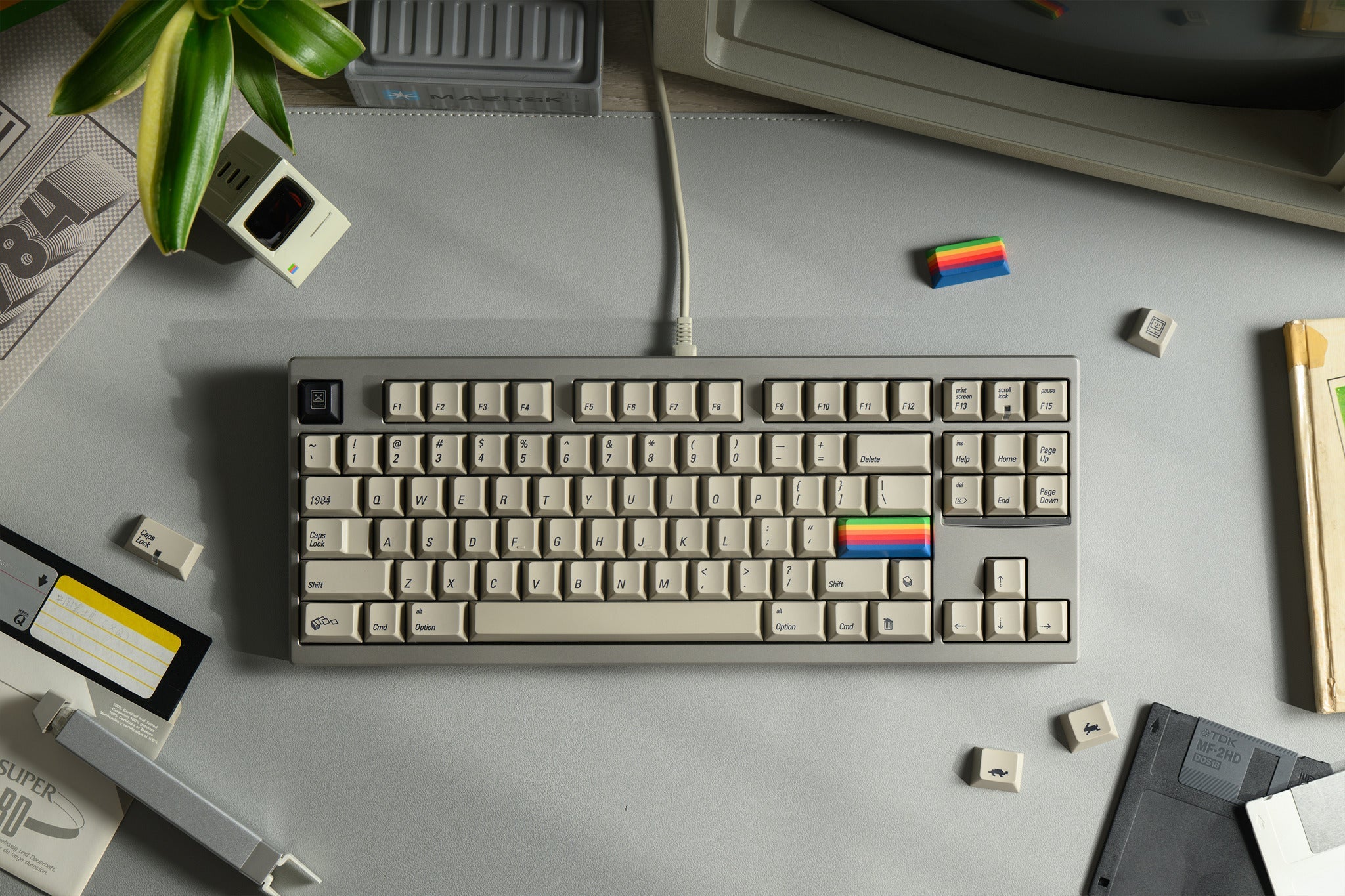
If you’re coming from a regular office keyboard, you probably know the OEM profile. It’s the sculpted standard profile of most mass-market keyboards and approx. 11.9 mm tall in the top row. Cherry vs OEM: Cherry is roughly 1 to 2.5 mm lower depending on the row, with more pronounced steps between rows. By the way, Keyreative makes its Cherry profile sets under the name KCH – not a separate profile, just Cherry, for example the KCH Abstract Minimal.
SA, DSA, XDA and MDA: tall, flat and in between
- SA by Signature Plastics is tall, sculpted and spherical – at up to approx. 16.5 mm one of the tallest profiles. Rows 2 and 4 share the same shape.
- DSA, also by Signature Plastics, is uniform and spherical at 7.39 mm – exactly the height of the OEM home row.
- XDA is uniform, about a millimetre taller than DSA at approx. 9.1 mm, and has a much larger, flat top surface.
- MDA is sculpted, slightly spherical and sits between Cherry and SA in height. There are no reliable millimetre figures for it.
You may also come across DCS (Cherry-like, sculpted, cylindrical), MT3 (tall, sculpted, spherical, inspired by IBM beamspring caps), KAM, the uniform counterpart to KAT at approx. 9 mm, and MTNU by matt3o (made by GMK): medium height, sculpted and spherical – essentially the spherical counterpart to the Cherry profile. matt3o gives no mm figure; according to him, MTNU is about as tall as Cherry, if anything a bit taller, with less steep angles.
KAT: spherical and a little taller
KAT by Keyreative stands for “Keyreative All Touch”. At approx. 13.5 mm in the top row and approx. 10 mm in the home row it sits between Cherry and SA. The top is spherical with a gentle scoop, and the surface texture of the KAT moulds feels smoother than many other PBT sets. If you like the spherical look but don’t want a profile as tall as SA, KAT is a good middle ground. In our range you’ll find it as KAT Retrobytes, inspired by the Commodore C64.
PBS and PFF: uniform profiles by matt3o
PBS (“Penguin Belly Slide”) was designed by matt3o and is made by Keyreative. It’s uniform and flat at 7.43 mm, with a wide spherical scoop – matt3o himself calls it “DSA done right”. The walls are 1.5 mm thick, the caps are PBT with dye-sub legends. Because every key fits every row, there are dedicated kits for 40% and ortho keyboards. One example is PBS Granite.
PFF (“Penguin Flat Feet”) is the low profile version of PBS: 5 mm tall (5.7 mm including the stem) and uniform as well. Important: PFF are low profile keycaps – they don’t fit regular MX switches and require special low profile switches and a low profile keyboard. PFF is made for low profile switches such as Cherry MX Low Profile, Kailh Choc V2, Gateron Low Profile 2.0 or Huano Low Profile. It doesn’t fit Kailh Choc V1 or Cherry ML, because those switches use a different stem. For example: PFF WoB.
Shop low profile keyboards, switches and keycaps
Keycap profiles compared
| Profile | Shape | Height (approx.) | Swap rows? | At MonacoKeys |
|---|---|---|---|---|
| Cherry | sculpted, cylindrical | 9.4 mm (top row) | no | yes, most sets |
| OEM | sculpted, cylindrical | 11.9 mm (top row) | no | no |
| SA | sculpted, spherical | up to 16.5 mm | no | no |
| MDA | sculpted, slightly spherical | between Cherry and SA | no | no |
| KAT | sculpted, spherical | 13.5 mm (top row) | no | yes |
| DSA | uniform, spherical | 7.39 mm | yes | no |
| XDA | uniform, large flat scoop | 9.1 mm | yes | no |
| PBS | uniform, spherical scoop | 7.43 mm | yes | yes |
| PFF | uniform, low profile | 5 mm (5.7 mm with stem) | yes | yes, for low profile switches |
Do all keycap profiles fit my keyboard?
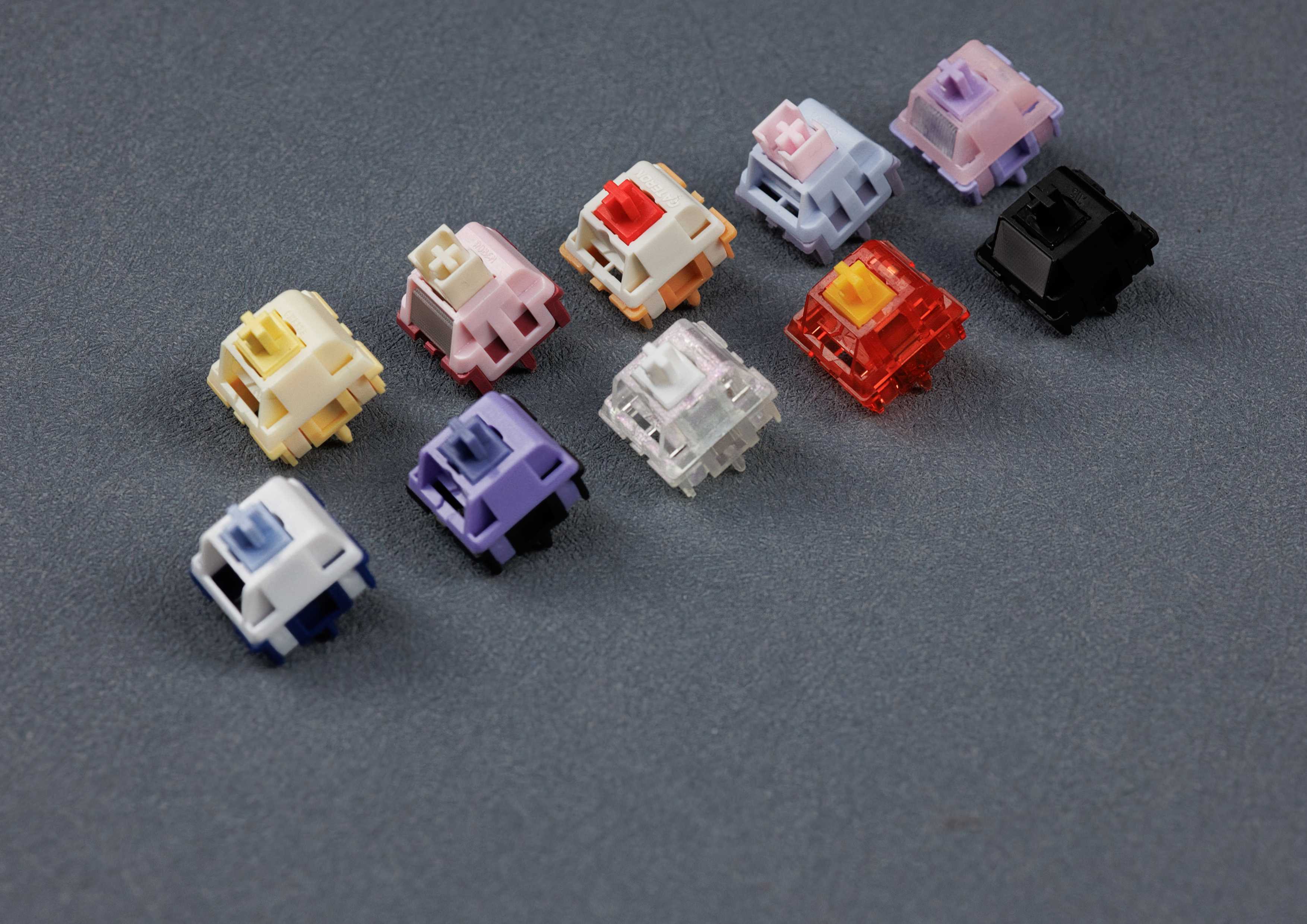
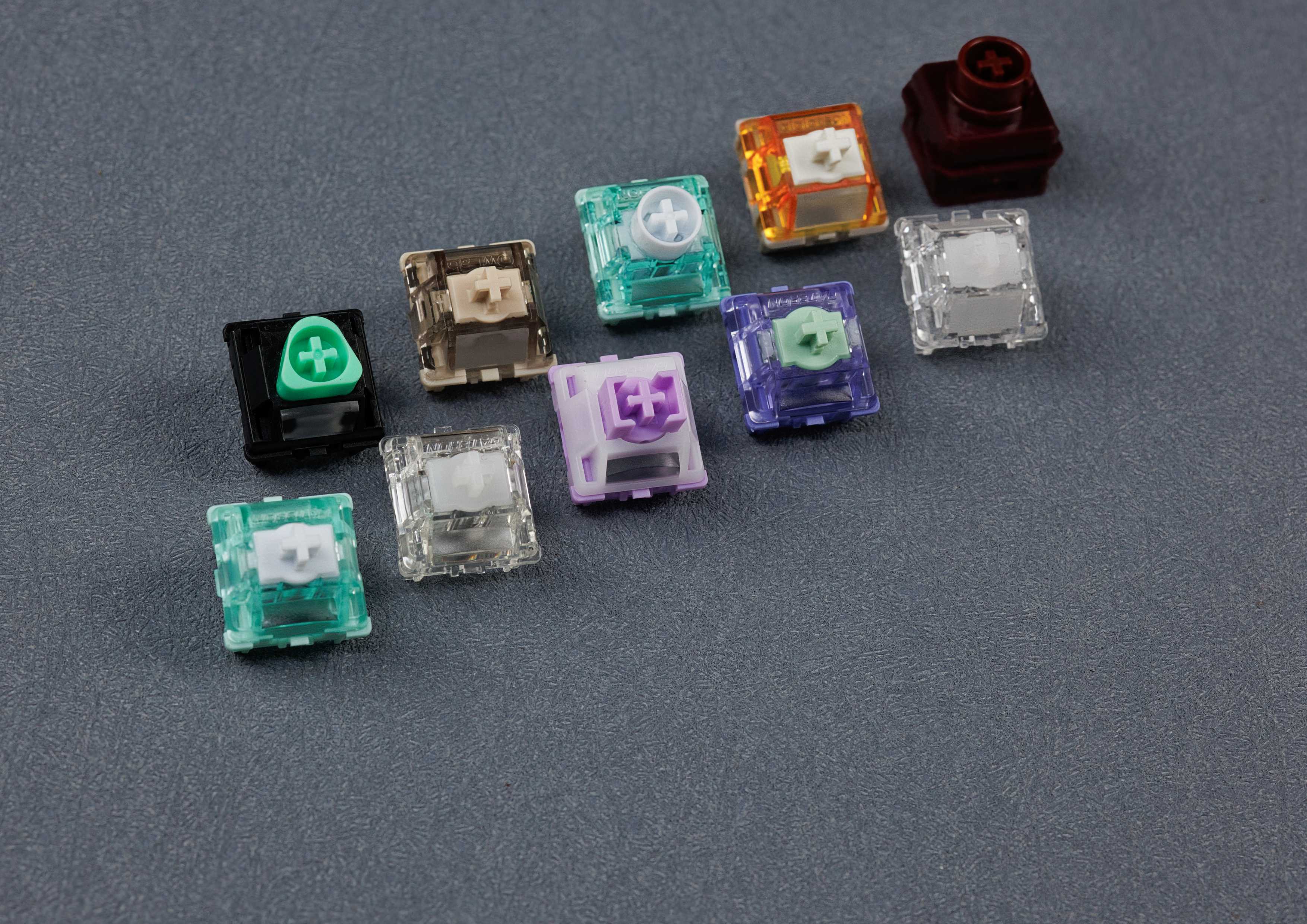
Whether a keycap fits your switch isn’t decided by the profile but by the stem – the cross-shaped mount on the underside. All our Cherry, PBS and KAT sets fit MX-style switches, i.e. Cherry MX and the many MX-compatible switches from Gateron, Kailh, TTC, HMX and others. Which switch type suits you is explained in our guide to keyboard switch types.
One exception is common on RGB keyboards: if the switches sit with the LED at the top (north-facing), the wall of a Cherry profile keycap can hit the switch housing. Some rows then rattle or don’t go all the way down. Taller or uniform profiles like PBS or KAT don’t have this problem, and neither do switches with a different housing such as Kailh BOX. On a hot-swap keyboard you can simply swap the switches.
What about mixing profiles? Technically any MX keycap fits any MX switch. But since height and angle differ, you’ll see and feel a change of profile within the keyboard – and on sculpted profiles you should keep the rows in mind. How your keyboard sounds, by the way, depends not only on the profile but at least as much on material, wall thickness, switches and case – more on that in PBT vs ABS keycaps.
Which keycap profile is right for me?
- You want the biggest choice: Cherry – the standard profile almost every set is made in.
- You’re coming from a mass-market keyboard: Cherry feels lower than OEM, with more pronounced steps between rows.
- You have a 40% or ortho keyboard: a uniform profile like PBS, where every key fits every row.
- You like flat keys: PBS, or PFF on a low profile keyboard.
- You like spherical scoops and a bit more height: KAT.
- Your RGB keyboard has north-facing switches: PBS or KAT, so nothing hits the housing.
All profiles: keycaps collection.
FAQ: keycap profiles
What is the difference between Cherry and OEM profile?
Both are sculpted and cylindrical. OEM is the standard profile of most mass-market keyboards; Cherry is approx. 1 to 2.5 mm lower depending on the row, with more pronounced steps. In the custom keyboard scene, Cherry is the standard.
Are Cherry profile keycaps made by Cherry?
No. The profile comes from old Cherry keyboards; the sets are made by brands like PBTfans, Keyreative, KAP or KKB.
Can I move keycaps to a different row?
On uniform profiles like PBS, PFF, DSA or XDA, yes. On sculpted profiles like Cherry, OEM, SA or KAT every row has its own shape – the key still works in another row, but it looks and feels wrong there.
Do PFF keycaps fit regular MX switches?
No. PFF are low profile keycaps and require low profile switches and a low profile keyboard, for example with Cherry MX Low Profile, Kailh Choc V2 or Gateron Low Profile 2.0 switches. They aren’t meant for regular MX switches, and they don’t fit Kailh Choc V1 at all.
Which keycap profile is the tallest?
Among the common profiles, SA at up to approx. 16.5 mm is one of the tallest, followed by KAT at approx. 13.5 mm in the top row. The flattest are low profile caps like PFF at 5 mm.



 1557
1557
 97
97