






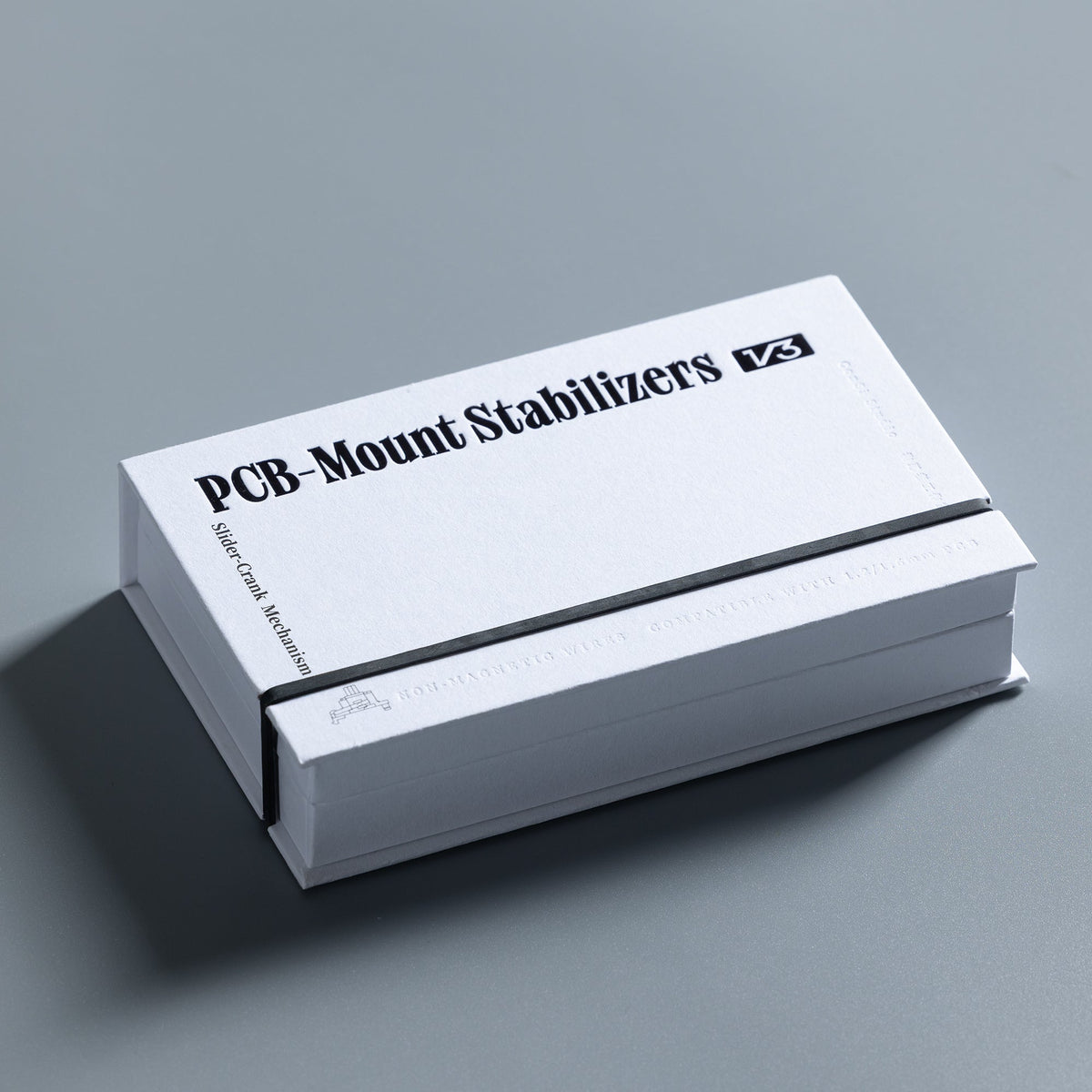
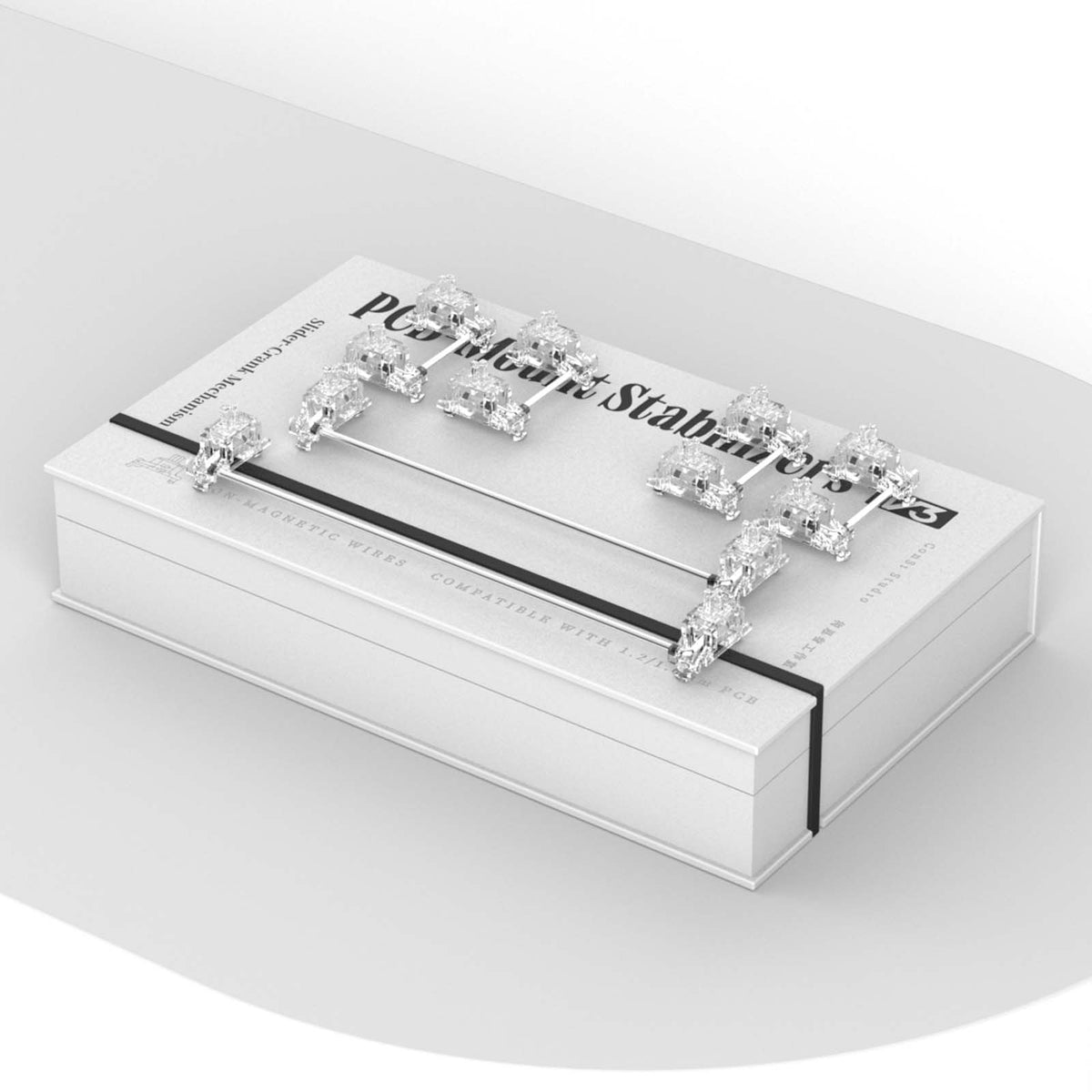
ConSi Studio V3 PCB-Mounted Stabilizers
Tax included. Shipping calculated at checkout
📄 Product Description
ConSi Studio · PCB-mount stabilizers
No rattle, no wobble – straight out of the box
ConSi Studio’s V3 guide the wire through a slider instead of letting it sit loosely in the stem. Factory lubed, clipped in and screwed down from the top.

- Slider-Crankwire guided, not loose
- Clip-in + screwas secure as screw-in
- Factory lubedno tuning needed
- 6.25u + 7uboth fully assembled
01 · Mechanism
The wire glides instead of knocking
In conventional PCB stabilizers the wire moves up and down as you type and knocks against the plastic – that’s where rattle and wire wobble come from. According to ConSi Studio, most of the noise on stabilized keys is caused by exactly this play.
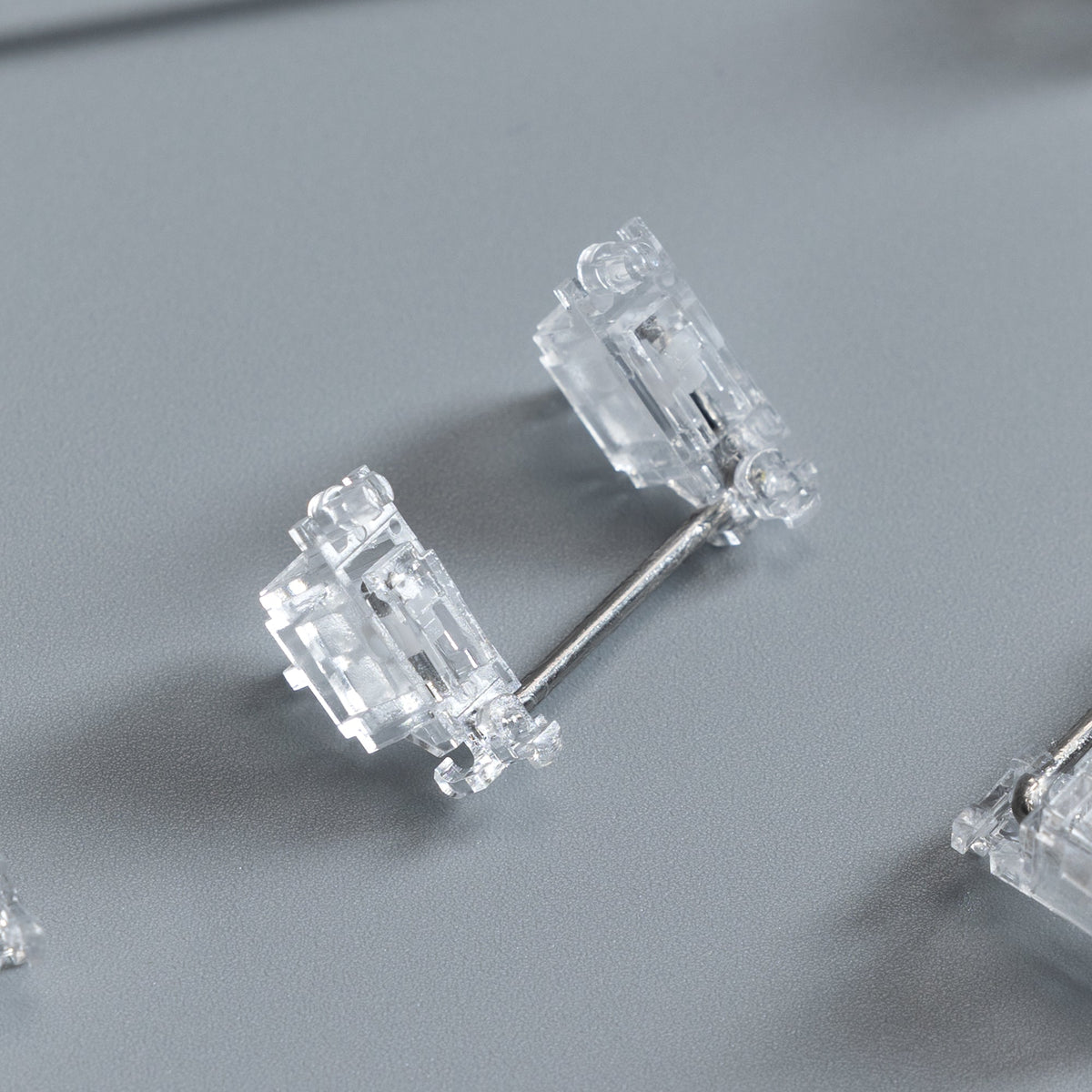
The V3 use a variation of the slider-crank mechanism: a slider in the stem rotates around a fixed pivot and the wire glides through it. Plastic and wire no longer hit each other directly – the play is stopped at its source.

02 · Construction
Rigid parts, no mushy bottom-out
Every part of the mechanism is made from rigid material – there are no elastic inserts in the housing. That’s why bottoming out doesn’t feel soft or mushy.
No metal on the PCB
No metal part touches the board during installation – that protects the traces.
Factory tuned
Every stabilizer is lubed and tuned. No extra lubing needed.

03 · Installation
Clip in, screw down, done
The V3 combine the easy installation of clip-in stabilizers with the secure fit of screw-ins – without flipping the PCB over.
Clip in
Insert the stabilizer into the PCB like a clip-in stab.
Screw down from the top
Tighten the support screw from the top with the included screwdriver. It expands the retention clip and locks the housing in place.
Start typing
Add switches and keycaps – the stabilizers are factory lubed, no tuning needed.
 Watch the installation videoConSi Studio on YouTube – opens in a new tab
04 · Our tip
PTFE pads: try without first
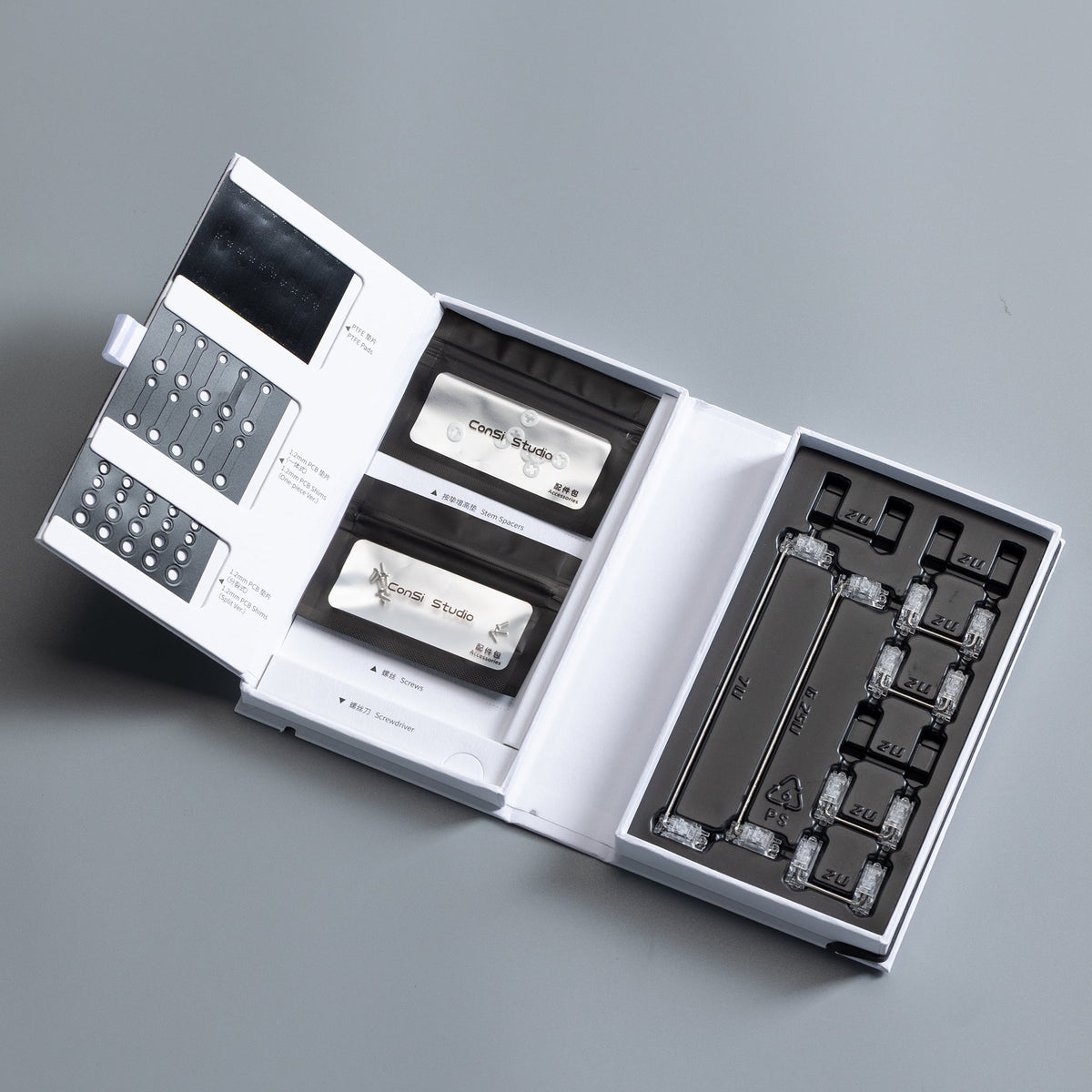
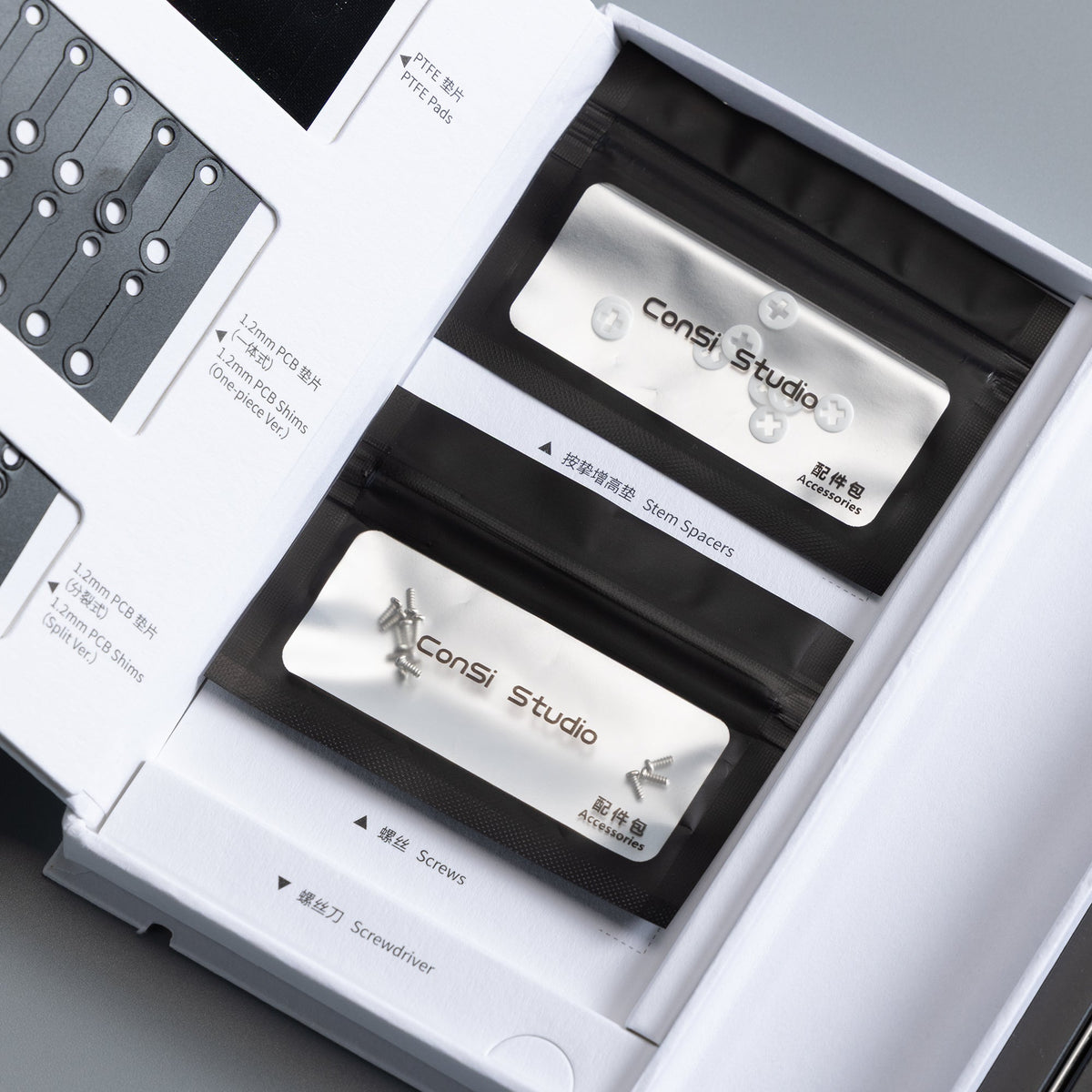
The set includes PTFE pads – stickers that go onto the PCB under the stabilizers. They make the sound noticeably more muted.
Our recommendation: use the stabilizers without the pads first.
Only add the pads if you want a very muted sound. They can also stop the stabilizers from sitting perfectly straight – and then they work worse than without pads.

05 · Kits
For TKL or full size
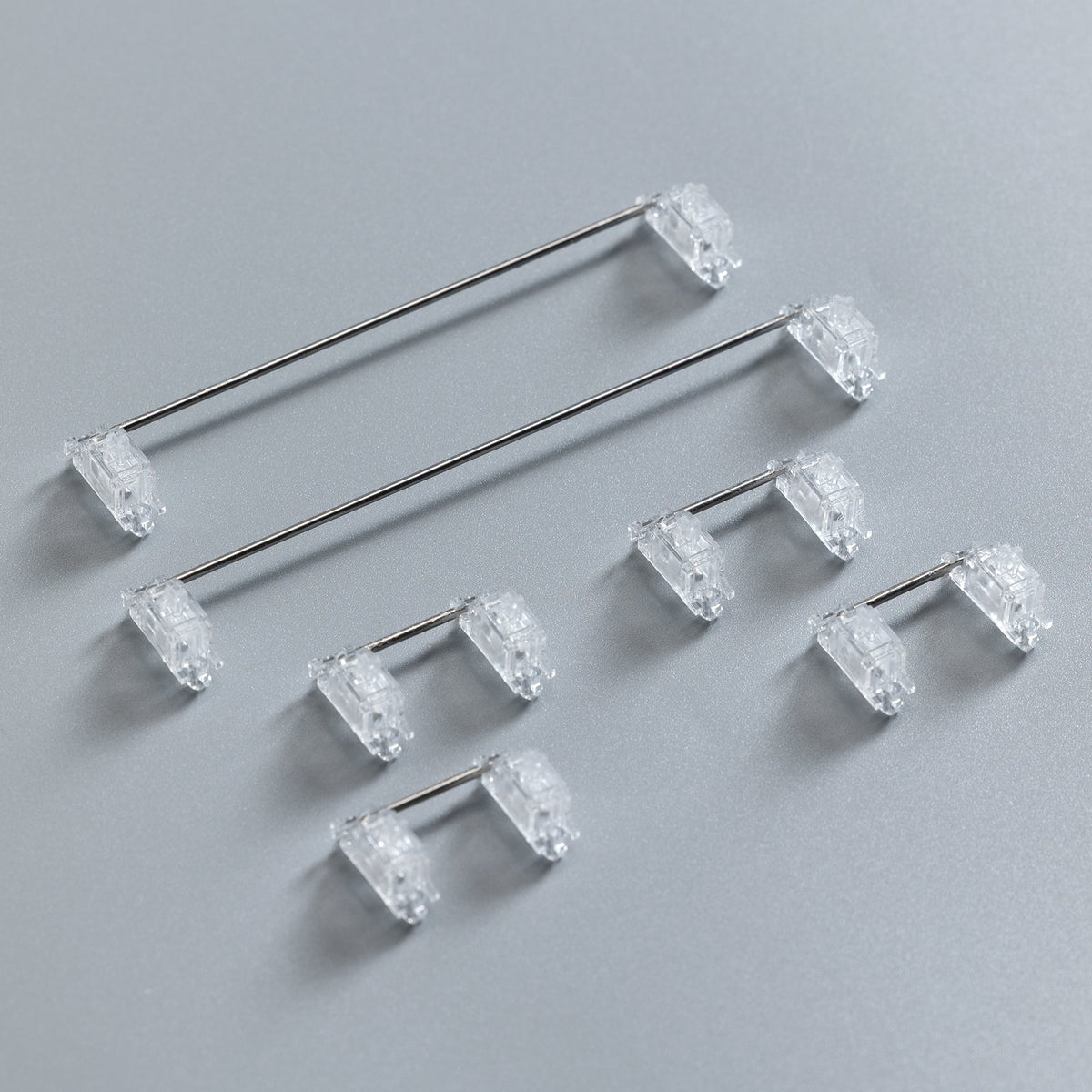
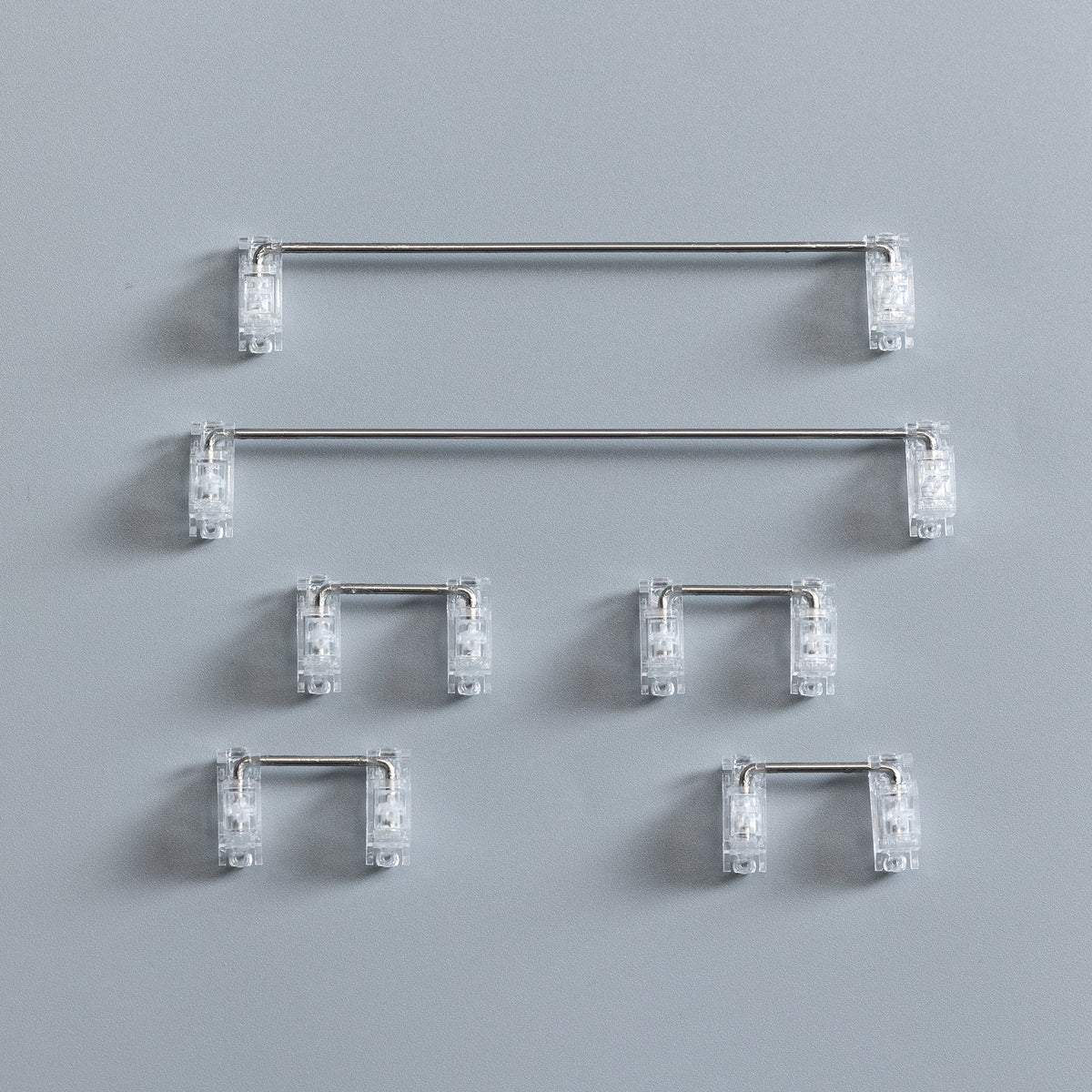
Both kits include the 6.25u and the 7u stabilizer fully assembled – not just a spare wire.
4× 2u, 1× 6.25u, 1× 7u
for 80% / TKL and smaller layouts
7× 2u, 1× 6.25u, 1× 7u
with three extra 2u stabilizers for the numpad
Shims for 1.2 mm PCBs and stem spacers for switches with up to 3.6 mm total travel are included. Find more models in Stabilizers.

Renders, animation and video: ConSi Studio. Mechanism and installation details according to the manufacturer.
🛠 Specifications
📦 What's in the Box
⭐ Reviews
ConSi Studio · PCB-mount stabilizers
No rattle, no wobble – straight out of the box
ConSi Studio’s V3 guide the wire through a slider instead of letting it sit loosely in the stem. Factory lubed, clipped in and screwed down from the top.
- Slider-Crankwire guided, not loose
- Clip-in + screwas secure as screw-in
- Factory lubedno tuning needed
- 6.25u + 7uboth fully assembled
01 · Mechanism
The wire glides instead of knocking
In conventional PCB stabilizers the wire moves up and down as you type and knocks against the plastic – that’s where rattle and wire wobble come from. According to ConSi Studio, most of the noise on stabilized keys is caused by exactly this play.
The V3 use a variation of the slider-crank mechanism: a slider in the stem rotates around a fixed pivot and the wire glides through it. Plastic and wire no longer hit each other directly – the play is stopped at its source.
02 · Construction
Rigid parts, no mushy bottom-out
Every part of the mechanism is made from rigid material – there are no elastic inserts in the housing. That’s why bottoming out doesn’t feel soft or mushy.
No metal on the PCB
No metal part touches the board during installation – that protects the traces.
Factory tuned
Every stabilizer is lubed and tuned. No extra lubing needed.
03 · Installation
Clip in, screw down, done
The V3 combine the easy installation of clip-in stabilizers with the secure fit of screw-ins – without flipping the PCB over.
Clip in
Insert the stabilizer into the PCB like a clip-in stab.
Screw down from the top
Tighten the support screw from the top with the included screwdriver. It expands the retention clip and locks the housing in place.
Start typing
Add switches and keycaps – the stabilizers are factory lubed, no tuning needed.
Watch the installation videoConSi Studio on YouTube – opens in a new tab
04 · Our tip
PTFE pads: try without first
The set includes PTFE pads – stickers that go onto the PCB under the stabilizers. They make the sound noticeably more muted.
Our recommendation: use the stabilizers without the pads first.
Only add the pads if you want a very muted sound. They can also stop the stabilizers from sitting perfectly straight – and then they work worse than without pads.
05 · Kits
For TKL or full size
Both kits include the 6.25u and the 7u stabilizer fully assembled – not just a spare wire.
4× 2u, 1× 6.25u, 1× 7u
for 80% / TKL and smaller layouts
7× 2u, 1× 6.25u, 1× 7u
with three extra 2u stabilizers for the numpad
Shims for 1.2 mm PCBs and stem spacers for switches with up to 3.6 mm total travel are included. Find more models in Stabilizers.
Renders, animation and video: ConSi Studio. Mechanism and installation details according to the manufacturer.


