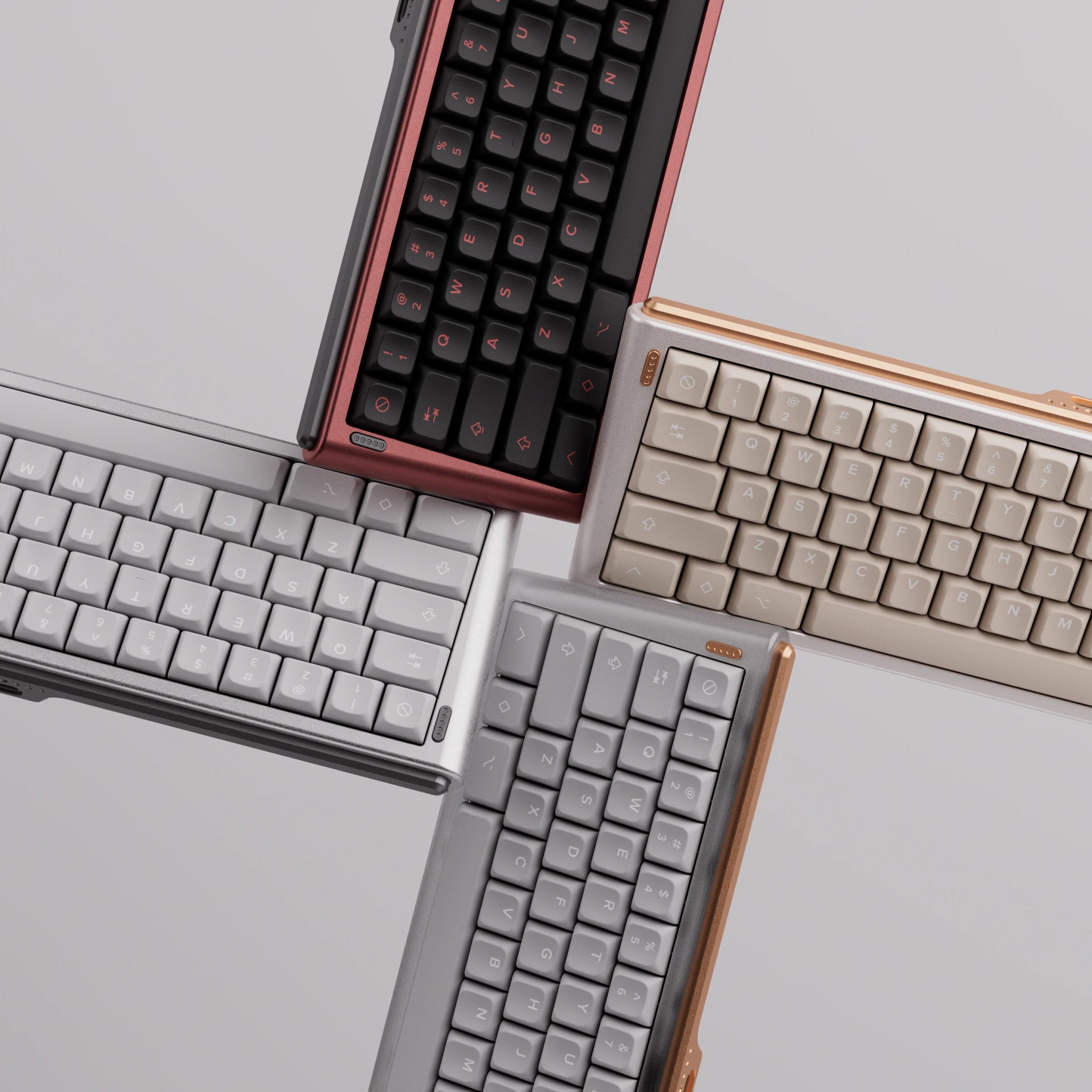

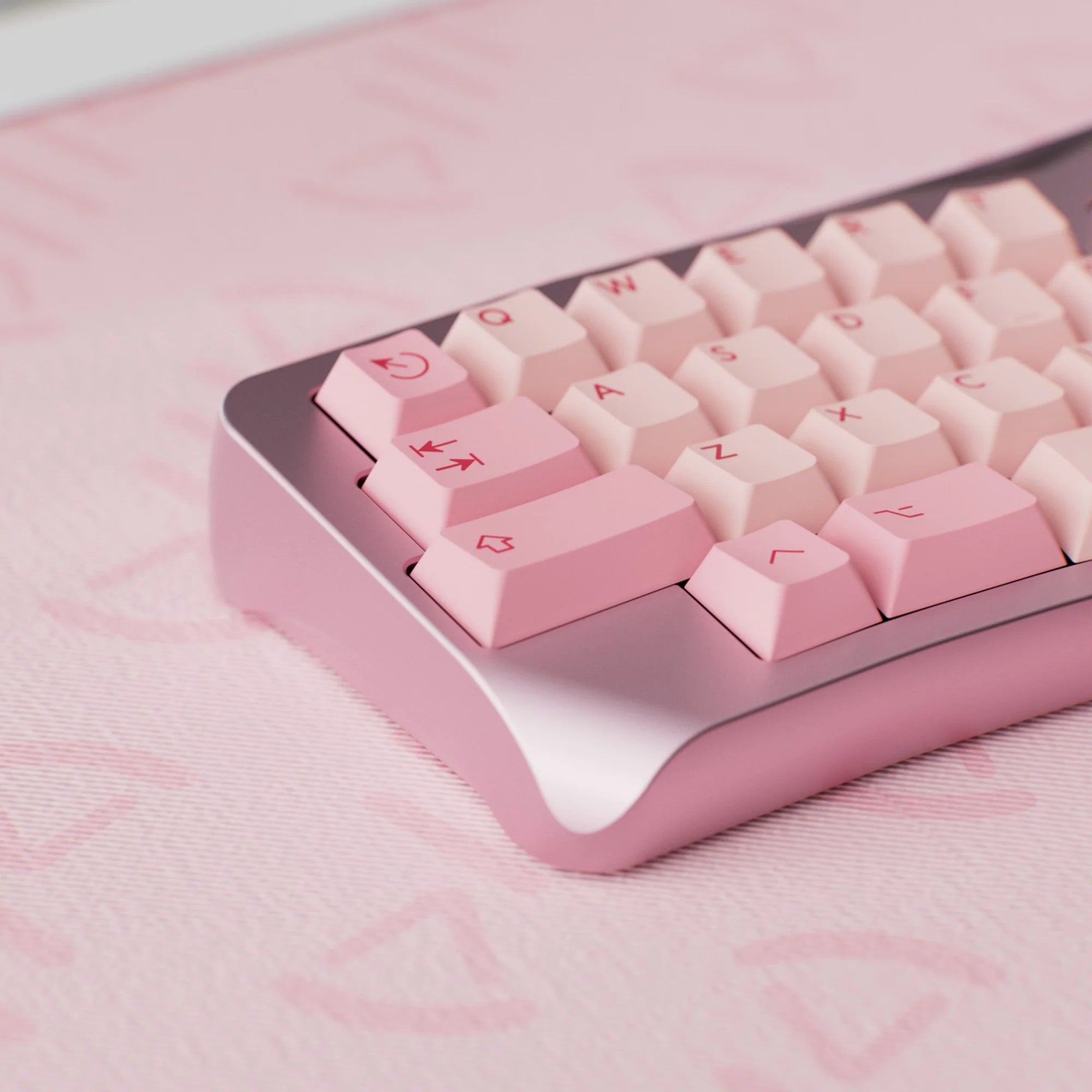
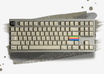
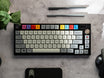
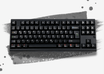
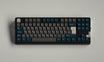
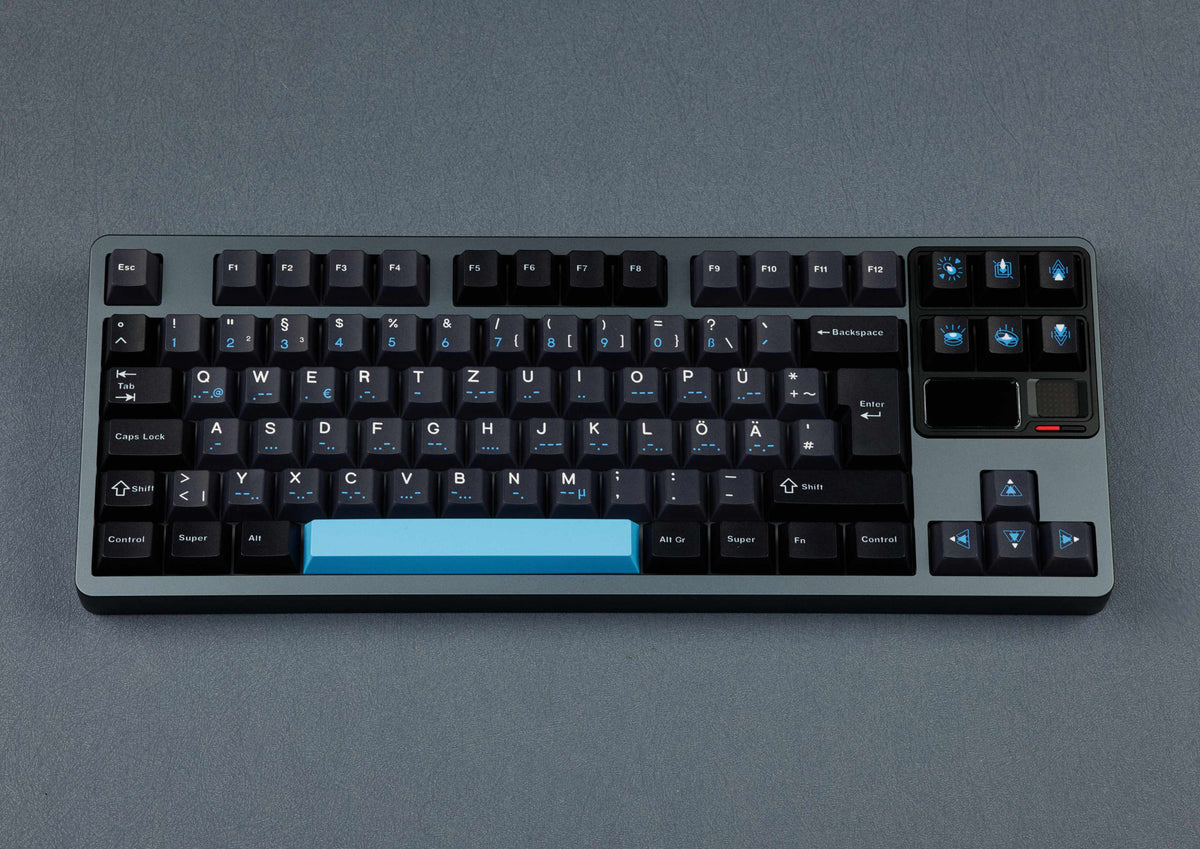
Shop for a mechanical keyboard and you’ll soon run into labels like “60%”, “75%” or “TKL”. These keyboard sizes describe which blocks of keys have been dropped or pushed closer together compared with a classic full-size keyboard. Then there’s the layout: ISO or ANSI, German or US. Here’s what each size means, how a 60% keyboard differs from a 75% one and what ISO vs ANSI is about.
Keyboard sizes at a glance: from 100% to 40%
The starting point is the full-size keyboard with its alpha block (letters, number row and modifiers), function row, navigation cluster, arrow keys and numpad. Every smaller size removes one of these blocks or moves the keys closer together. Keep in mind that the percentages are established shorthand, not exact values. Two 75% keyboards can differ in key count and arrangement, so always check the layout image of the specific board.

| Size | Keys (approx., ANSI) | What’s missing compared with full-size |
|---|---|---|
| 100% / full-size | 104 | nothing |
| 96% / 1800 / 98% | 98–100 | nothing essential – numpad and arrows move up against the alpha block with no gaps |
| 80% / TKL | 87 | numpad |
| 75% | 82–84 | numpad; navigation reduced to one column, everything moves closer |
| 65% | 67–68 | also the function row |
| 60% | 61 | also the arrow keys and navigation |
| 40% | 40–47 | also the number row |
ISO keyboards have one extra key in each case – more on that below.
Full-size and 96%: with a numpad
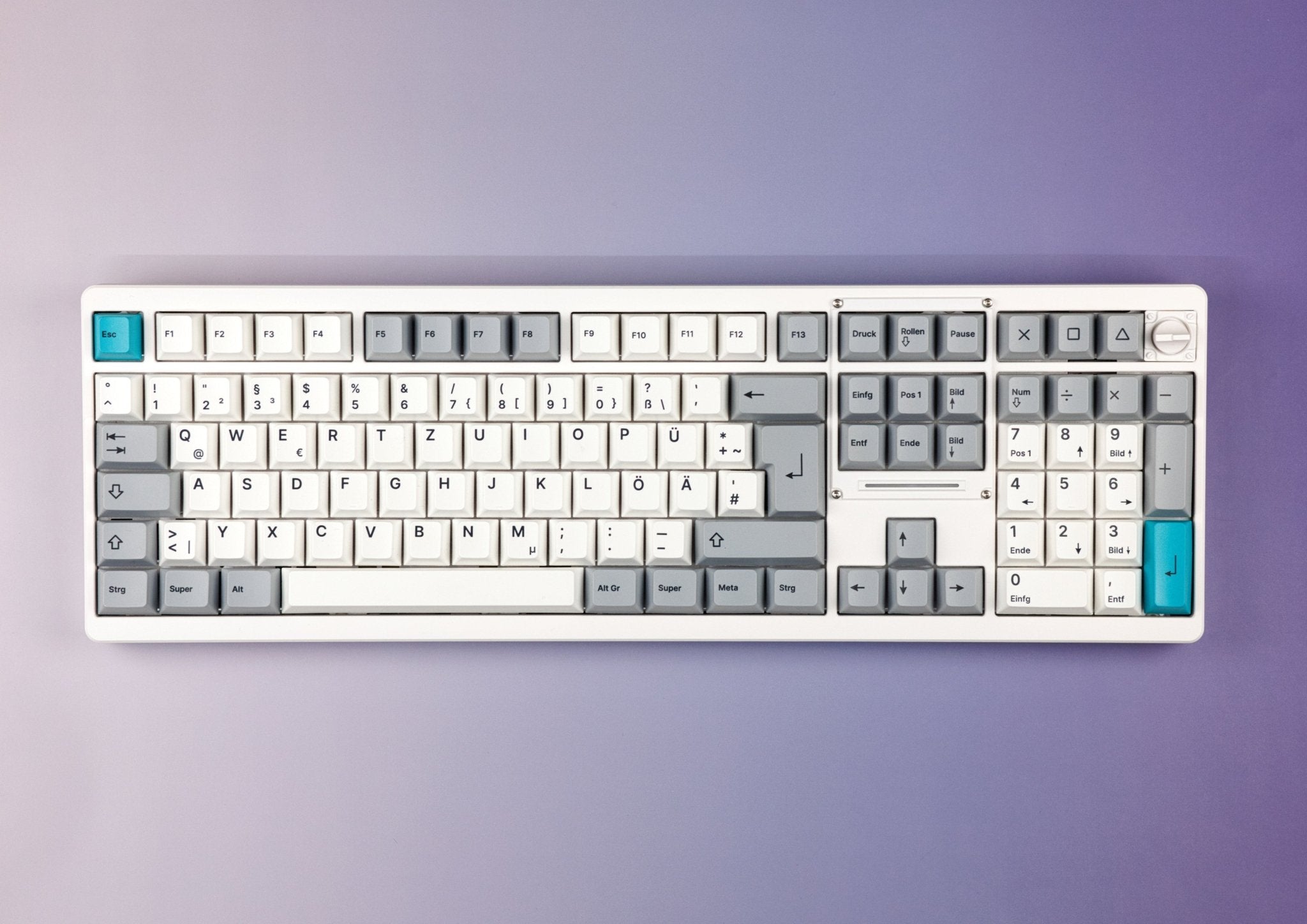
A full-size keyboard (100%) has it all: 104 keys in ANSI, 105 in ISO.
The 96% or 1800 layout is a middle ground. It goes back to the Cherry G80-1800: the numpad sits right next to the alpha block, the arrow keys are tucked in between and shifted down, the navigation keys move into a single row or column, and numpad 0 and numpad plus shrink to 1u. Manufacturers call it 96%, 1800 or 98% – it’s the same idea. You get a numpad on a keyboard that’s barely wider than a TKL. Examples: the Chilkey ND104 as a classic 100% keyboard and the Neo98 with a 98% layout.
TKL keyboards (80%): no numpad
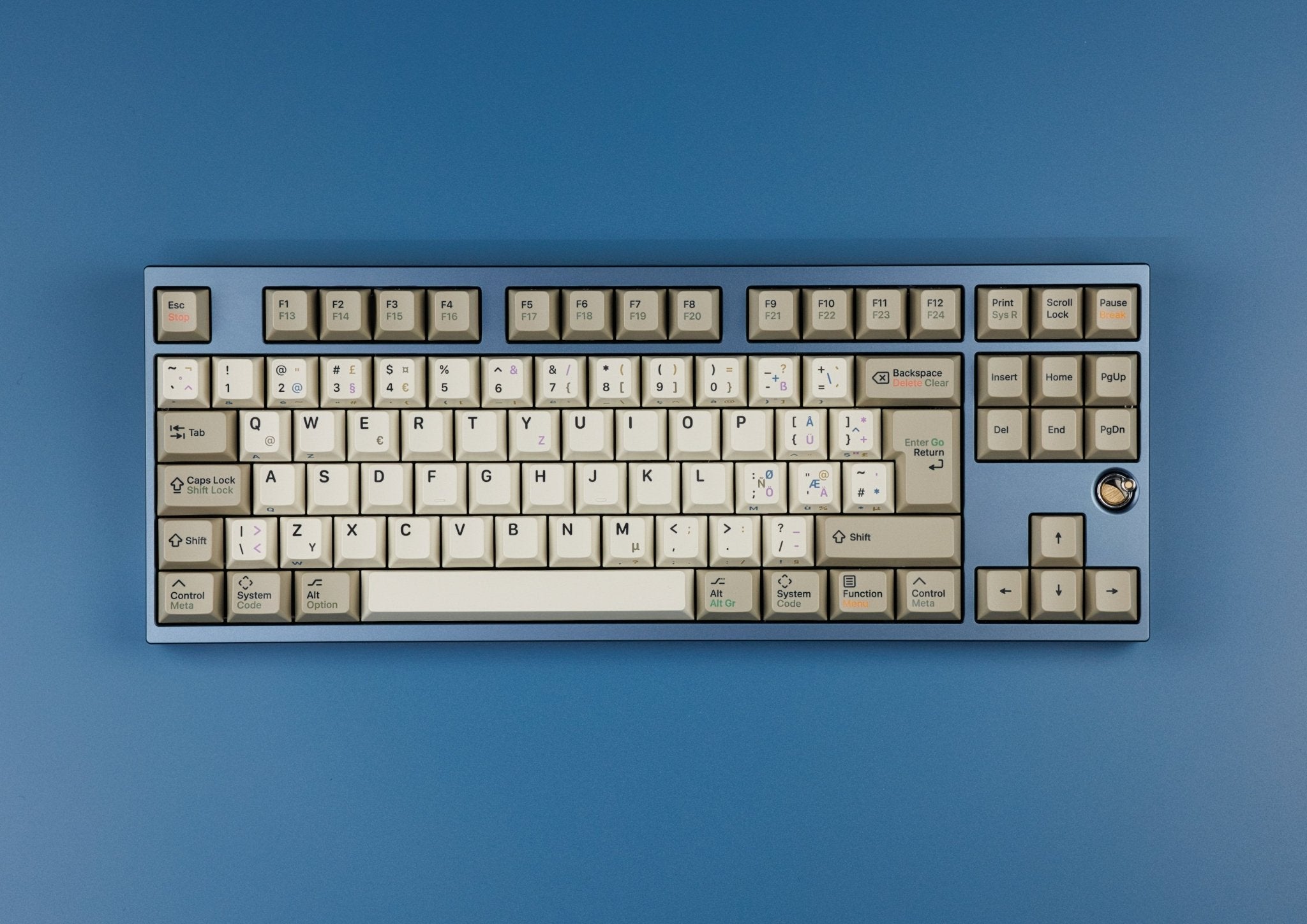
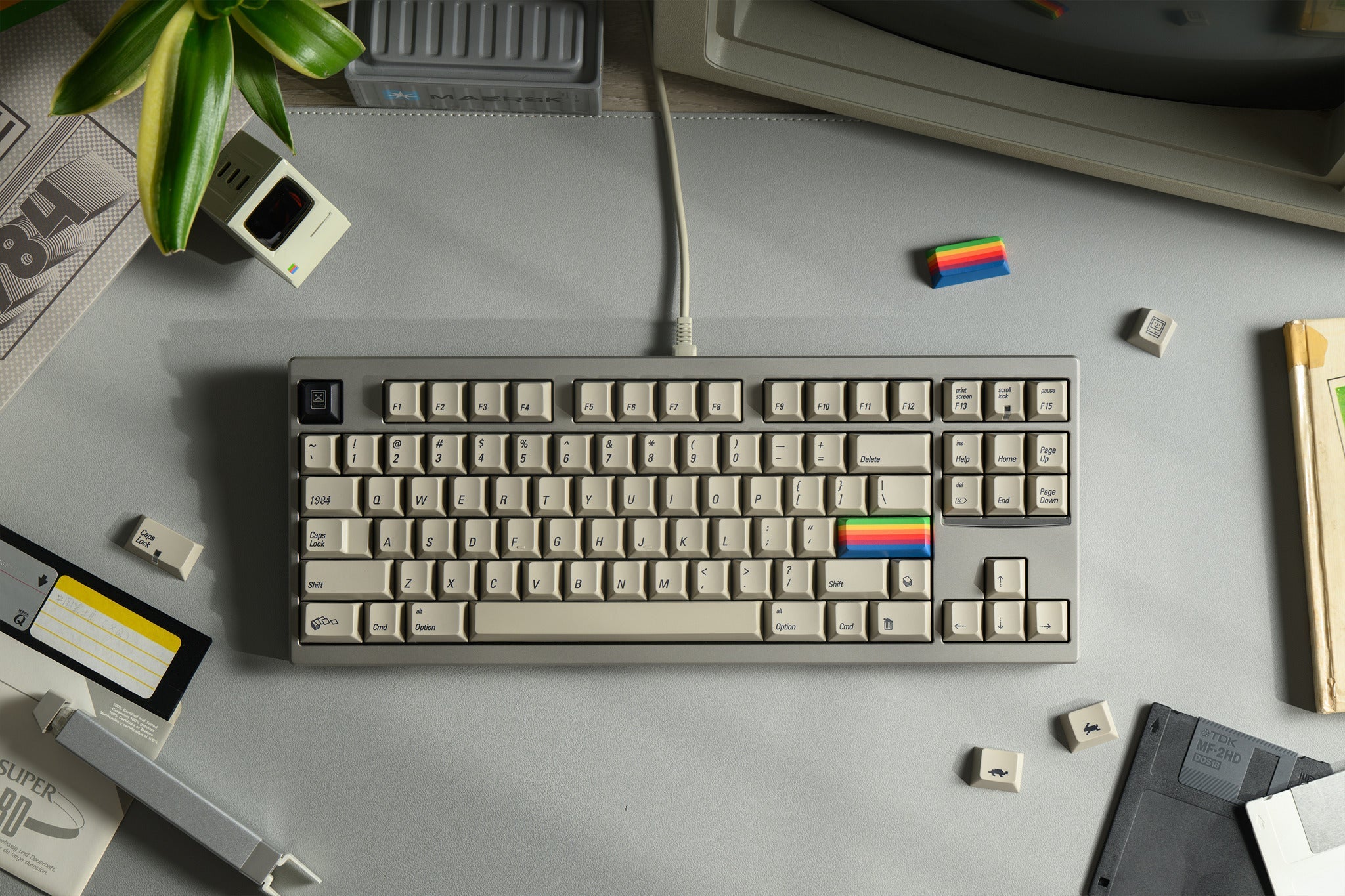
TKL stands for “tenkeyless” – without the ten-key numpad. Everything else stays where you’d expect it. A TKL keyboard has 87 keys in ANSI and 88 in ISO. Without the numpad it’s noticeably narrower, so your mouse sits closer to the keyboard. Some custom boards add an F13 key at the end of the function row, such as the Evo80. Also in TKL format: the QK80 Mk2 and the Neo80 CU, both available for ISO and ANSI.
75% keyboards: compact with a function row
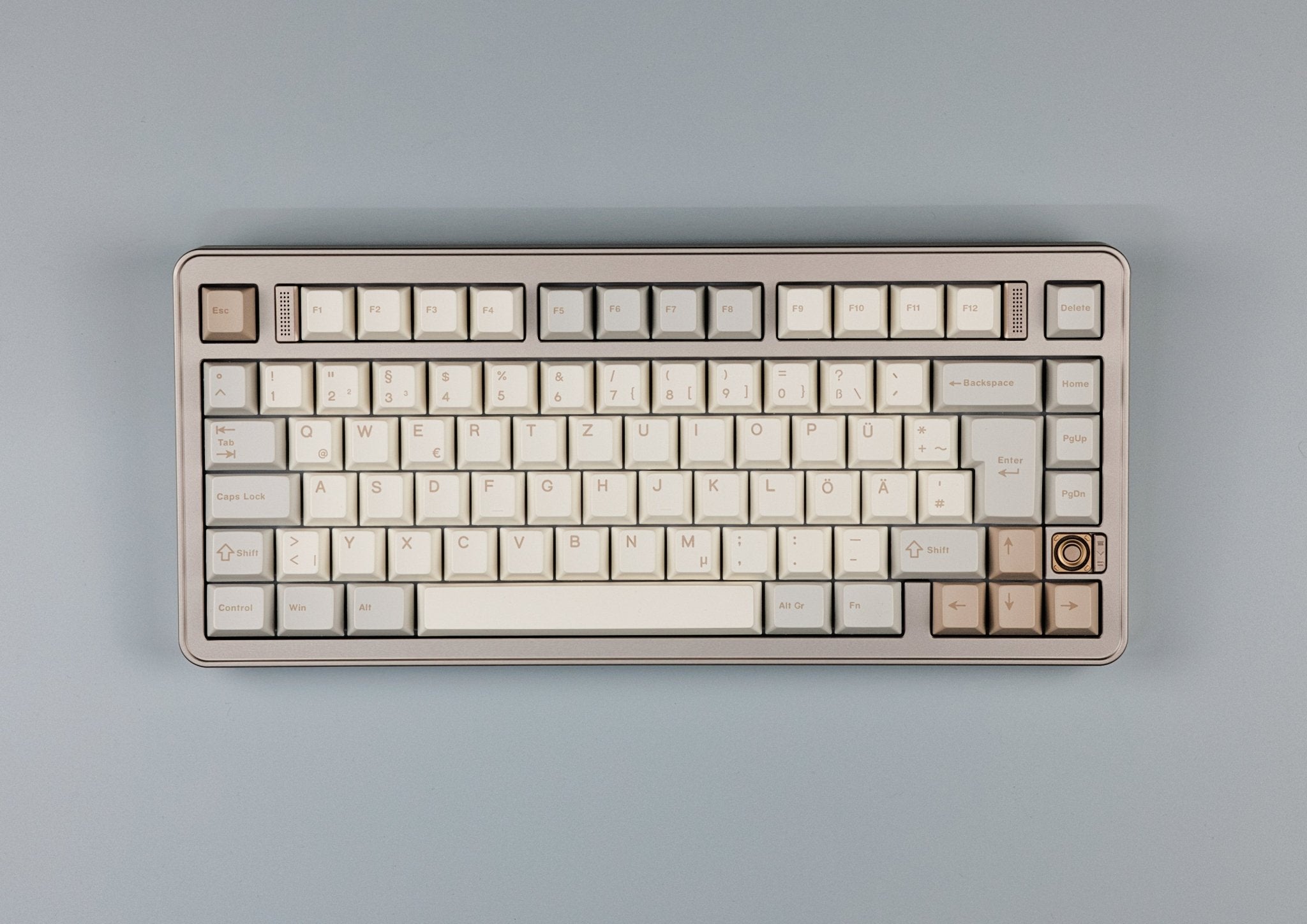
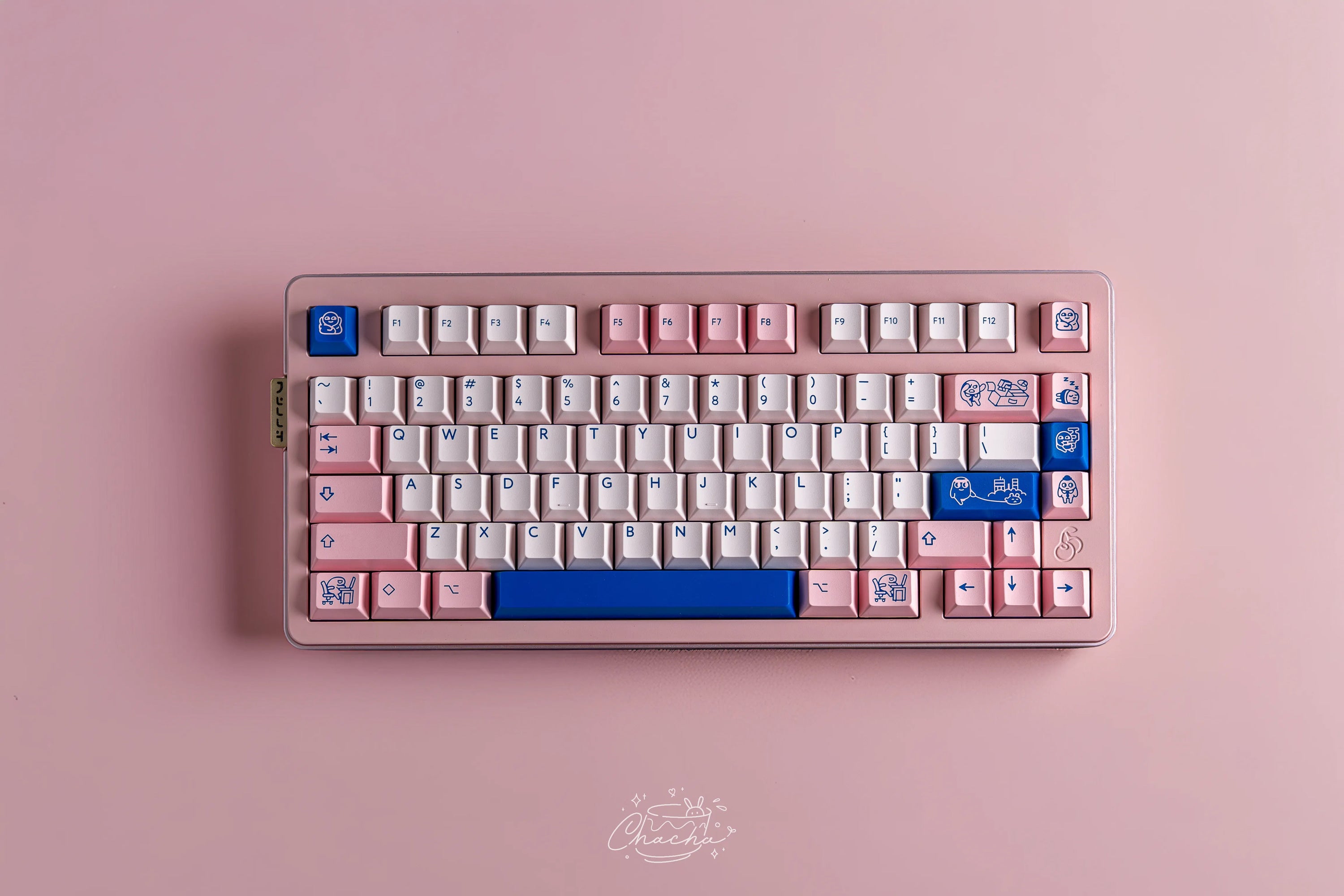
Think of a 75% keyboard as a TKL squeezed together. The numpad is gone, the navigation cluster shrinks to a single column on the right, and the gaps between the blocks disappear. The function row and arrow keys stay. That leaves around 82 to 84 keys. A good compromise if you want compact without giving up F-keys or arrows.
To make it fit, the right Shift on a 75% board is only 1.75u wide instead of 2.75u, and the modifiers to the right of the spacebar are often just 1u. Examples from our range: the Neo75 CU for ISO and ANSI and the Rainy75 with 82 keys in German ISO.
65% keyboards: no function row, but arrows
A 65% keyboard also drops the function row. The arrow keys stay, along with a narrow column of one to three navigation keys, usually Delete, Page Up and Page Down. Most 65% boards have 67 or 68 keys, and you reach F1 to F12 through a Fn layer. One example is the Neo65 Core Plus, which you can build as an ISO or ANSI version.
60% keyboards: just the essentials
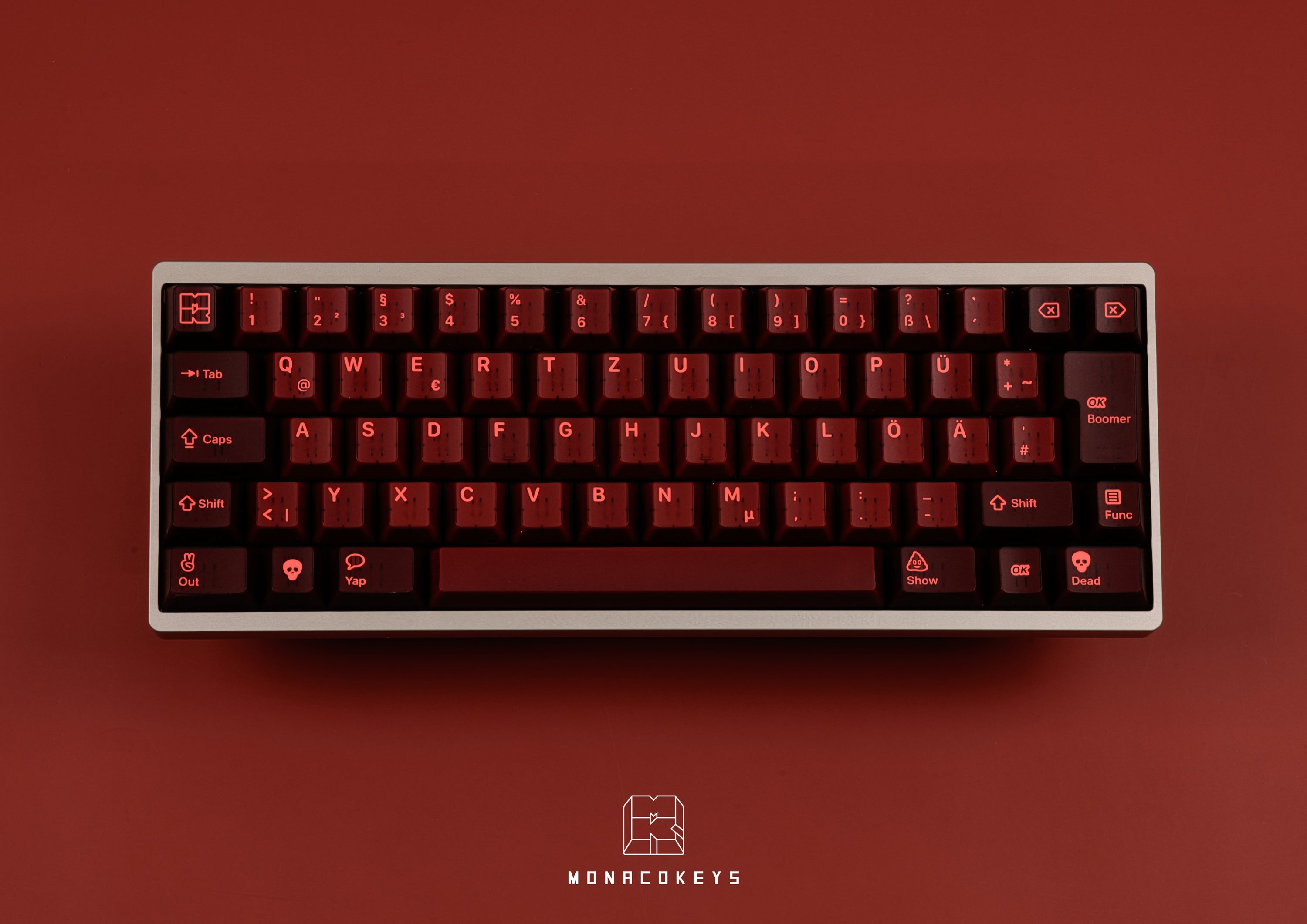
A 60% keyboard also does without arrows and navigation. What’s left is the alpha block with the number row and the modifiers – around 61 keys. Arrows live on a Fn layer, for example Fn + WASD or IJKL, and on boards with VIA you can remap them freely. If you want dedicated arrows, go for a 65% keyboard – or the Zoom64, a 60% board with arrow keys and 64 keys in total.
A well-known variant is the HHKB layout with Ctrl in place of Caps Lock and a split Backspace. The Tofu60 3.0, for example, comes with a standard bottom row, without Windows keys (WKL) or in the HHKB layout.
40% and smaller: everything on layers
At 40% the number row is gone too. Numbers, symbols, F-keys and arrows live on layers that you activate by holding or tapping a key. Two or three layers are common. The spacebar is often split so one half can act as a layer key. Besides staggered rows like on a regular keyboard, there are ortholinear 40% boards with keys in a straight grid, such as the Planck with 12 × 4 keys.
It takes some getting used to. The community’s 40s.wiki is a great place to start. A wireless example is the MMD KM40 with 44 keys.
Alice, ergo and numpads
The Alice layout goes back to the TGR Alice: the keys are split into two halves angled towards each other, usually with two B keys and a split spacebar. The Arisu layout adds arrow keys. The Neo Ergo also raises the middle by 5° (tenting). Our Alice boards are ANSI only.
A separate numpad brings the number block back if you use a compact keyboard. A macropad uses a free grid, such as 4 × 4, for shortcuts and often has rotary knobs. Examples: the TofuPad and the MMD KM16 Pro with 16 keys and three knobs.
Shop Alice and ergo keyboards and numpads and macropads
ISO vs ANSI: what’s the difference?
Besides the size, the physical layout defines the shape and position of the keys. ISO is common in Europe, ANSI in the US.

| ANSI (US) | ISO (e.g. German) | |
|---|---|---|
| Enter | horizontal, 2.25u | spans two rows, 1.5u at the top, 1.25u at the bottom |
| Left Shift | 2.25u | 1.25u plus an extra key (German: <>) |
| Key above or next to Enter | backslash, 1.5u above Enter | 1u key to the left of Enter (German: #') |
| Right Alt | Alt | AltGr for a third level of characters |
| Keys full-size / TKL | 104 / 87 | 105 / 88 |
ISO-DE, QWERTZ and ANSI-DE
ISO and ANSI only describe the key shapes, not the language. ISO-DE means ISO key shapes with German characters. Typical for the German QWERTZ layout: Y and Z are swapped, Ä, Ö, Ü and ß replace brackets and special characters, and AltGr gives you a third level, for example @ and €.

By the way, the keyboard doesn’t decide which character a key produces – your operating system does, based on the selected layout. For a custom keyboard to support ISO-DE, three things have to match: a PCB with ISO positions, a plate with cut-outs for the ISO Enter, and keycaps in the ISO-DE layout.
ANSI-DE means German characters on ANSI key shapes. Two keys are physically missing: <> and #. The # moves to the key above Enter, and <> has to be mapped to another key via the operating system or firmware.
Shop QWERTZ keyboards (ISO-DE) and ANSI keyboards
Keycaps: does the set fit your keyboard size?
Most custom keycap sets are designed for ANSI. For ISO-DE you also need the ISO Enter, the 1.25u Shift, the <> and #' keys and the umlauts. Many of our sets include a “German Base” kit that covers ISO-DE and ANSI-DE at the same time. Depending on your keyboard size, also look out for these keys:
- 65% and 75%: 1.75u right Shift and 1u modifiers to the right of the spacebar.
- WKL and Tsangan: 7u spacebar and 1.5u modifiers.
- 96% / 1800: numpad 0 and numpad plus in 1u.
- Alice: a second B and a split spacebar.
- 40%: special sizes from a 40s kit.
The kit image on the product page shows exactly what’s included. To learn more about keycap shapes, read our guide to keycap profiles.
Shop keycaps with German layout and ANSI keycaps
Which keyboard size is right for me?
- You work with numbers a lot: full-size or 96% – or a compact keyboard plus a separate numpad.
- You want everything where it usually is, just narrower: TKL.
- You want compact, but with F-keys: 75%.
- You need arrows, but no function row: 65%.
- You want as much desk space as possible: 60% with arrows on the Fn layer.
- You love programming your keyboard: 40% or a macropad.
- You type in German: ISO-DE, so umlauts and special characters get their own keys.
The size says nothing about the technology underneath: hot-swap and Hall effect with Rapid Trigger come in a range of sizes. To find the right switch, read our guide to keyboard switch types. Shop all keyboards
FAQ: keyboard sizes and layouts
How many keys does a 60% keyboard have?
Usually around 61 keys in ANSI and 62 in ISO. The HHKB layout has 60, the Zoom64 with its arrow keys 64.
Can I use arrow keys on a 60% keyboard?
Yes, through a Fn layer, for example Fn + WASD or IJKL. On keyboards with VIA you can change the mapping freely.
What is the difference between ISO and ANSI?
ISO has an Enter key spanning two rows, a shorter left Shift with an extra key and one more key in total. ANSI has a horizontal Enter key and a long left Shift. If you want <> and # as keys of their own in a German layout, you need ISO-DE.



 1557
1557
 97
97