




Great - with frustrating shortcomings
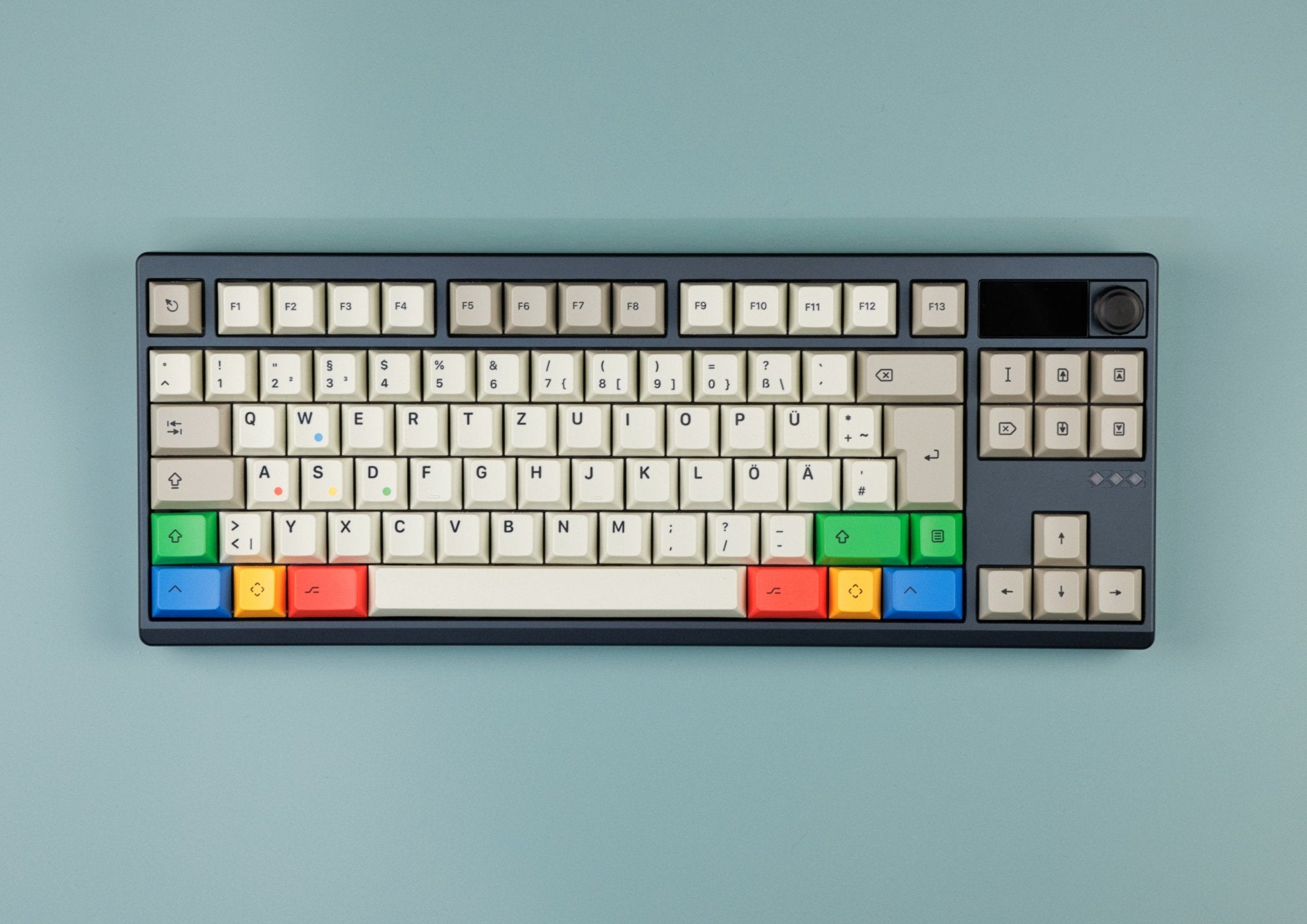
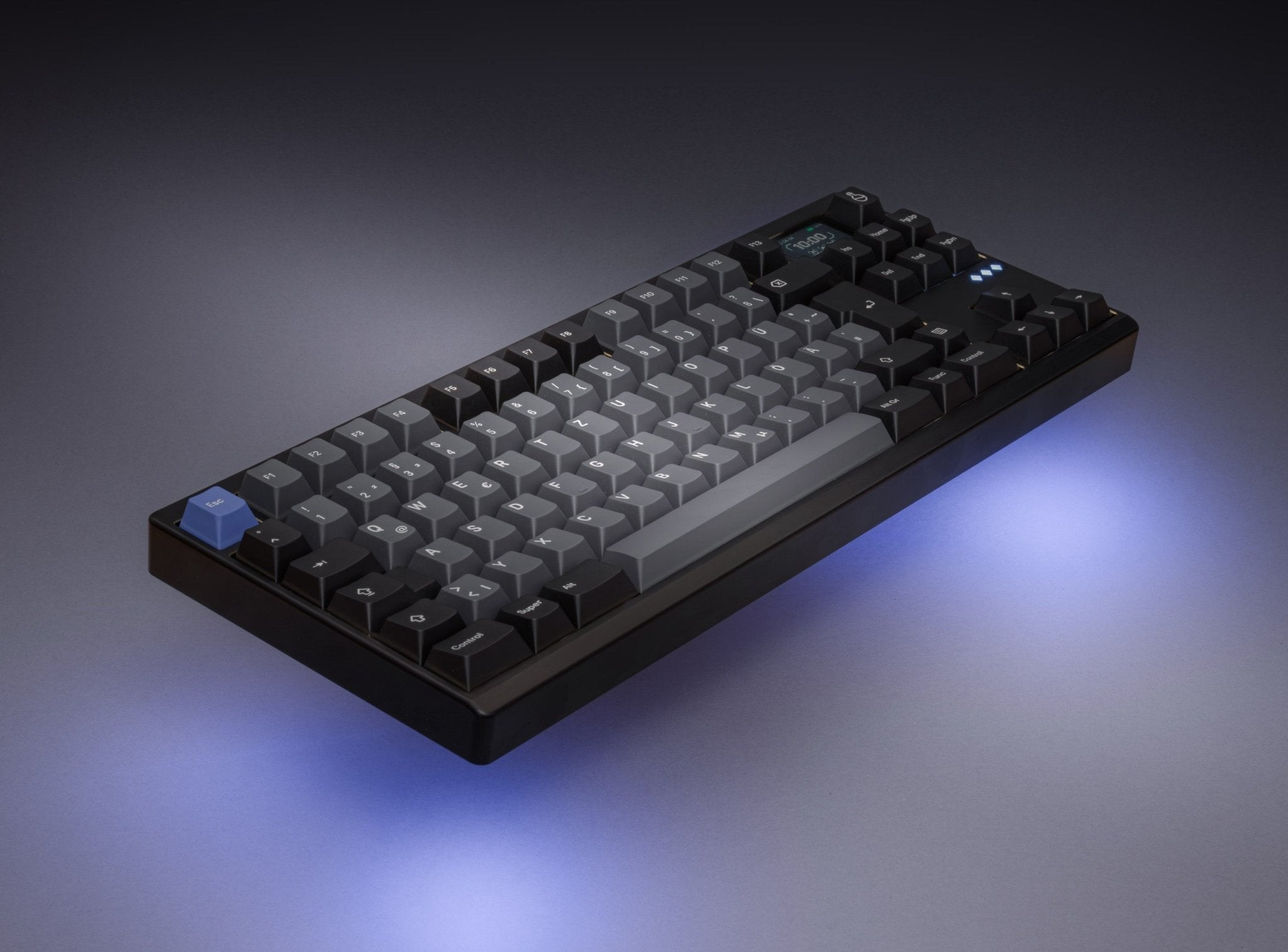
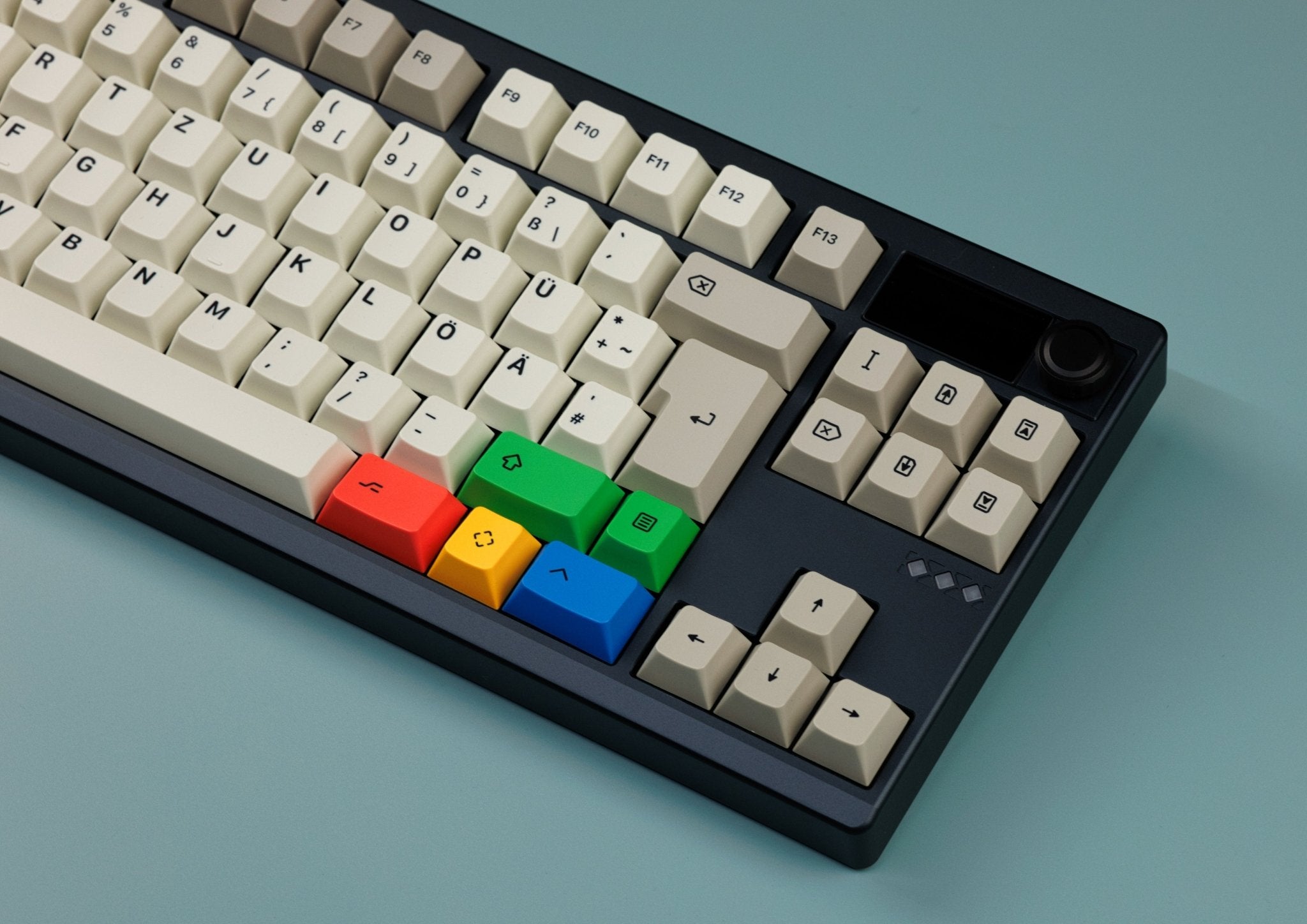
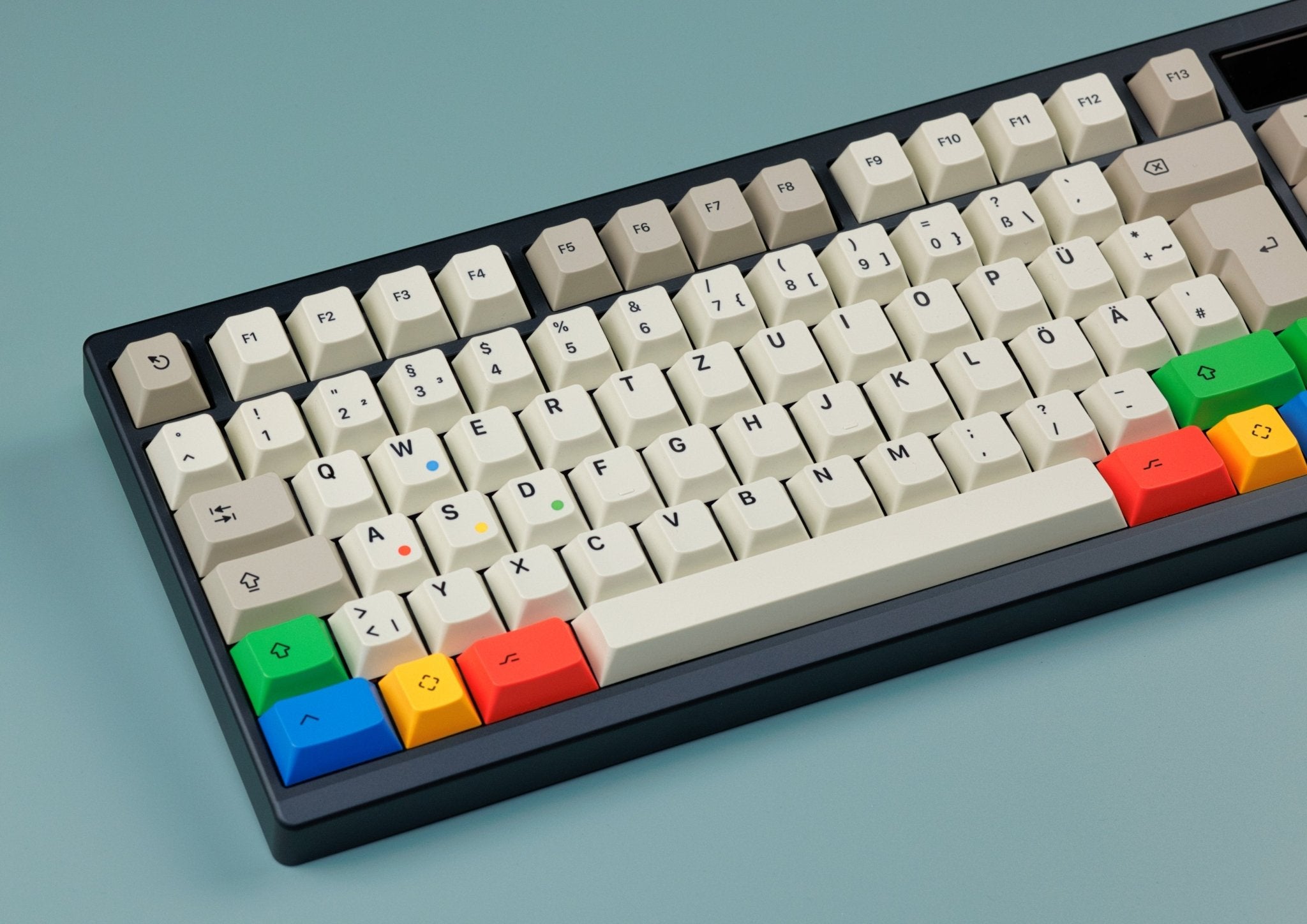
After one month and a half after purchasing I can finally give a more extensive review. In short, I enjoy typing on it a lot but there are a few drawbacks in regards to customisation.
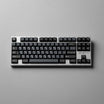
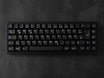
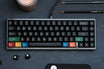
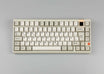
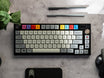
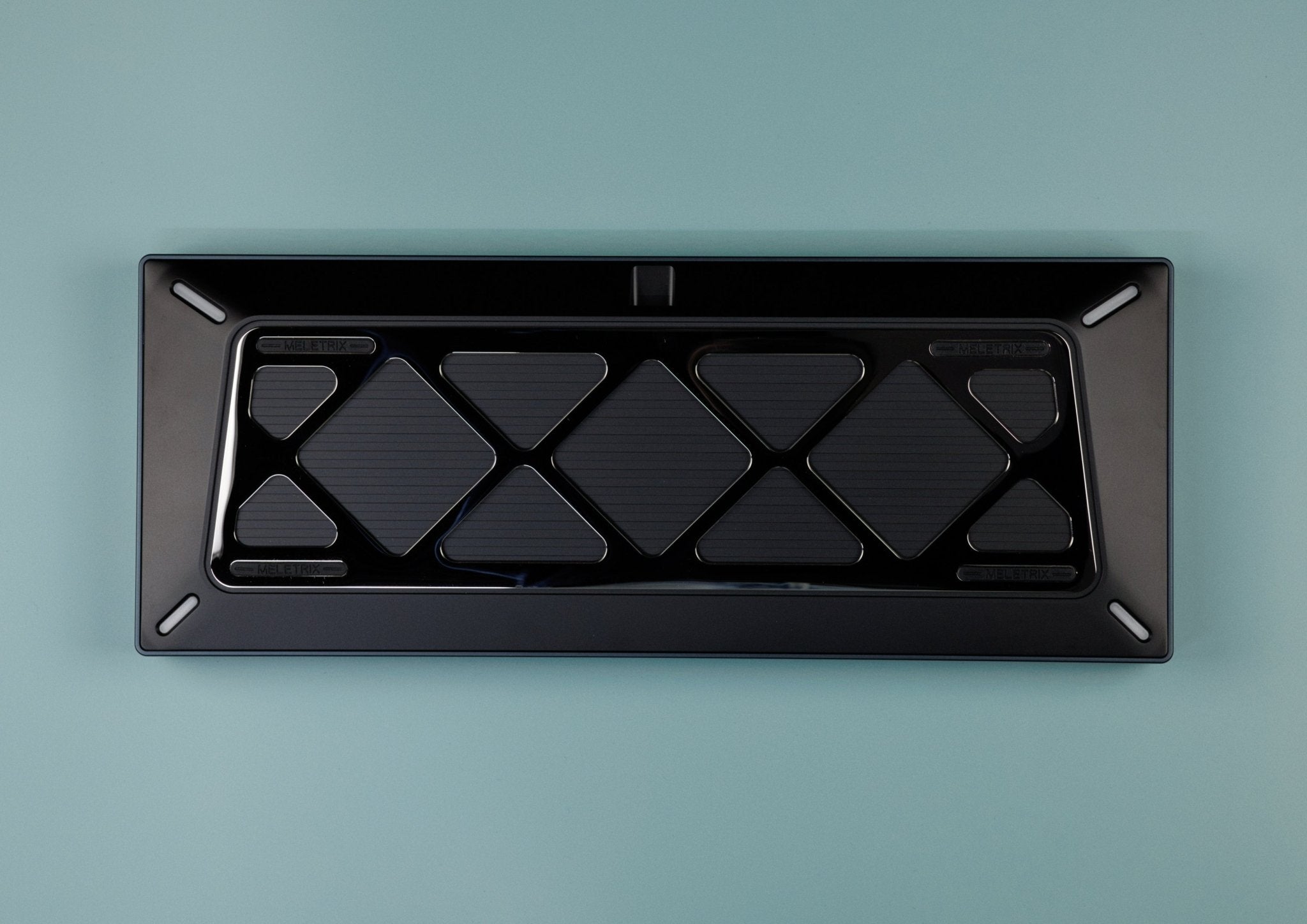
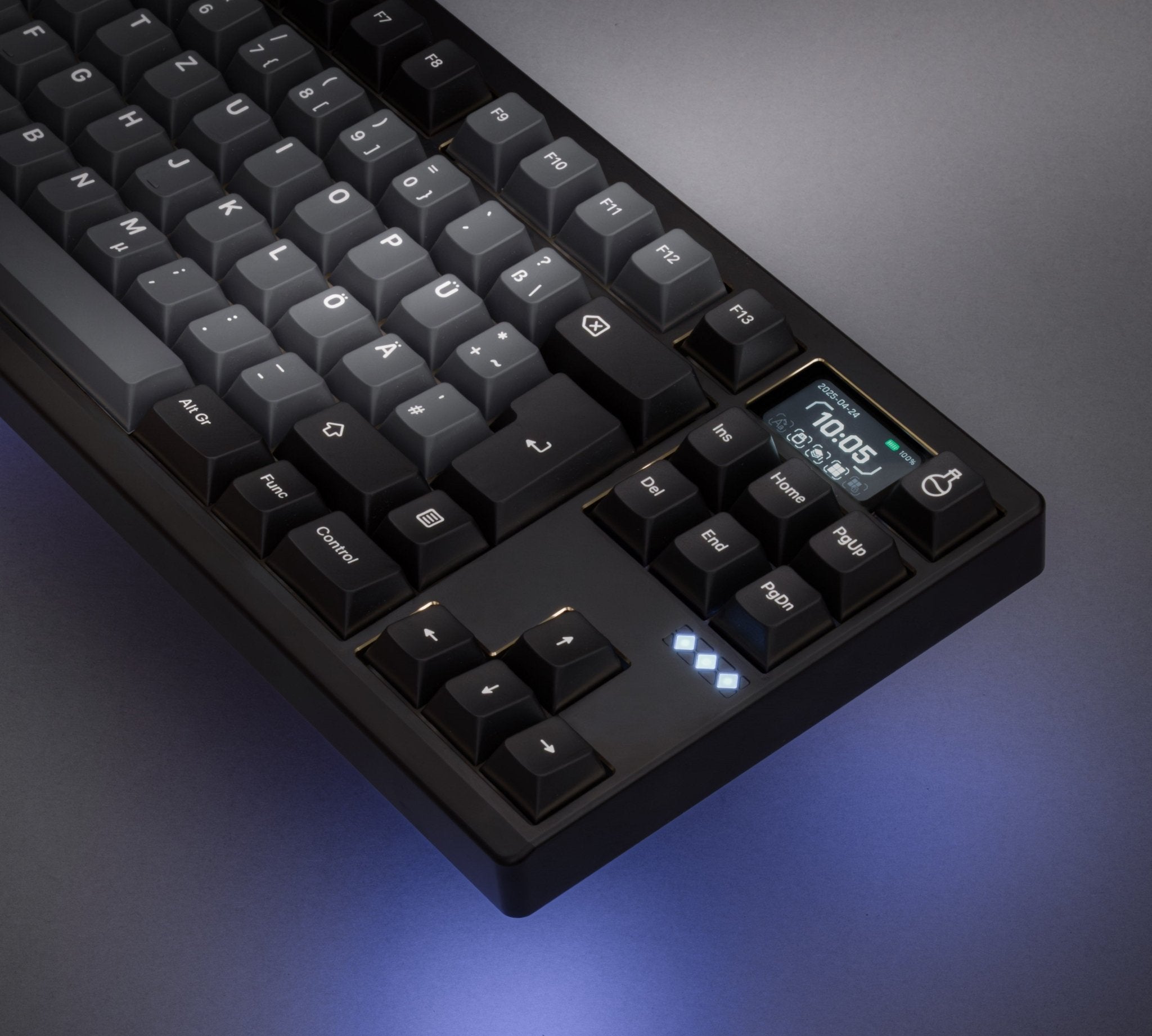
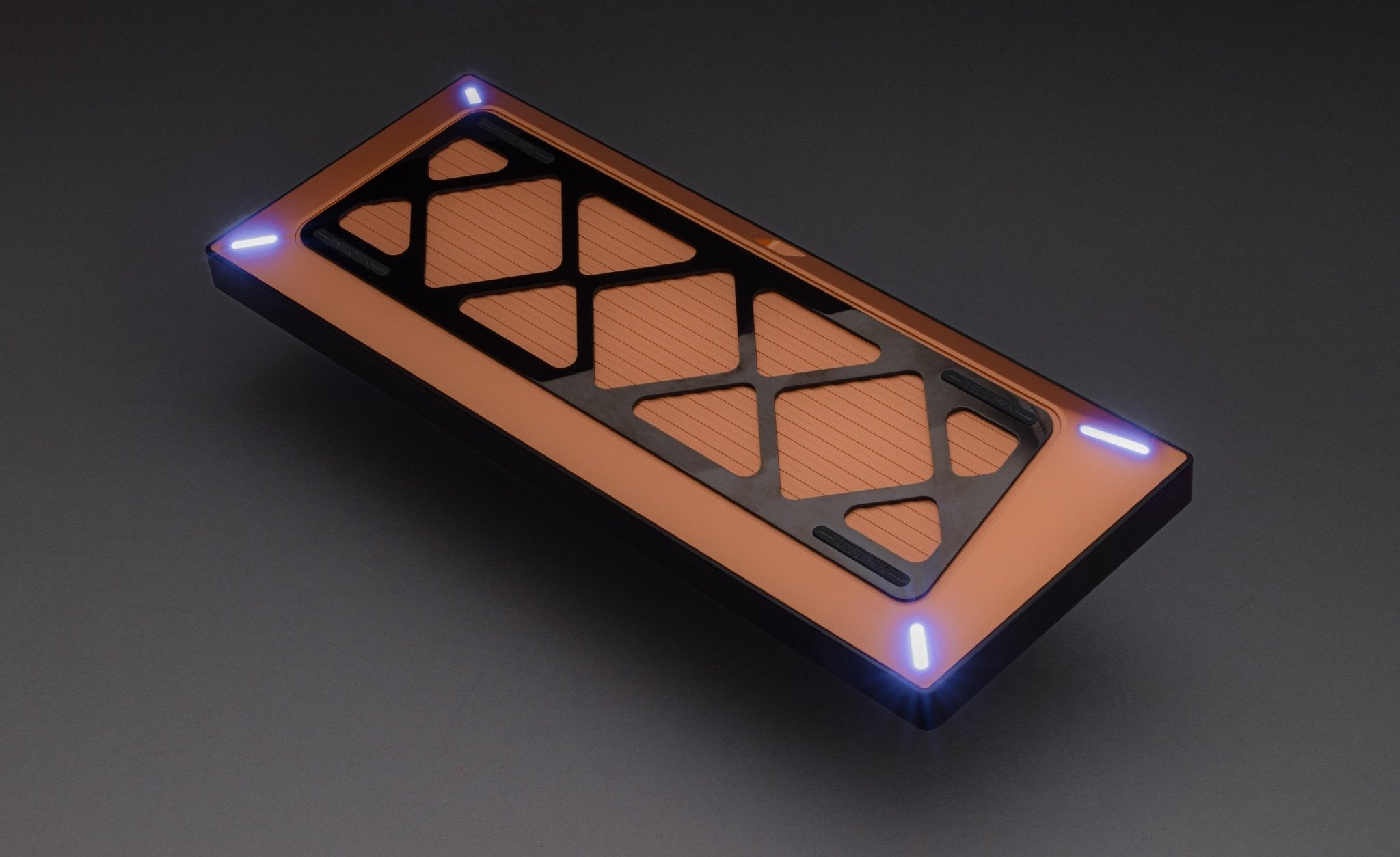
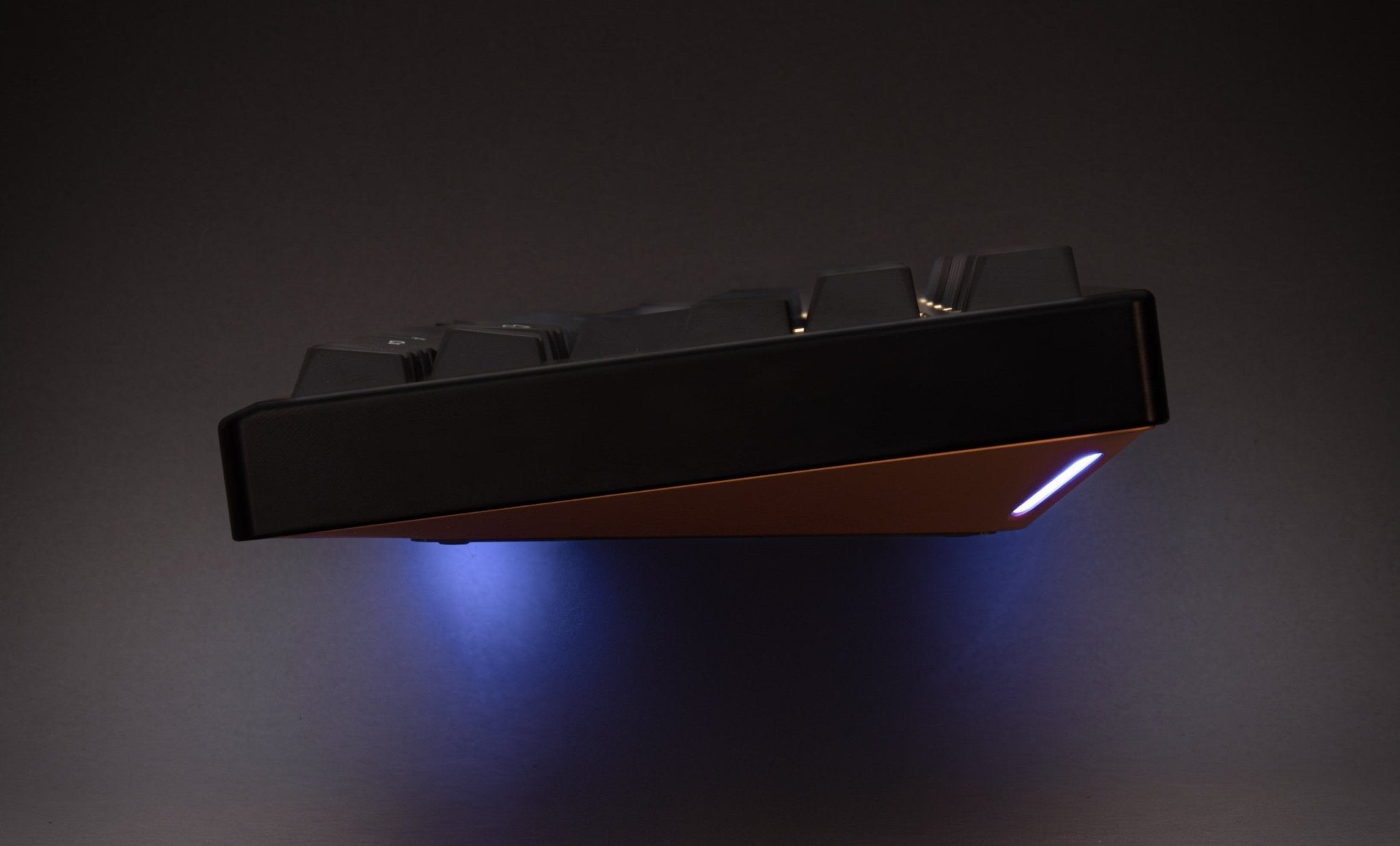
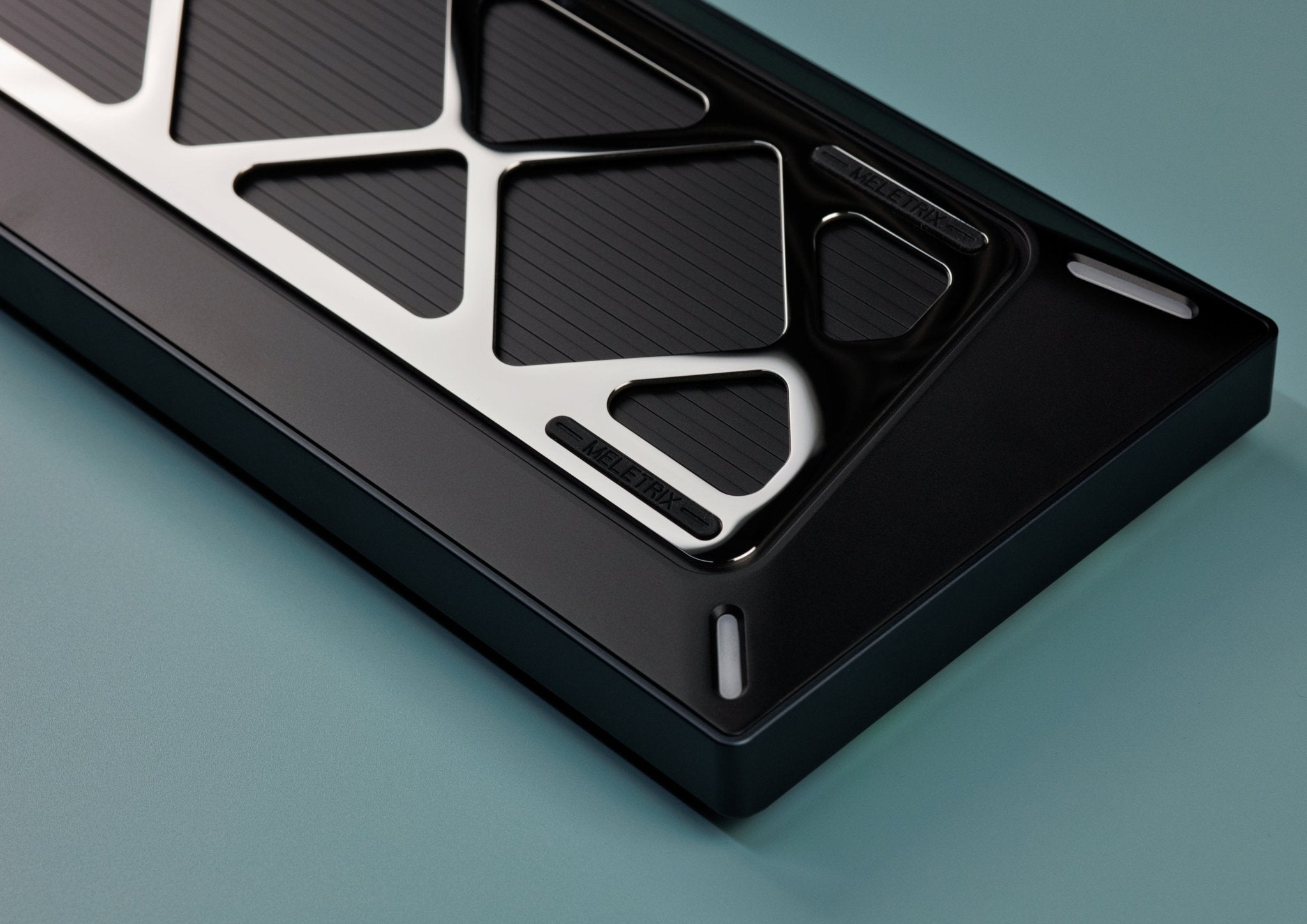
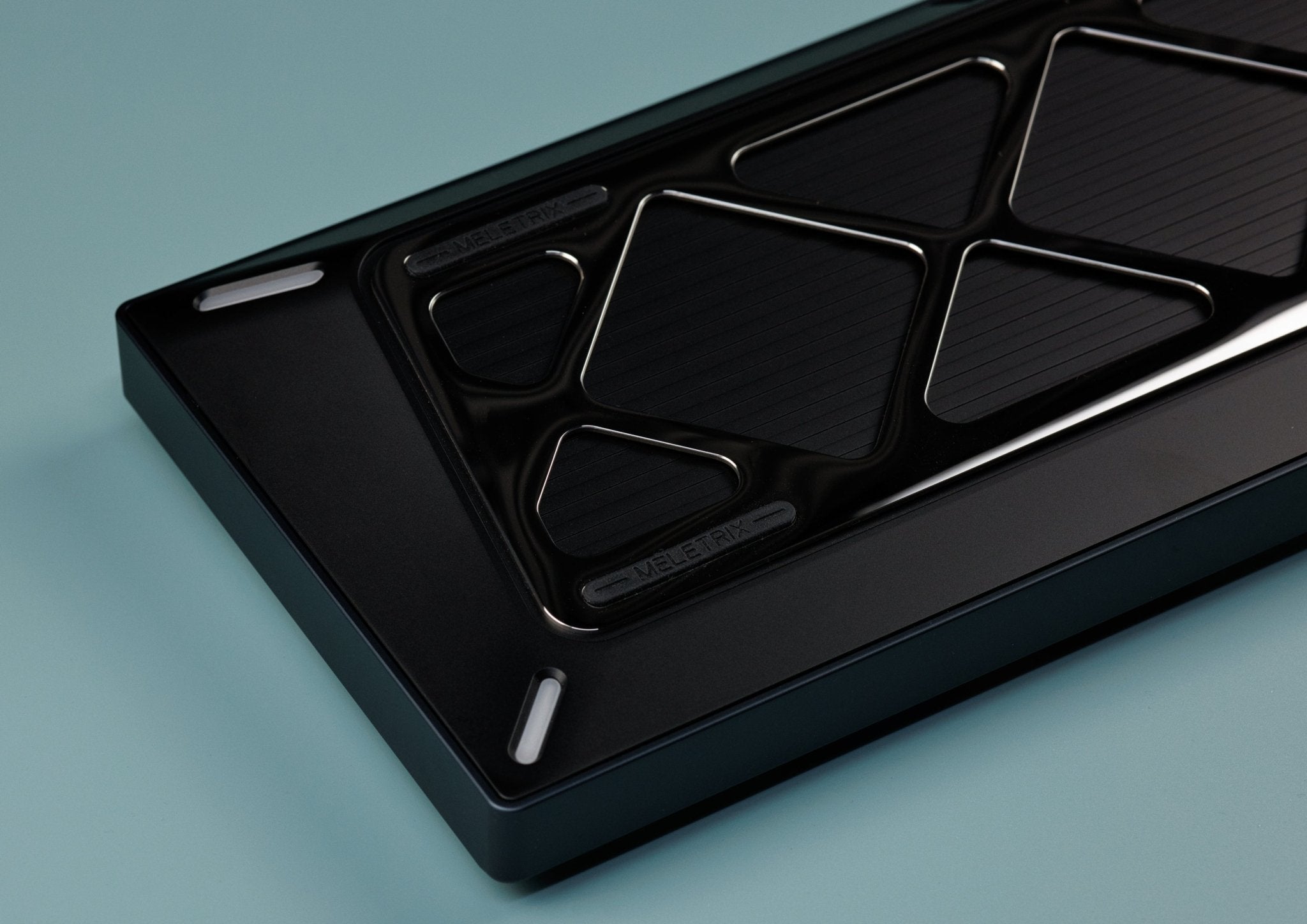
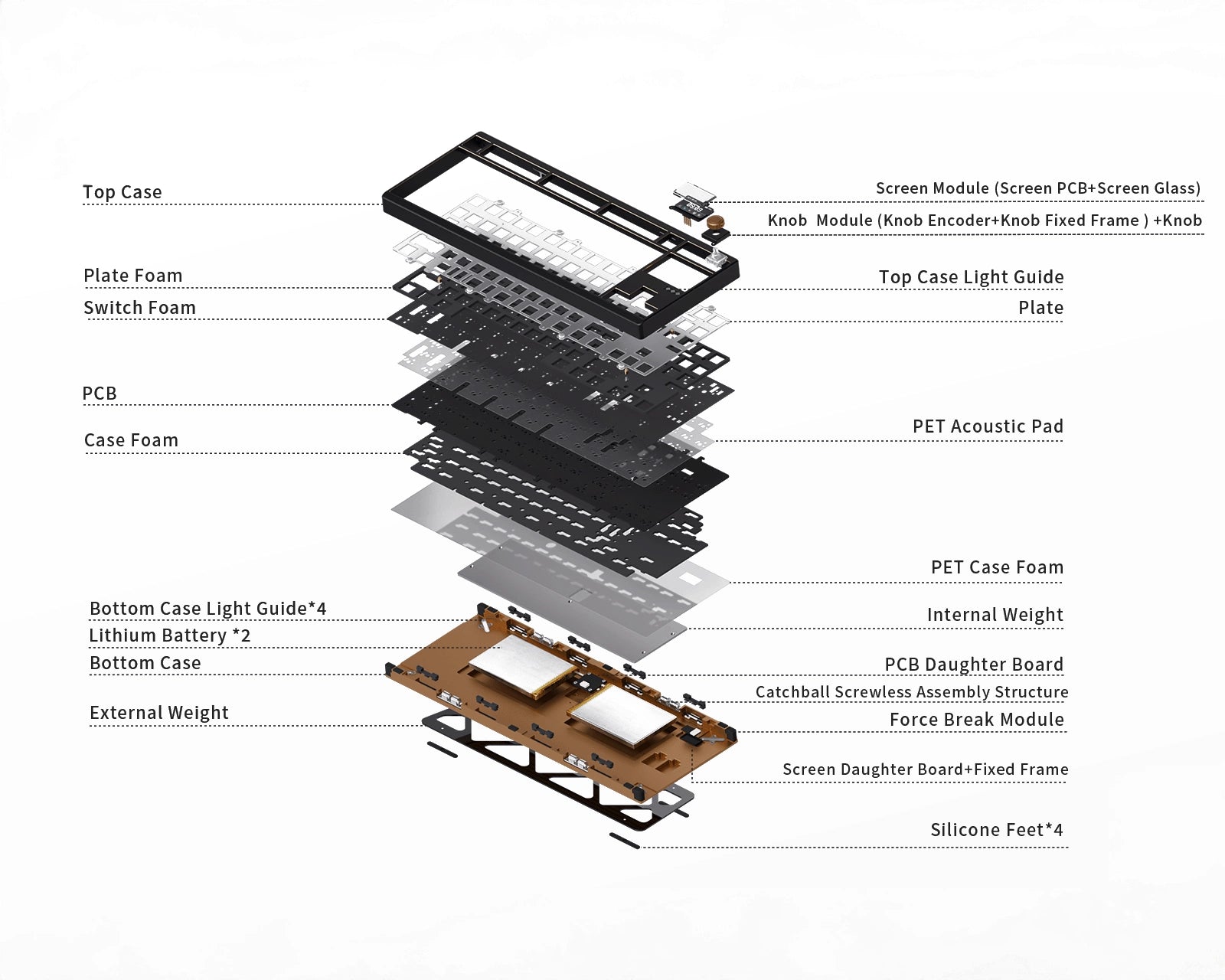
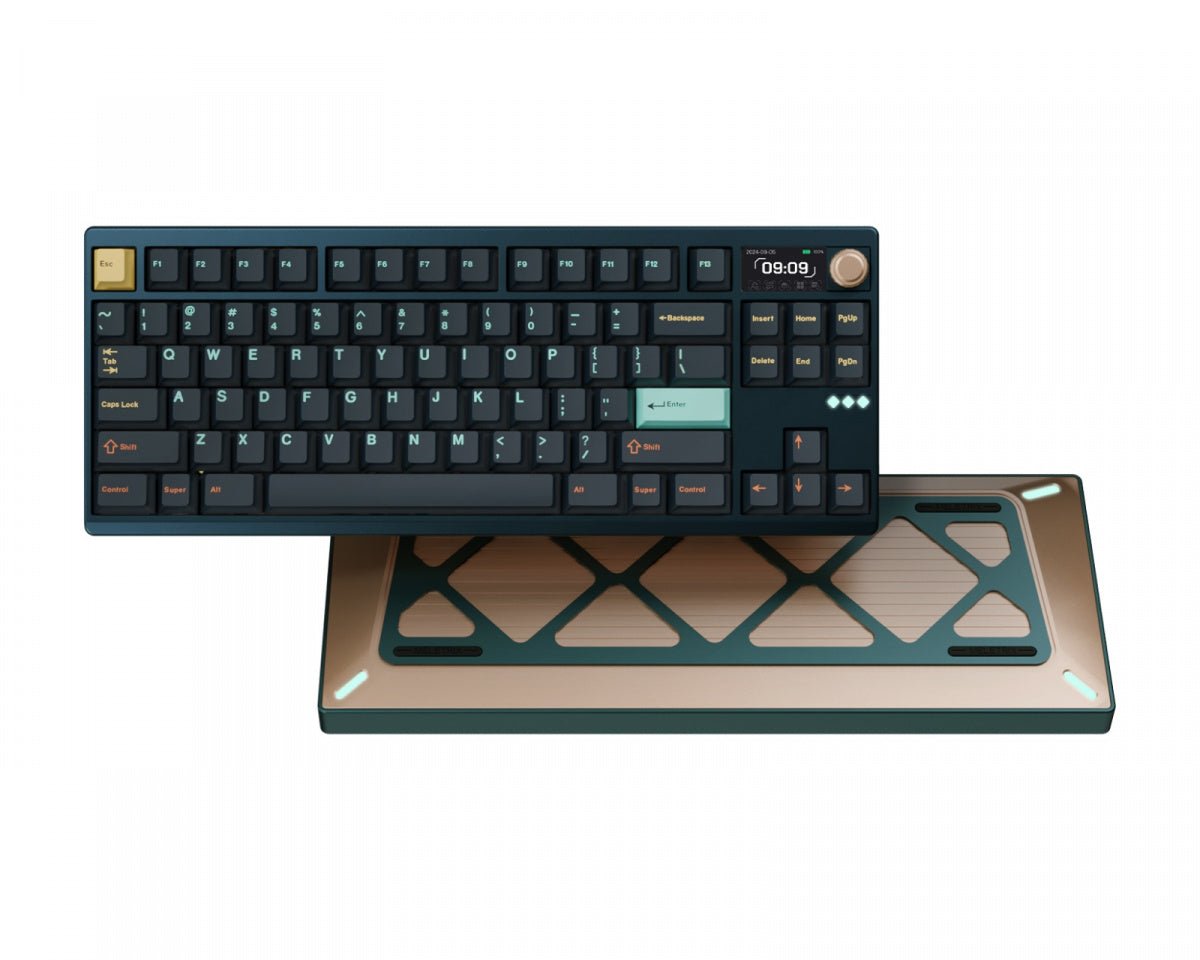
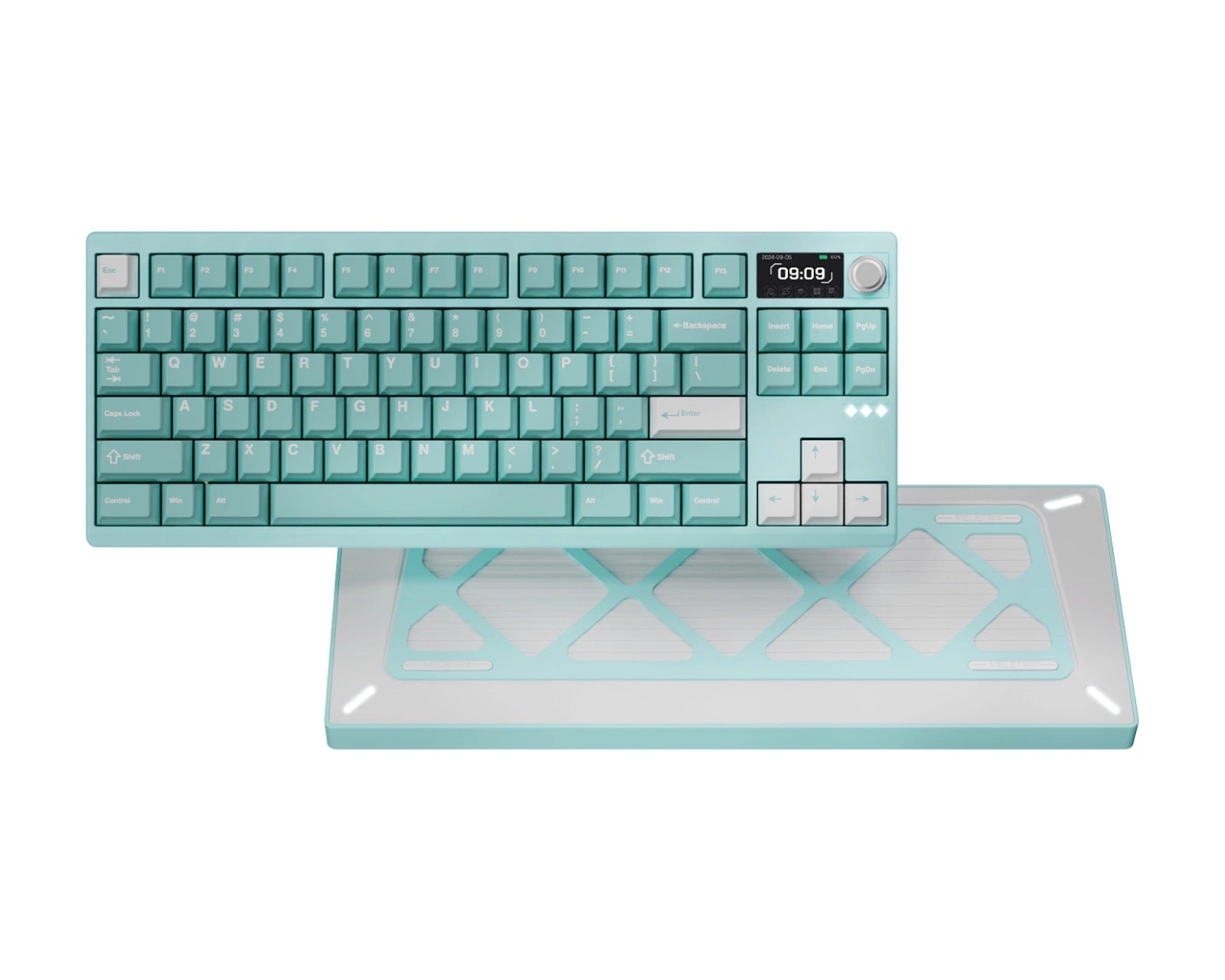
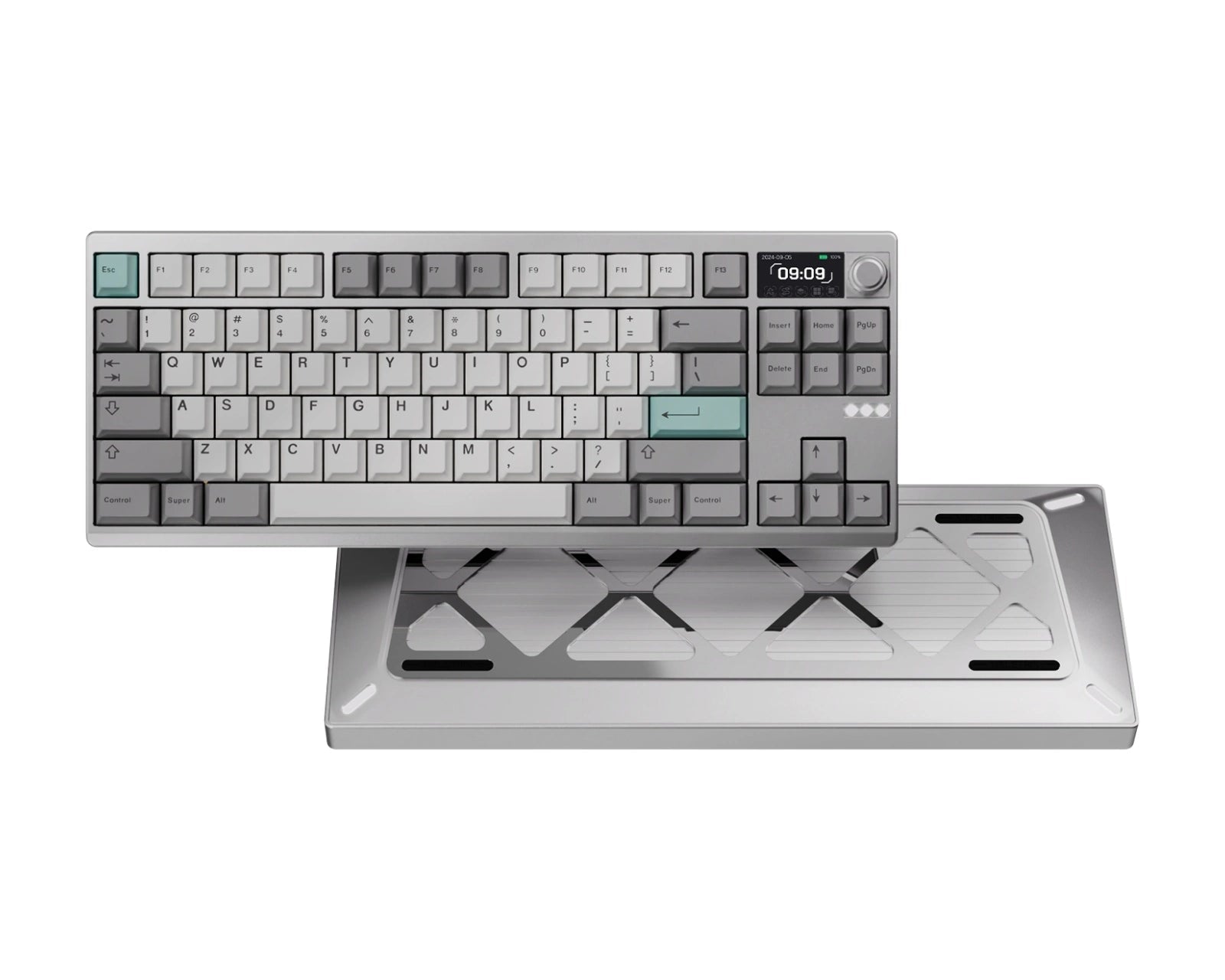
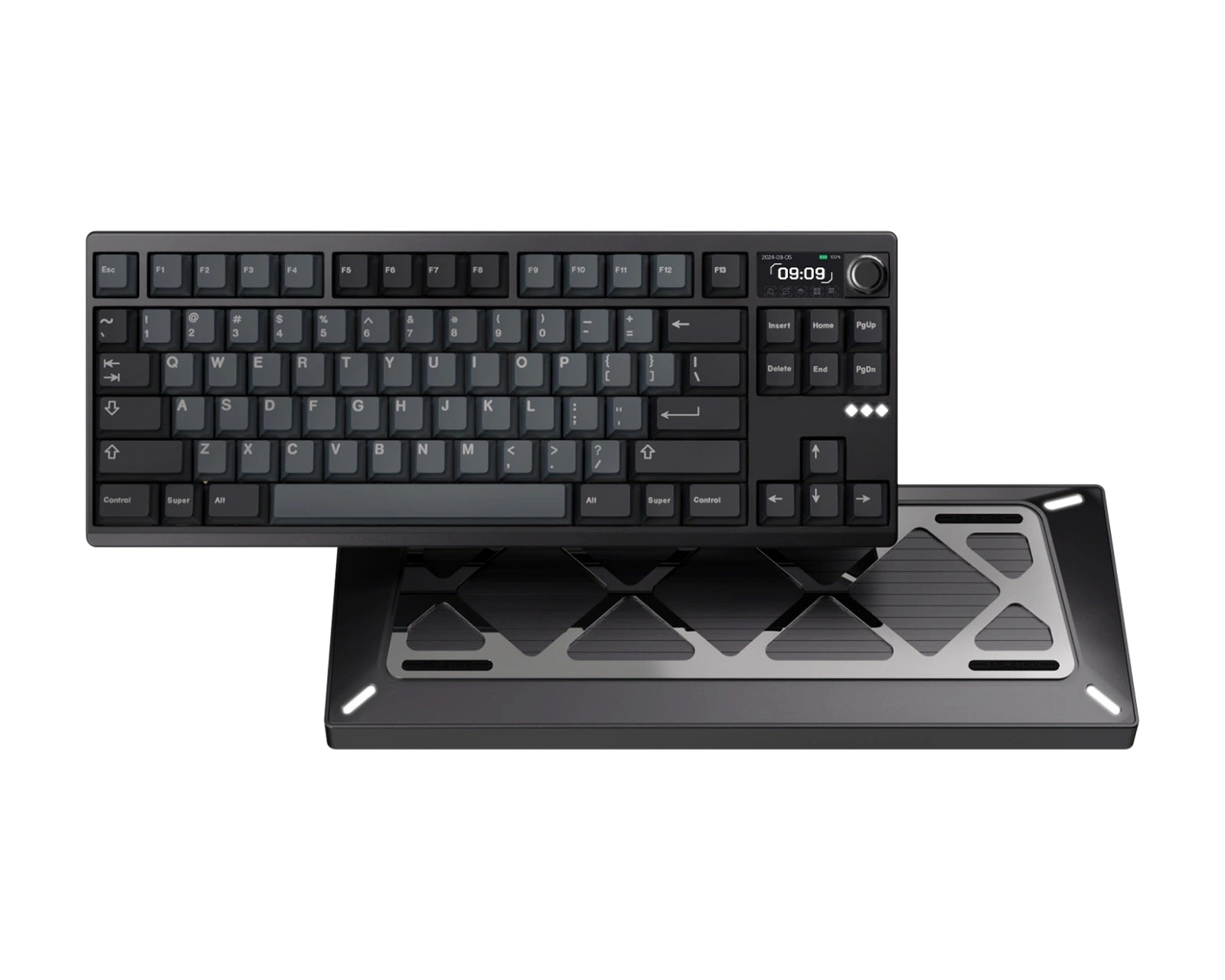
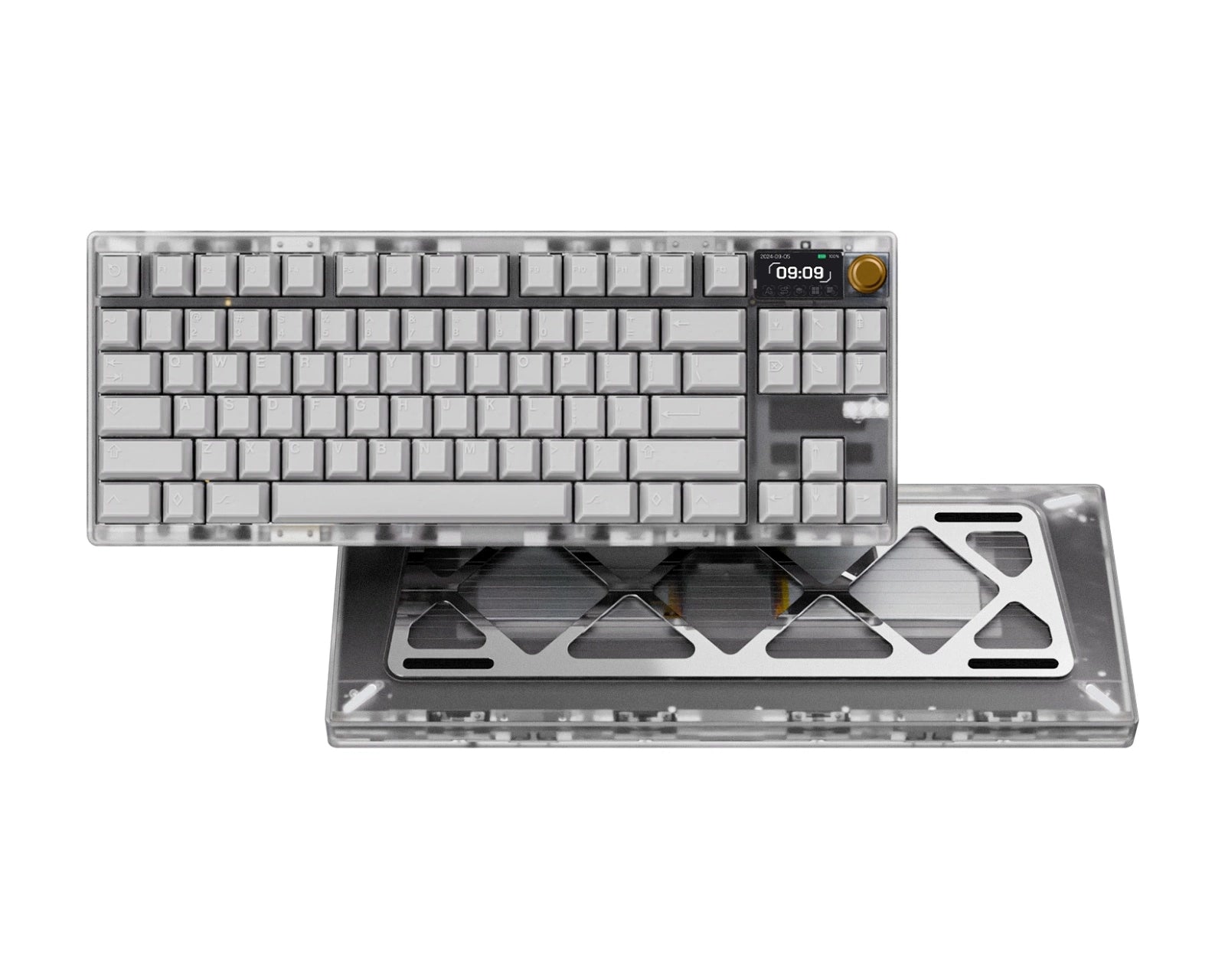
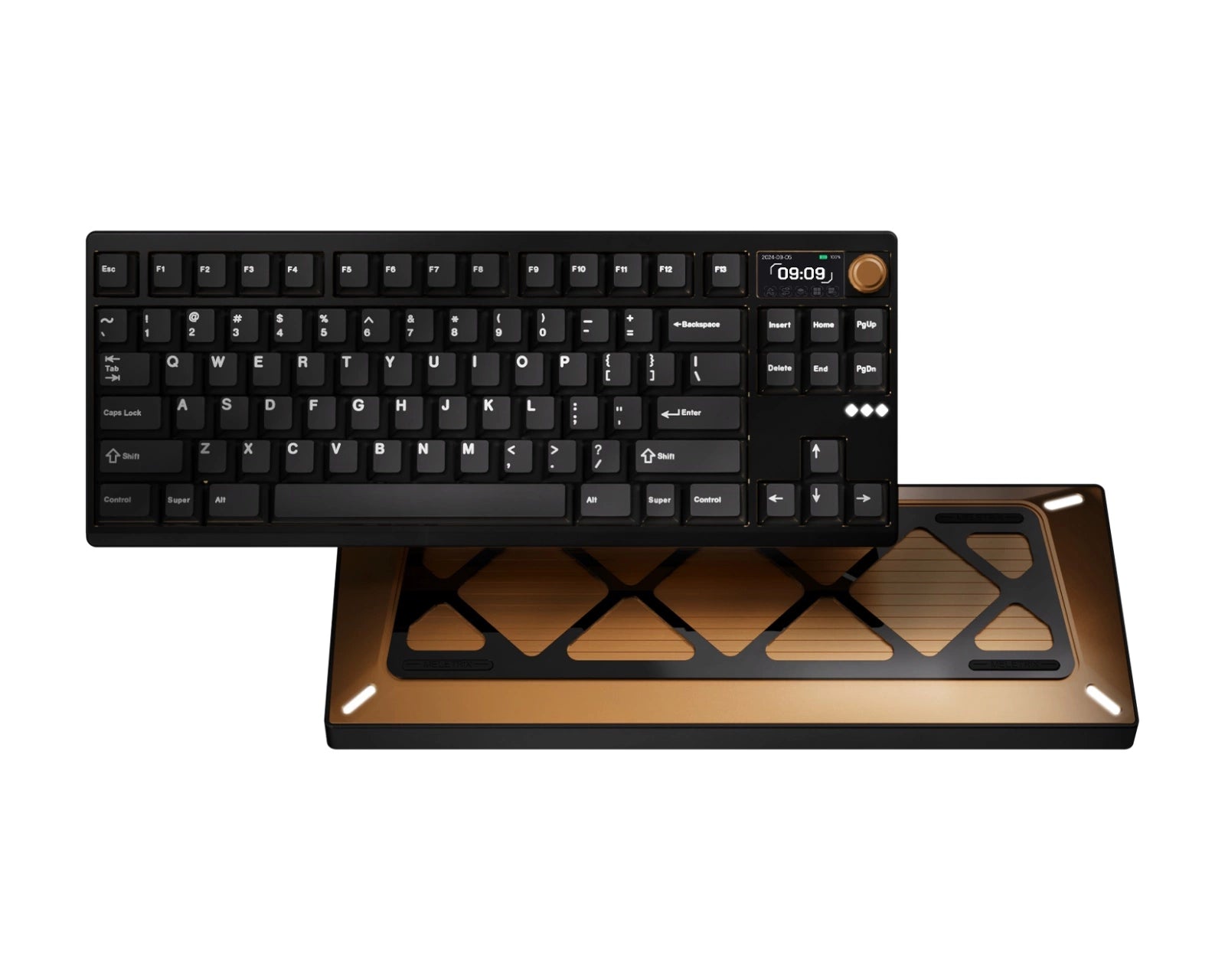
The poly-carbonate case is pretty and sturdy, however branded feet, while not visible, have the MELETRIX text on them that kinda cheapens the overall design. The RGB lights are a taste thing but they are vibrant and work well, as well as the underglow, and both look great in PC case.
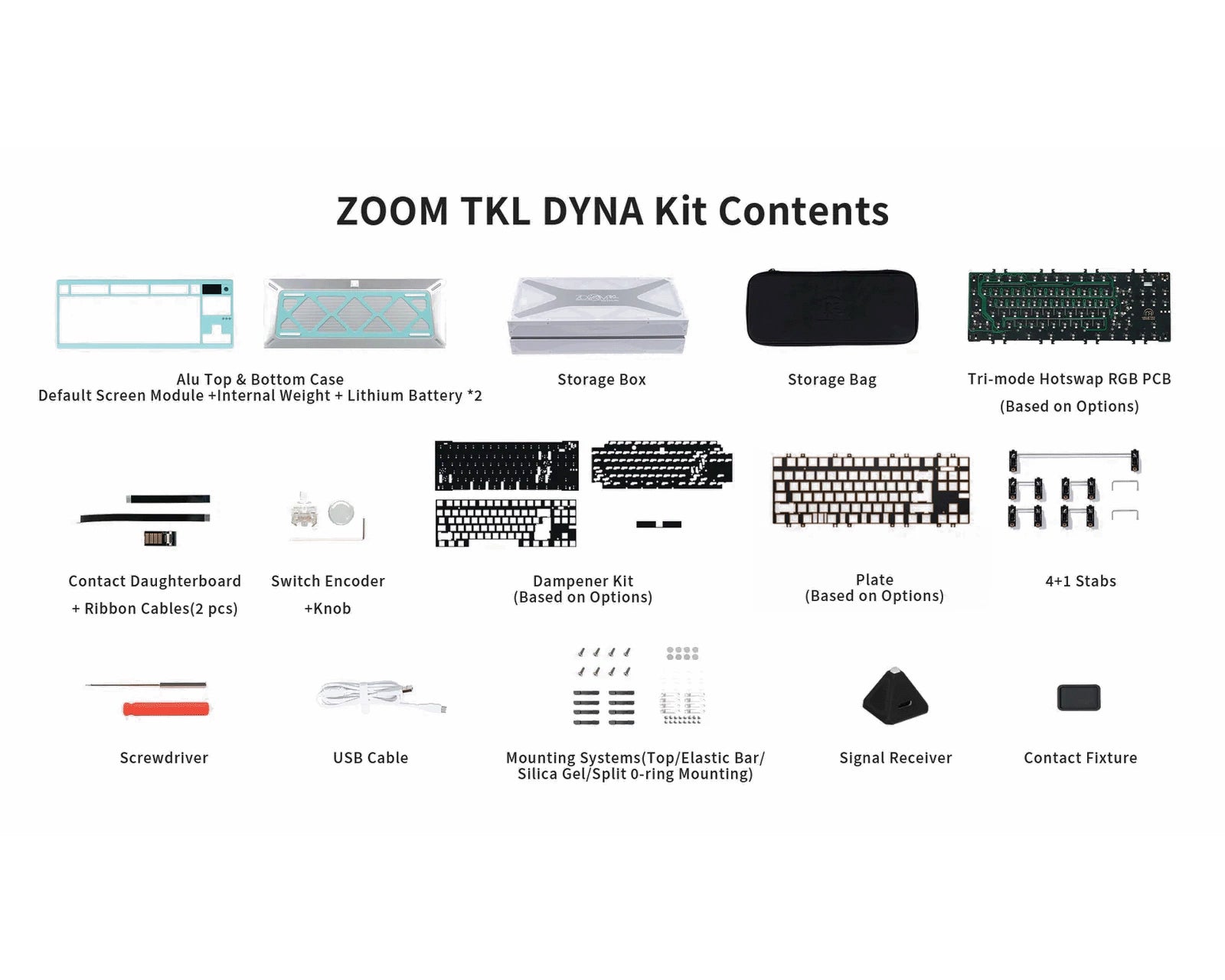
The PC plate which this Monacokeys provides in a default configuration, probably would sound great in an aluminum case but in PC case it sounds rather plasticky (tried out several switches with several mounting options). I have also purchased an alu plate and have not looked back since. PC case and alu plate elevate the switches both either in thock direction or the clack - very much depending on the switches. Great sound with this combination.
The three non-top mount mounting options do not strongly differ in sound and bounce (even though I have no bottom foam), and also worth mentioning from other reviews even though I did not try it myself - the top mount makes very hard remove the top case. Also, there is no magnetic PCB connection so there's a connector running towards the battery and needs extra care when dis/re-assembling.
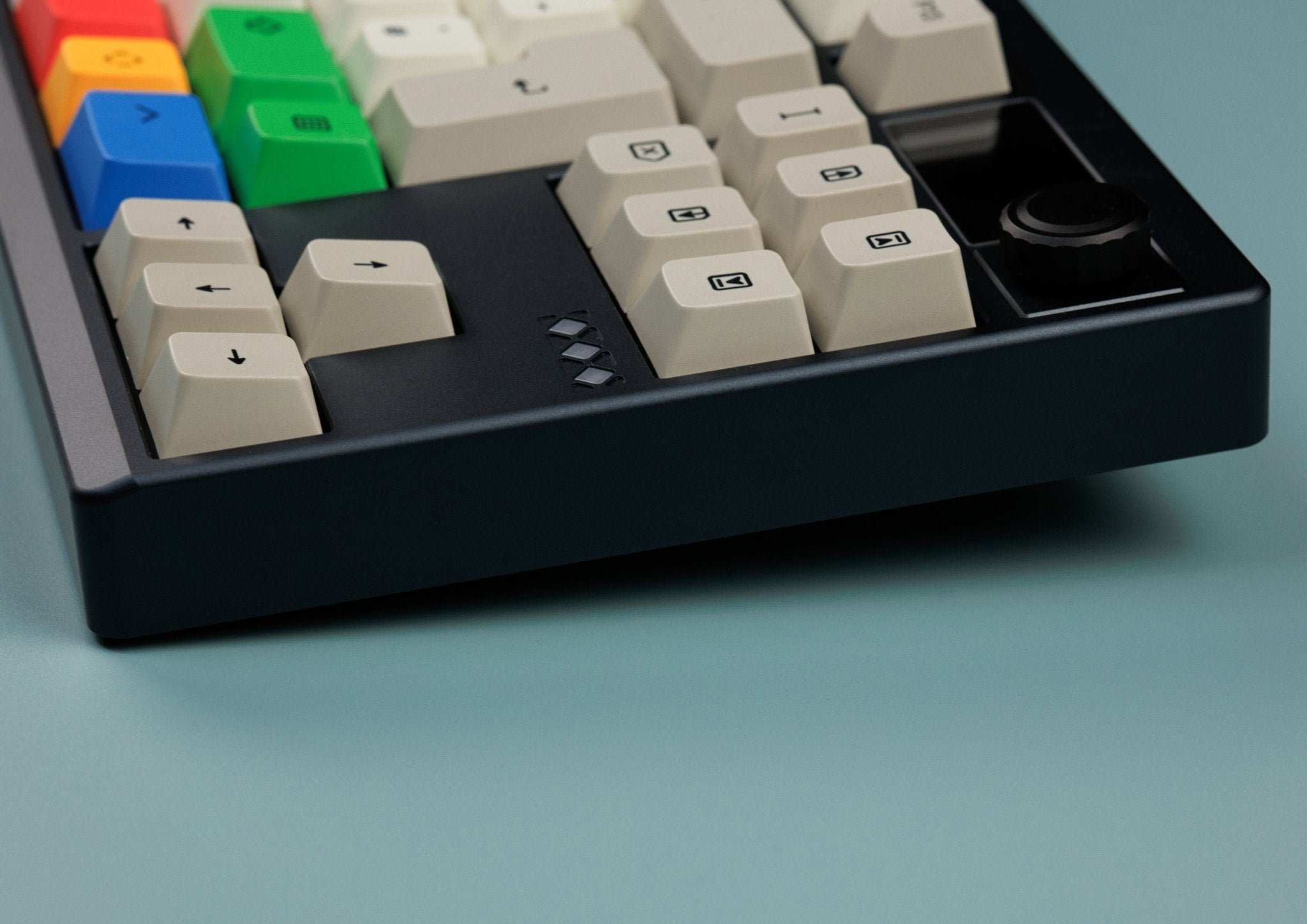
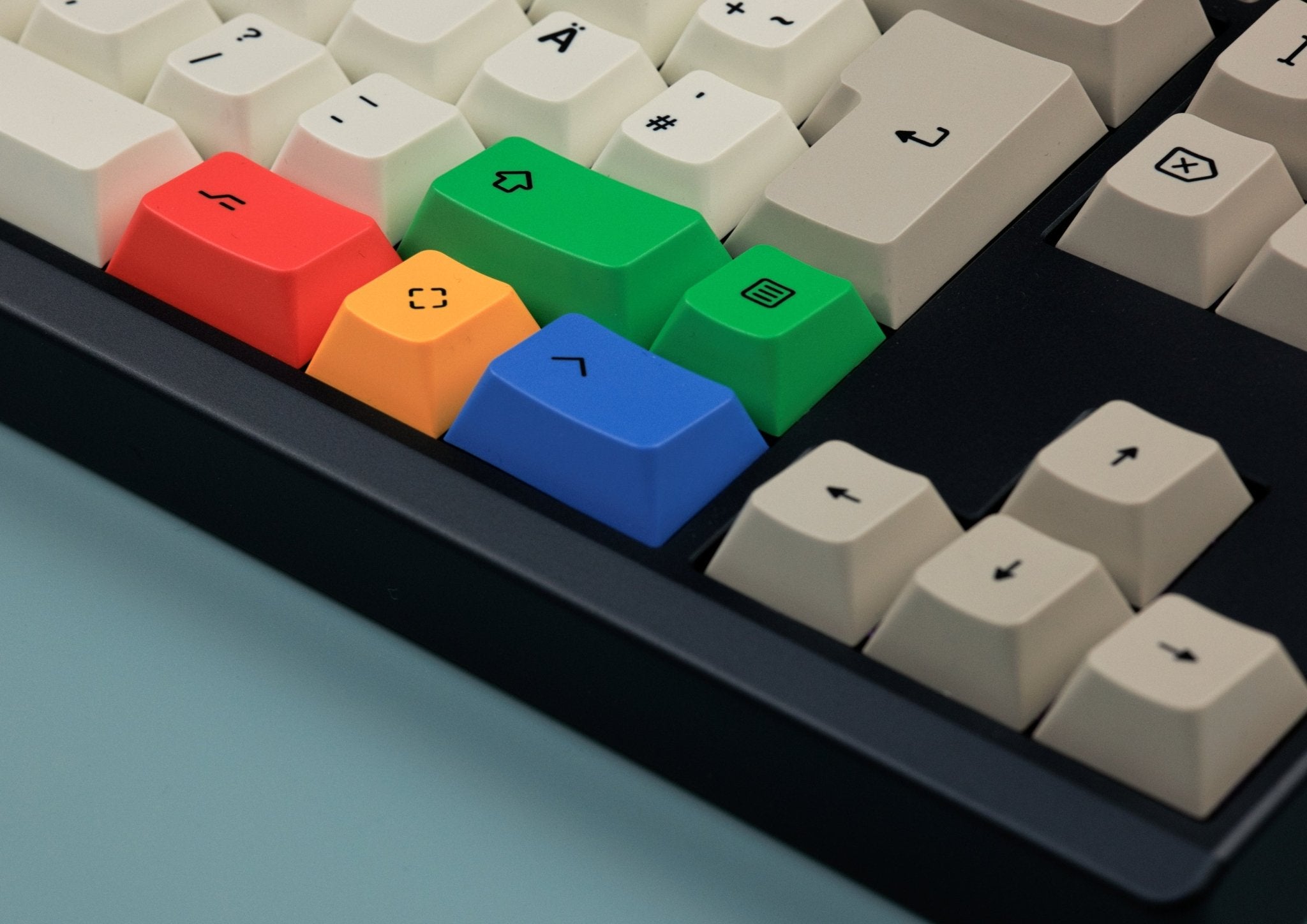
The Wugue app on Windows PC is good enough to do some button mappings and change some RGB colors (although for example my favourite, which is single button splash in random colors, is not there). The keyboard can also be configured in VIA although it needs the JSON file.
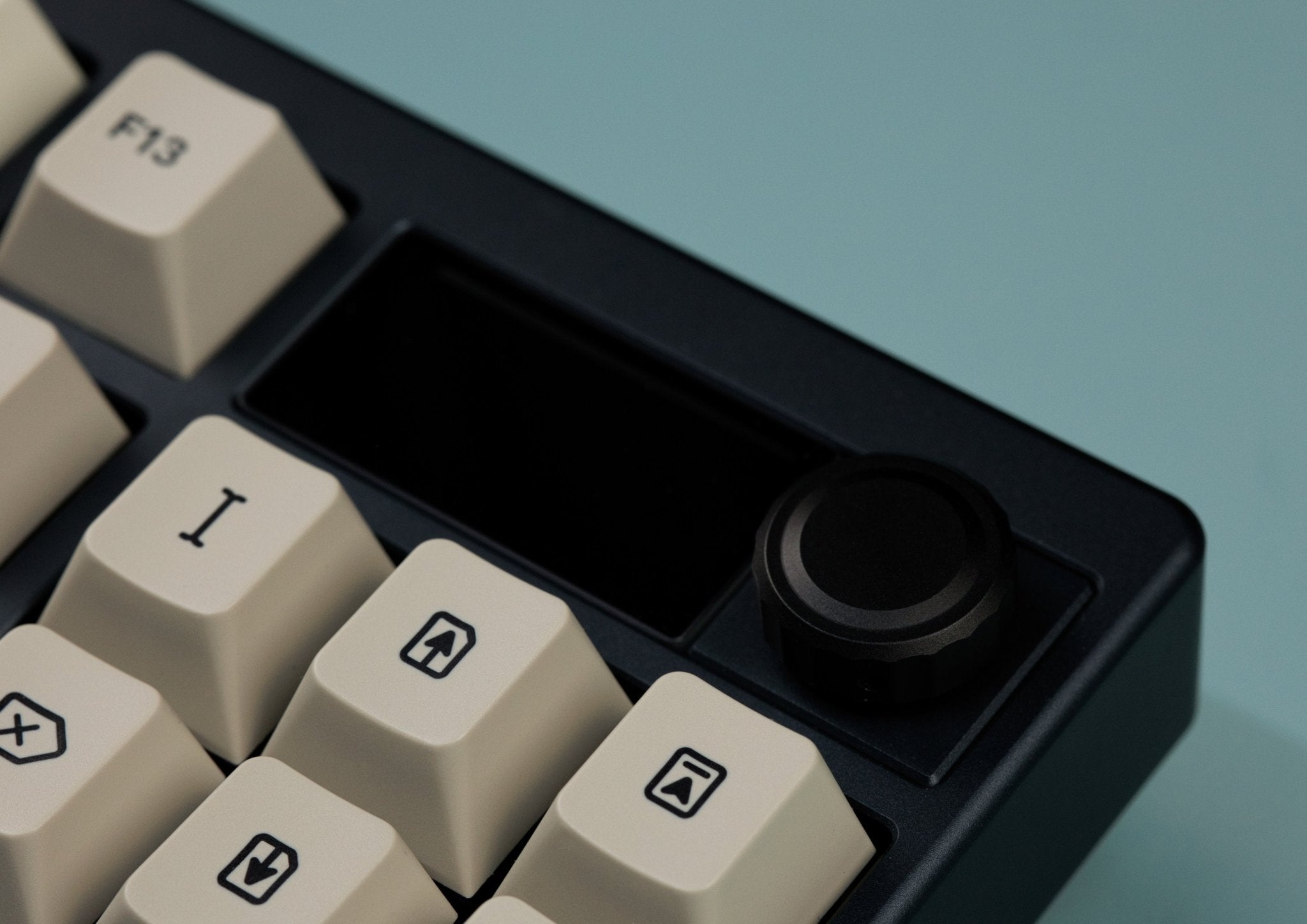
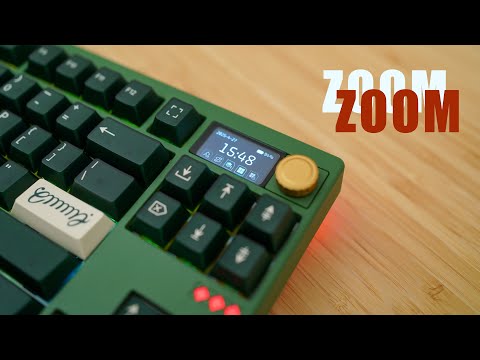
The mobile Pocket Wuque app to synchronise the time and upload a GIF is clunky as hell. You need to connect the keyboard to the phone when updating the customisations. Some GIFs shown in the app's preview upload as a static image, and the speed slider sometimes does nothing. It takes a millennia to upload an image, and I tried with both more complicated GIFs and simple backgroundless three frame animations. (Side story, my partner has used an LLM to reverse-engineer the phone app to work in Windows PC, it's very basic, but it showed that there's no compression, the connection to upload stuff is clunky and often crashes due to short time-out between sending packages, and I don't even need the Bluetooth connection enabled in the keyboard for my Bluetooth PC for it to detect the keyboard which calls to question the "safety" of the keyboard.)
However the worst offender is probably the battery life. I use the keyboard with RGB lights off unless plugged in, and the screen only occasionally on. It feels like I need to charge it like every few days or a week. (My previous keyboard now used by my partner is the old Neo80 and he charges it like once a month despite him using it more.)
I don't dislike the Dyna and it's great once you finally configure it to your liking despite all the hurdles but there is definitely some room for improvement in future Zoom models.



 1628


 97