
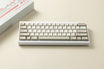
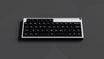
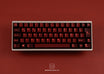
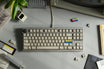
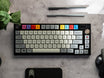


Niuniu KB40 - 40% Custom Keyboard Kit
Tax included. Shipping from €3.90, free from €70.
What else you need
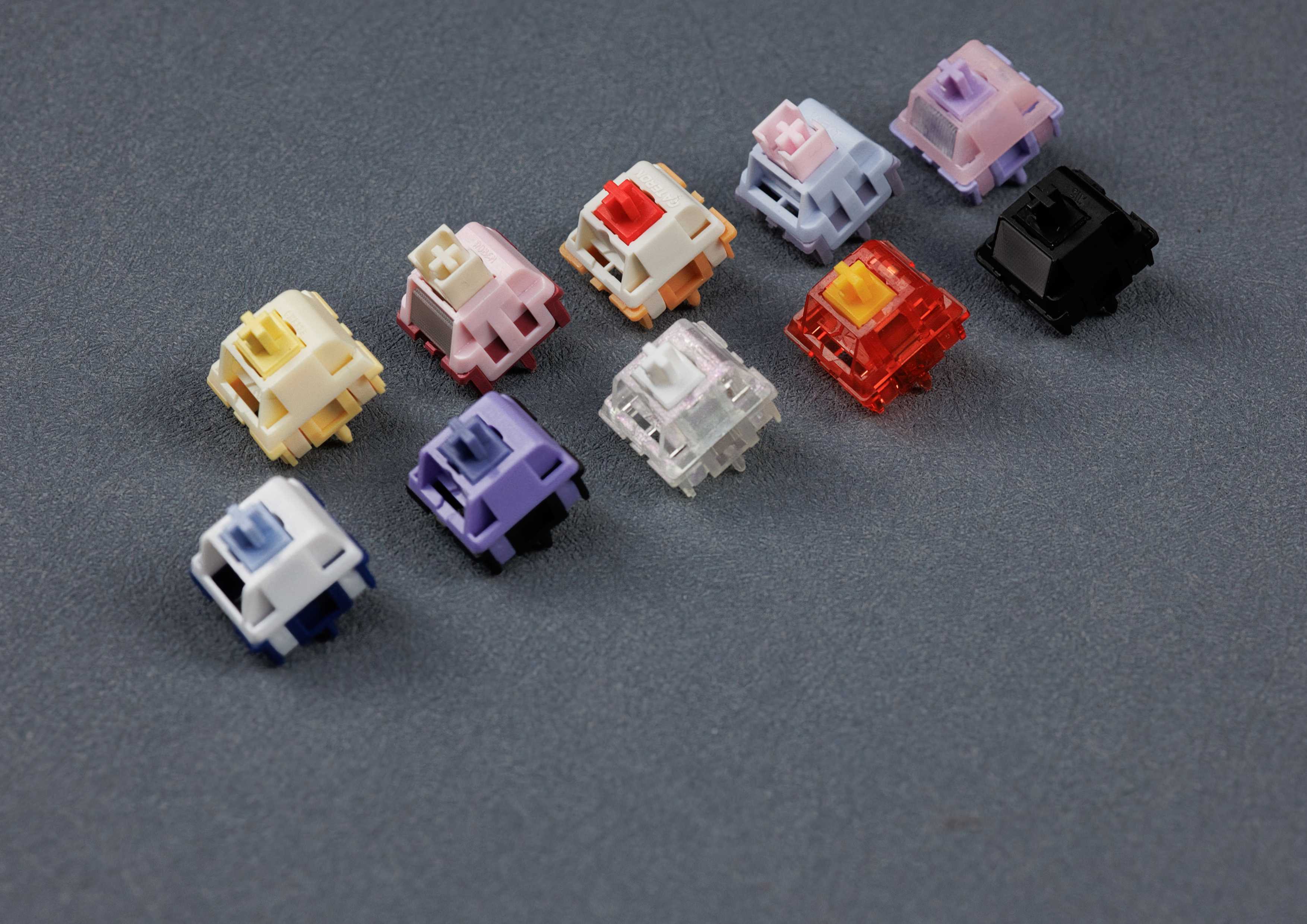
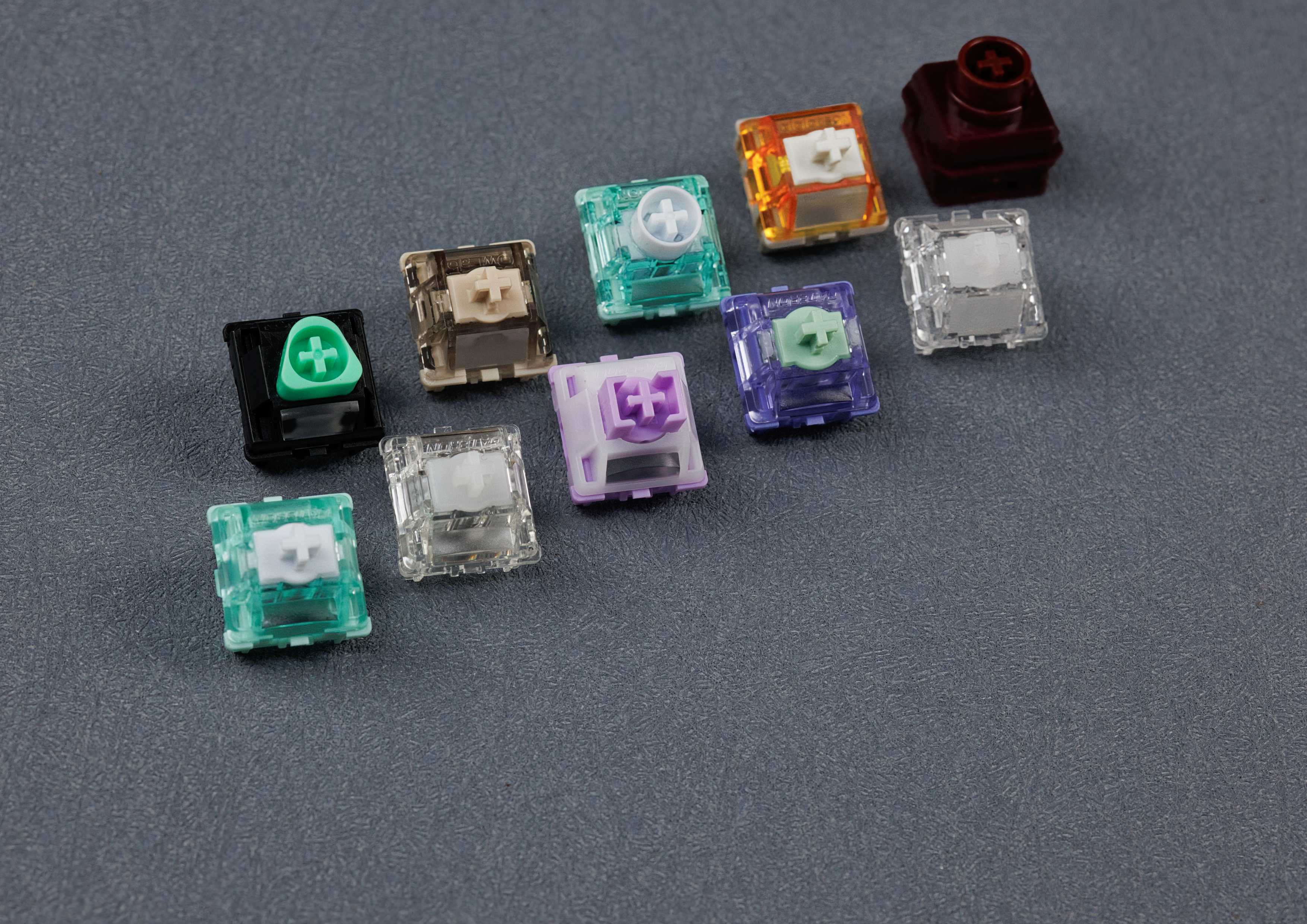
- +Switches – about 40–47 for 40 %
- +Keycaps – matching your layout
- +Stabilizers – for long keys like space, shift and enter
- ✓Hot-swap: just plug in the switches, no soldering
Good to know: Keyboard sizes and layoutsHot-swap keyboards
📄 Produktbeschreibung
Niuniu · 40% · Barebone kit
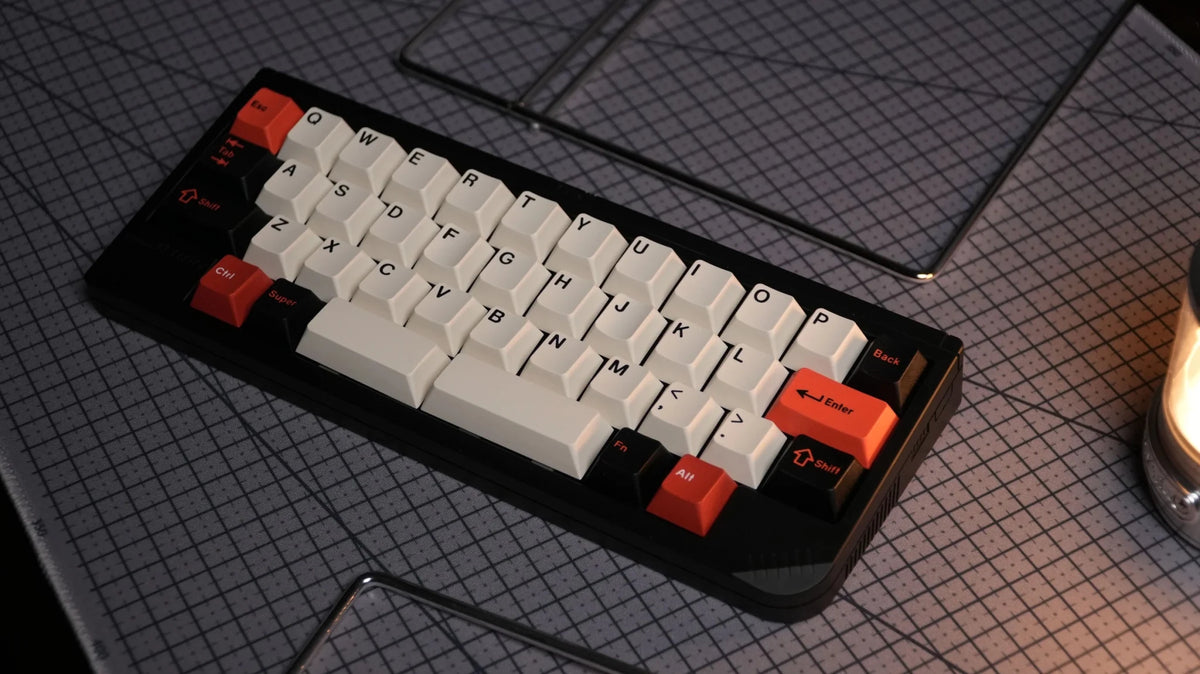
Niuniu KB40 – retro-styled 40% with MX and EC on one PCB
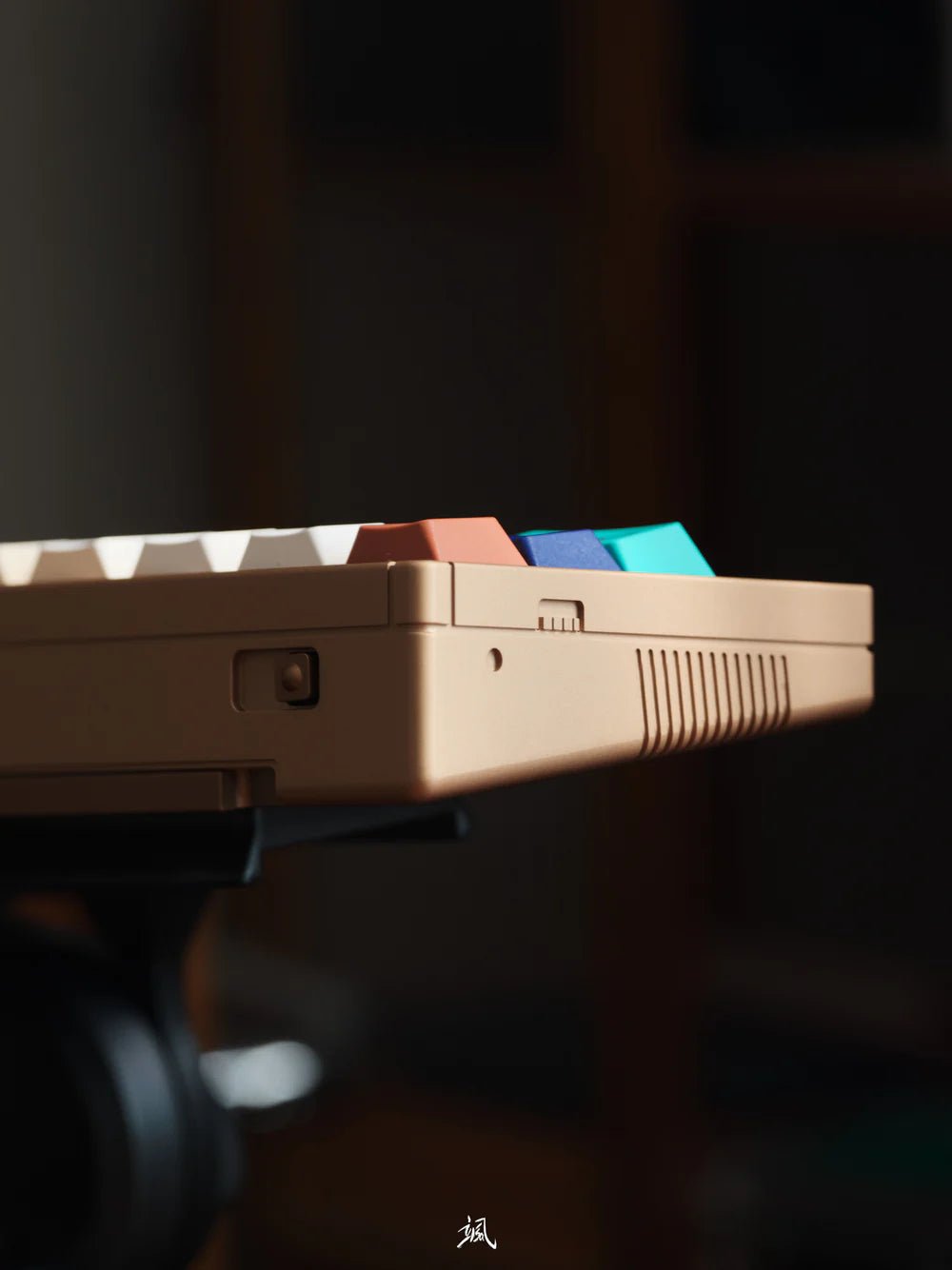
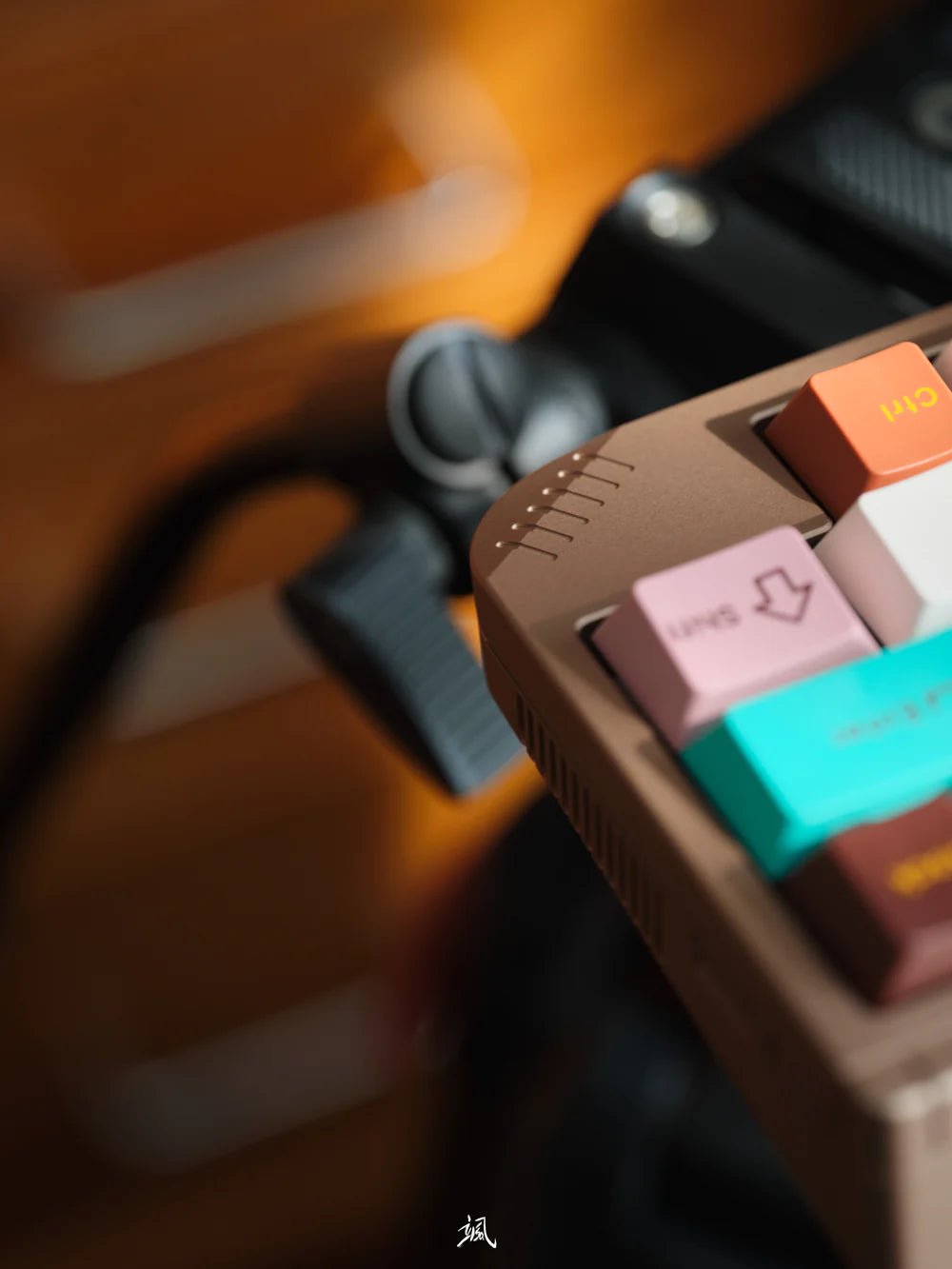
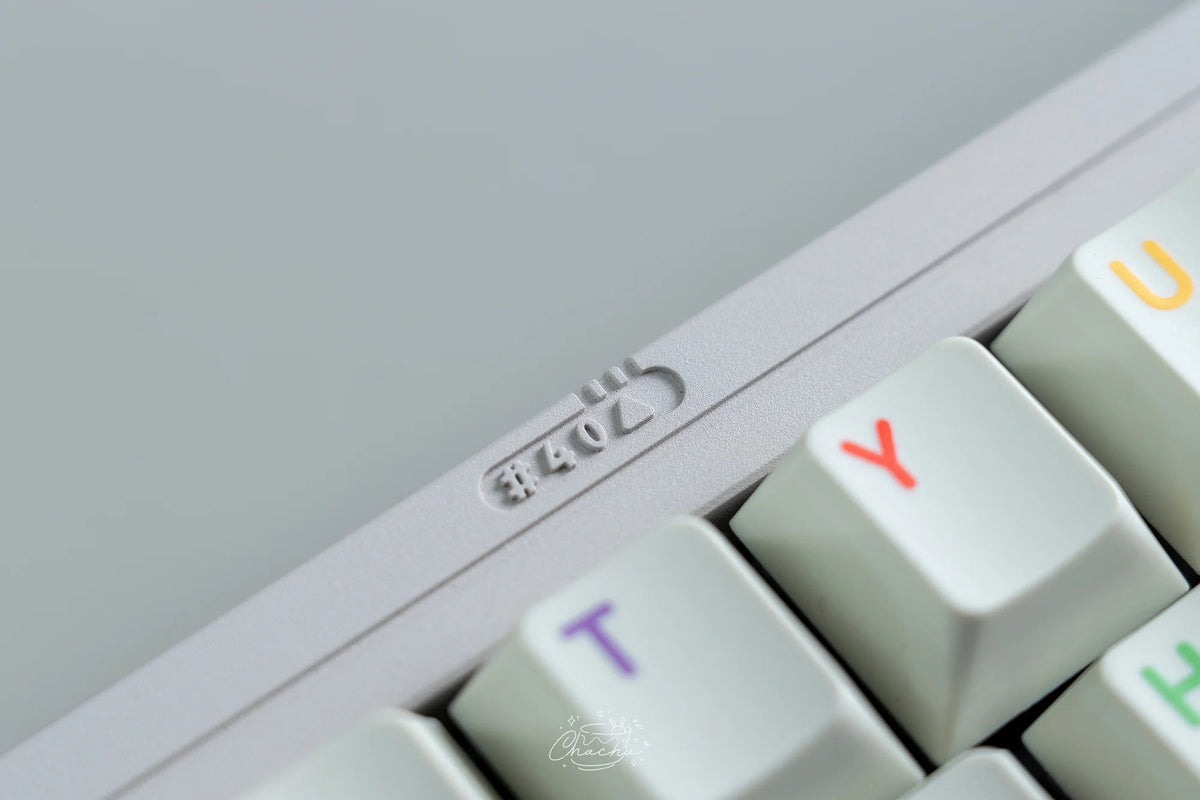
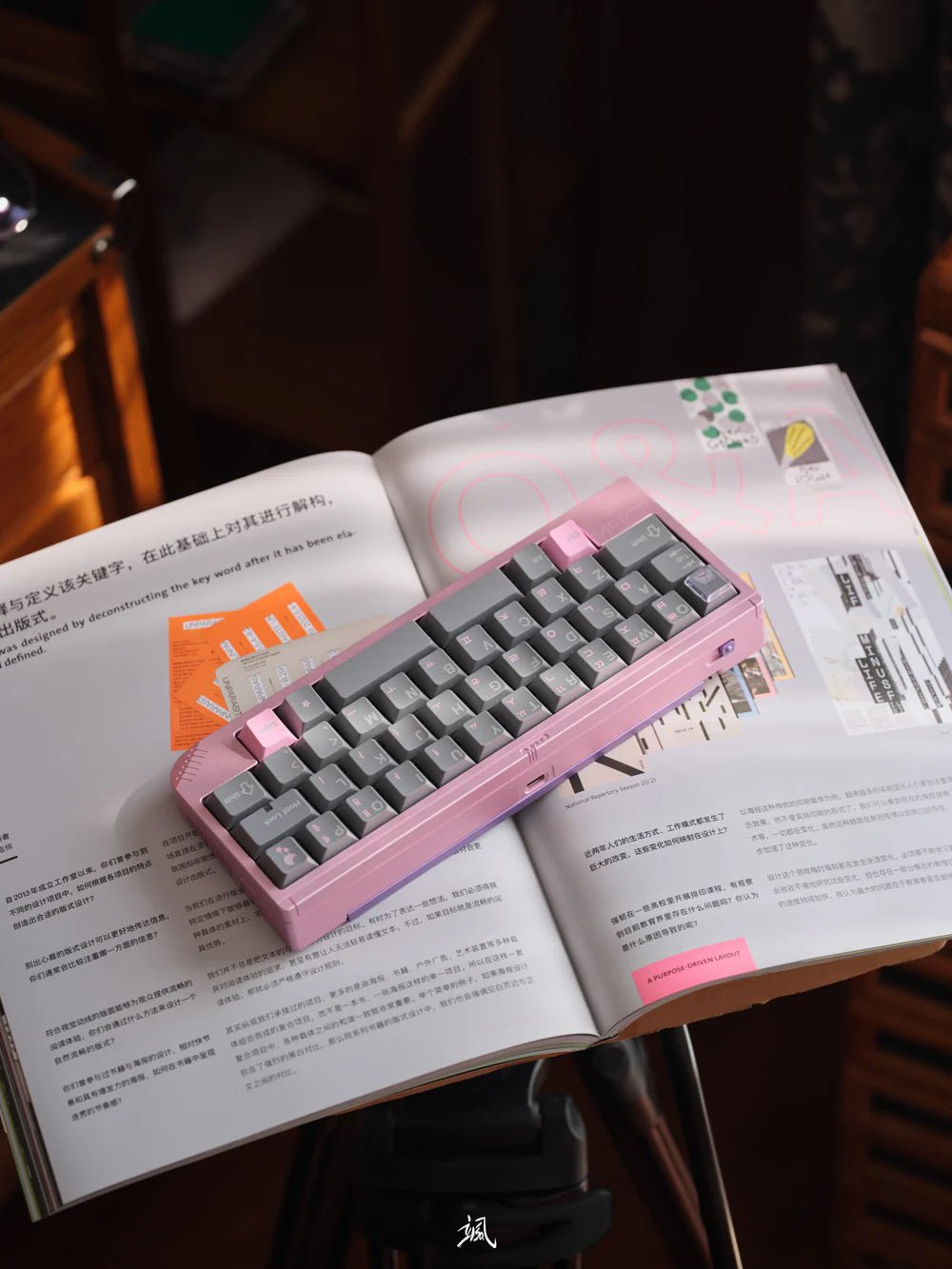
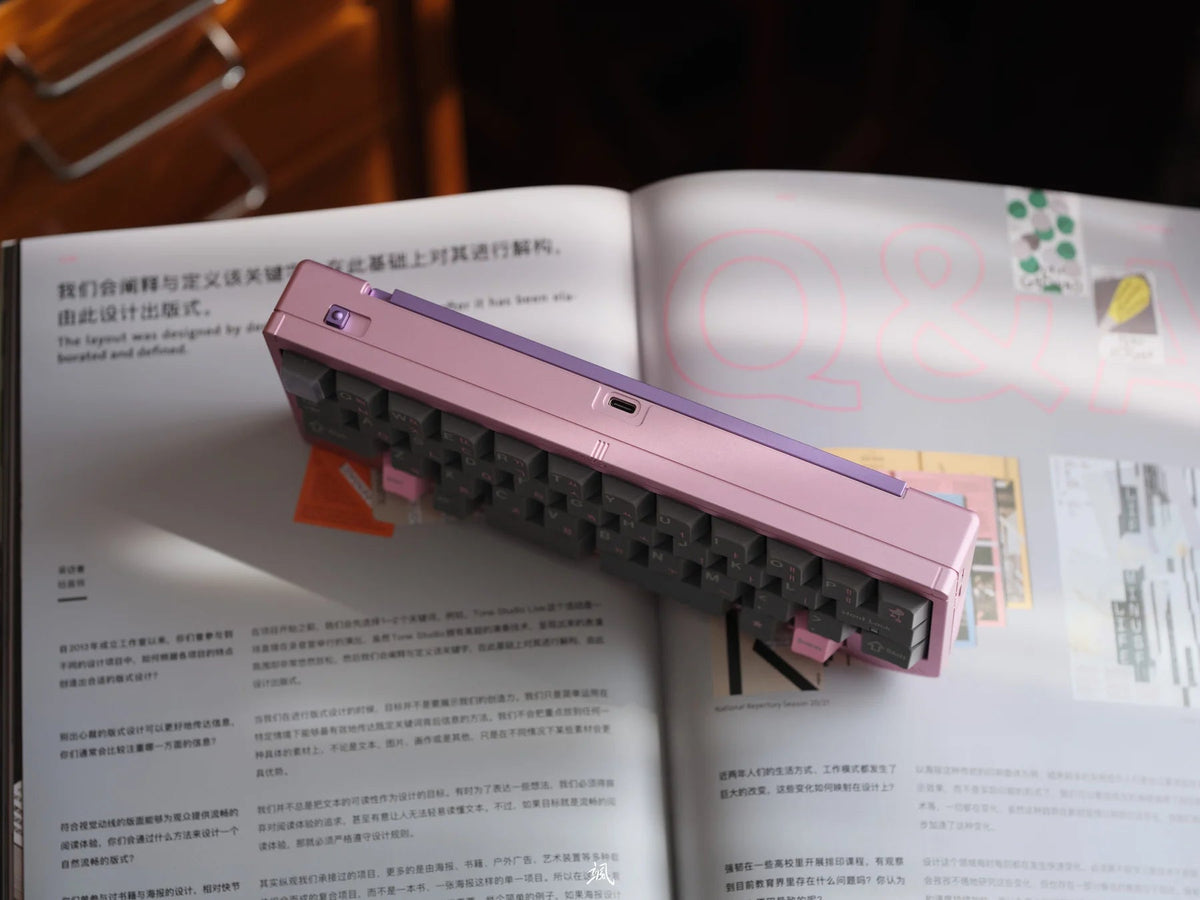
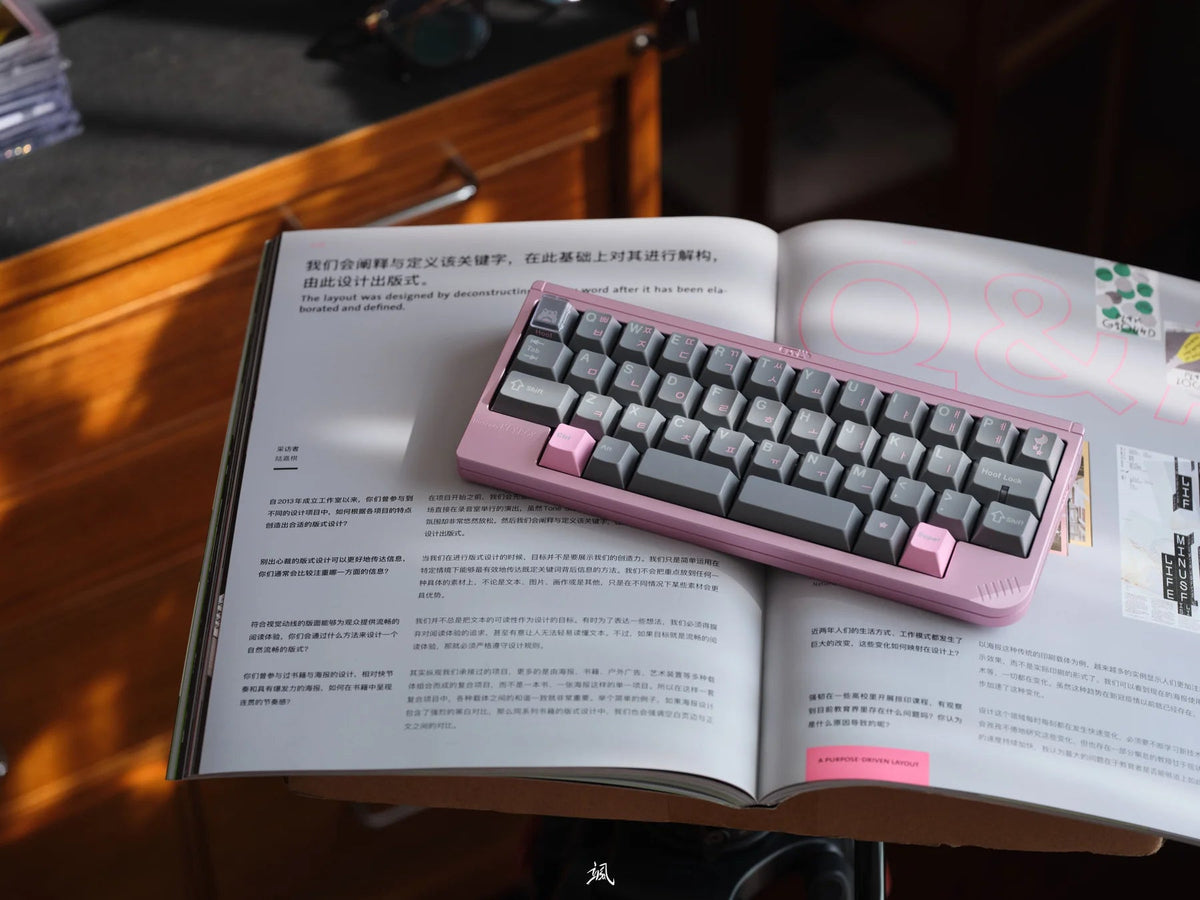
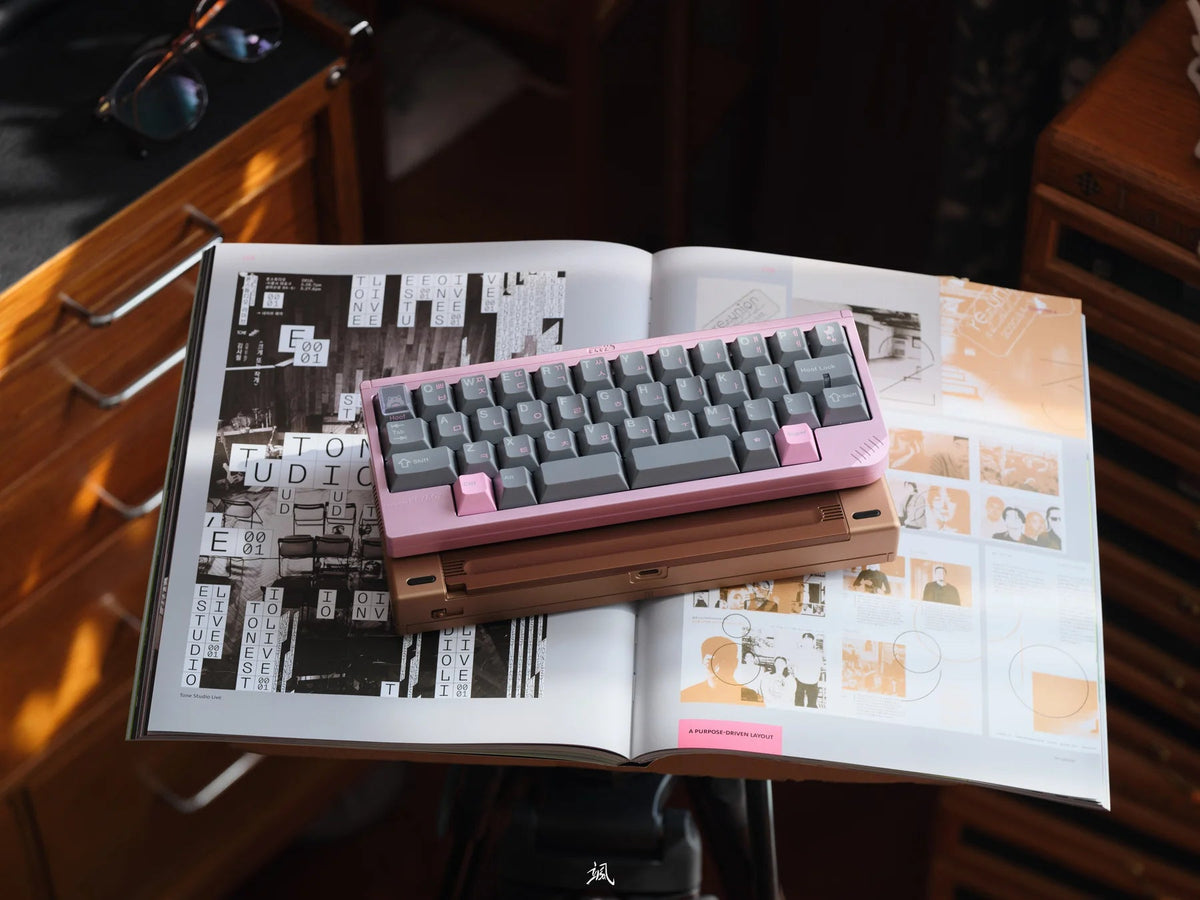
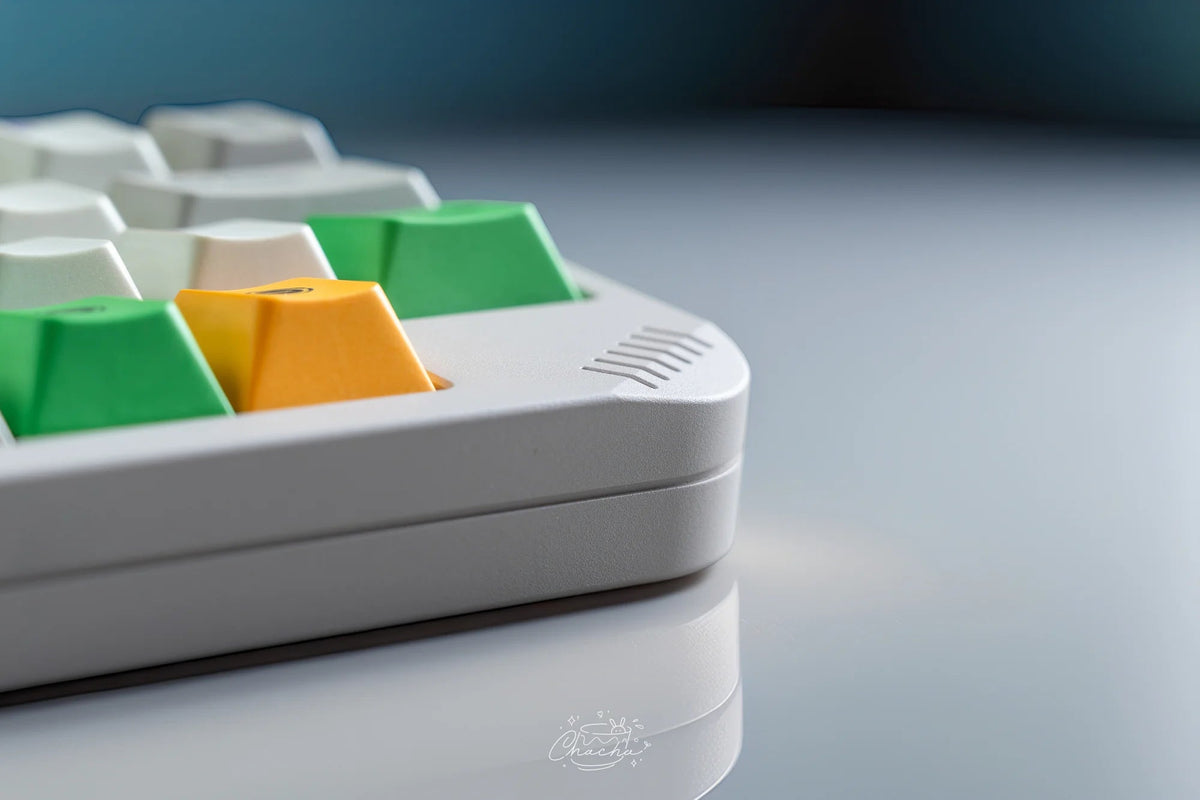
A compact 40% board with a boxy retro case, ribbing along the sides and bottom, and a weight that stays visible on the underside. Inside sits a wireless PCB that takes both MX and EC switches.

- 40% staggeredtwo plates to choose from
- MX & ECone hot-swap PCB for both
- Tri-modeUSB-C, Bluetooth, 2.4 GHz
- O-ring or gaskettwo mounting options
01 · 40%
New to 40%? Here's how it works
A 40% keyboard has no number row, no F-keys and no arrow keys. They're still there – on layers: hold an Fn key and the letter keys turn into numbers, arrows or symbols. Once you're used to it, your hands barely leave the home row.
The KB40 uses a staggered layout, so the keys are offset just like on a regular keyboard. For tips on layouts and keymaps, head over to the 40s.wiki.

02 · Plates
Two staggered plates, each for both switch types
The layout follows the HHKB style. The difference is in the bottom row – and you pick it with the plate:
Full 7U spacebar
Split spacebar, 2.25U + 2.75U
Both plates work with MX and EC switches, so switching from one to the other doesn't mean swapping the plate.

03 · PCB
One wireless PCB for MX and EC
The 1.6 mm wireless hot-swap PCB has sockets for MX switches and pads for EC (electro-capacitive) switches. Start with regular MX switches and move to EC later – no new keyboard, no soldering. Our guide Hot-swap keyboards explains what hot-swap gets you.
It connects via USB-C, Bluetooth or 2.4 GHz – the dongle is included. The battery sits in the bottom weight.

04 · Mount
O-ring or PCB gasket
You get two mounting styles. With the O-ring mount, a continuous O-ring sits between plate and case for a consistent feel and sound across the whole board.
With the PCB gasket mount, small gasket beans sit directly on the PCB. Together with the magnetic connector to the daughterboard, that makes the board easier to put together.

05 · Case
Retro case with a visible weight
The case is aluminium. Ribbing runs along the sides and the bottom, and the bottom weight sits on the underside as a contrasting panel. Two colours are available:
Light grey, berry-red weight
A random Cerakote colour


239.6 × 93.5 × 30.3 mm
17.6 mm
8°
approx. 1.0 kg assembled
06 · Who is it for?
Who is the Niuniu KB40 for?
Compact setups
You want a small wireless board for your desk or on the go – with a familiar staggered layout rather than ortho.
Switch explorers
You want to try both MX and EC without buying two keyboards: swap the switches, keep the plate.
Find more compact boards in our 40% keyboards collection.
🛠 Spezifikationen
📦 Lieferumfang
⭐ Bewertungen
Niuniu · 40% · Barebone kit
Niuniu KB40 – retro-styled 40% with MX and EC on one PCB
A compact 40% board with a boxy retro case, ribbing along the sides and bottom, and a weight that stays visible on the underside. Inside sits a wireless PCB that takes both MX and EC switches.
- 40% staggeredtwo plates to choose from
- MX & ECone hot-swap PCB for both
- Tri-modeUSB-C, Bluetooth, 2.4 GHz
- O-ring or gaskettwo mounting options
01 · 40%
New to 40%? Here's how it works
A 40% keyboard has no number row, no F-keys and no arrow keys. They're still there – on layers: hold an Fn key and the letter keys turn into numbers, arrows or symbols. Once you're used to it, your hands barely leave the home row.
The KB40 uses a staggered layout, so the keys are offset just like on a regular keyboard. For tips on layouts and keymaps, head over to the 40s.wiki.
02 · Plates
Two staggered plates, each for both switch types
The layout follows the HHKB style. The difference is in the bottom row – and you pick it with the plate:
Full 7U spacebar
Split spacebar, 2.25U + 2.75U
Both plates work with MX and EC switches, so switching from one to the other doesn't mean swapping the plate.
03 · PCB
One wireless PCB for MX and EC
The 1.6 mm wireless hot-swap PCB has sockets for MX switches and pads for EC (electro-capacitive) switches. Start with regular MX switches and move to EC later – no new keyboard, no soldering. Our guide Hot-swap keyboards explains what hot-swap gets you.
It connects via USB-C, Bluetooth or 2.4 GHz – the dongle is included. The battery sits in the bottom weight.
04 · Mount
O-ring or PCB gasket
You get two mounting styles. With the O-ring mount, a continuous O-ring sits between plate and case for a consistent feel and sound across the whole board.
With the PCB gasket mount, small gasket beans sit directly on the PCB. Together with the magnetic connector to the daughterboard, that makes the board easier to put together.
05 · Case
Retro case with a visible weight
The case is aluminium. Ribbing runs along the sides and the bottom, and the bottom weight sits on the underside as a contrasting panel. Two colours are available:
Light grey, berry-red weight
A random Cerakote colour
239.6 × 93.5 × 30.3 mm
17.6 mm
8°
approx. 1.0 kg assembled
06 · Who is it for?
Who is the Niuniu KB40 for?
Compact setups
You want a small wireless board for your desk or on the go – with a familiar staggered layout rather than ortho.
Switch explorers
You want to try both MX and EC without buying two keyboards: swap the switches, keep the plate.
Find more compact boards in our 40% keyboards collection.



 1571


 97

