






Do.25 & Doo – 70% Custom Mechanical Keyboard Kit
Tax included. Shipping from €3.90, free from €70.
Good to know: Keyboard sizes and layouts
📄 Produktbeschreibung
Vida · Design: ises
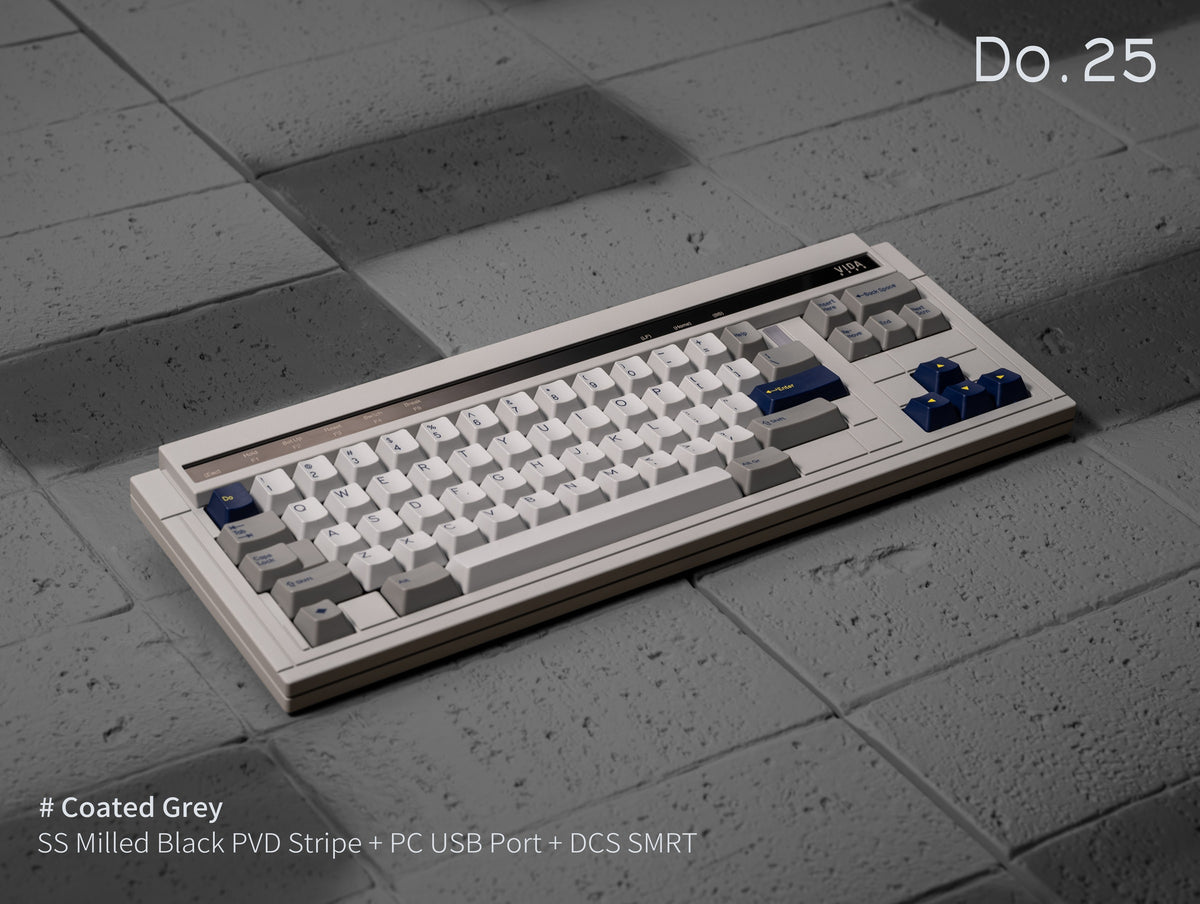
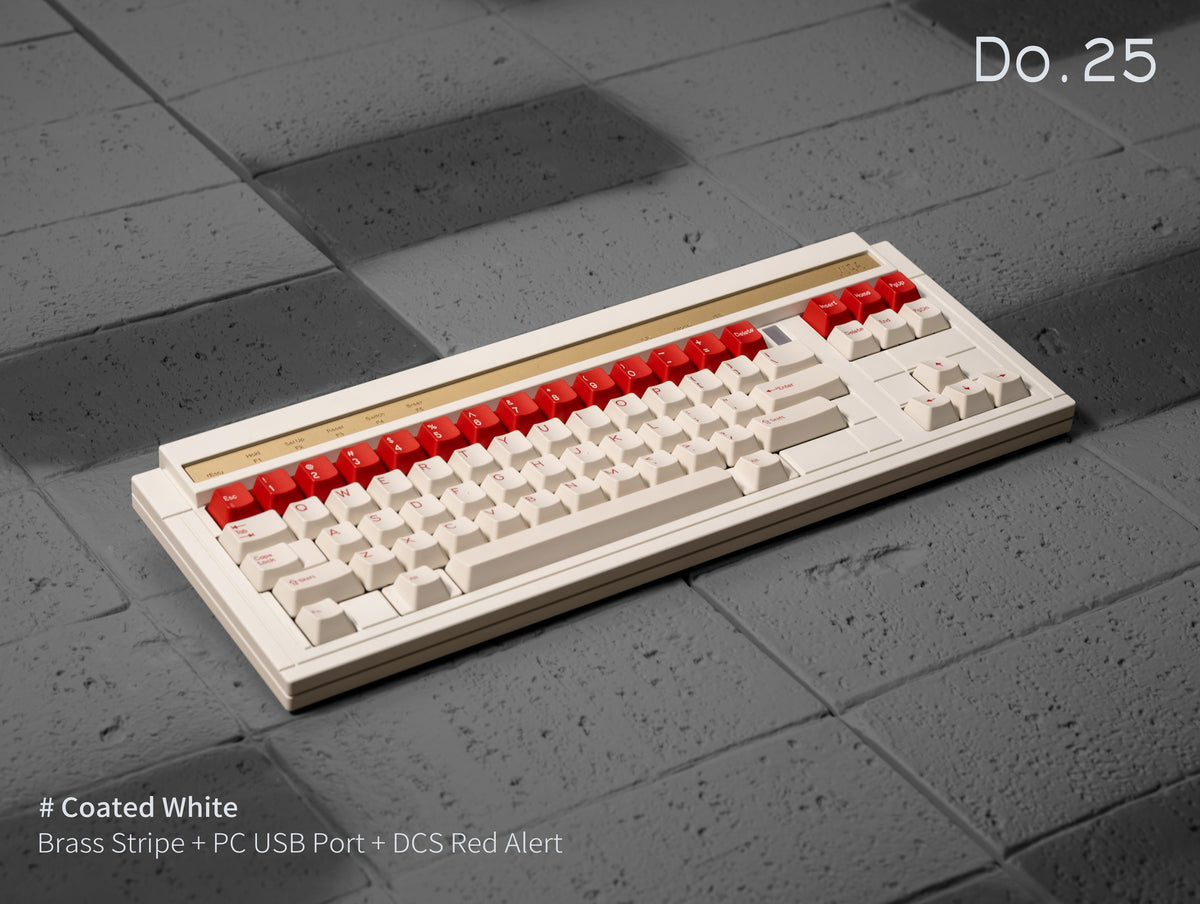
Do.25 & Doo – two layouts in a WYSE-style case
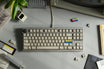
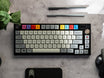
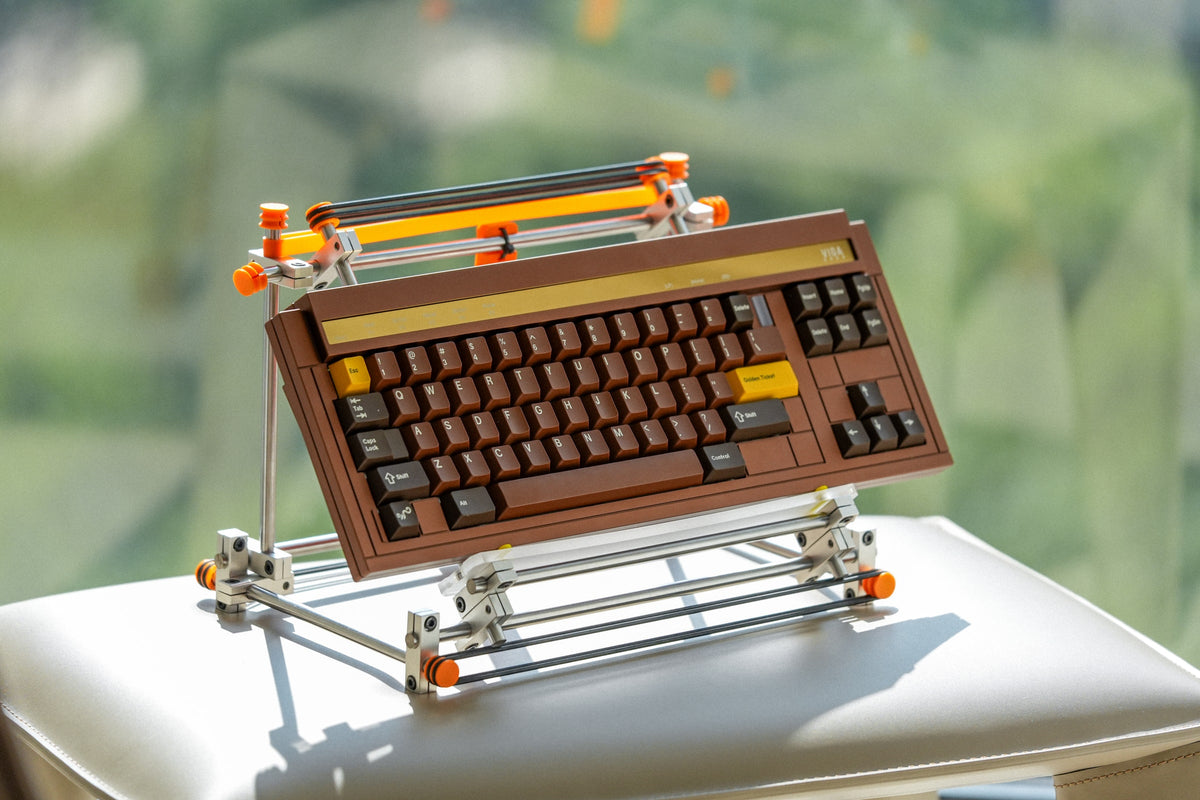
A 70% kit with top mount and an aluminium case, drawn after the WYSE terminal keyboards. The same case design comes in two layouts: the Do.25 with evenly staggered rows and the Doo in the classic Digital layout.

- Top mount6.5° typing angle
- Two layoutsDo.25 or Doo
- 2 internal weightsraw steel
- PCB of your choicesolder, hot-swap or EC
01 · Do.25 layout
Even stagger, 1u backspace
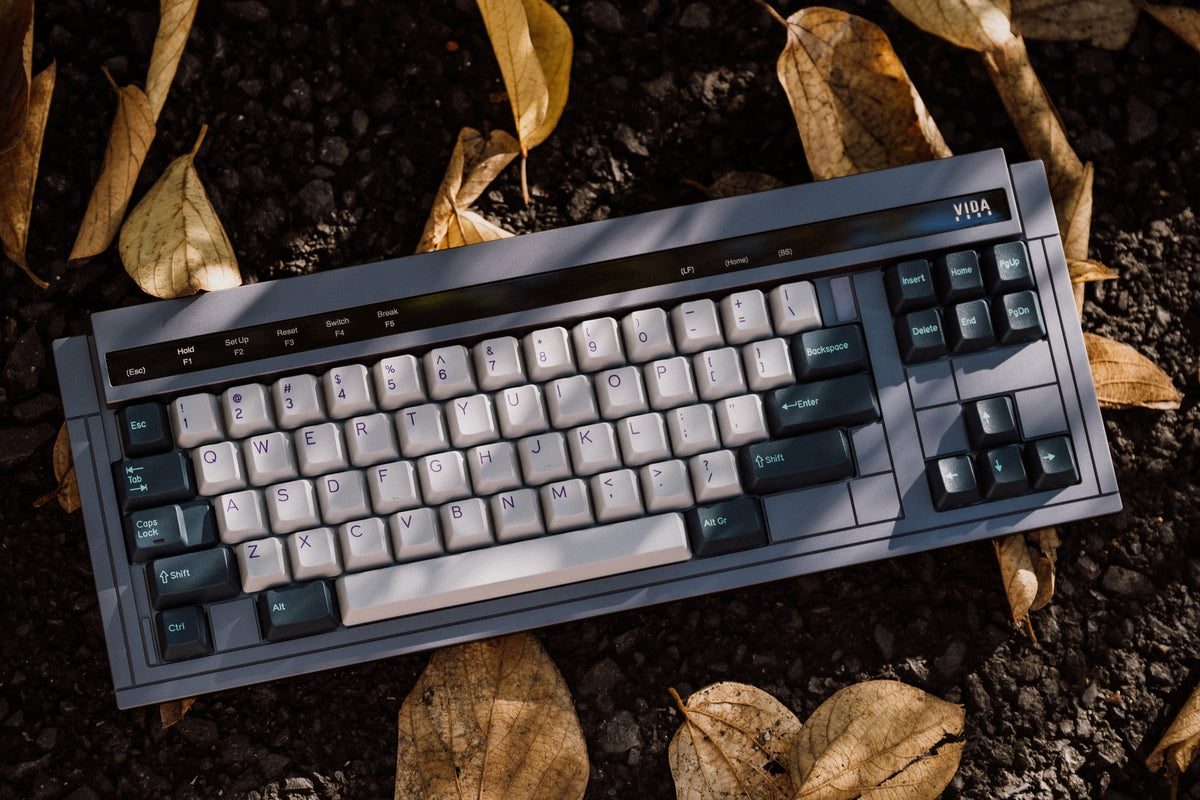
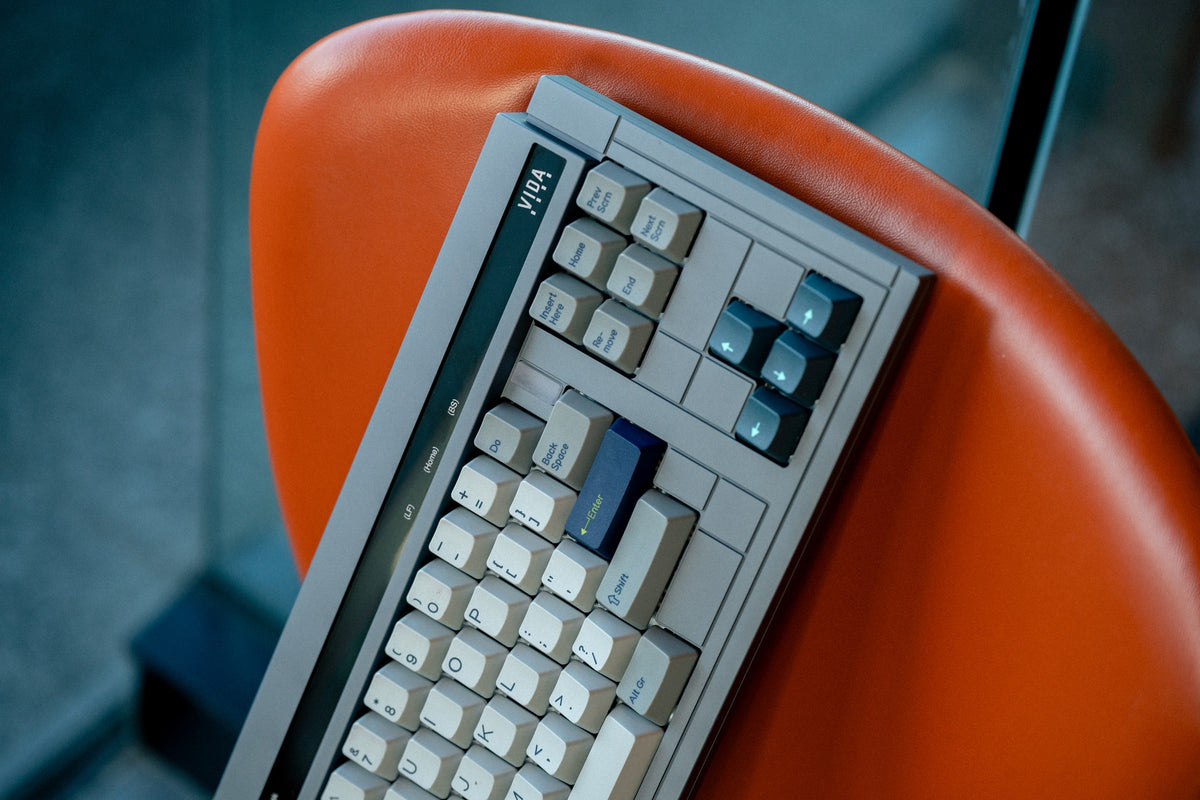
On a regular keyboard the rows are staggered by different amounts – 0.5u, 0.25u and 0.5u between the number, Q, A and Z rows. The Do.25 offsets the number and alpha rows by a uniform 0.25u.
That leaves room for a 1u backspace top right, moved slightly inwards – if you come from an HHKB, it sits right where you expect it. Left shift 1.75u, right shift 2.25u, left ctrl 1u. Every key size is covered by the base kits of common large keycap sets.

02 · Doo layout
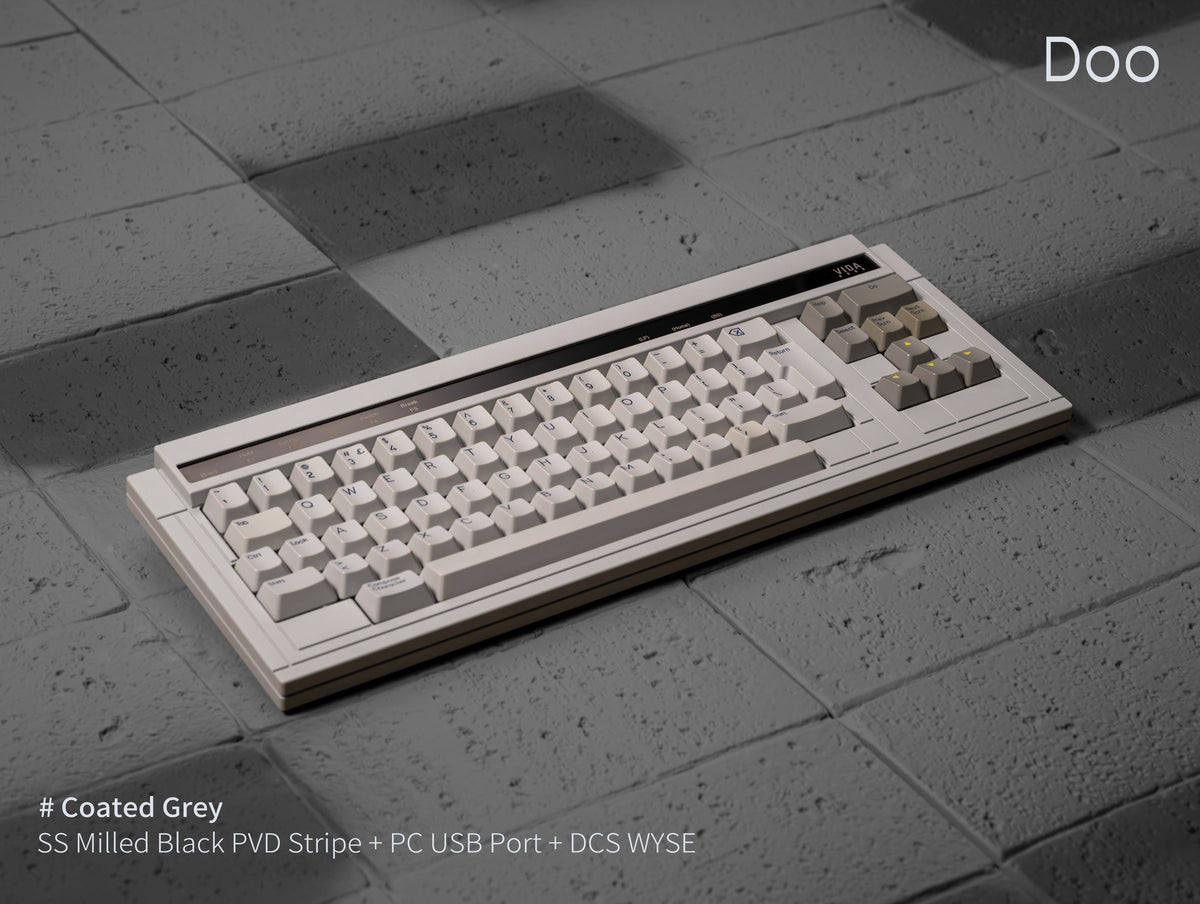
The WYSE's Digital layout
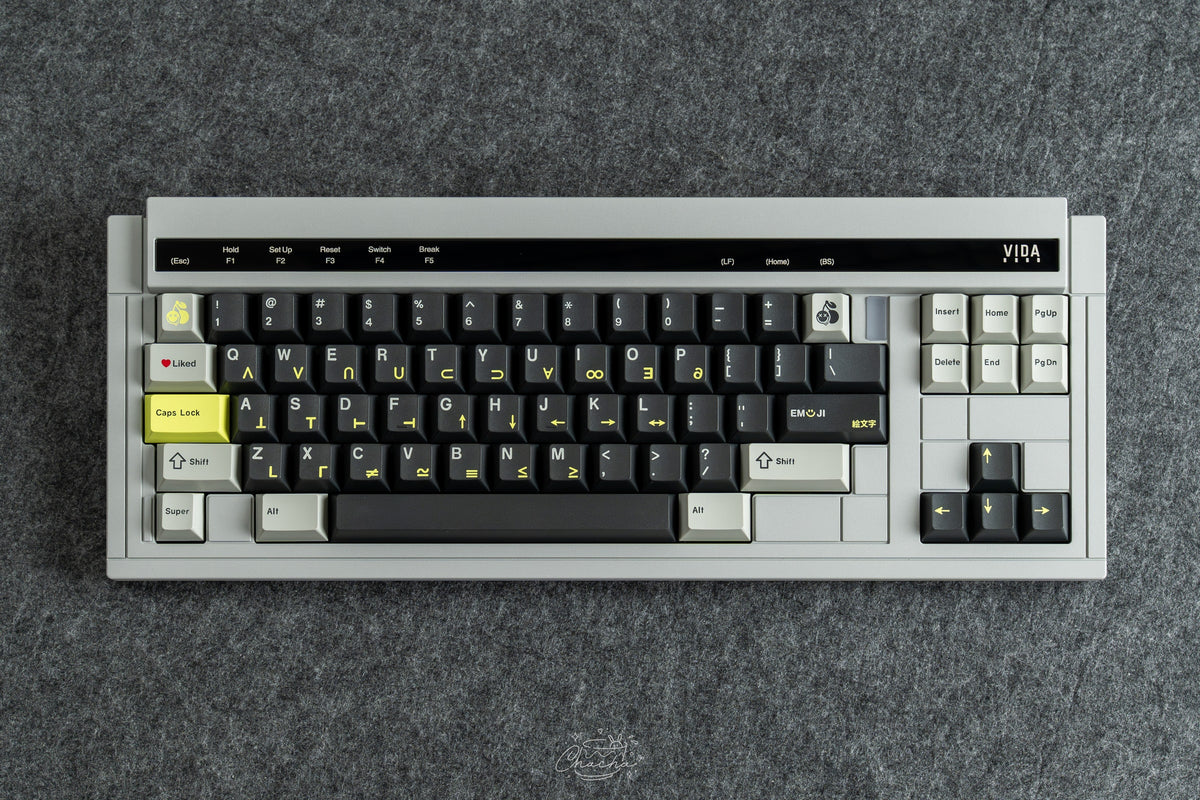
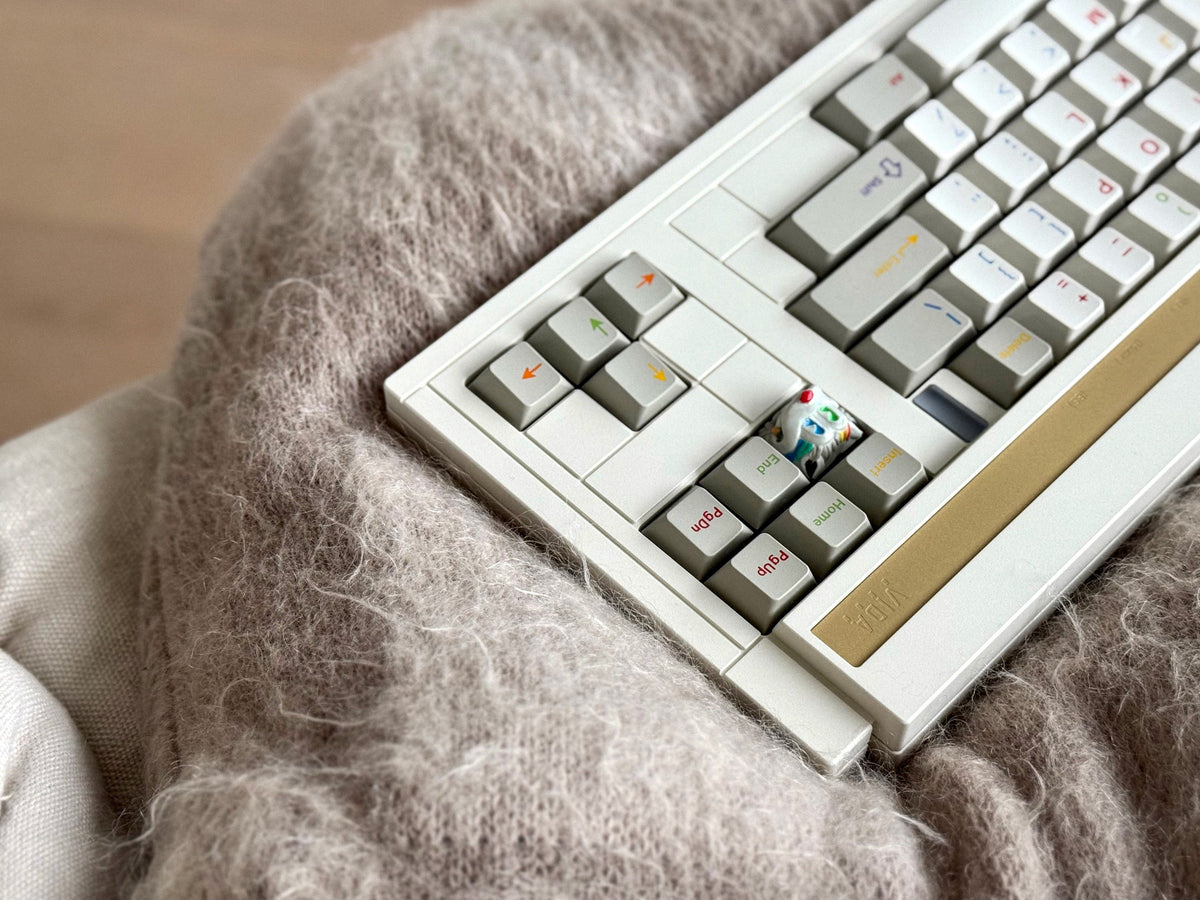
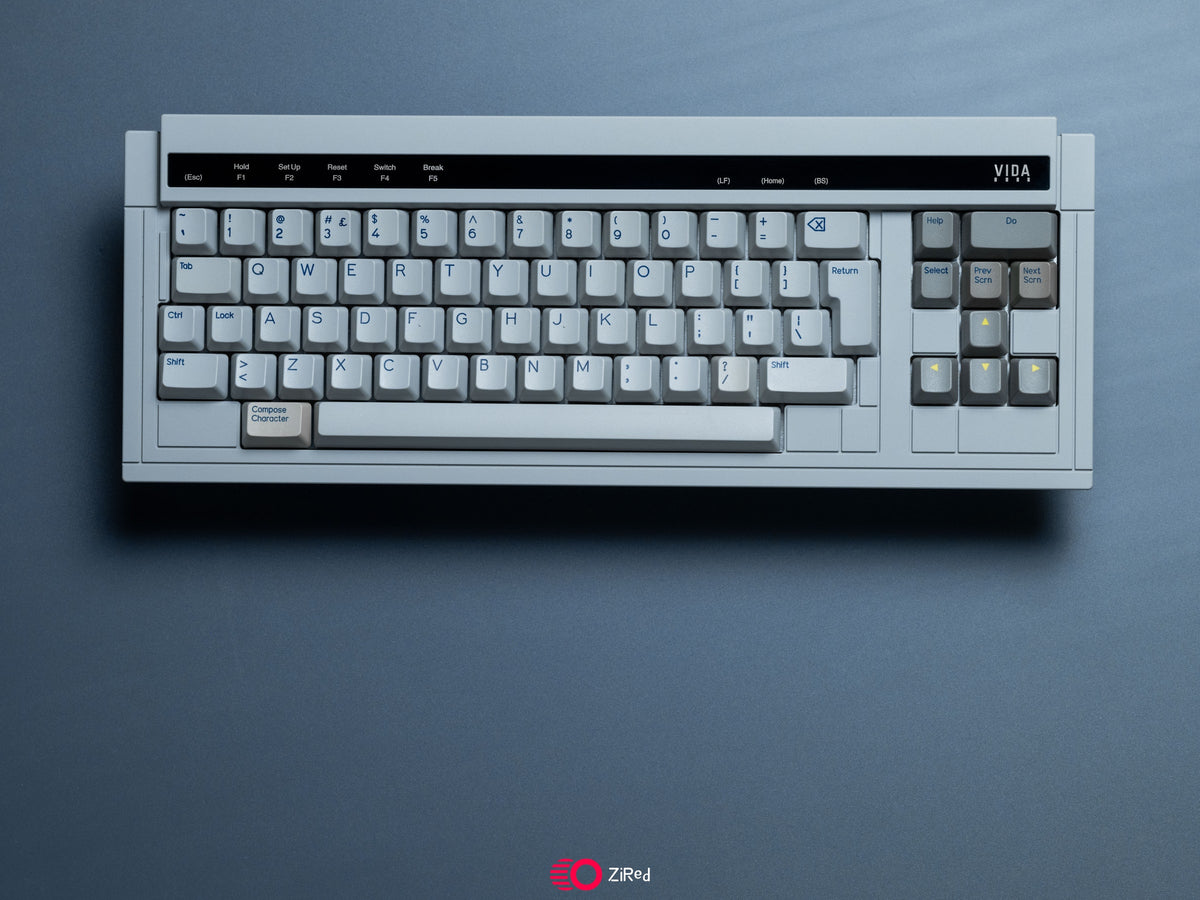
The original WYSE uses the Digital layout – the ancestor of the three-block arrangement with inverted-T arrow keys. The Doo keeps that structure without the numpad, including the distinctive 2u “Do” key the board is named after. It also supports a 2.5u stepped ctrl, as found in the spacebar row of the full-size WYSE.
The Doo comes in coated grey with a solder PCB and an aluminium plate.

03 · Case
Lines instead of decoration
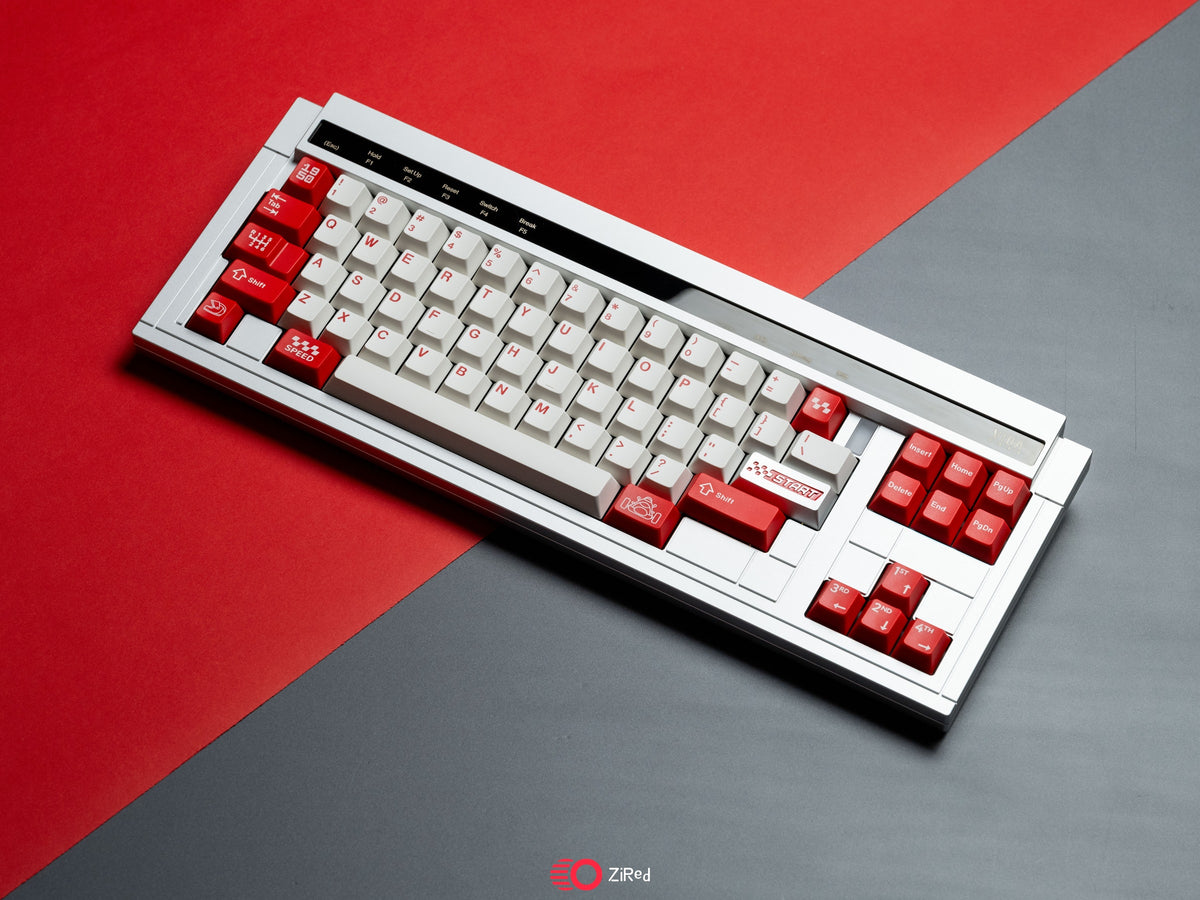
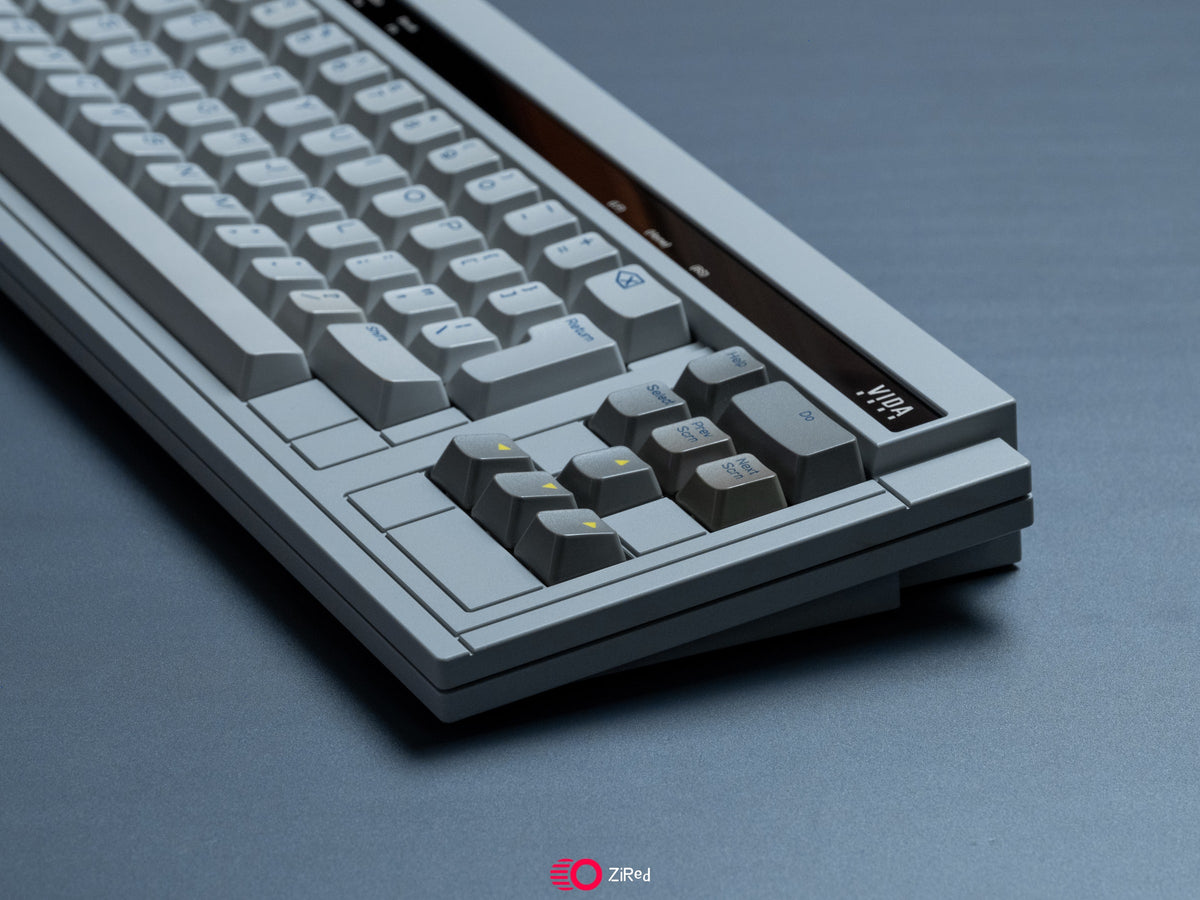
Without a numpad and with staggered rows, the case gets large empty areas. Instead of filling them with ornaments, clean lines structure the case: left of the offset number and Z rows the surface is lowered, so the stagger shows on the case too. Top right, a separated section acts as a subtle accent.
The engraved lines on the sides and bottom edge are placed so the outer border matches the thickness of the top and bottom case. The top strip carries its own engraving.

04 · Top strip
An accent above the number row
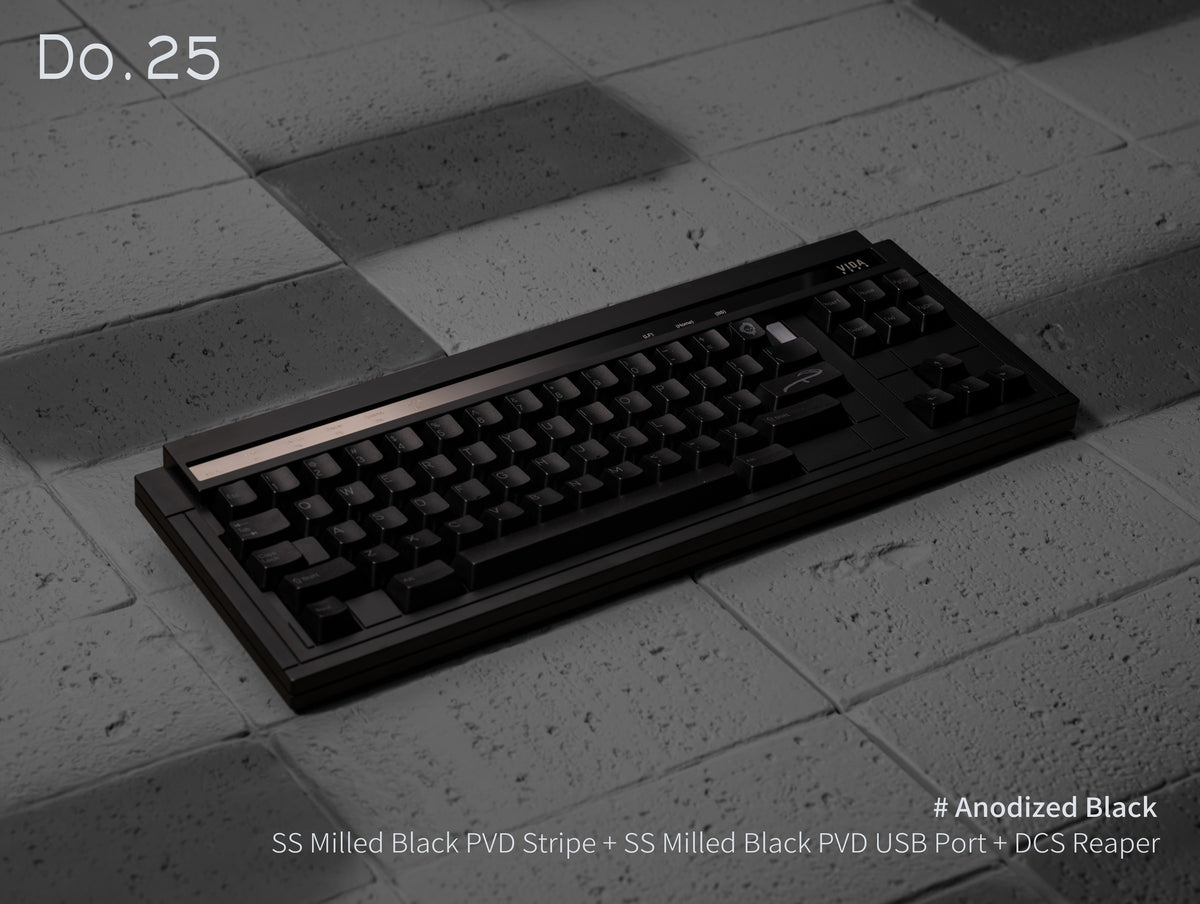
The brass top strip is included. For an extra charge you can have it in milled stainless steel with a black, gold or silver PVD coating.

Brass

Black PVD

Gold PVD

Silver PVD
05 · USB port
An accent at the connector
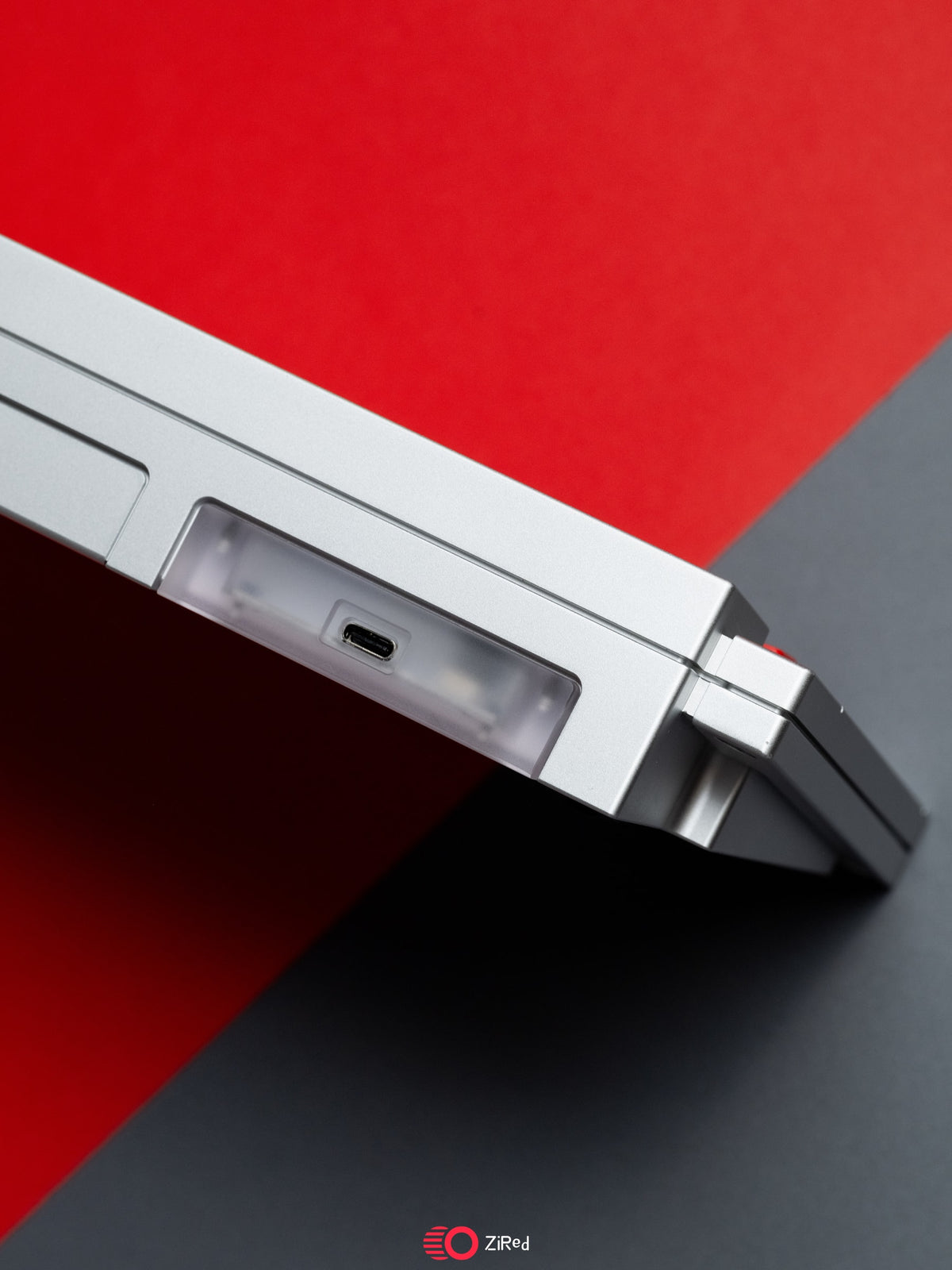
The USB-C connector sits in its own insert, with a line that runs on to the back. Clear PC, brass and stainless steel come at no extra charge, plus milled stainless steel with PVD coating and titanium.


06 · Internal weights
Two raw steel weights
Inside the case sit two internal weights in untreated steel. Four small, evenly spaced knife-cut patterns on top are a nod to the WYSE logo.
The kit weighs around 2.6 kg, fully built it's about 3.1 kg.

07 · PCB
Solder, hot-swap or EC
All PCBs are 1.6 mm thick. The solder PCB is included; for the Do.25 there's a hot-swap PCB (no ISO) and an EC PCB for electrostatic capacitive switches at an extra charge. The Doo comes with the solder PCB.

Solder
For soldering, Do.25 and Doo.

Hot-swap
Plug in switches instead of soldering, no ISO.

EC
For EC switches, no matching plate.
08 · Plate
PP, aluminium or carbon fibre
On the Do.25 you choose the plate separately: PP, aluminium or carbon fibre. The Doo always comes with the aluminium plate. There's no EC plate in the group buy – Vida only provides the files for it. If you take the EC PCB, choose “No plate”.

PP
Soft and flexible, deep sound.

Aluminium
Stiff and direct, a clear keystroke.

Carbon fibre
Stiff and light, a crisp keystroke.
09 · Colours
Seven colours for the Do.25
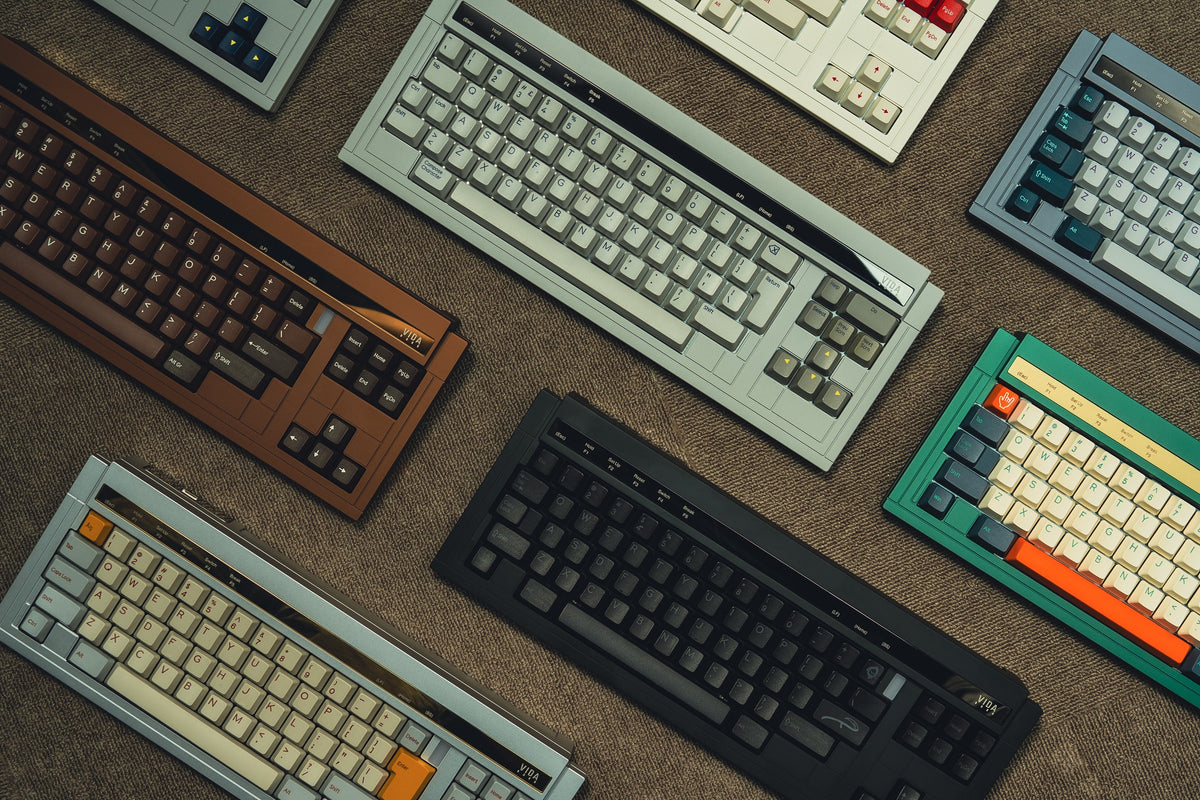
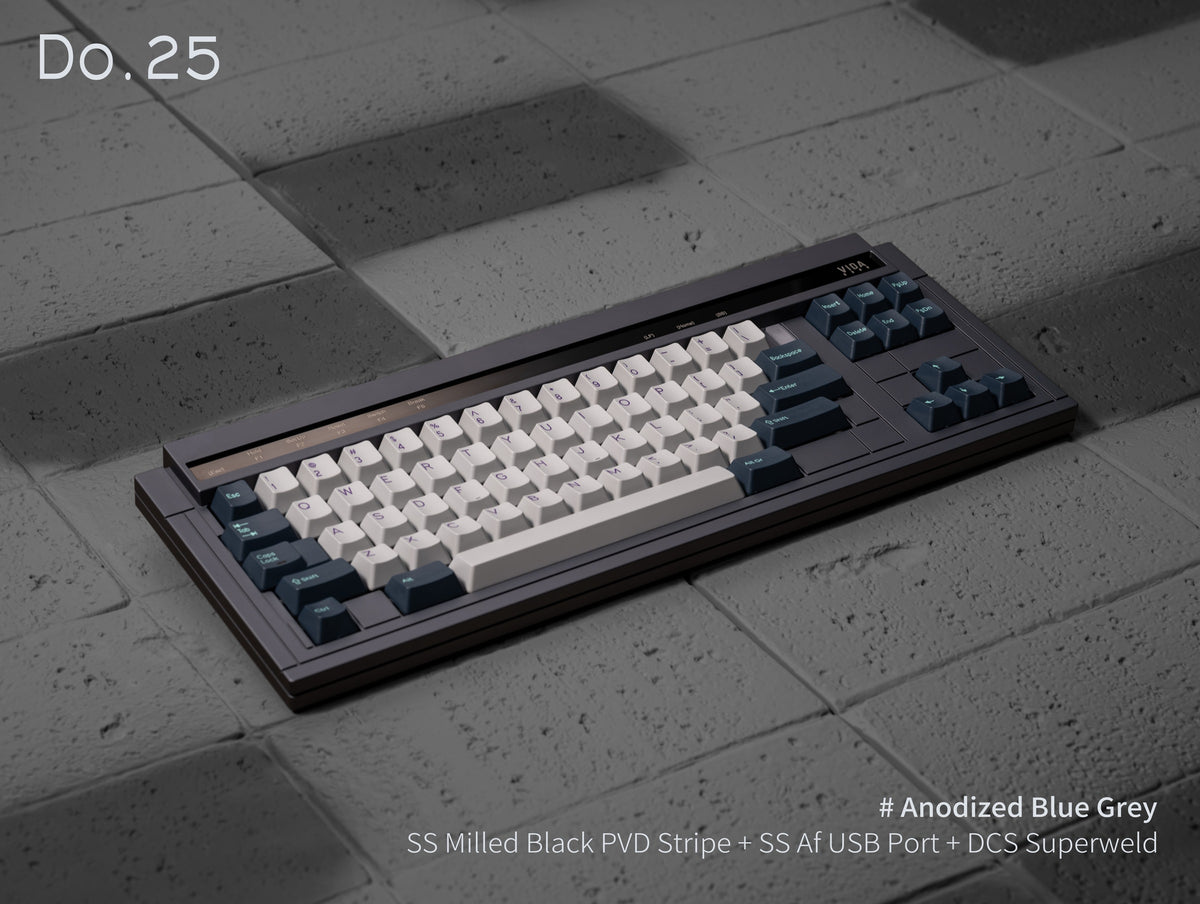
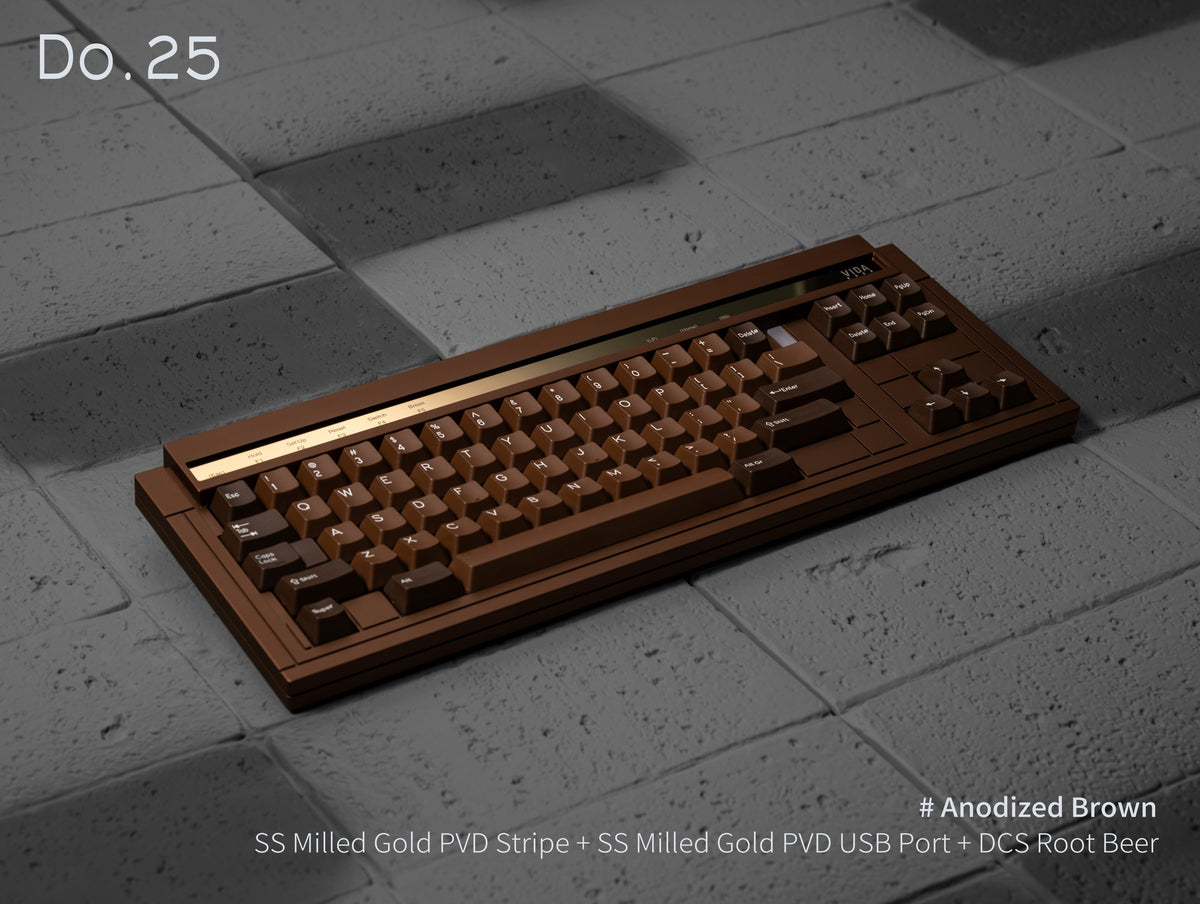
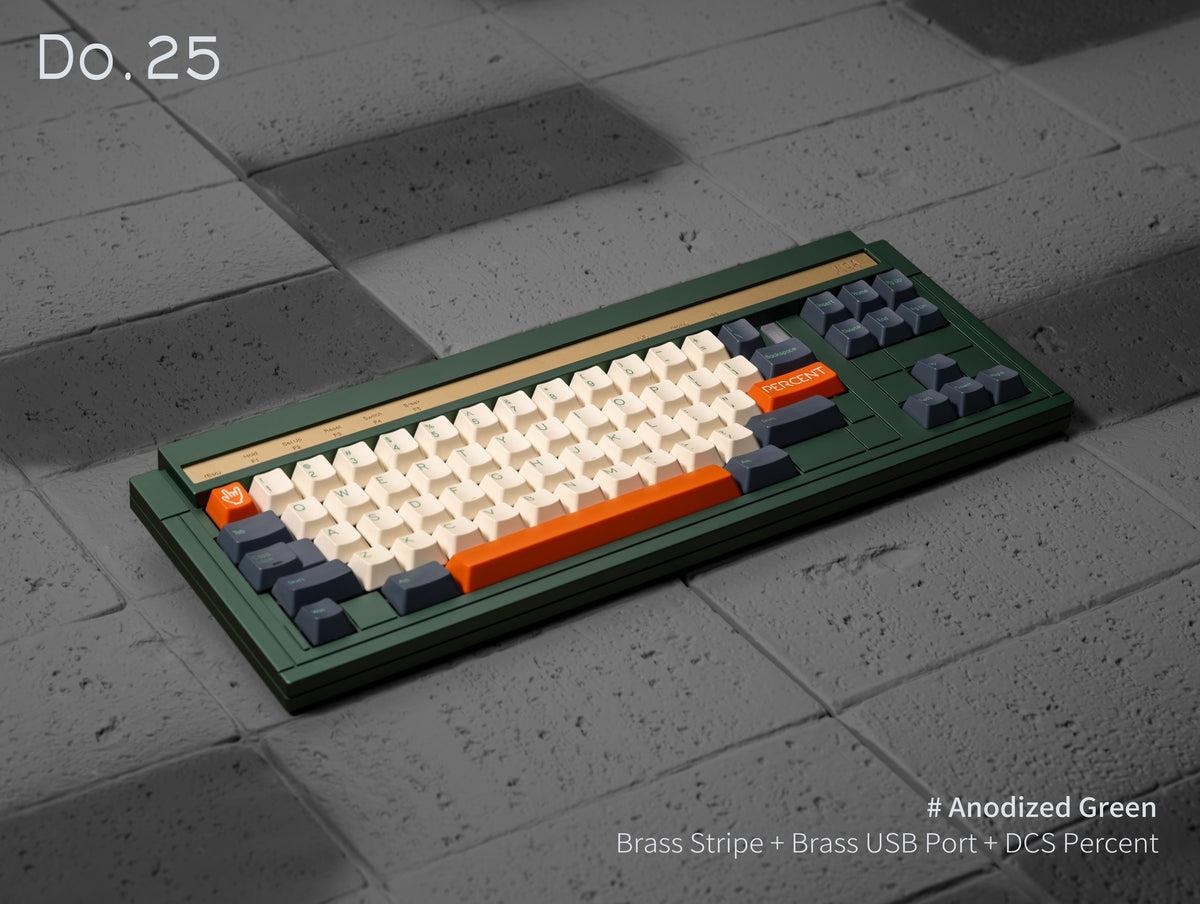
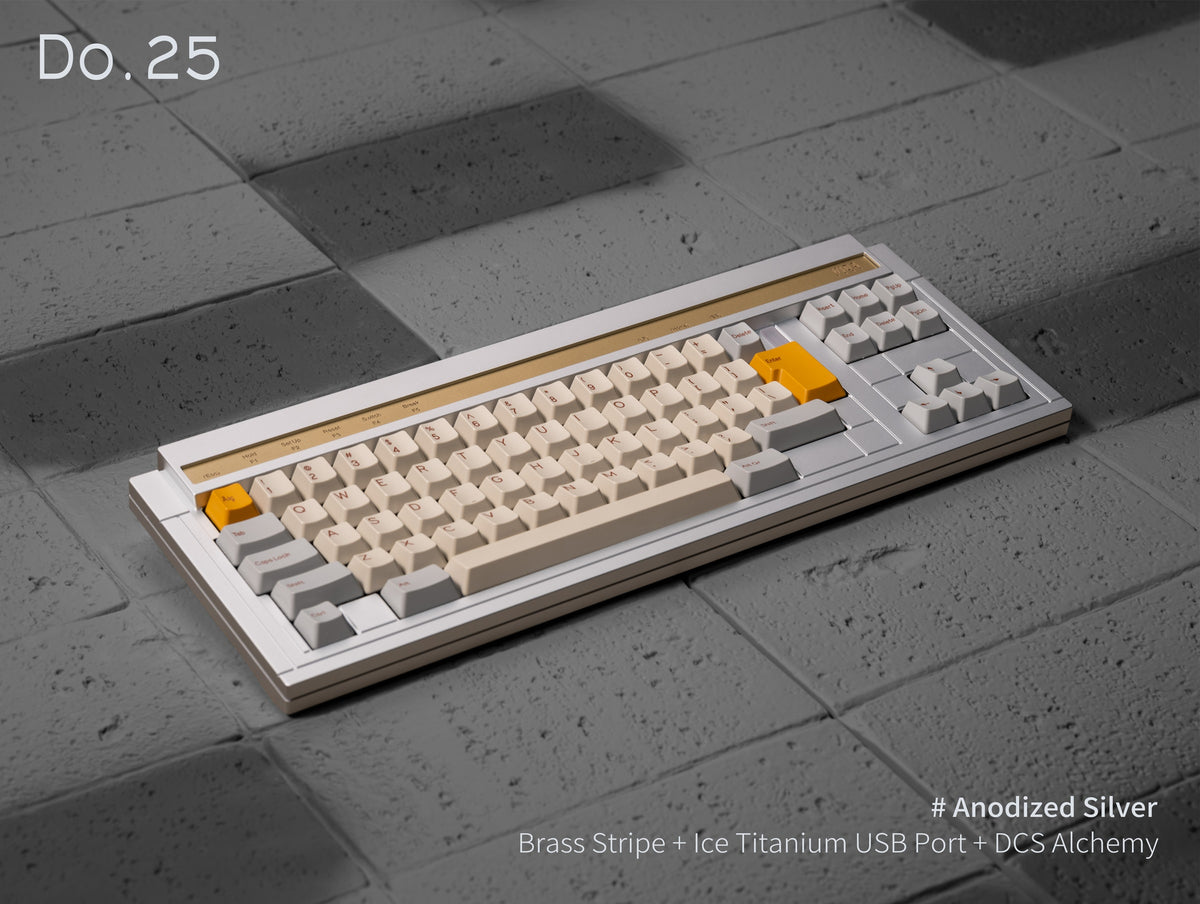
The Do.25 comes anodised in black, blue grey, brown, green and silver, or coated in grey and white. Top and bottom case come in the same colour. The Doo comes in coated grey.


10 · Dimensions
Low and compact
383.05 × 145.57 × 40.00 mm
17.38 mm · 21.18 mm effective key height (without feet)
6.5°
approx. 2.6 kg (kit) · approx. 3.1 kg built
11 · Who is it for?
Who are the Do.25 and Doo for?
For layout explorers
You want to try a layout that's different without buying special keycaps – the Do.25 works with the sizes in regular base kits.
For retro fans
You like the terminal keyboards of the '80s but want a modern build with top mount, a heavy aluminium case and hot-swap or EC.
Do.25 and Doo are barebone kits: you'll need switches, keycaps and stabilisers – find matching ones under stabilisers. More kits are in our mechanical keyboards.
🛠 Spezifikationen
📦 Lieferumfang
⭐ Bewertungen
Vida · Design: ises
Do.25 & Doo – two layouts in a WYSE-style case
A 70% kit with top mount and an aluminium case, drawn after the WYSE terminal keyboards. The same case design comes in two layouts: the Do.25 with evenly staggered rows and the Doo in the classic Digital layout.
- Top mount6.5° typing angle
- Two layoutsDo.25 or Doo
- 2 internal weightsraw steel
- PCB of your choicesolder, hot-swap or EC
01 · Do.25 layout
Even stagger, 1u backspace
On a regular keyboard the rows are staggered by different amounts – 0.5u, 0.25u and 0.5u between the number, Q, A and Z rows. The Do.25 offsets the number and alpha rows by a uniform 0.25u.
That leaves room for a 1u backspace top right, moved slightly inwards – if you come from an HHKB, it sits right where you expect it. Left shift 1.75u, right shift 2.25u, left ctrl 1u. Every key size is covered by the base kits of common large keycap sets.
02 · Doo layout
The WYSE's Digital layout
The original WYSE uses the Digital layout – the ancestor of the three-block arrangement with inverted-T arrow keys. The Doo keeps that structure without the numpad, including the distinctive 2u “Do” key the board is named after. It also supports a 2.5u stepped ctrl, as found in the spacebar row of the full-size WYSE.
The Doo comes in coated grey with a solder PCB and an aluminium plate.
03 · Case
Lines instead of decoration
Without a numpad and with staggered rows, the case gets large empty areas. Instead of filling them with ornaments, clean lines structure the case: left of the offset number and Z rows the surface is lowered, so the stagger shows on the case too. Top right, a separated section acts as a subtle accent.
The engraved lines on the sides and bottom edge are placed so the outer border matches the thickness of the top and bottom case. The top strip carries its own engraving.
04 · Top strip
An accent above the number row
The brass top strip is included. For an extra charge you can have it in milled stainless steel with a black, gold or silver PVD coating.
Brass
Black PVD
Gold PVD
Silver PVD
05 · USB port
An accent at the connector
The USB-C connector sits in its own insert, with a line that runs on to the back. Clear PC, brass and stainless steel come at no extra charge, plus milled stainless steel with PVD coating and titanium.
06 · Internal weights
Two raw steel weights
Inside the case sit two internal weights in untreated steel. Four small, evenly spaced knife-cut patterns on top are a nod to the WYSE logo.
The kit weighs around 2.6 kg, fully built it's about 3.1 kg.
07 · PCB
Solder, hot-swap or EC
All PCBs are 1.6 mm thick. The solder PCB is included; for the Do.25 there's a hot-swap PCB (no ISO) and an EC PCB for electrostatic capacitive switches at an extra charge. The Doo comes with the solder PCB.
Solder
For soldering, Do.25 and Doo.
Hot-swap
Plug in switches instead of soldering, no ISO.
EC
For EC switches, no matching plate.
08 · Plate
PP, aluminium or carbon fibre
On the Do.25 you choose the plate separately: PP, aluminium or carbon fibre. The Doo always comes with the aluminium plate. There's no EC plate in the group buy – Vida only provides the files for it. If you take the EC PCB, choose “No plate”.
PP
Soft and flexible, deep sound.
Aluminium
Stiff and direct, a clear keystroke.
Carbon fibre
Stiff and light, a crisp keystroke.
09 · Colours
Seven colours for the Do.25
The Do.25 comes anodised in black, blue grey, brown, green and silver, or coated in grey and white. Top and bottom case come in the same colour. The Doo comes in coated grey.
10 · Dimensions
Low and compact
383.05 × 145.57 × 40.00 mm
17.38 mm · 21.18 mm effective key height (without feet)
6.5°
approx. 2.6 kg (kit) · approx. 3.1 kg built
11 · Who is it for?
Who are the Do.25 and Doo for?
For layout explorers
You want to try a layout that's different without buying special keycaps – the Do.25 works with the sizes in regular base kits.
For retro fans
You like the terminal keyboards of the '80s but want a modern build with top mount, a heavy aluminium case and hot-swap or EC.
Do.25 and Doo are barebone kits: you'll need switches, keycaps and stabilisers – find matching ones under stabilisers. More kits are in our mechanical keyboards.



 1587


 97

