Switches
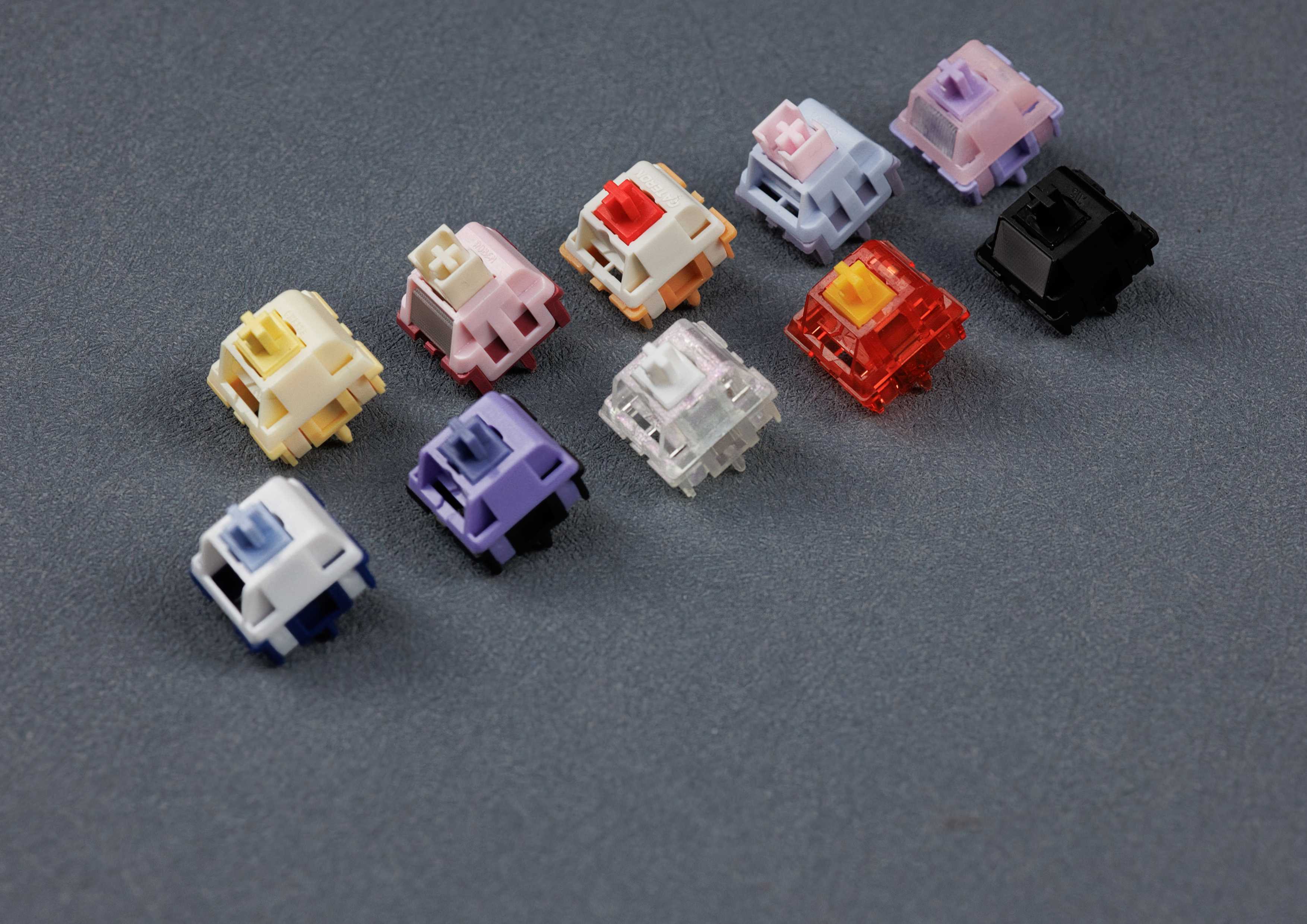
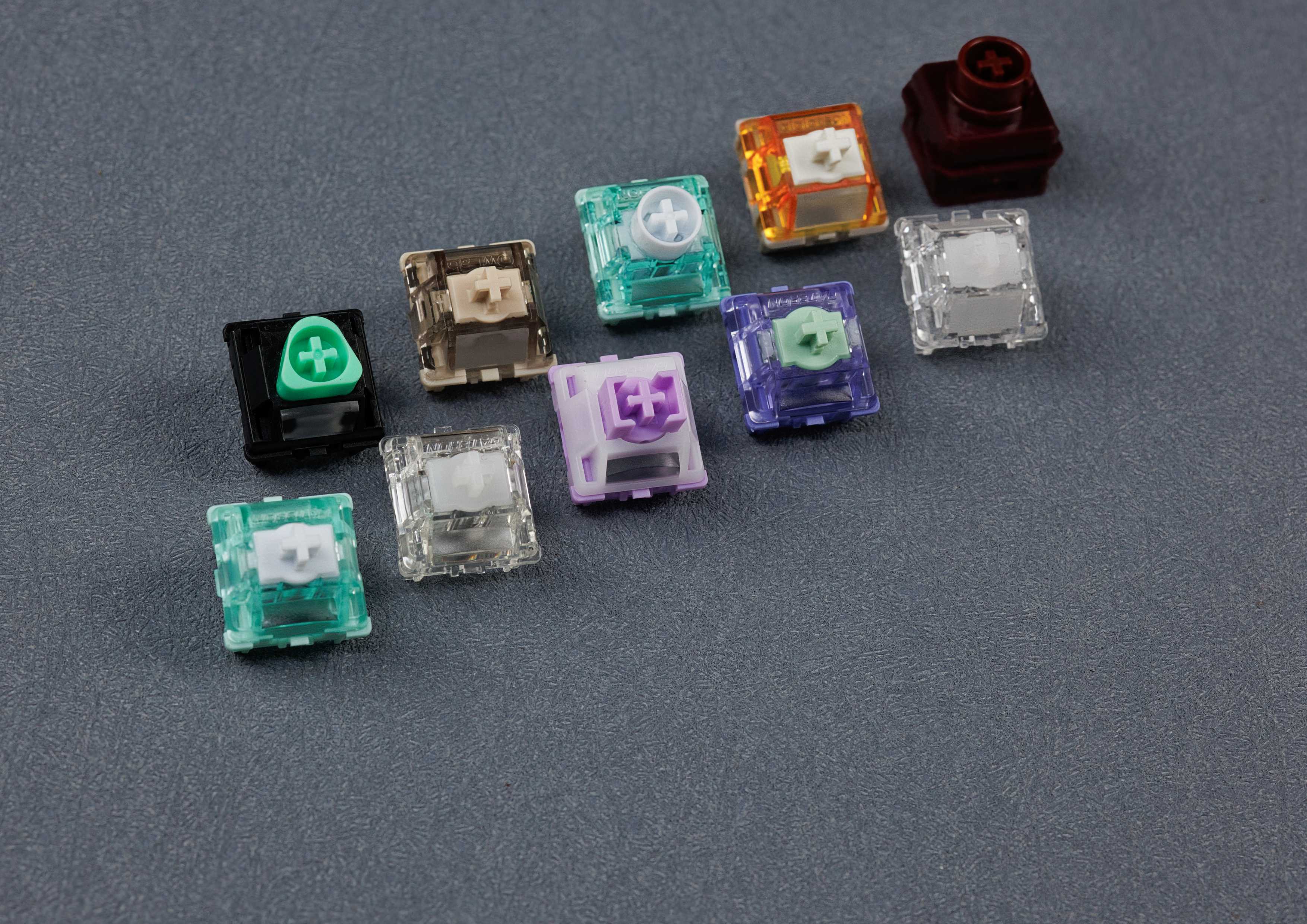
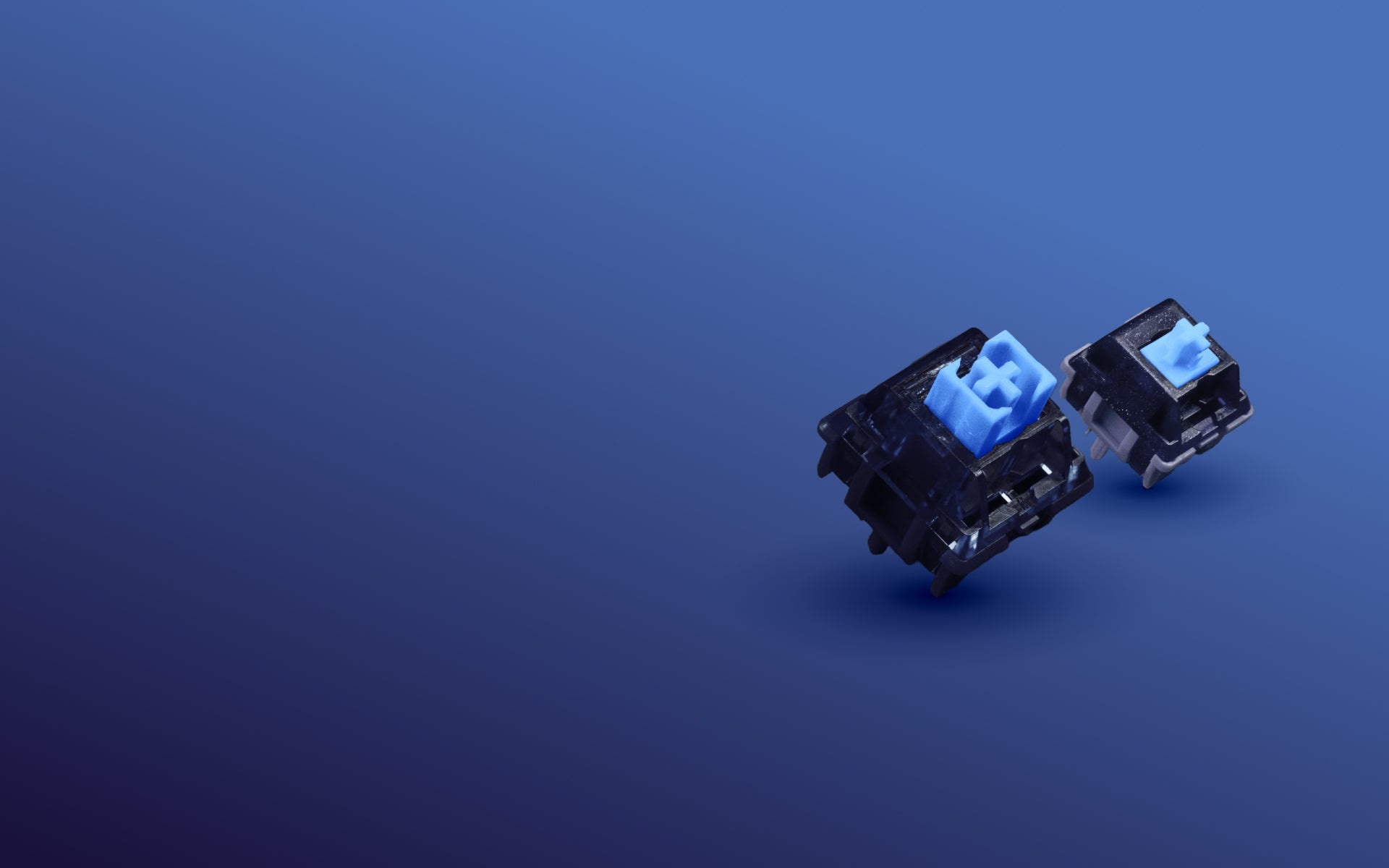
Switches are the heart of every mechanical keyboard: they decide how each keystroke feels and how your board sounds. We carry linear, tactile, clicky and silent switches from many makers, plus Hall effect, low profile and EC switches – from creamy and thocky to bright and clacky. To try them out, there's our switch tester.
Filters
108 products
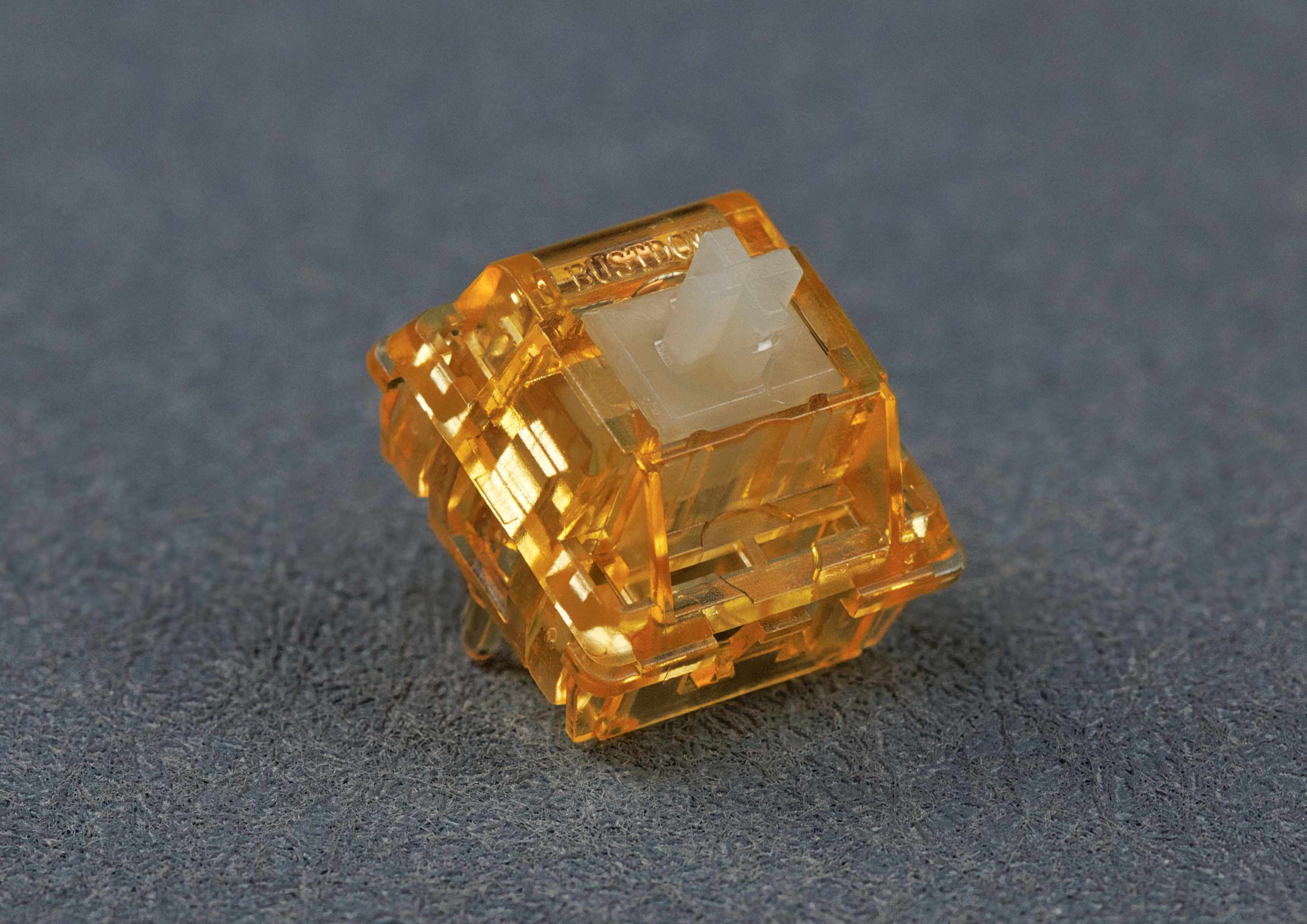
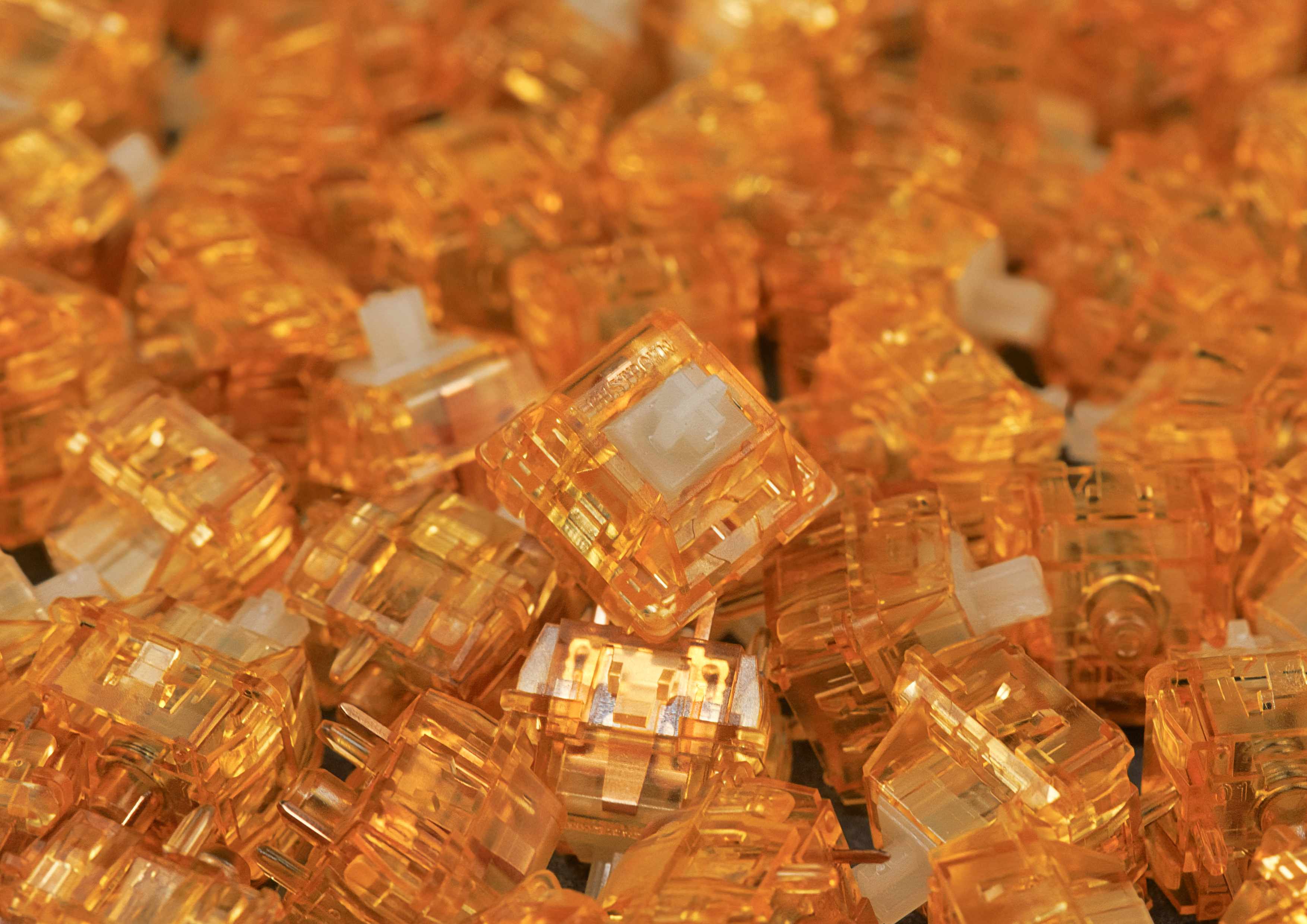
Wingtree Golden Apple V2 Tactile Switches (10pcs)
Sale price€4,20 EUR
5.0
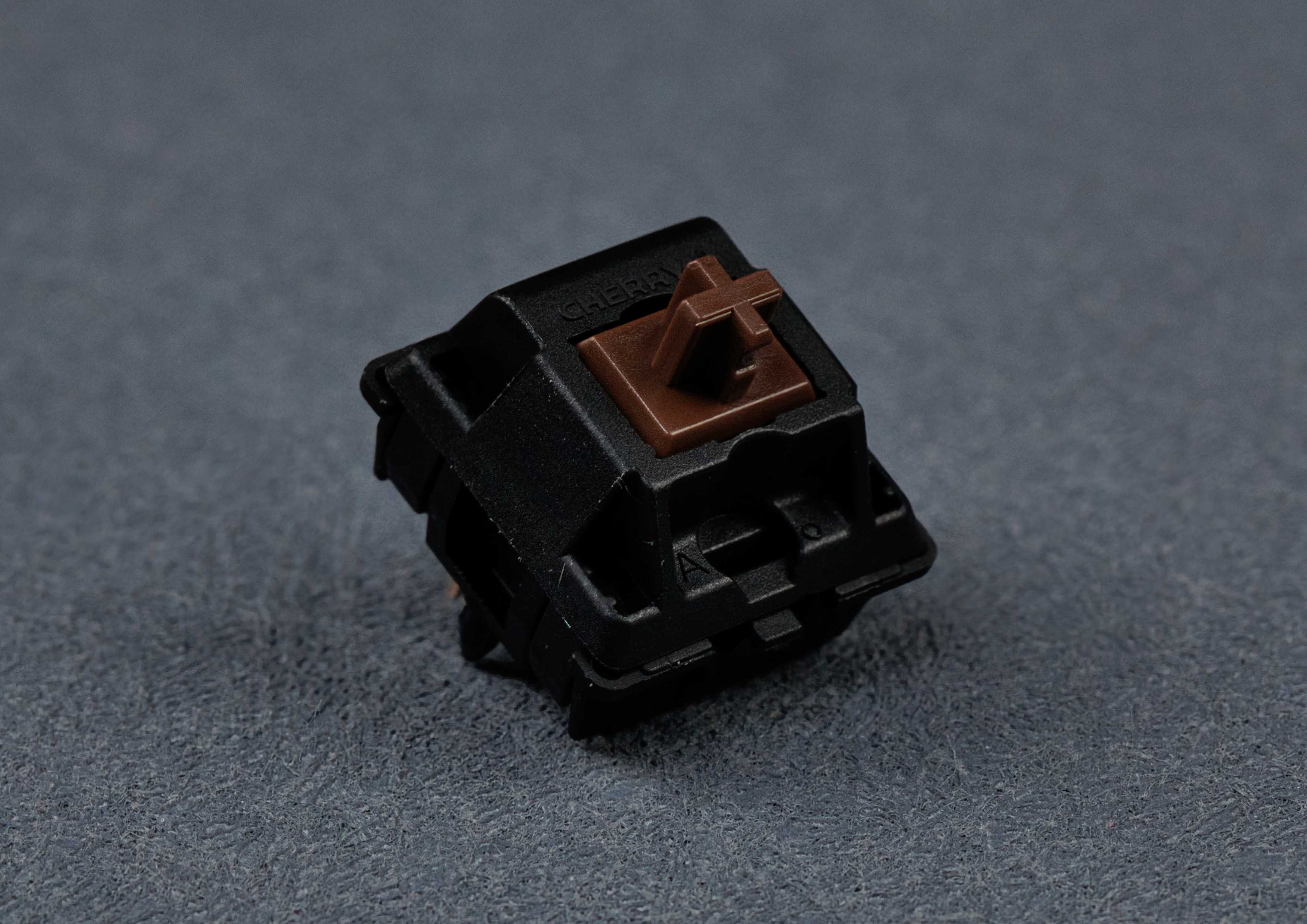
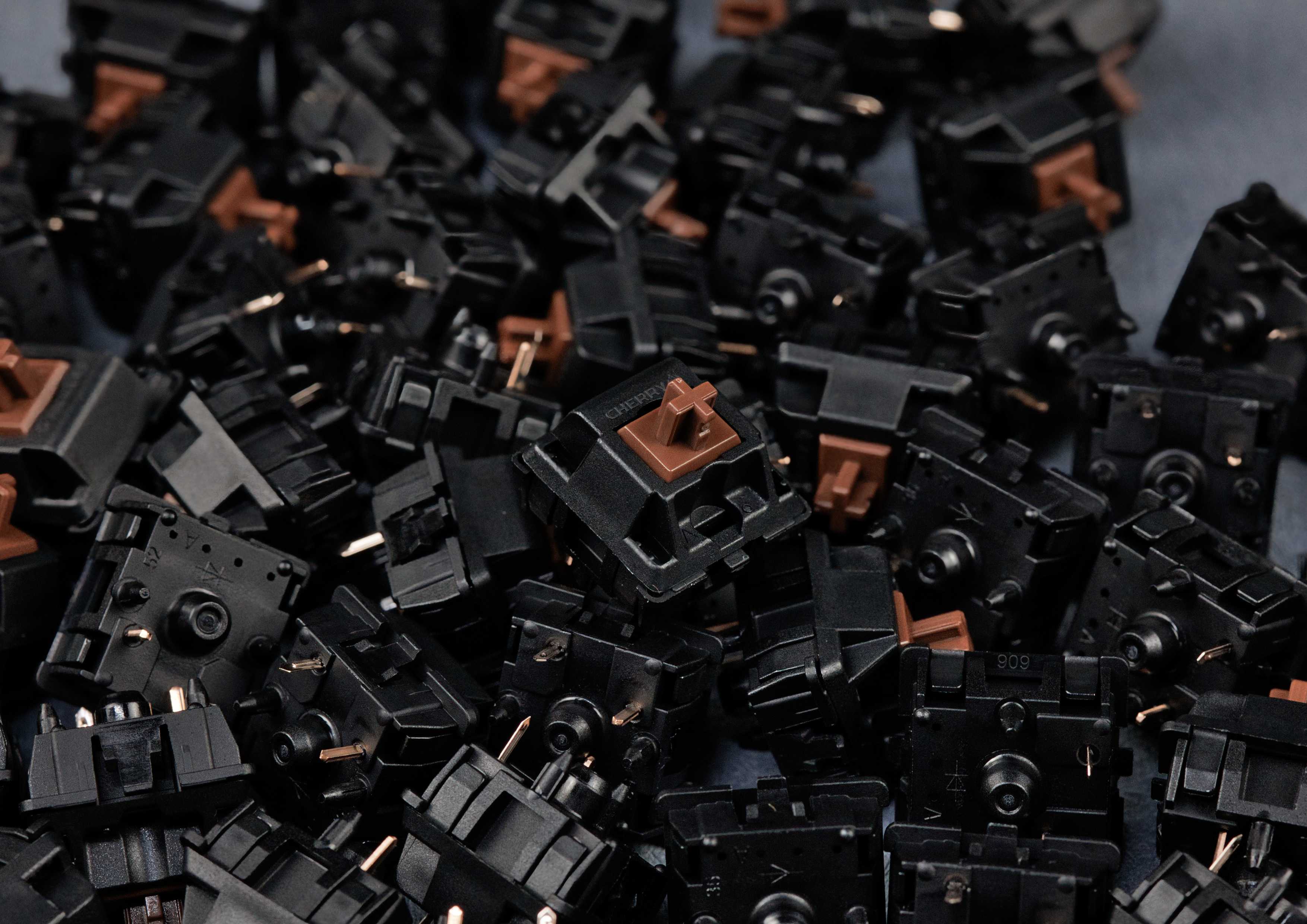
Cherry MX2A Brown Tactile Switches
Sale priceFrom €3,90 EUR
Coming Soon
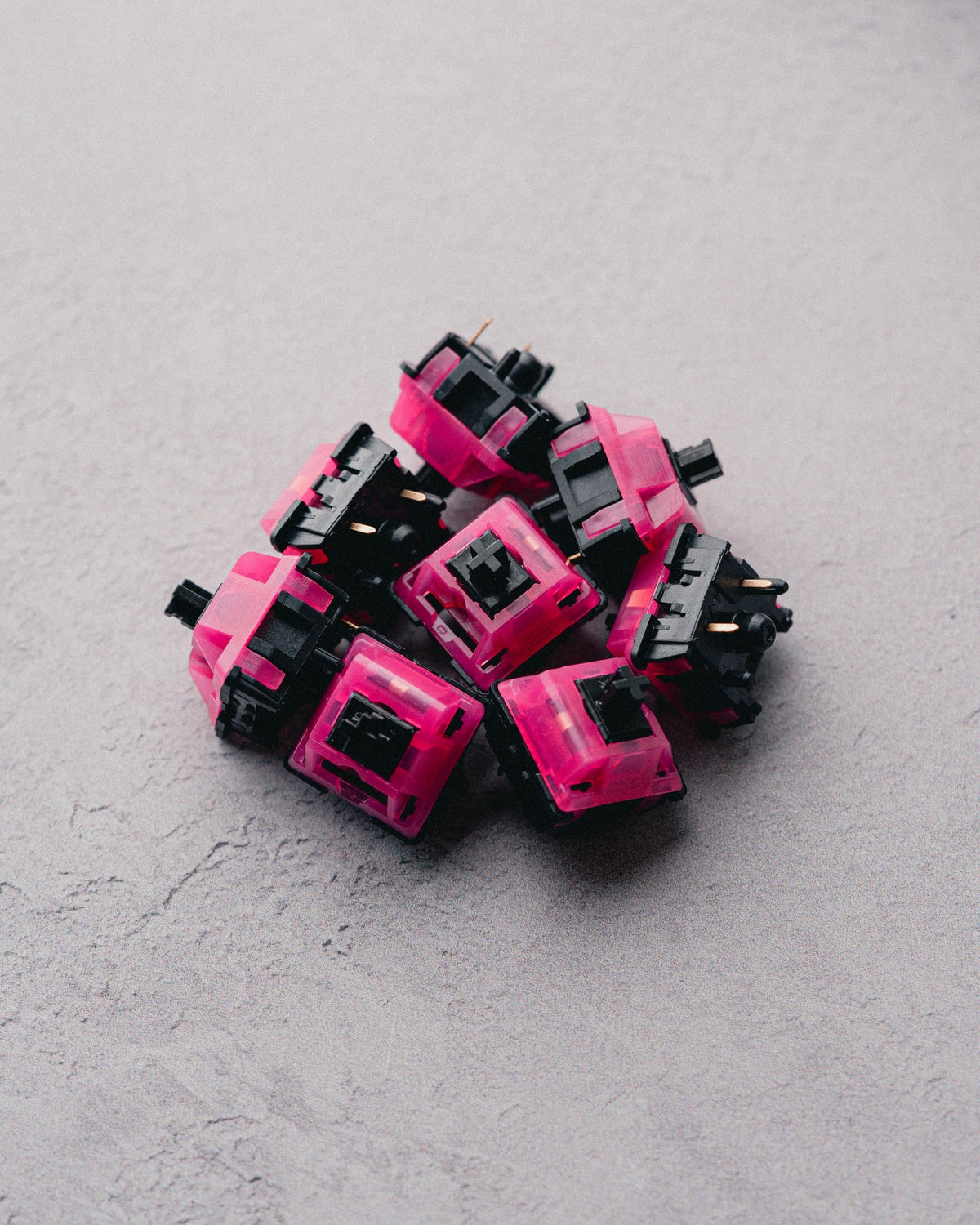
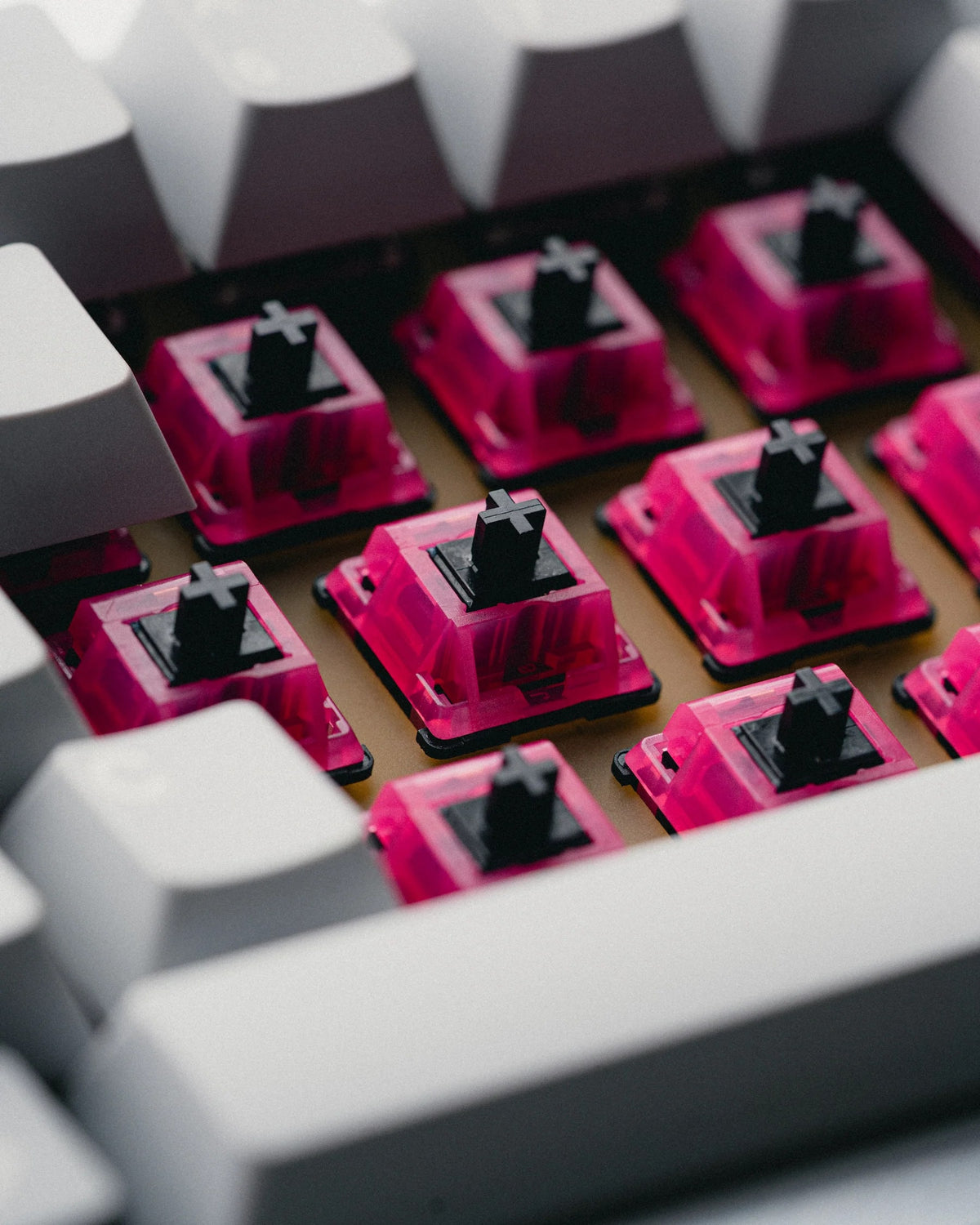
F-ROW Hollow Tips Tactile Switches (10pcs)
Sale price€5,90 EUR
Coming Soon
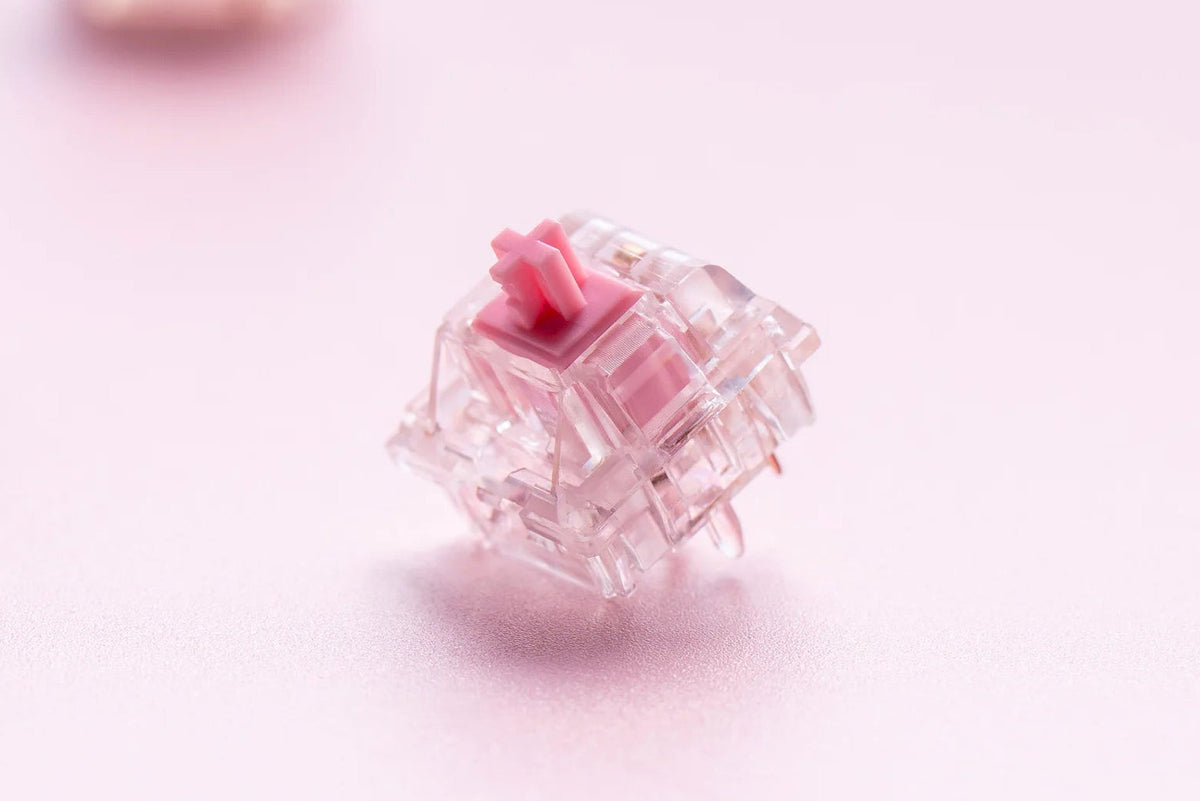
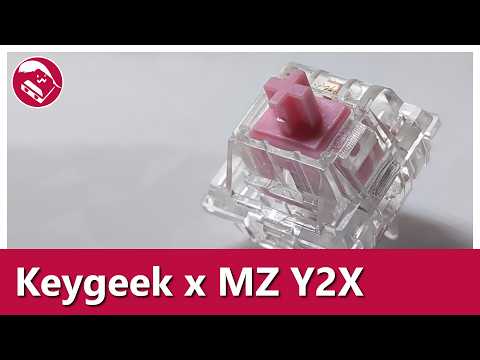
Keygeek Y2X Linear Switches (10pcs)
Sale price€3,90 EUR
Coming Soon
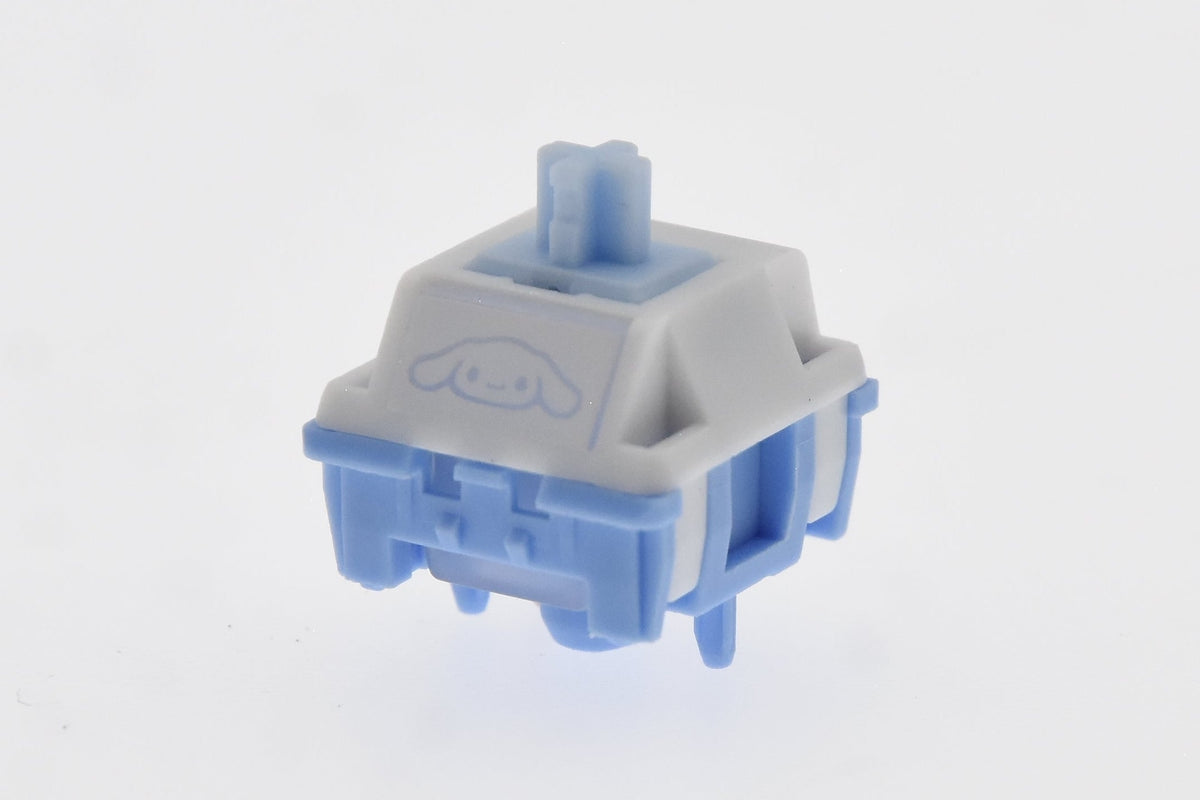
HMX Cinnamon Semi-Silent Linear Switches (10pcs)
Sale price€4,20 EUR
Coming Soon
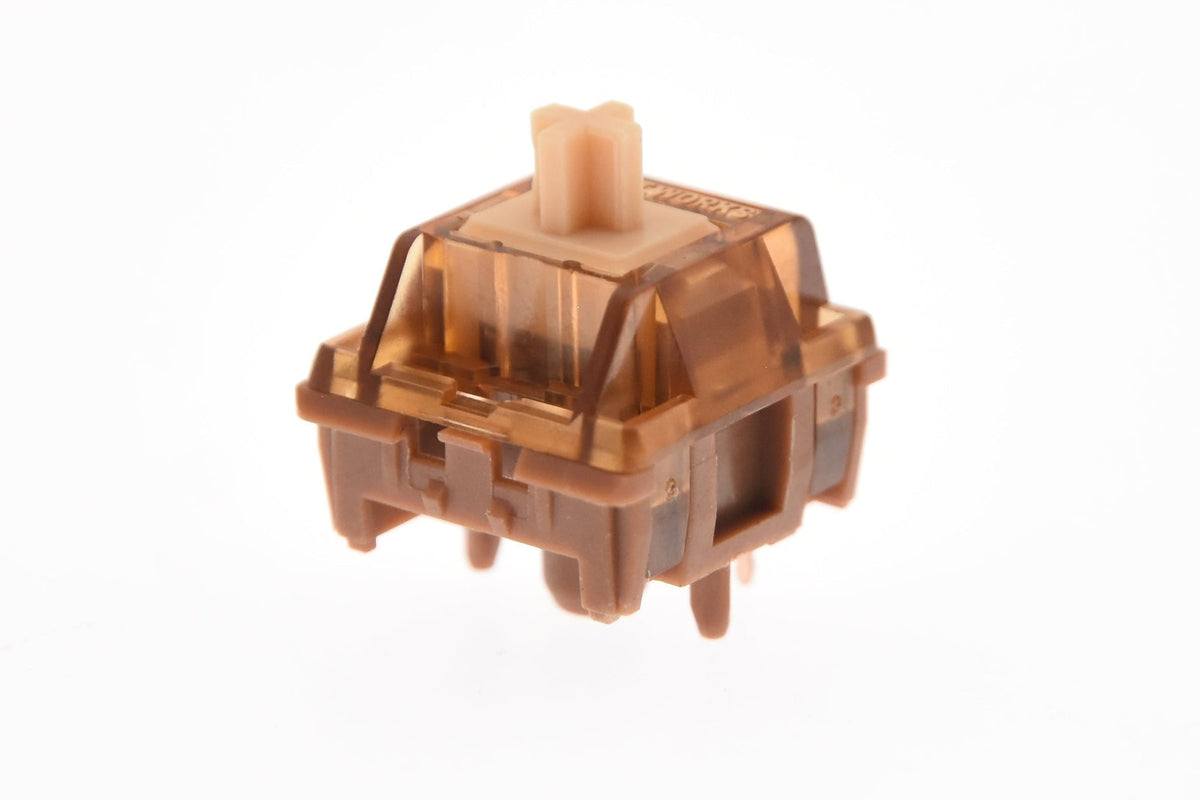
HMX Hazelnut V2 Linear Switches (10pcs)
Sale price€3,90 EUR
Coming Soon
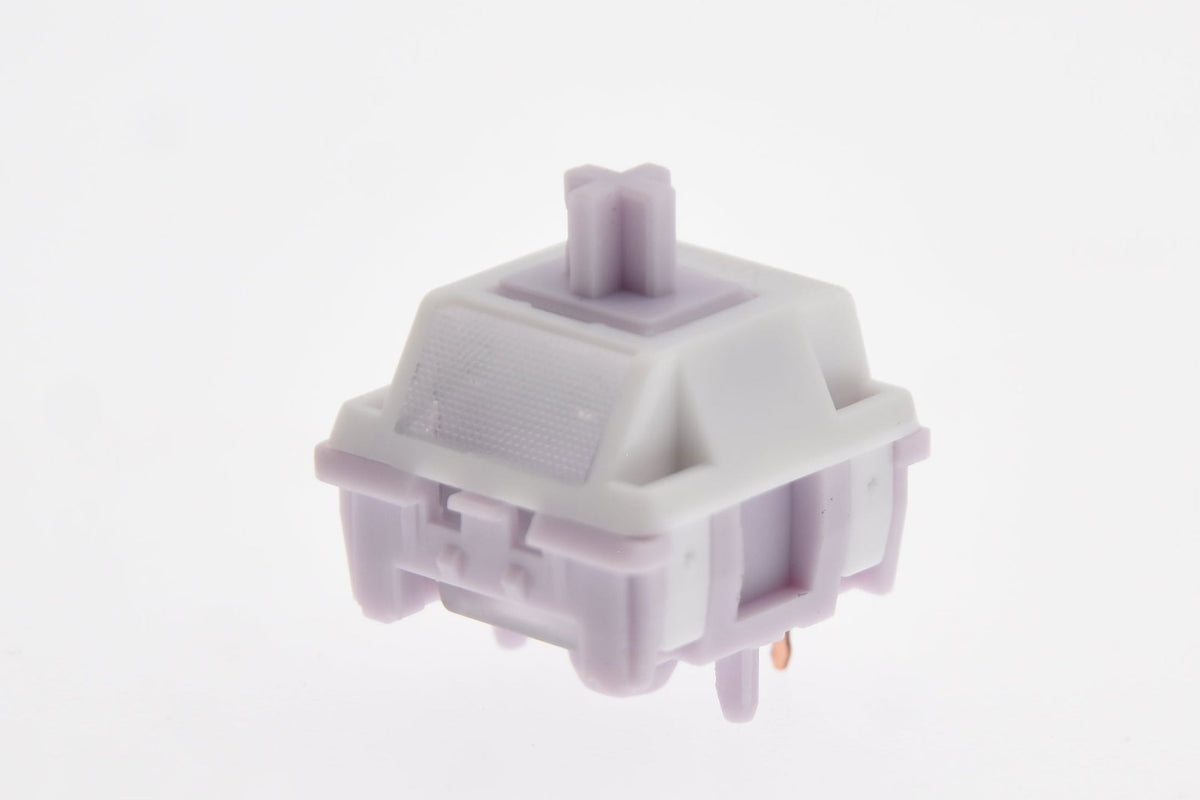
HMX Nono Linear Switches (10pcs)
Sale price€3,90 EUR
Coming Soon
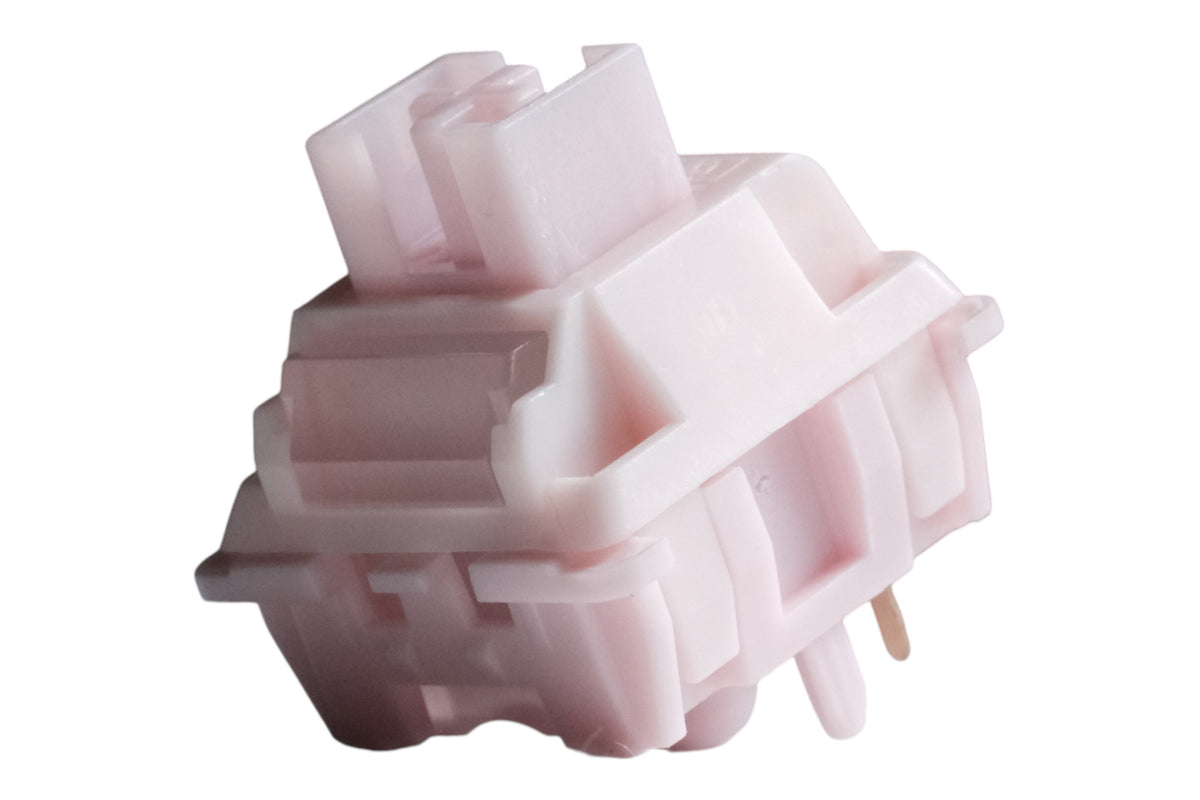
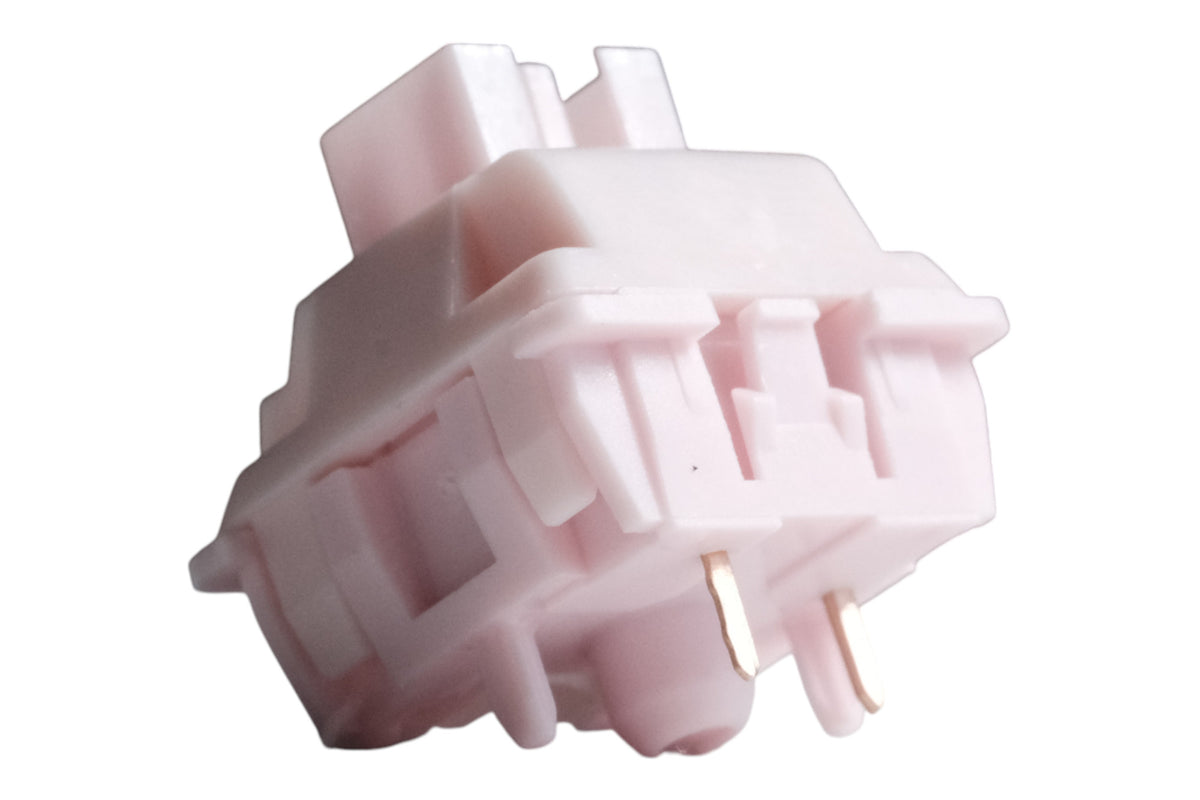
Huano Sakura V2 Linear Switches (10pcs)
Sale price€4,60 EUR



 1569
1569

 97
97